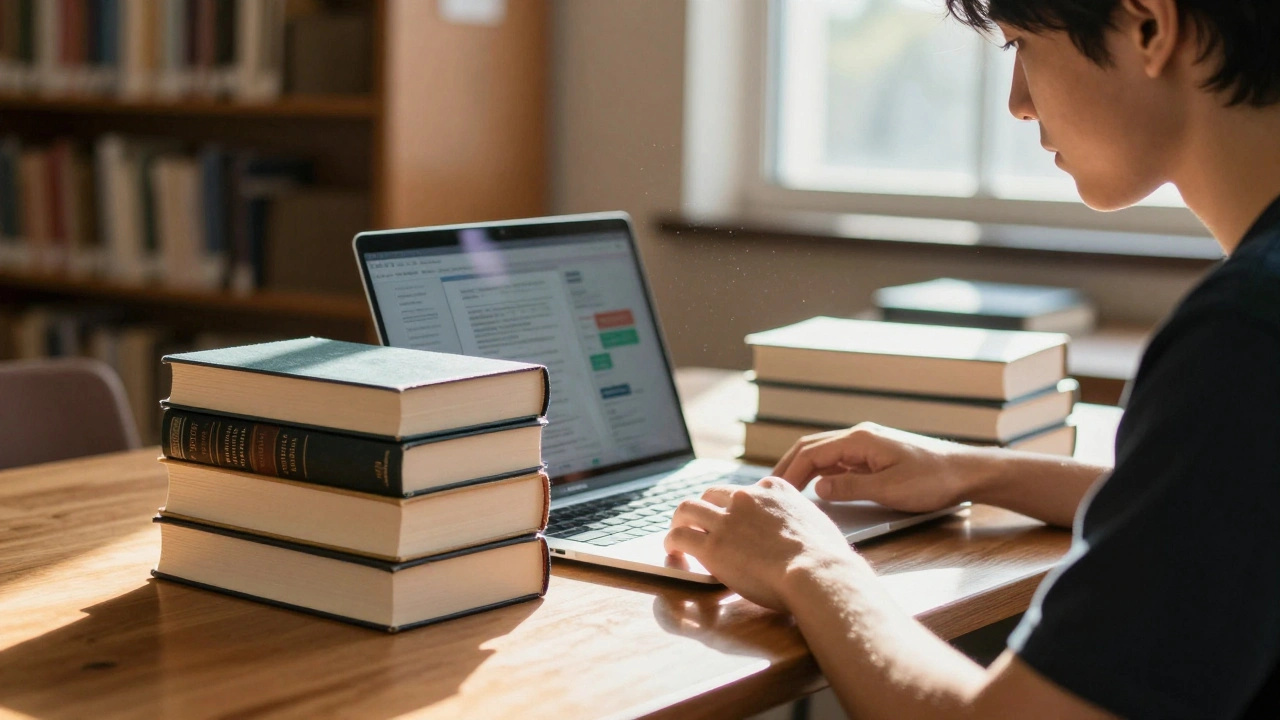
Imagine your students writing for an audience that includes millions of potential readers instead of just a teacher grading a stack of papers. Wikipedia offers exactly this opportunity. By integrating editing projects into coursework, educators transform passive learners into active contributors to global knowledge. This shift changes everything about how information is consumed and produced.
This isn't just about fixing typos. It requires rigorous research, citation management, and adherence to complex editorial standards. Many instructors hesitate because they fear the platform is unreliable or too risky for schoolwork. However, when guided correctly, these projects build critical digital literacy skills that essays rarely touch.
The Power of the Student Wikipedia Project
Traditional assignments often disappear after the grade is posted. They sit on a shelf or a drive, unseen by anyone outside the classroom. When you assign a Wikipedia edit, you give work permanence. Articles live in the public domain where they contribute to the collective understanding of a topic.
Students learn that research means more than summarizing textbooks. They must find reliable sources, verify facts, and write in a neutral tone. This process mirrors professional journalism and historical archiving. It forces them to engage deeply with the subject matter rather than skimming the surface for easy points.
There is also a significant equity component here. Wikipedia famously suffers from gaps in coverage regarding women, minorities, and non-Western topics. Student projects specifically targeting these underrepresented areas help close that gap. Your class could add depth to an article about a local historian or expand coverage of a cultural movement largely ignored by mainstream media.
How to Set Up the Classroom Experience
Getting started requires coordination between the instructor and the platform. You cannot simply ask students to log in and make random changes. There is infrastructure designed for education to manage permissions and training.
| Feature | Standard Research Paper | Wikipedia Editing Project |
|---|---|---|
| Audience | Instructor only | Global public |
| Feedback Loop | One-time (grade) | Ongoing (community edits) |
| Sourcing Focus | Bibliography list | In-line citations required |
| Tone | Persuasive or Analytical | Neutral (NPOV) |
To begin, utilize the Wikieducation Portal is a hub managed by the Wikimedia Foundation to support teaching programs globally. This tool connects you directly to experienced volunteers who can review your syllabus. They help set up course sandboxes so students can practice without affecting the main site immediately.
Setting expectations early prevents anxiety. Students need to know that perfection isn't expected instantly. The goal is contribution, not publication-quality mastery on day one. Create a rubric that weights the quality of their sources heavily. If they cite reputable academic journals, the prose style matters less initially than the integrity of the data.
Understanding Community Norms
The biggest hurdle students face is the culture of the platform. Wikipedia has its own unique language and social norms that differ vastly from academic writing. Understanding concepts like the Neutral Point of View is a policy requiring articles to represent all significant viewpoints fairly and without bias. This is non-negotiable.
Students often struggle with "weasel words." Phrases like "most experts believe" need evidence. The platform demands specific attribution. Every claim needs a source linked right next to the statement. This teaches them that knowledge is verifiable, not just opinionated.
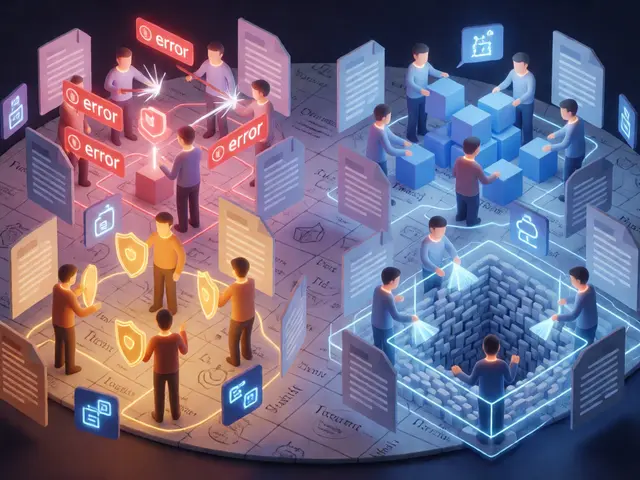
You will encounter the concept of "reverts." Sometimes, other editors remove a student's work. This happens for many reasons, ranging from minor syntax errors to major factual disputes. It can feel discouraging, but explain to your students that this is a feature, not a bug. It keeps the encyclopedia accurate. When they see a change reverted, it becomes a teachable moment. They return, check the discussion page, improve their citation, and try again. That resilience is invaluable.
Navigating Technical Barriers
Editing interfaces have changed over the years. Most users now access the Visual Editor, which looks like a word processor. Behind the scenes, however, sits the legacy Markup. While not strictly necessary for most undergraduate projects, knowing what a template tag looks like helps students understand why the page renders the way it does.
Creating an account is the first practical step. Remind students never to use real names or identifying information in their usernames. Anonymity protects them online. Furthermore, advise them against creating accounts using their university email addresses for the primary login, as institutional accounts sometimes expire upon graduation.
Citations are the technical backbone of any entry. Tools like "Cite This Page" streamline the process, pulling metadata from URLs. Students should verify these auto-generated references manually to ensure they point to the correct section of a book or article, not just the general URL.
Managing Risks and Expectations
Risk management goes beyond cyber-safety. One concern is plagiarism. Since Wikipedia is openly editable, students might be tempted to copy text from existing drafts. Plagiarism detectors catch this easily, but the larger issue is ethical stewardship. Copy-pasting violates the open license terms unless attributed correctly. Teach them to paraphrase ideas completely while keeping the citation intact.
Frustration comes when students put weeks into an article only to have it flagged for deletion. This usually happens if the topic lacks significance. Before assigning the task, vet the potential topics yourself. If a topic doesn't meet Notability guidelines, the effort will go wasted. Better to have the whole class improve existing articles about notable topics than fight to keep obscure stubs alive.
Another risk is time consumption. Researching and writing takes longer than standard homework because of the strict sourcing rules. Adjust your workload accordingly. Don't expect 10-page essays alongside a full page creation. Quality over quantity is the mantra here.
Real-World Skills Acquired
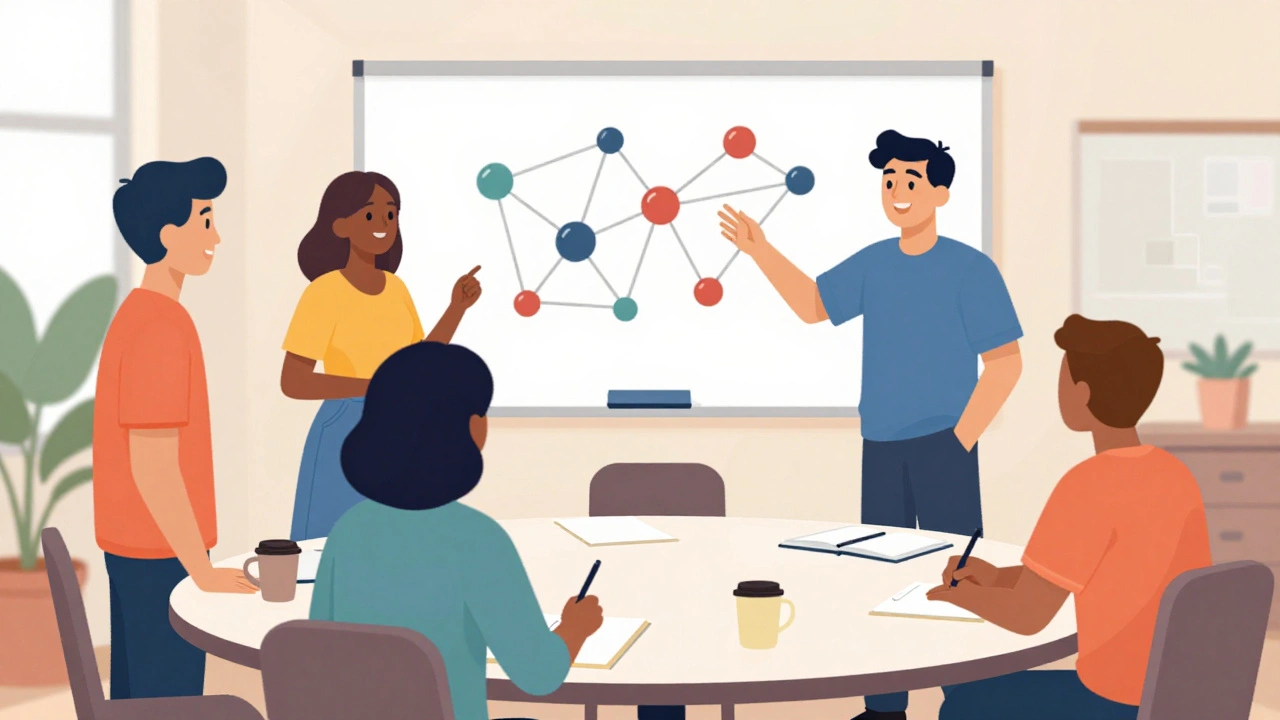
What exactly do these students take away when they graduate? They gain experience with collaborative writing environments. Unlike a solitary essay, Wikipedia articles are group works in progress. They learn to negotiate, agree to disagree, and defend decisions based on evidence found in talk pages.
These skills translate well to modern workplaces. Any job involving documentation, technical writing, or public communication benefits from this background. The ability to distill complex information into concise, readable blocks without losing accuracy is a highly sought-after skill in the tech sector and beyond.
Furthermore, the assignment demystifies the internet. Students realize that search engines and encyclopedias aren't magic. They are built by people following protocols. This insight empowers them to be smarter consumers of online information throughout their lives, making them better equipped to spot misinformation elsewhere.
Success Stories and Metrics
Looking at the data provides reassurance. Thousands of institutions already use this model. From introductory humanities courses to advanced biology seminars, the framework adapts. The results show that students rate their learning experience higher when the stakes involve public accountability compared to private submissions.
Metrics often include word count increases, reference counts, and retention rates. Articles created by students tend to stick around, unlike temporary blog posts. They become part of the permanent record, cited by future researchers looking for baseline information on the topic. This longevity creates a sense of pride for the creators.
The WikiEducation Dashboard tracks performance across thousands of classes. It allows instructors to monitor activity levels and ensure students are meeting milestones. It provides granular stats on how much content was added and how much was cited. Using these metrics helps you refine your approach year over year.
Do students need prior experience with coding?
No, basic HTML knowledge is not required. The Visual Editor handles most formatting tasks automatically. Familiarity with basic web navigation is sufficient to get started.
Can we edit existing articles instead of creating new ones?
Absolutely. Improving existing articles is actually recommended for beginners. It reduces the risk of getting a page deleted for lack of significance.
How do we handle disputes if someone reverts our changes?
Use the article's Talk Page. Discuss the change calmly with the other editor, providing links to credible sources that support your revision. Avoid arguing in the article itself.
Is there a cost associated with using the platform?
It is free to use. The entire platform operates as a non-profit volunteer organization supported by donations and grants.
How much time does a typical project take?
A full article draft typically takes 8-12 hours of focused work over several weeks. Smaller improvements to existing pages require less time, perhaps 2-4 hours.
By integrating these projects, you bridge the gap between academia and the public square. It challenges students to produce work they would be proud to share with their communities. The result is richer, more accessible knowledge for everyone.