Wikipedia mobile editing: How to edit on the go with tools, tips, and community rules
When you edit Wikipedia from your phone, you're not just fixing a typo—you're participating in one of the largest collaborative knowledge projects on Earth. Wikipedia mobile editing, the practice of contributing to Wikipedia using smartphones and tablets. Also known as mobile contributions, it’s how millions of people—students, librarians, journalists, and casual readers—keep the encyclopedia alive and accurate, even when they’re on the bus or waiting in line. Unlike desktop editing, mobile editing needs to be fast, simple, and forgiving. That’s why tools like TemplateWizard, a form-based tool that helps users build citations and infoboxes without wikitext errors and the official Wikipedia app, a streamlined interface designed for touchscreens and low-bandwidth connections exist. These aren’t gimmicks—they’re essential for keeping the platform inclusive, especially in regions where computers are rare but smartphones are common.
Mobile editing isn’t just about convenience. It’s reshaping who gets to contribute. In countries where internet access is limited to mobile networks, mobile editing is often the only way to add local knowledge. A farmer in Kenya documenting a harvest festival, a teacher in rural India adding facts about regional history, or a student in Brazil correcting a misstatement about a local landmark—all these edits happen on screens smaller than a notebook. But mobile editing comes with risks. Typos are easier to make, sources are harder to verify on the go, and vandalism can slip through faster. That’s why the community relies on Wikipedia bots, automated tools that catch broken links, revert spam, and fix formatting errors in real time and volunteer monitors who check recent mobile edits. The platform doesn’t treat mobile edits as second-class. Instead, it builds guardrails around them.
Behind every successful mobile edit is a set of unwritten rules: cite what you can, avoid edit wars, and never assume your phone’s autocorrect knows better than a reliable source. The Wikipedia mobile editing experience is designed to lower barriers, not lower standards. Whether you’re adding a date to a biography, fixing a broken link in a news article, or expanding a stub about a local landmark, your edit matters—and the tools are there to help you do it right. Below, you’ll find real stories and practical guides from editors who’ve learned how to contribute effectively from their phones, from beginner-friendly tips to how advanced users use mobile tools to fight misinformation and improve global coverage.
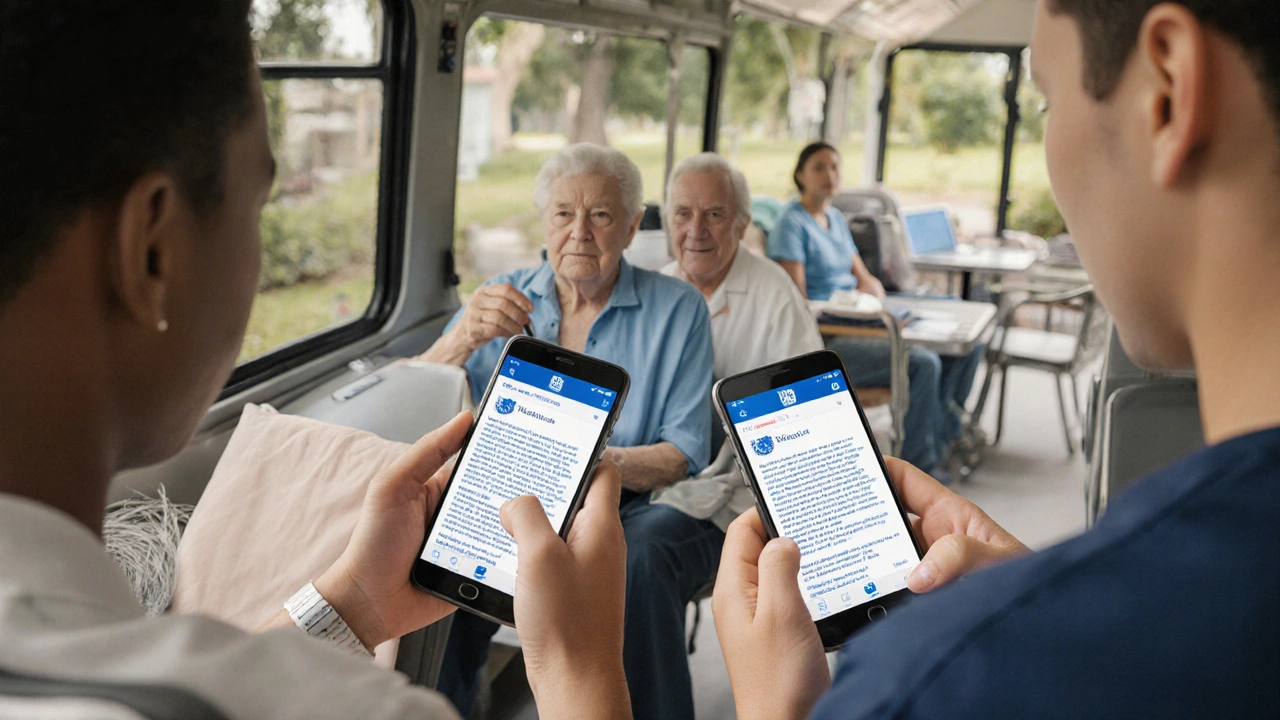
Mobile Editing on Wikipedia: Complete Guide for Contributors
Learn how to edit Wikipedia on your phone with step-by-step guidance for beginners. Fix typos, add citations, and contribute reliably using mobile tools.