Wikipedia isn’t just a collection of user-edited pages-it’s a living archive built on verified information. But how do you know if a source is trustworthy? That’s where DOIs and archival links come in. They’re not just technical details; they’re the backbone of credibility on Wikipedia. If you’ve ever clicked a citation and found a broken link or a paywalled article, you’ve felt the problem. This guide shows you how to fix that-step by step.
Why DOIs Matter More Than URLs
URLs change. Websites shut down. Articles get moved. A link to https://examplejournal.com/article123 might work today but vanish tomorrow. That’s why DOIs (Digital Object Identifiers) are the gold standard. A DOI is a permanent, unique code assigned to scholarly works-like a fingerprint for a research paper. It never changes, even if the publisher moves the article to a new server.
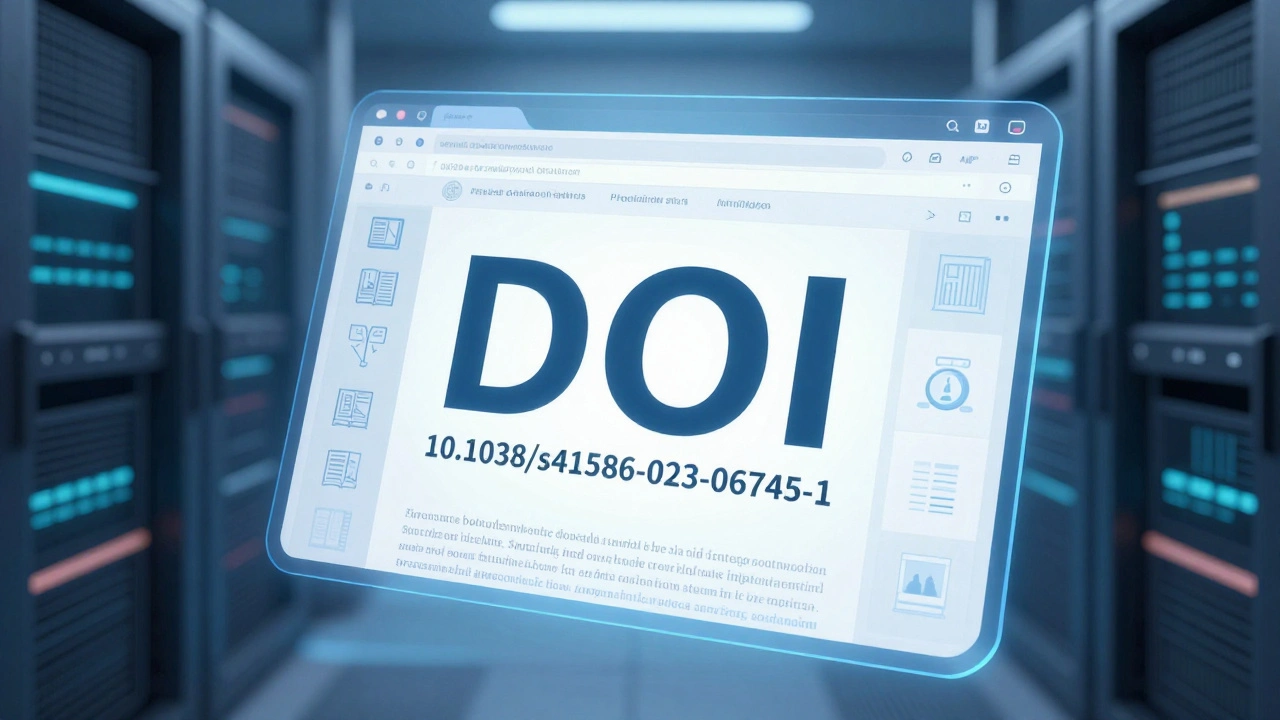
For example, the DOI 10.1038/s41586-023-06745-1 points to a 2023 study in Nature. No matter where you look it up-PubMed, Google Scholar, or the journal’s site-it always leads to the same paper. Wikipedia citations using DOIs stay valid for decades. That’s why editors prioritize them over regular URLs.
When you add a source to Wikipedia, always check if it has a DOI. Most peer-reviewed journals assign them automatically. If you’re citing a book, conference paper, or report, look for a DOI on the first page or in the metadata. If it’s there, use it. If not, find an archival copy.
How to Find and Use DOIs
Finding a DOI is easier than you think. Start with the article’s page on the publisher’s site. Look for a string like 10.xxxx/xxxxx-it’s usually near the title, abstract, or citation info. If you can’t find it there, paste the article title into doi.org or use Google Scholar. The DOI will show up right under the result.
Once you have it, format it correctly in Wikipedia. Don’t just paste the DOI. Wrap it in the {{cite journal}} template like this:
{{cite journal | doi = 10.1038/s41586-023-06745-1 }}Wikipedia automatically turns that into a clickable link that works everywhere. No need to include the full URL. The template handles it. This keeps citations clean and future-proof.
Pro tip: If the DOI links to a paywall, don’t panic. Wikipedia doesn’t require free access. It only requires that the source exists and is verifiable. As long as the DOI works and the content is legitimate, it’s acceptable-even if only libraries or institutions can access the full text.
Archival Links: Saving Sources Before They Disappear
Not every source has a DOI. Government reports, news articles, blogs, and older publications often don’t. That’s where archival links come in. Services like the Internet Archive’s Wayback Machine take snapshots of web pages and store them permanently.
Imagine you’re citing a news article from a local paper that shut down last year. The original URL is dead. But if you archived it in 2024, you can still show readers what the article said. That’s not just helpful-it’s essential for maintaining Wikipedia’s integrity.
To archive a page:
- Go to archive.org/web/
- Paste the full URL of the source
- Click Save Page Now
- Wait a few seconds for the snapshot to process
- Copy the archived URL (it will look like
https://web.archive.org/web/20240712103022/https://example.com/article)
Then, add it to your Wikipedia citation using the archive-url parameter:
{{cite web | url = https://example.com/article | archive-url = https://web.archive.org/web/20240712103022/https://example.com/article | archive-date = 2024-07-12 }}Always include the archive-date. It tells readers when the snapshot was taken, which matters if the content changed over time.
When to Use Both DOIs and Archives
Some sources have both. In that case, use both. It’s not redundant-it’s redundancy done right. DOIs guarantee the scholarly record stays intact. Archives protect against site failures, publisher errors, or legal takedowns.
For example, a 2022 study in The Lancet has a DOI. But what if the journal’s website goes offline? The archive gives you a backup. Editors on Wikipedia often flag citations missing an archive when a DOI exists. Why? Because even DOIs can fail if the hosting platform collapses. Archives are the safety net.
Here’s how to combine them:
{{cite journal | doi = 10.1016/S0140-6736(22)00456-7 | archive-url = https://web.archive.org/web/20230115082210/https://www.thelancet.com/journals/lancet/article/PIIS0140-6736(22)00456-7/fulltext | archive-date = 2023-01-15 }}This style is now standard on high-quality Wikipedia articles. It’s not about being extra careful-it’s about being responsible.
Common Mistakes to Avoid
Even experienced editors mess this up. Here are the top errors:
- Using only a URL without a DOI or archive. This is the biggest red flag. If the link breaks, the citation becomes useless.
- Archiving the wrong page. Don’t archive the homepage of a journal. Archive the exact article page. If you archive the wrong one, the snapshot won’t match the cited content.
- Forgetting the archive date. Without it, readers can’t tell if the snapshot shows the version you read.
- Using shorteners like bit.ly or tinyurl. These links are fragile. They can disappear, change, or be hijacked. Always use the full, original URL.
- Archiving paywalled pages without checking. Sometimes the archive captures the login screen instead of the article. Always open the archived link to confirm it shows the actual content.
One real example: A Wikipedia article cited a 2021 report from a university’s website. The link died in 2023. The editor had archived it-but only the homepage. When reviewers checked, the archive showed a blank page. The citation was removed. A few minutes of double-checking could’ve saved it.
Tools That Make It Easier
You don’t have to do this manually every time. Several tools help:
- Citoid: Built into Wikipedia’s visual editor. Paste a DOI or URL, and it auto-generates a properly formatted citation. Always review the output-it’s not perfect, but it saves hours.
- DOI Resolver: Use doi.org to test if a DOI works before adding it.
- Archive.today: An alternative to Wayback Machine. Faster for some sites. Use it if Wayback fails.
- Wikicite: A browser extension that suggests citations and checks for missing DOIs or archives.
These tools aren’t magic. But they reduce errors. Use them. Then verify.
Why This All Matters
Wikipedia is the fifth most visited website in the world. Millions of students, journalists, and researchers rely on it for quick facts. If a citation breaks, that information becomes unverifiable. That’s not just inconvenient-it erodes trust.
Using DOIs and archives isn’t about following rules. It’s about preserving knowledge. A well-cited Wikipedia article can outlive the websites it references. It can be cited in textbooks, used in court cases, or referenced by policymakers. That’s power. And it comes from doing the small things right.
Every time you add a DOI or archive a link, you’re not just editing a page. You’re helping keep the world’s collective memory intact.
Do I need a DOI for every Wikipedia citation?
No, not every source has a DOI. Government reports, news articles, blogs, and older publications often don’t. In those cases, use an archival link instead. The goal is to ensure the source remains accessible, not to force a DOI where it doesn’t exist.
Can I use a DOI from a non-academic source?
Yes, if it’s legitimate. DOIs are used by academic publishers, but also by government agencies, museums, and professional organizations. For example, the U.S. Geological Survey assigns DOIs to its reports. As long as the source is reliable and the DOI resolves to the correct content, it’s acceptable on Wikipedia.
What if the archive link doesn’t load the full article?
Check the archived page manually. If it shows a login screen, error message, or incomplete content, don’t use it. Try archiving again, or find a different version of the source. Wikipedia requires that the archived version matches what you cited. If it doesn’t, the citation is invalid.
Is it okay to archive a page that’s already behind a paywall?
Yes. Wikipedia doesn’t require free access to sources. It only requires verifiability. If the paywalled article is the only version available, archive it. The archive preserves the exact content you referenced, even if others can’t view it without a subscription.
How often should I check my citations?
There’s no fixed schedule, but you should check citations if you notice a link is broken or if you’re editing a page that’s been inactive for over two years. Use Wikipedia’s External Links Check tool or the Cite error templates to find outdated links. Proactive maintenance keeps articles reliable long-term.
Next Steps
If you’re new to citing sources on Wikipedia, start small. Pick one article you’ve edited or read. Find one citation that only has a URL. Look up its DOI. If there isn’t one, archive the page. Update the citation. Then check the article’s talk page to see if others have flagged the same issue.
Wikipedia’s strength isn’t in its size-it’s in its reliability. And reliability comes from details. DOIs and archives aren’t glamorous. But they’re what keep Wikipedia trustworthy. Do them right, and you’re not just fixing a link. You’re helping preserve knowledge for everyone.