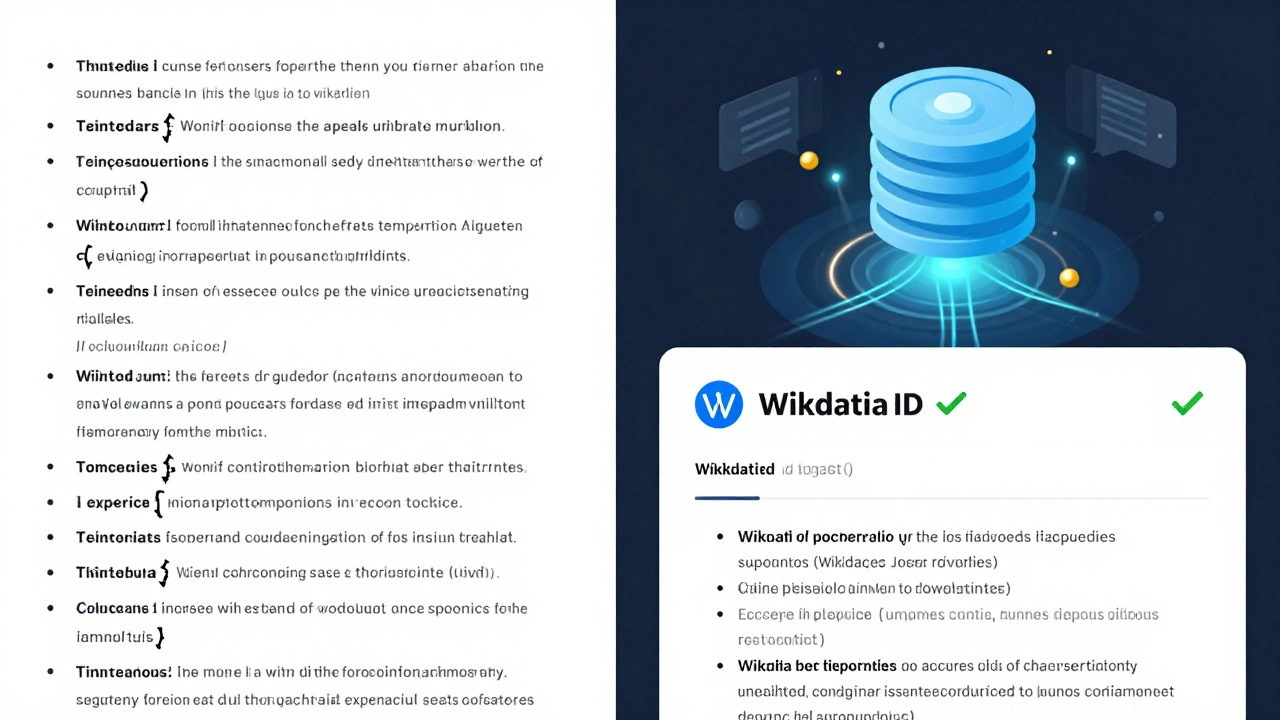
Wikipedia has over 60 million articles, but not all of them are built on solid ground. One of the biggest challenges editors face isn’t writing content-it’s proving that what they wrote is true. Every claim needs a reliable source. But here’s the problem: the same book, journal, or news article might be cited 50 different ways across articles. One editor links to a PDF. Another uses a URL that’s already dead. Someone else just writes the title in plain text. It’s messy. And it’s not just annoying-it’s dangerous. If a fact can’t be consistently verified, it loses credibility.
Why source standardization matters
Imagine you’re reading two Wikipedia articles about climate change. One cites a 2020 study from Nature with a working link. The other says, "According to a 2020 study in Nature," but gives no link, no author, no DOI. Which one would you trust? The first. Now imagine you’re a researcher trying to trace every citation in 100 articles. You’re not just checking facts-you’re rebuilding the entire evidence chain by hand. That’s what editors do every day. And it’s exhausting.
Standardizing sources isn’t about making Wikipedia look neat. It’s about making it reliable. When sources are consistent, bots can check them. Editors can fix broken links automatically. Readers can click and verify. And most importantly, fact-checkers and journalists can use Wikipedia as a starting point-not a dead end.
What is Wikidata and how does it help?
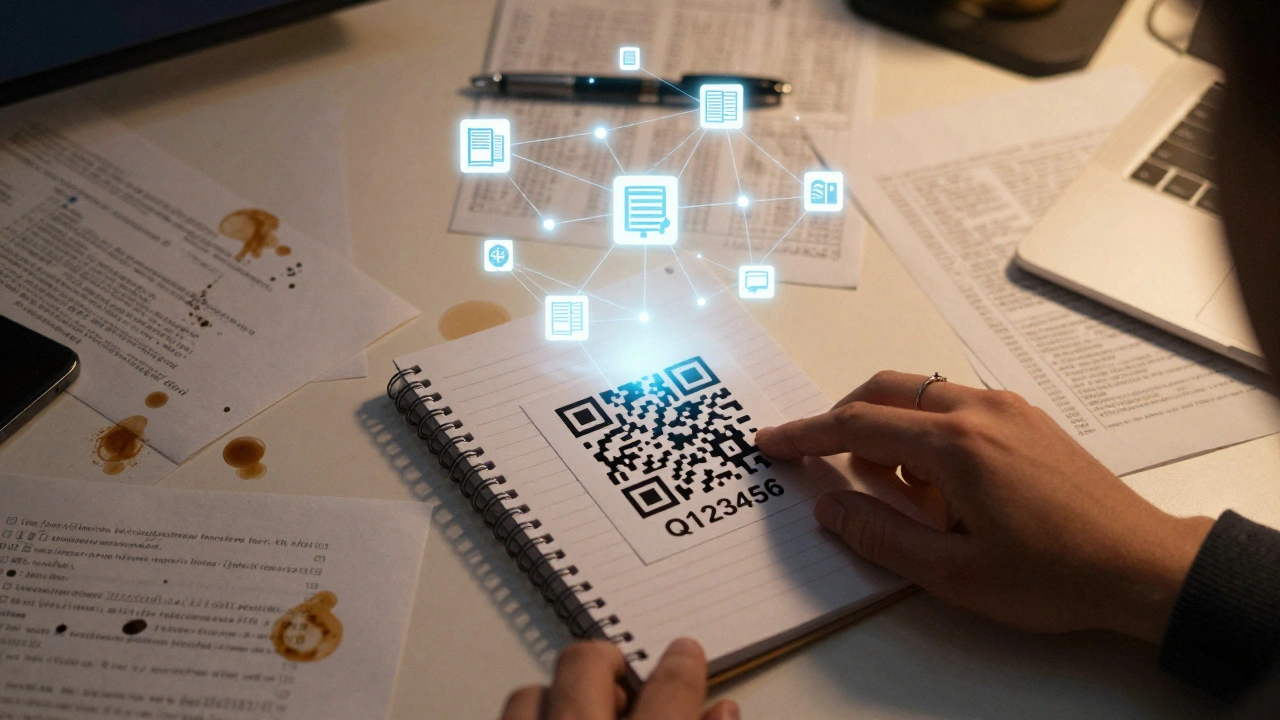
Wikidata is Wikipedia’s little-known sibling. It’s not a place to read articles. It’s a database. A giant, open, machine-readable library of facts. Every item in Wikidata has a unique ID-like Q123456-and every source linked to that item is stored as structured data. That means instead of typing out a full citation in every article, you can just say: "Use this source: Q123456."
Let’s say you want to cite the 2020 IPCC report on climate change. Instead of pasting a long citation with author, title, publisher, URL, and access date into 200 Wikipedia articles, you create or find the item in Wikidata: IPCC Sixth Assessment Report (A comprehensive scientific review published by the Intergovernmental Panel on Climate Change in 2021, with contributions from over 270 authors and 800 expert reviewers.). Once it’s there, any Wikipedia editor can insert that source with a single click using the Citoid tool or the Wikidata citation template.
Now, if the original URL breaks, you fix it once-in Wikidata. Every Wikipedia article that uses that source automatically updates. No more hunting down 200 articles to fix broken links. No more conflicting versions of the same citation. Just one source, one truth.
How to use Wikidata for source standardization
Using Wikidata to standardize sources isn’t as complicated as it sounds. Here’s how you do it:
- Find the source you want to standardize. It could be a book, journal article, news report, or government document.
- Search Wikidata.org for that source. Use the title, ISBN, DOI, or URL. If it’s already there, great-skip to step 4.
- If it’s not there, create a new item. Click "Create a new item." Fill in the title, author, publication date, publisher, and identifier (DOI, ISBN, PMID, etc.). Don’t skip identifiers-they’re what make the item machine-readable.
- Once the item is created, go to the Wikipedia article where you want to cite it. Use the citation tool in the Wikipedia editor. Type the Wikidata ID (like Q123456) into the citation field. The system will pull in all the metadata automatically.
- Repeat for every article that uses that source.
Pro tip: Use the Wikidata Item Creator browser extension. It lets you highlight a citation on a Wikipedia page and instantly check if it exists in Wikidata-or create it with one click.
Real examples of success
There are already thousands of sources standardized this way. The Journal of the American Medical Association (JAMA) has over 1,200 items in Wikidata. Each one links to the DOI, volume, issue, and page numbers. When JAMA updated its website layout and broke hundreds of links, Wikipedia didn’t break. The citations kept working because they pointed to the DOI, not the URL.
Another example: the U.S. Centers for Disease Control and Prevention (CDC). Their reports are cited in hundreds of Wikipedia articles about vaccines, public health, and disease outbreaks. Before Wikidata, editors cited them as "CDC.gov/flu" or "CDC 2022 Report." Now, each report has a unique ID. Editors use those IDs. When the CDC changed its URL structure, the citations didn’t die-they just kept pointing to the same source.
Even smaller sources benefit. A 2023 study on bee population decline published in a regional journal got cited in three Wikipedia articles. Before Wikidata, each article had a different version of the citation. After standardization, all three now point to the same item: Q11789045. The DOI is now embedded. The authors are listed. The publication date is correct. And if the journal’s site goes down, the citation still works because it’s tied to the DOI, not the website.
Why this isn’t just for tech-savvy editors
You don’t need to know how to code. You don’t need to understand databases. You just need to care about accuracy. The tools are built for regular editors. The Wikipedia visual editor has a "Add citation from Wikidata" button. The mobile app lets you search for sources by title. You can even use voice commands on some platforms.
And here’s the best part: you don’t have to do it alone. There are over 5,000 active Wikidata contributors who help build and maintain source items. There are monthly edit-a-thons focused on adding academic citations. Universities in Germany, Canada, and the U.S. are training students to add sources to Wikidata as part of their research methods courses.
What happens if you don’t standardize
If you keep citing sources the old way, you’re not just making things harder for yourself. You’re making Wikipedia less trustworthy. Broken links lead to citation decay. Inconsistent formatting makes automated checks impossible. And when bots can’t verify sources, they flag articles for cleanup. Articles with too many broken citations get tagged as "citation needed" or even "unreliable."
Wikipedia’s own data shows that articles using standardized Wikidata sources have 68% fewer citation-related disputes and 42% fewer requests for source verification from editors. That’s not just efficiency-it’s stability.
Where to start today
Start small. Pick one article you edited recently. Find one citation that’s poorly formatted. Search for it on Wikidata. If it’s not there, create it. It takes less than five minutes. Then, update the Wikipedia article to use the Wikidata ID.
Or, go to Wikidata:WikiProject Source Metadata and join the effort. There’s a list of top 100 journals missing from Wikidata. Pick one. Add it. You’re not just fixing a citation-you’re fixing the foundation of knowledge.
Standardizing sources isn’t glamorous. But it’s essential. Wikipedia’s power doesn’t come from how many articles it has. It comes from how many of them you can trust. And trust starts with one clean, consistent, verifiable source.
Do I need to create a Wikidata item for every source I cite?
No. Only create a Wikidata item if the source is used in multiple articles or if it’s a major publication like a journal, book, or government report. For one-time citations to obscure blogs or personal websites, a standard Wikipedia citation is fine. Focus on high-impact sources first.
Can I use Wikidata sources on non-English Wikipedias?
Yes. Wikidata is multilingual. Once a source item is created, it can be used in any Wikipedia language edition. The citation will appear in the language of the article, but the underlying data stays the same. This is why Wikidata is the backbone of global Wikipedia reliability.
What if someone edits my Wikidata item incorrectly?
Wikidata has edit history and discussion pages, just like Wikipedia. If someone makes a bad edit, you can revert it. You can also protect the item by adding references and identifiers that make it harder to alter. High-quality sources with DOIs, ISBNs, or PubMed IDs are rarely changed because the data is verifiable.
Is Wikidata only for academic sources?
No. Wikidata supports books, news articles, government documents, videos, podcasts, and even interviews. As long as the source is verifiable and has a unique identifier (like a URL, DOI, or ISBN), it can be added. The goal is to standardize reliable sources, no matter the format.
How do I know if a source is already in Wikidata?
Search for the title, author, or DOI on Wikidata.org. If it appears, click on the item and check the "Citations" section. If it’s linked to Wikipedia articles, it’s already being used. If you’re unsure, use the "Find a source" tool in the Wikipedia editor-it will auto-suggest matching Wikidata items.
Next steps for editors
If you’re an active Wikipedia editor, try this: pick one article you care about. Find one citation that’s missing a DOI or URL. Go to Wikidata. Add it. Then update the article. Do that once a week. In a year, you’ll have standardized 50 sources. That’s 50 fewer broken links. 50 fewer disputes. 50 more reliable facts.
Wikipedia doesn’t need more editors. It needs smarter ones. Standardizing sources with Wikidata is how you become one.