Wikipedia isn’t a source you cite in your college paper. But it’s one of the best places to begin one.
Why Wikipedia Works as a Launchpad
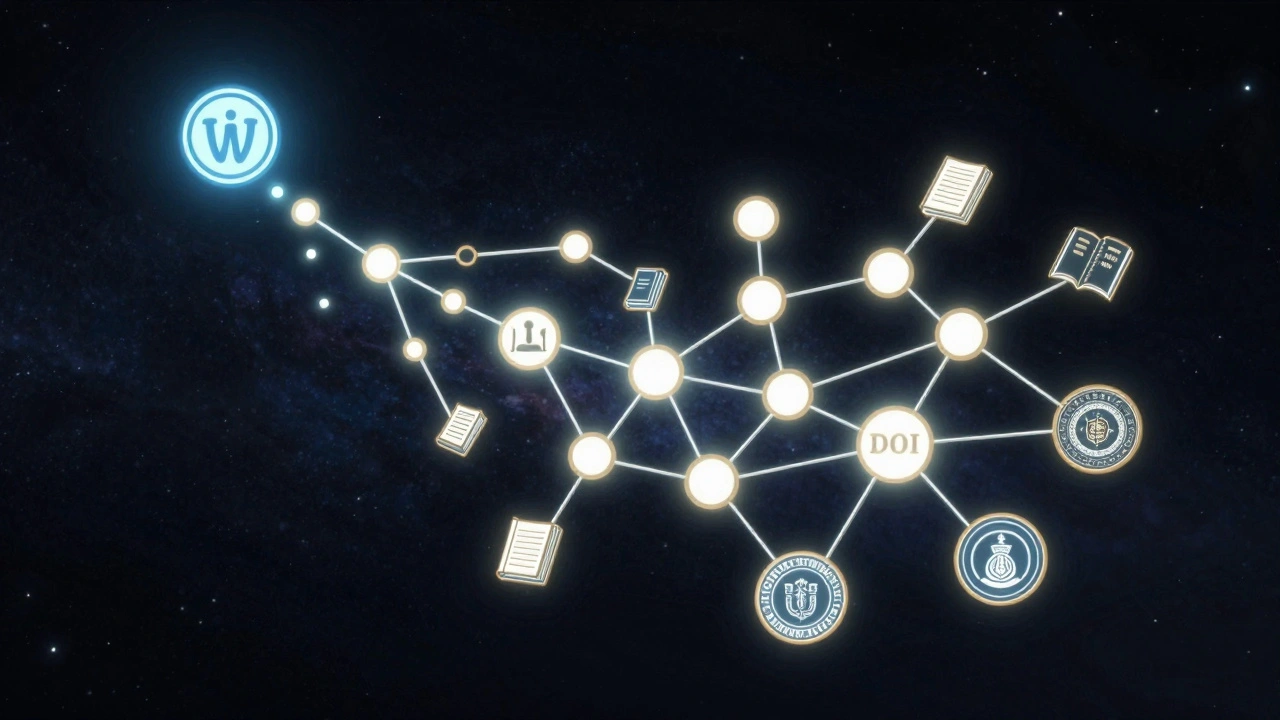
Think of Wikipedia like a library’s index card system. You don’t quote the index card-you use it to find the real books. Every day, millions of students, researchers, and professionals use Wikipedia to get their bearings on a topic before diving into peer-reviewed journals. It’s not about trusting the article; it’s about trusting the trail it leaves behind.
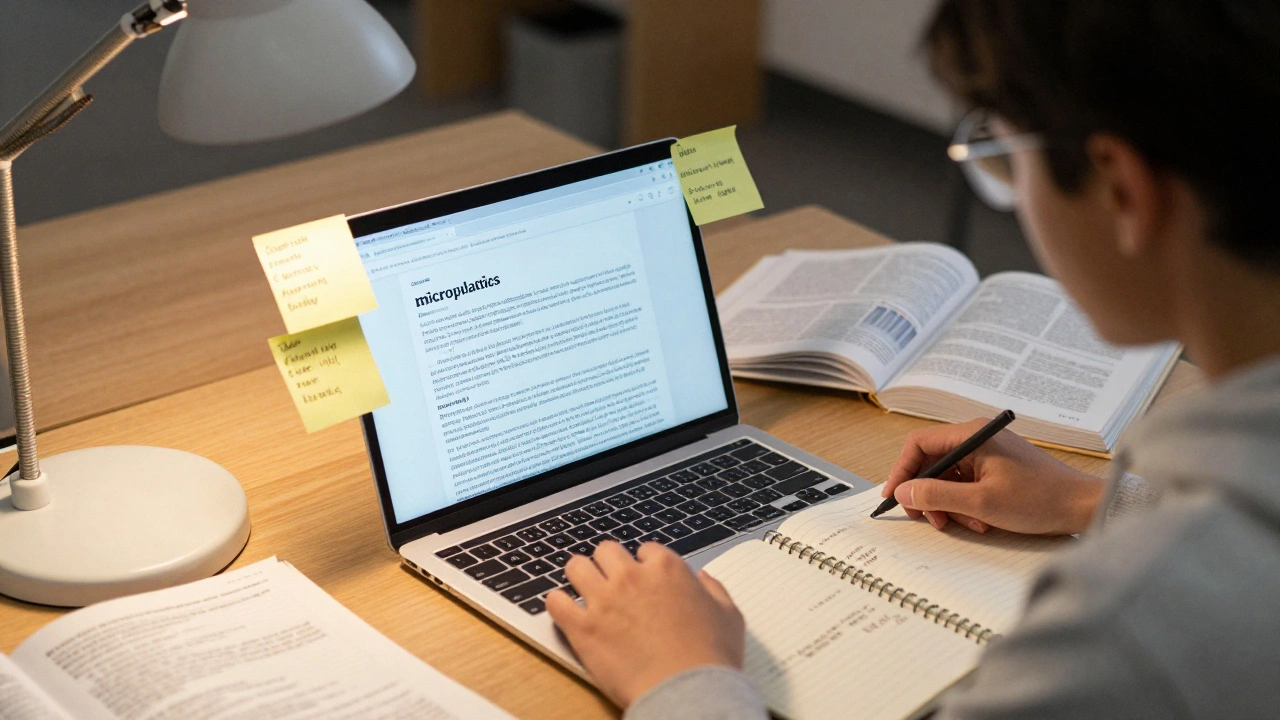
Let’s say you’re writing about the impact of microplastics on freshwater ecosystems. You type it in. Within seconds, you see a clear definition, key researchers, major studies, and a list of references at the bottom. That’s not magic-it’s structure. Wikipedia’s editing rules require citations for every claim. That means every bold statement has a source attached, even if the article itself isn’t scholarly.
How to Read a Wikipedia Article Like a Researcher
Don’t skim. Read like you’re hunting.
- Check the references section first. Look for journal articles, books, government reports. If you see a citation from Environmental Science & Technology or the Journal of Hazardous Materials, you’ve hit gold.
- Click on the View history tab. If the article has been edited by academics or researchers, you’ll see usernames tied to universities or institutions. That doesn’t mean the content is perfect-but it means someone who knows the field has reviewed it.
- Read the Talk page. This is where editors debate accuracy. If there’s a long discussion about conflicting data or outdated stats, that’s a red flag-and also a clue. You now know exactly which parts of the topic are contested.
- Use the internal links. Terms like “eutrophication,” “bioaccumulation,” or “PFAS” are likely linked to their own Wikipedia pages. Click them. Each one is a doorway to another layer of the topic.
One student in Wisconsin used this method to find 17 peer-reviewed papers for her thesis on coral bleaching-all starting from a single Wikipedia article on ocean acidification. She didn’t copy a sentence. She copied the citation numbers and searched them in Google Scholar.
What to Avoid
Wikipedia’s biggest danger isn’t misinformation-it’s false confidence.
Don’t treat it like a textbook. Don’t paraphrase its summary and call it your own analysis. Don’t use it as a primary source. That’s not just bad practice-it’s academic fraud.
Watch out for these red flags:
- References that link to blogs, news sites, or personal websites with no author name.
- Articles marked with “citation needed” tags or “this section needs expansion.”
- Sections that say “according to some sources” without naming any.
- Too many “see also” links and not enough direct citations.
If you see any of these, move on. The article might still be useful as a map-but it’s not reliable as a destination.
Turn Wikipedia Citations Into Real Sources
Here’s how to turn a Wikipedia reference into something you can actually use in your paper.
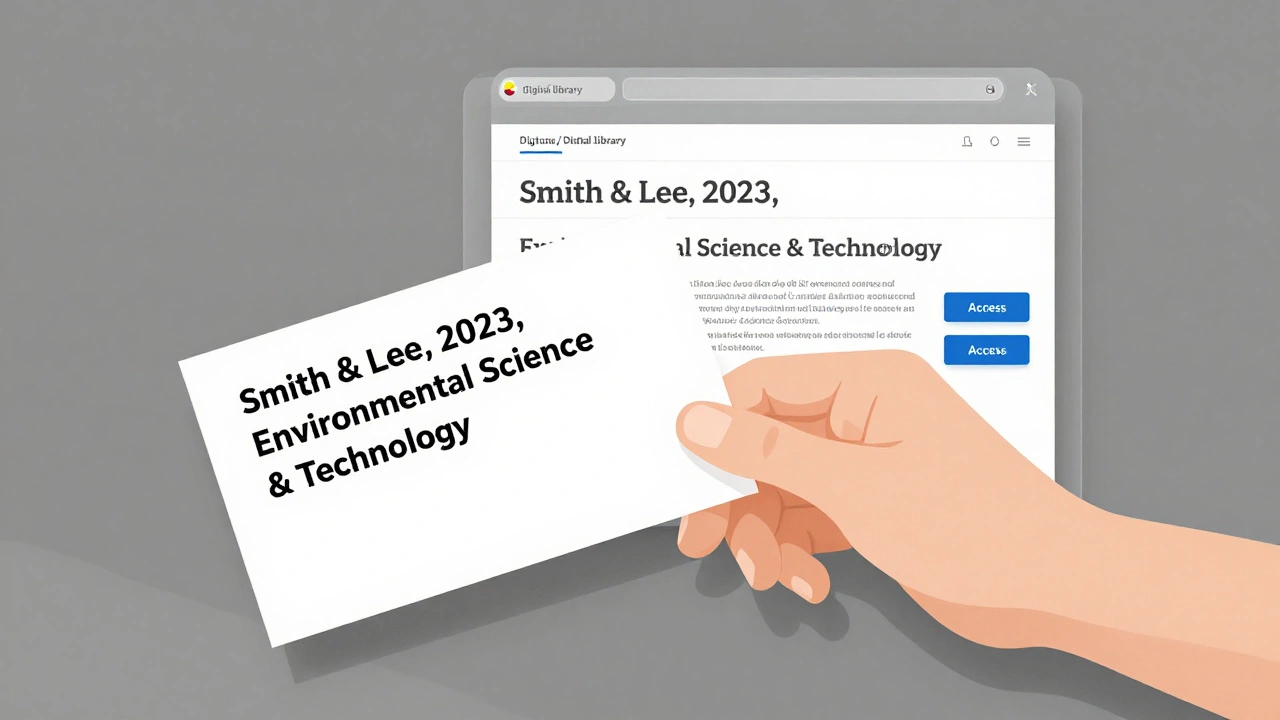
- Copy the full citation from Wikipedia’s reference list. Example: Smith, J., & Lee, K. (2023). Microplastic accumulation in urban rivers. Environmental Science & Technology, 57(12), 4567-4578.
- Search that exact title in Google Scholar.
- If you find it, check if your university library has access. Most do.
- If you can’t find it, try searching the author’s name + their institution. Many academics post their papers on their university profiles.
- If all else fails, use the DOI number (if listed) to search directly in a database like PubMed or JSTOR.
This method works because Wikipedia citations follow standard academic formats. You’re not getting the paper from Wikipedia-you’re getting the metadata to find it elsewhere. It’s like having a librarian who knows exactly which shelf to point you to.
Wikipedia vs. Academic Databases: What’s the Difference?
Here’s a quick comparison to clarify when to use what:
| Feature | Wikipedia | Academic Databases (JSTOR, PubMed, Scopus) |
|---|---|---|
| Authorship | Anonymous or volunteer editors | Peer-reviewed scholars and researchers |
| Review Process | Community edits, no formal peer review | Peer-reviewed before publication |
| Depth | Summaries, overviews | Original research, data, methodology |
| Citations | Required, but not original | Original sources with full context |
| Use in Papers | Not acceptable as a source | Required for evidence and analysis |
Wikipedia gives you the map. Academic databases give you the territory.
Real-World Example: From Wikipedia to a Published Paper
A biology major at the University of Wisconsin-Madison was assigned a paper on epigenetic inheritance in plants. She’d never heard the term. She Googled it, clicked the top Wikipedia result, and found three key studies cited: one from Nature Genetics, one from Plant Cell, and a 2021 meta-analysis in Annual Review of Plant Biology.
She pulled those three papers. One of them led her to another author’s work on DNA methylation patterns. That led to a dataset from the USDA’s plant genomics repository. By the end of the week, she had seven primary sources, two government reports, and a clear thesis. Her professor praised her for the depth of her sourcing-not because she used Wikipedia, but because she used it right.
When Wikipedia Fails You
Not every topic is well-covered. If you’re researching:
- Recent political events (less than 18 months old)
- Highly specialized medical conditions
- Niche philosophical theories
- Emerging technologies with no consensus yet
Wikipedia might be sparse, outdated, or full of edits from non-experts. In those cases, skip it. Go straight to academic databases. Use your university’s research guide or ask a librarian. They know where the real sources live.
Final Rule: The 10-Minute Test
Before you start writing, spend 10 minutes on Wikipedia. If you walk away with:
- Three clear keywords to search in Google Scholar
- Two names of experts in the field
- One major debate or controversy to explore
Then you’ve done your job. Wikipedia didn’t give you answers. It gave you questions-and that’s exactly what good research needs.
Can I cite Wikipedia in my academic paper?
No. Most academic institutions and journals prohibit citing Wikipedia as a primary source because it’s not peer-reviewed and can change at any time. Always trace the citations back to the original source-journal articles, books, or reports-and cite those instead.
Is Wikipedia accurate enough for research?
For initial exploration, yes. Studies from 2020 to 2024 show that Wikipedia’s accuracy on scientific topics matches or exceeds that of traditional encyclopedias like Britannica. But accuracy doesn’t equal scholarly validity. Use it to learn the landscape, not to build your argument.
What if a Wikipedia article has no references?
Don’t use it for research. A Wikipedia article without citations is unreliable. Look for another article on the same topic or search directly in academic databases. If you can’t find a well-sourced article, the topic may be too niche or under-researched for Wikipedia to cover properly.
How do I know if a Wikipedia citation is trustworthy?
Check the source. Is it from a peer-reviewed journal, a university press, a government agency, or a major research institute? Avoid citations from blogs, news outlets without bylines, or commercial websites. If the citation looks shaky, skip it and find a better one through Google Scholar.
Should I use Wikipedia for my literature review?
Not as a source, but as a tool. A literature review requires you to analyze original research. Wikipedia can help you identify key authors, theories, and debates-but you must go back to the original studies to do the analysis. Think of it as a starting point, not the foundation.
Next Steps
Start your next research project by opening Wikipedia. Spend five minutes. Write down three terms. Find one citation. Track it down. That’s all you need to begin. You don’t need to know everything before you start. You just need a good map-and Wikipedia gives you one for free.