Running a Wikipedia bot used to mean maintaining your own server, worrying about IP bans, and managing complex authentication tokens. Today, the landscape has shifted dramatically. Wikimedia Cloud Services is a free, dedicated hosting environment provided by the Wikimedia Foundation specifically for projects that support the Wikimedia movement. For developers, this means moving away from fragile local setups to a robust, integrated ecosystem where your code lives next to the data it processes. If you are building tools for Wikipedia, Wikidata, or other sister projects, understanding how to leverage this infrastructure is no longer optional-it’s the standard way to build scalable, reliable bots.
Why Move to the Cloud? The Case Against Local Hosting
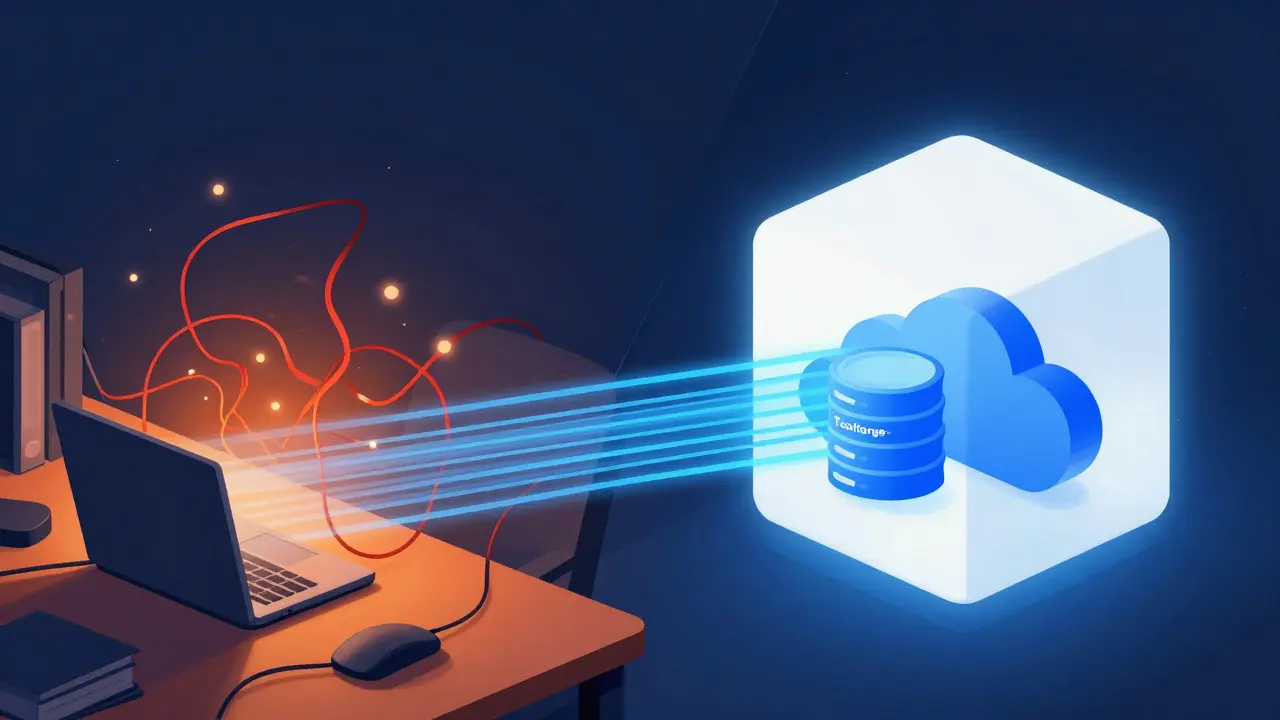
Many developers still run their scripts on personal laptops or cheap VPS instances. While fine for one-off tasks, this approach breaks down as soon as your tool needs to be accessible to others or run continuously. The primary pain point is connectivity. When your script runs locally, it hits the MediaWiki API from a residential IP address. This often triggers rate limits or requires complex proxy management to avoid being flagged as abusive traffic. In contrast, Toolforge, the core component of these services, provides static IPs and high-bandwidth connections directly within the Wikimedia data centers. This reduces latency significantly and ensures that your requests are recognized as legitimate community tools rather than suspicious bots.
Beyond speed, there is the issue of persistence. A laptop goes to sleep; a VPS might crash if you forget to update dependencies. Cloud services offer a managed environment where the operating system, Python versions, and database engines are kept up-to-date by the platform team. You focus on your logic, not on patching security holes in your server OS.
Anatomy of Toolforge: The Core Infrastructure
Toolforge is the central hub for running tools on the Wikimedia Cloud, offering virtual machines (VMs) and containerized environments. It operates on a grid of servers located in Frankfurt, Germany, which serves as the primary data center for the Foundation. When you request a new tool, you are essentially provisioning a slice of this shared resource pool. The architecture relies heavily on Kubernetes for orchestration, allowing for automatic scaling and self-healing capabilities that were previously impossible for individual volunteers.
The service distinguishes between two main types of workloads:
- Long-running services: These are ideal for web applications, APIs, or background workers that need to stay online 24/7. They utilize persistent storage and stable network interfaces.
- Short-lived jobs: Perfect for batch processing, such as scanning millions of pages for specific patterns. These jobs spin up, execute their task, and shut down, optimizing cost and resource usage.
One critical feature is the integration with Puppet, the configuration management system used to provision your VMs. Instead of manually installing software via SSH, you define your desired state in a Puppet manifest. For example, if you need PostgreSQL 15 and Node.js 18, you declare them in your config file, and Puppet ensures they are installed correctly every time the machine boots. This declarative approach eliminates "configuration drift," a common source of bugs in long-term projects.
Database Integration: Where Data Meets Code
Perhaps the most powerful aspect of this infrastructure is the direct access to read-only replicas of the Wikimedia databases. Historically, developers had to download full dumps of Wikipedia data, parse them locally, and maintain their own search indices-a process that could take days and consume terabytes of disk space. Now, through MariaDB replicas hosted on the cloud, you can query live data with SQL. Imagine writing a query to find all articles mentioning a specific scientific term across multiple language editions. On a local machine, this is computationally heavy; on the cloud replica, it executes in seconds because the data is already indexed and optimized for analytical queries.
However, there are constraints. These replicas are read-only, meaning you cannot modify the source data directly. Any changes must go through the official MediaWiki API or REST API. This separation ensures data integrity while giving developers the power of relational database querying. For developers familiar with SQL, this is a massive efficiency boost. You can join tables, aggregate statistics, and filter results without pulling raw XML into memory.
Authentication and Security: Keeping Bots Safe
Security is a frequent concern when moving to a shared environment. How do you authenticate your bot without hardcoding passwords? The solution lies in the integration with OAuth and global user accounts. Every developer account on the cloud is linked to their Wikimedia global account. This means that permissions are tied to your identity. If you have editor rights on English Wikipedia, your bot can use those credentials securely stored in the environment variables provided by the platform.
Additionally, the infrastructure supports SSH keys for secure access to your VMs. Unlike password-based logins, key-based authentication prevents brute-force attacks. For teams, this allows multiple developers to collaborate on the same tool without sharing sensitive credentials. The platform also enforces network segmentation, ensuring that your tool’s internal traffic doesn’t interfere with other users’ workloads. This isolation is crucial for preventing noisy neighbor issues, where one heavy process slows down everyone else.
Comparison: Local vs. Cloud Workflows
To visualize the trade-offs, consider the following comparison of development workflows:
| Feature | Local/VPS Hosting | Wikimedia Cloud (Toolforge) |
|---|---|---|
| Setup Time | Hours to Days (manual config) | Minutes (Puppet automation) |
| Data Access | Dump files (static, outdated) | Live Read-Only Replicas (fresh data) |
| IP Reputation | Residential (often blocked) | Static Foundation IPs (trusted) |
| Maintenance | Manual updates/patches | Automated OS/Framework updates |
| Cost | Variable (electricity, hardware, bandwidth) | Free for non-commercial use |
This table highlights why the cloud model is superior for serious projects. The shift from static dumps to live replicas alone justifies the migration for any project involving data analysis. Furthermore, the elimination of manual maintenance frees up developer hours for actual coding rather than sysadmin tasks.
Best Practices for Developers
While the platform handles much of the heavy lifting, successful developers follow specific best practices to maximize performance and reliability. First, always use Docker containers for your application layer. Even though the base VM is managed, your application code should be isolated in a container image. This ensures that your dependencies are pinned and reproducible. When you push a new version of your Docker image, the platform can pull and restart your service automatically, enabling zero-downtime deployments.
Second, monitor your resource usage. Although the service is free, it is shared. If your bot consumes 90% of CPU constantly, you risk being throttled or asked to optimize. Use built-in monitoring tools to track memory leaks and CPU spikes. A simple rule of thumb: keep your average CPU usage below 50% during peak hours to leave headroom for bursty workloads.
Finally, document your tool. Since many cloud tools are public, other community members may want to use or fork your work. Clear README files, including setup instructions and API endpoints, foster collaboration and reduce support burden. The Wikimedia community values transparency, and well-documented tools often receive more attention and contributions.
Frequently Asked Questions
Is Toolforge free for commercial projects?
Generally, no. The service is intended for non-profit, community-driven projects that benefit the Wikimedia ecosystem. Commercial use typically requires a separate agreement with the Foundation, so check the latest terms before deploying enterprise-grade solutions.
Can I run private repositories on Toolforge?
Yes. You can configure your VMs to restrict access to specific users or groups. By default, tools are public, but you can lock down SSH access and hide web services behind authentication middleware to keep your work private until ready for release.
What happens if my tool crashes?
The Kubernetes orchestrator monitors your containers. If a process fails, it will attempt to restart it automatically. If the failure persists, you will receive an alert via email or the web dashboard. Logs are retained for a set period, allowing you to debug past incidents without needing real-time console access.
Do I need to know Puppet to use the service?
Not necessarily. While Puppet is the underlying engine, the web interface provides templates for common configurations like Python, Node.js, and PHP. You can start with a template and customize it later. However, learning basic Puppet syntax gives you finer control over package installation and service management.
How does the database replica lag affect my queries?
Replication lag is usually under a second, but during heavy write loads, it can spike to a few minutes. For most analytical tasks, this is negligible. If you need real-time consistency, verify recent edits via the API rather than relying solely on the database snapshot.