You probably use Wikipedia every day. You search for a fact, read the summary, and move on. But have you ever wondered where that fact actually lives? It is not just text in an article. For millions of entries, the core information sits in Wikidata, a free, collaborative knowledge base that stores facts as structured data rather than prose. This distinction matters, especially if you are a student looking to build real-world skills or a teacher trying to modernize your curriculum.
Most students know how to write an essay. Fewer know how to structure data so a computer can understand it. That gap is exactly what Wikidata education aims to close. By working with this platform, learners do more than edit pages; they learn logic, ontology, and the mechanics of the Semantic Web. Let’s look at why this shift from text to data is happening and how you can start using it today.
Why Text Is Not Enough for Modern Search
Traditional encyclopedias rely on natural language. If you write "Marie Curie was born in Warsaw," a human understands it instantly. A computer sees a string of characters. To make sense of it, the machine needs context, which is often ambiguous. Did she live there? Visit? Was it her birthplace or just a place she mentioned?
Structured data solves this by breaking information down into discrete units called triples: Subject, Predicate, Object. Instead of a sentence, Wikidata records that Marie Curie has the property Place of Birth with the value Warsaw. This format allows machines to link Marie Curie to Warsaw, to Poland, to Europe, and to other people born in Warsaw, all without guessing intent.
This capability powers features like Google’s Knowledge Graph and Apple’s Siri. When you ask a voice assistant who wrote "1984," it doesn’t scan a webpage. It queries a database of relationships. Teaching students to think in these relationships prepares them for a job market where data literacy is becoming as fundamental as reading comprehension.
The Core Mechanics: Items, Properties, and Statements
To contribute to Wikidata, you need to understand its basic anatomy. It sounds technical, but it is closer to filling out a very smart spreadsheet than writing code.
- Items: These are the subjects. Every unique concept, person, place, or object gets a unique identifier (QID). For example, the item for "Earth" is Q2.
- Properties: These define the relationship. They act as the verbs or connectors. "Capital" (P36) or "Instance of" (P31) are common properties.
- Statements: This is the combination of an Item and a Property with a specific Value. Adding "Paris" as the value for the "Capital" property of the "France" item creates a statement.
Students quickly realize that accuracy is paramount. Unlike prose, where nuance can be argued over, a wrong property assignment breaks the logical chain. If you label a dog as an instance of "Cat," every query asking for pets will fail for that entry. This immediate feedback loop teaches precision and attention to detail.
Project Ideas That Go Beyond Editing
Many educators assume Wikidata projects mean simply adding missing dates to famous figures. While useful, that barely scratches the surface. The real educational value comes when students tackle gaps in local or niche knowledge. Here are three project frameworks that engage different skill sets.
1. The Local History Mapper
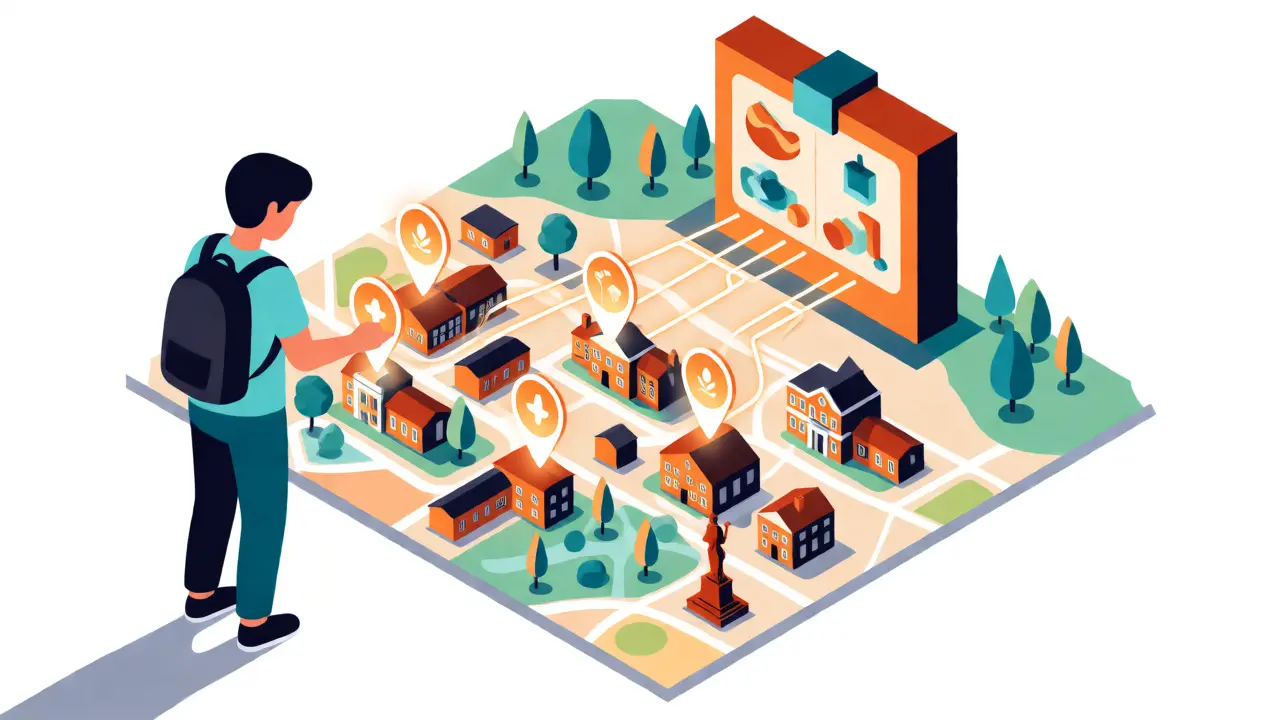
Ask students to document buildings, statues, or parks in their hometown. Most global databases ignore small towns. Students must research construction dates, architects, and current uses. They then map these to Wikidata items. This connects OpenStreetMap geolocation data with Wikidata historical facts, creating a richer digital twin of their community.
2. The Scientific Literature Tracker
For STEM classes, focus on authors and papers. Students can add links between researchers and their institutions, or tag scientific papers with specific topics. This helps visualize academic networks. It also introduces students to ORCID identifiers and the importance of unambiguous authorship attribution in science.
3. The Multilingual Label Challenge
Wikidata is multilingual by design. An item might have a label in English, French, and Swahili. Language classes can task students with translating labels and descriptions for items relevant to their target culture. This isn’t just translation; it requires understanding cultural context to ensure the description makes sense to a native speaker.
Tools and Workflow for Beginners
Starting with Wikidata can feel overwhelming because the interface is dense. However, several tools simplify the process for new users.
| Tool Name | Primary Use Case | Skill Level Required | Key Feature |
|---|---|---|---|
| Wikidata.org Interface | Direct editing and verification | Beginner to Advanced | Full control over statements and references |
| QuickStatements | Bulk adding simple facts | Beginner | Fast entry using shorthand syntax |
| PetScan | Finding items to work on | Intermediate | Querying items based on criteria (e.g., missing images) |
| SPARQL Query Service | Data analysis and visualization | Advanced | Complex relational queries across the graph |
Start with the standard web interface. It looks intimidating, but the "Add Statement" button does most of the heavy lifting. Once students get comfortable, introduce QuickStatements, a tool that lets you type commands like Q1 P31 Q5 to say "Item Q1 is an instance of Human." This gamifies the learning process and speeds up bulk contributions.
Citing Sources: The Academic Backbone
In school, we learn to cite books and websites. In Wikidata, citations are mandatory for non-trivial claims. This is where students often struggle. You cannot just say "The Eiffel Tower is 330 meters tall." You must provide a reference.
Wikidata supports various source types, including official websites, news articles, and even other Wikimedia projects. Teaching students to evaluate sources here is critical. Is a blog post reliable enough for a height measurement? Probably not. Is an architectural survey report? Yes. This mirrors real-world journalism and research standards. It forces learners to distinguish between primary and secondary sources, a skill that translates directly to university-level work.

Assessing Student Impact
How do you grade a Wikidata contribution? You cannot grade effort alone. You need metrics. Use Wikidata Edit Counters or external dashboards to track the number of edits, the diversity of languages added, and the quality of references provided.
A good rubric might look like this:
- Accuracy: Did the statement remain unchanged after review? (Weight: 40%)
- Sourcing: Are all claims backed by reliable references? (Weight: 30%)
- Completeness: Did the student fill multiple related properties? (Weight: 20%)
- Community Interaction: Did the student respond to comments or corrections? (Weight: 10%)
This approach shifts the focus from volume to value. One well-sourced, accurate statement about a local landmark is worth more than ten unsourced guesses.
Common Pitfalls to Avoid
Even experienced editors make mistakes. Watch out for these frequent errors among students:
- Vague Descriptions: Writing "Good book" instead of "Novel published in 1925." Be specific.
- Redundant Statements: Adding a date of death when it is already derived from another property. Check existing data first.
- Wrong Property Choice: Using "Location" instead of "Country" or "City." Precision prevents confusion.
- Lack of References: Assuming something is "common knowledge." If it is not in a textbook, cite it.
By addressing these early, students develop a mindset of rigorous documentation. They learn that data integrity relies on collective trust, maintained through transparency.
Is Wikidata free to use for educational projects?
Yes, Wikidata is completely free and open-source. There are no licensing fees for using the data or contributing to it. The underlying software, MediaWiki, is also free, making it accessible for schools with limited budgets.
Do students need coding skills to contribute?
No, basic contributions require no coding. The web interface handles the complex backend logic. Coding becomes useful only for advanced tasks like bulk imports via scripts or running SPARQL queries for data analysis.
How does Wikidata differ from Wikipedia?
Wikipedia contains narrative articles written in natural language. Wikidata contains structured facts stored as machine-readable data. Wikipedia tells the story; Wikidata provides the underlying facts that power infoboxes and automated lists across all Wikimedia projects.
Can teachers monitor individual student edits?
Yes, every edit is tied to a user account. Teachers can create accounts for students or allow shared class accounts. Using tools like WikiStats or the built-in history page, instructors can track exactly who changed what and when.
What happens if a student adds incorrect data?
Other editors or bots may revert the change. This is part of the learning process. Students receive feedback, either through a message on their talk page or by seeing the edit undone. It teaches resilience and the importance of verifying sources before publishing.
Integrating Wikidata into education transforms passive consumers of information into active builders of knowledge infrastructure. It bridges the gap between humanities and computer science, showing that both fields rely on clear definitions and verifiable evidence. Start small, pick a local topic, and let the data speak for itself.