
Writing for The Signpost isn’t like writing a blog or a news article for a commercial site. It’s not about clicks, viral hooks, or trending topics. It’s about documenting the inner life of Wikipedia - the edits, the debates, the conflicts, the breakthroughs - with clarity, fairness, and precision. If you’re writing for The Signpost, you’re not just reporting on Wikipedia. You’re helping shape how its community understands itself.
Know Your Audience
Your readers aren’t casual browsers. They’re editors who spend hours every week patrolling recent changes, arguing over talk pages, and fighting vandalism. They know the difference between a semi-protected page and a fully protected one. They’ve seen the same edit war play out three times this month. They don’t need you to explain what a stub is. They need you to explain why it matters.
The Signpost’s audience expects depth. They want context. They want to know who proposed the policy change, who opposed it, and what data was used to justify the decision. If you’re writing about a new guideline on biographies of living people, don’t just say it was approved. Name the editors involved. Quote the discussion on the policy talk page. Link to the vote tally. Show the before-and-after impact.
Style: Clear, Neutral, and Active
Wikipedia’s core principle - neutral point of view - applies even more strictly to The Signpost. You’re not a journalist covering an external event. You’re a chronicler of a community’s internal processes. That means no editorializing. No phrases like “this controversial move” or “many believe.”
Instead, say: “On January 3, 2026, 127 editors voted to update the biographies of living persons policy. 89 supported, 32 opposed, 6 abstained.” Then link to the vote. Let the numbers speak.
Use active voice. “The administrator deleted the page” is better than “The page was deleted by the administrator.” It’s clearer. It’s more direct. It’s who did what - and that’s what matters in a community built on accountability.
Avoid jargon unless it’s necessary. If you must use a term like “sockpuppet” or “COI,” define it once, clearly, in context. Not everyone reading The Signpost is a longtime editor. Some are newcomers who just joined the fight against misinformation.
Sourcing: Every Claim Must Be Verifiable
Every fact in The Signpost must be traceable. Not just to another article, but to a specific edit, a specific discussion, a specific timestamp.
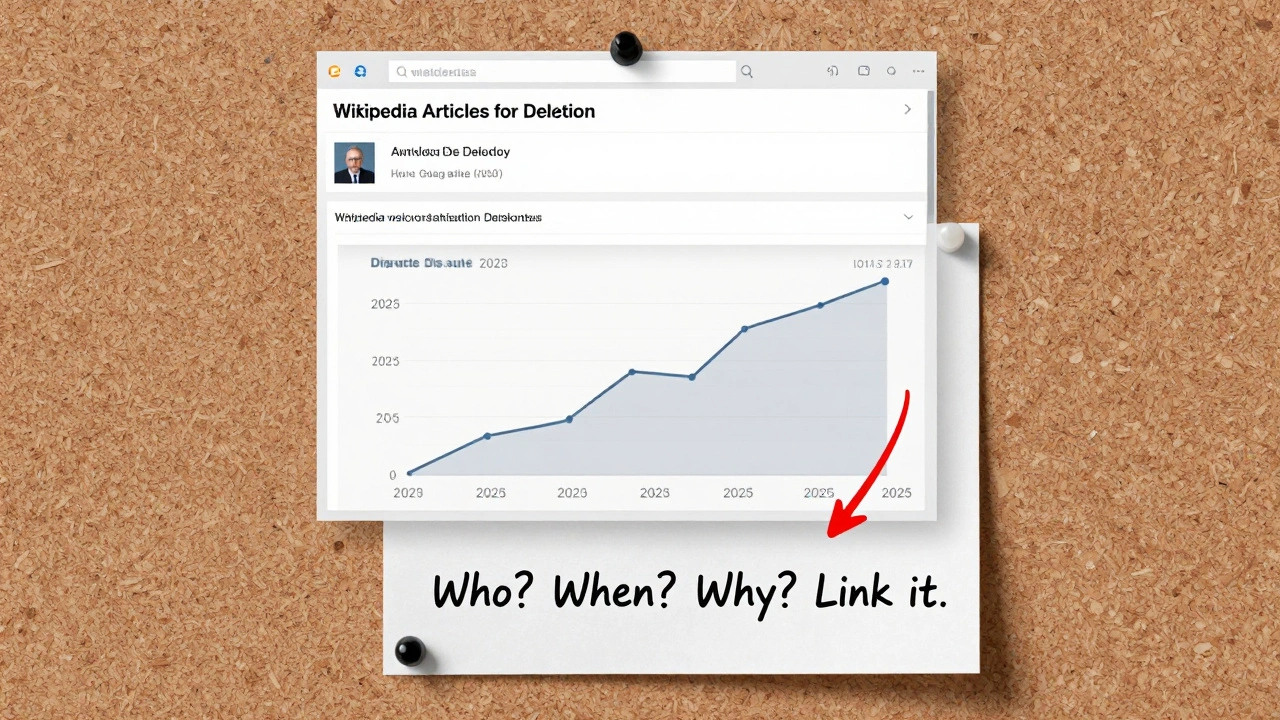
If you write, “Conflicts over article deletion have increased,” you must show the data. Link to the Articles for Deletion logs from the last quarter. Show the trend line. Compare it to the same period last year. Don’t say “many editors feel.” Say: “In a December 2025 survey of 420 active editors, 68% reported increased frustration with deletion discussions.”
Wikipedia’s own policies are your primary sources. When referencing a guideline, link directly to the policy page. When quoting a discussion, link to the exact talk page thread. Don’t paraphrase a summary - link to the original. The Signpost is not a secondary source. It’s a primary archive of Wikipedia’s history.
Don’t rely on third-party media. If a news outlet writes about a Wikipedia edit war, verify it against the actual edit history. Media reports often get details wrong. They’ll say “a Wikipedia editor deleted a page about a celebrity.” But the real story? The page was restored after a 17-day debate, and the deletion was initiated by a bot flagged for false positives. Your job is to correct the record, not repeat it.
Structure: Tell the Story, Not Just the Facts
A good Signpost article doesn’t just list events. It shows cause and effect. It connects the dots.
For example: A new tool was introduced to flag potentially biased citations. Within two weeks, the number of citations flagged as “potential COI” rose by 42%. In the same period, the number of disputed edits on biographies dropped by 18%. Why? Because editors started using the tool to challenge weak sources before they were added.
That’s the story. Not “a tool was added.” But “a tool changed behavior.”
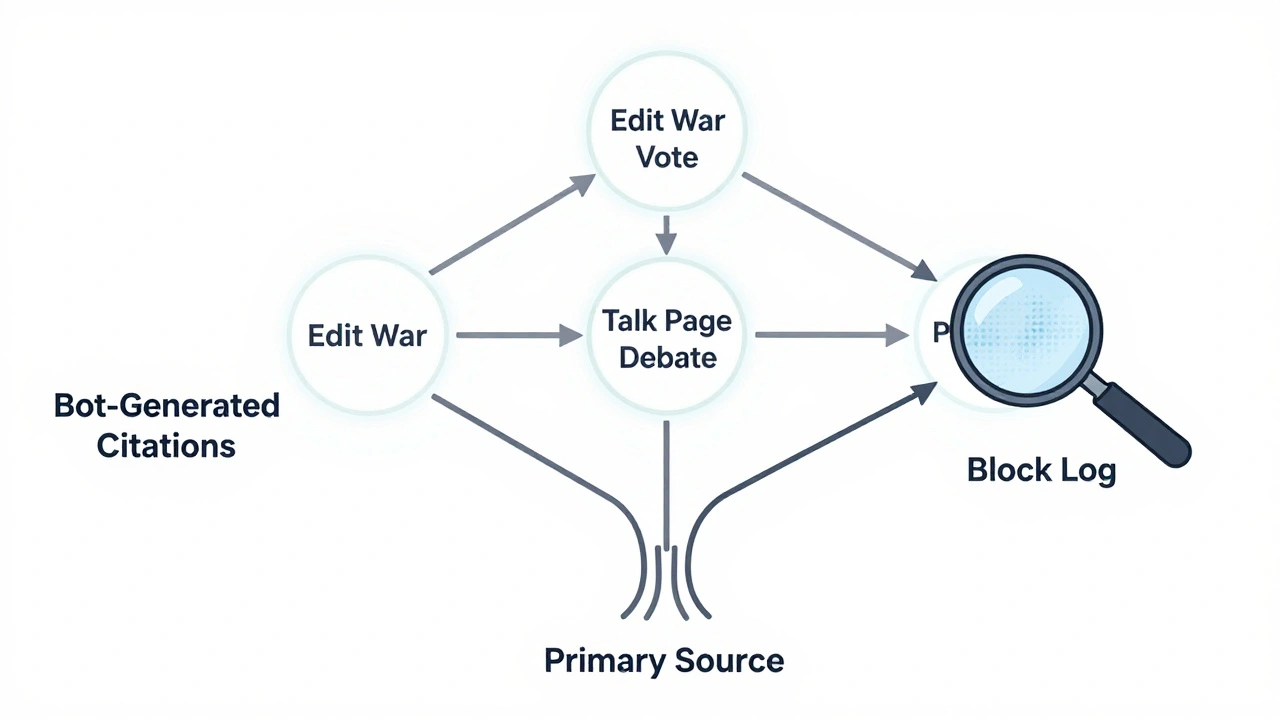
Use subheadings to guide readers through the logic: “The Problem,” “The Proposal,” “The Vote,” “The Results.” Don’t just dump data. Frame it.
When to Use Images and Tables
Visuals aren’t decoration. They’re evidence.
If you’re writing about the rise in edit wars over climate change articles, include a table showing the number of disputes per month from 2023 to 2025. Use a simple, clean format. Label it clearly. Cite the source: “Data from Wikipedia Edit War Logs, January 2023-December 2025.”
Images? Only if they’re part of the story. A screenshot of a contentious talk page discussion? Yes. A stock photo of people arguing? No. The Signpost doesn’t need visuals to look professional. It needs them to be accurate.
Handling Conflict and Controversy
Wikipedia is messy. People get angry. Accusations fly. You’ll be asked to write about a blocked editor who claims censorship. Or a group that accuses the arbitration committee of bias.
Don’t take sides. Don’t defend. Don’t attack. Just report. Include quotes from all sides - but only if they’re from official channels. A blog post from an anonymous user doesn’t count. A message posted on their user talk page, signed with their username, does.
If someone makes a serious claim - “The admins are silencing minority voices” - you must verify it. Did 10 editors get blocked? How many were blocked in the same period last year? What were the reasons? Link to the block logs. Let the data answer the question, not your interpretation.
Deadlines and Workflow
The Signpost is published weekly. That means your article needs to be submitted by Tuesday at 18:00 UTC. Late submissions are held for the next issue. Plan ahead. Don’t wait until the last minute to gather sources.
Use the draft submission system. Get feedback from other Signpost editors before publishing. One of the most common fixes? “You didn’t link to the actual vote.” Or “This quote is from a user page - is it verifiable?”
Don’t assume your readers know the context. Assume they’ve never heard of the issue before. Explain it like you’re writing for someone who just created their account yesterday.
Common Mistakes to Avoid
- Using vague language: “many,” “some,” “a lot.” Replace with numbers or links.
- Writing in passive voice: “It was decided that…” → “The community voted to…”
- Citing third-party media as primary sources. Always go back to Wikipedia’s own records.
- Forgetting to link to the exact talk page or edit. A general link to a policy page isn’t enough.
- Assuming readers know acronyms like RfC, ANI, or AFD. Spell them out the first time.
What Makes a Signpost Article Stand Out
The best articles don’t just report. They reveal patterns. They show how small changes ripple through the system.
One article in 2024 tracked how the use of AI-generated citations on medical articles spiked after a bot was deployed to auto-suggest references. Within six weeks, editors flagged 1,200 of those citations as unreliable. The bot was adjusted. The policy was updated. That article didn’t just say “a bot caused problems.” It showed how automation, human review, and policy evolve together.
That’s the power of The Signpost. It’s not about breaking news. It’s about documenting the quiet, slow, vital work that keeps Wikipedia alive.
Can I write for The Signpost if I’m not a longtime Wikipedia editor?
Yes. Many contributors to The Signpost are relatively new editors. What matters is your ability to follow the guidelines: verify everything, cite sources precisely, write clearly, and avoid bias. If you can find the right talk pages, edit logs, and policy discussions, you can write a strong article. The community values accuracy over seniority.
Do I need to be an admin to write for The Signpost?
No. Administrators are not required to write for The Signpost. In fact, many of the most impactful articles come from editors who don’t have admin rights. What matters is your access to reliable sources - like edit histories, policy discussions, and voting records - not your privileges.
How do I find reliable sources for a Signpost article?
Start with Wikipedia’s own tools: the Recent Changes feed, the Articles for Deletion log, the Requests for Comment archives, and user talk pages. Use the “View history” tab on any page to trace edits. For policy changes, check the policy’s talk page and the official voting pages. Never rely on blogs, news sites, or social media unless you can verify the claim against Wikipedia’s records.
What if I’m writing about a controversial topic and someone complains?
If someone says your article is biased, check your sourcing. Did you include all relevant viewpoints? Did you link to the actual discussions? Did you use neutral language? If you followed the guidelines - cited primary sources, avoided opinion, and presented facts - then your article is likely correct. The Signpost’s editorial team will review complaints and respond based on policy, not popularity.
Can I use AI tools to help write my article?
You can use AI to help organize your thoughts or check grammar, but never to generate content. The Signpost requires original reporting based on verifiable Wikipedia data. AI-generated summaries, paraphrases, or interpretations are not acceptable. All claims must come from direct sources on Wikipedia. Your voice and your research must be visible in the final piece.
Next Steps for New Writers
Start by reading five recent Signpost articles. Notice how each one links to specific edits, votes, and discussions. Pick one topic - maybe a recent policy change or a notable dispute - and try writing a short draft. Then, submit it to the Signpost’s draft review queue. Get feedback. Revise. Repeat.
The Signpost doesn’t need more voices. It needs more accurate, well-sourced voices. If you can track down the truth in Wikipedia’s chaos, you belong here.