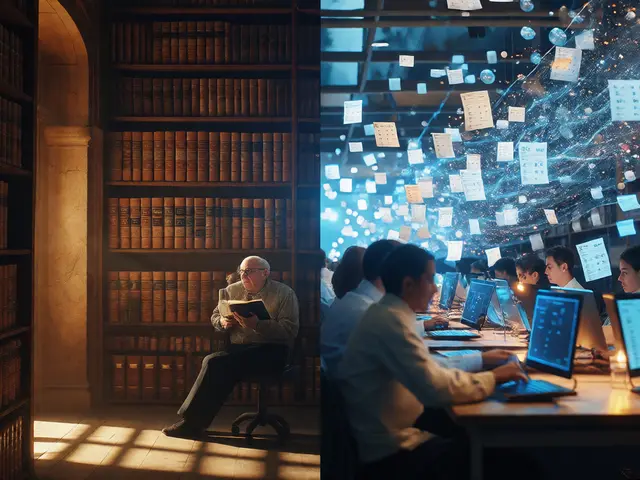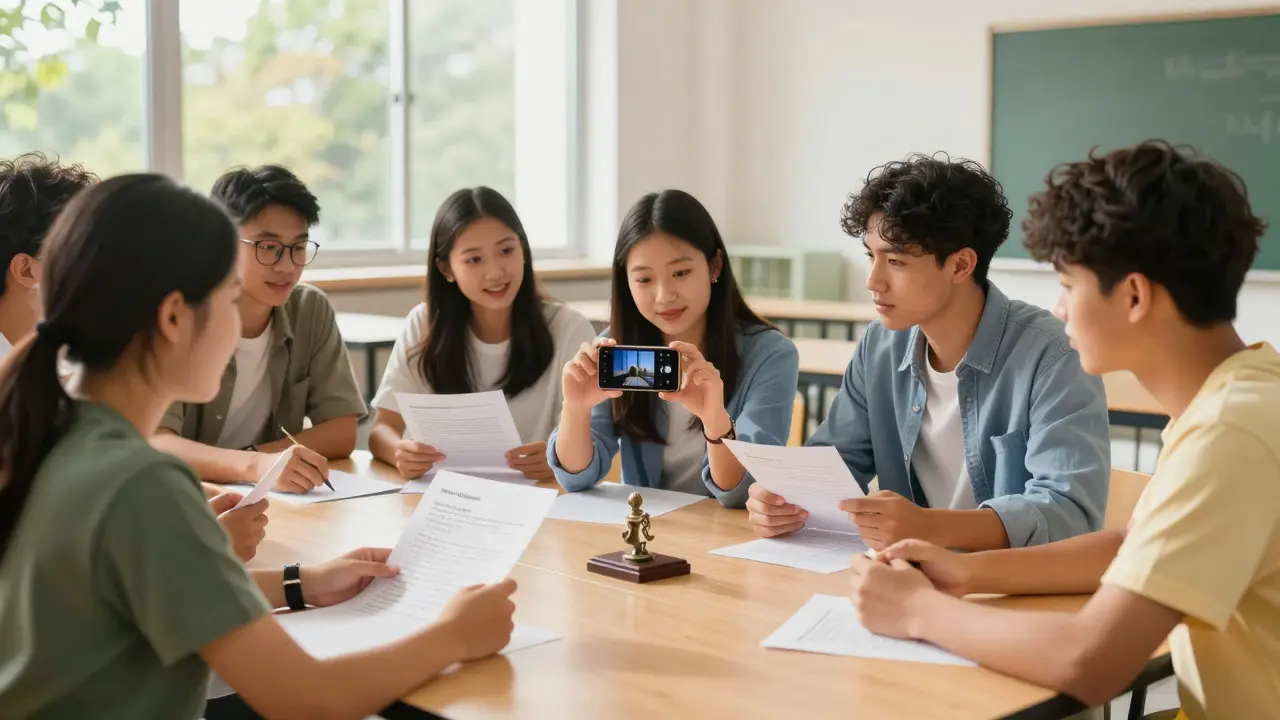
Most people think of Wikipedia as a finished product, a static reference book you look up when you're stuck. But it’s actually a living ecosystem that runs on volunteer labor. The problem? The average editor is getting older. To keep the project healthy and relevant, we need to bring in fresh blood-specifically, students who are already used to creating content for social media but haven't yet learned how to edit an encyclopedia.
Engaging young people isn't just about fixing demographic curves; it's about teaching critical thinking and digital literacy. When a high schooler edits a page, they aren't just typing words; they are learning to verify sources, navigate consensus, and handle constructive criticism. This guide breaks down exactly how to turn passive readers into active contributors, avoiding the common pitfalls that drive new editors away.
Why Student Editors Matter Now
The current demographic skew in online encyclopedias creates a blind spot. If the majority of editors are over 40, topics related to contemporary pop culture, recent history, or emerging technologies often suffer from bias or lack of detail. Students bridge this gap. They are native speakers of modern internet culture. They know what's trending, which memes matter, and why certain historical figures are being re-evaluated today.
However, bringing them in requires shifting the mindset from "correction" to "creation." Many students fear making mistakes. They worry about being yelled at by veteran editors. The first step in engagement is demystifying the process. You have to show them that a Wikipedia edit is not a permanent tattoo; it is a draft that can be refined. Once they realize that the community values improvement over perfection, the barrier to entry drops significantly.
Choosing the Right Entry Points
Don't send a beginner straight to the main article for a complex topic like "Quantum Mechanics." That's a recipe for frustration. Instead, start with low-stakes, high-impact tasks. Here are three effective entry points for new student editors:
- Photo Uploads: Students are visual learners. Ask them to upload photos of local landmarks, campus buildings, or historical artifacts using the Commons repository. It’s a technical skill that doesn't require deep writing ability but contributes immediately to the visual richness of articles.
- Citation Fixes: Give them a list of articles with broken links or missing citations. Fixing a citation is a discrete, solvable problem. It teaches them how to find reliable sources without the pressure of writing original prose.
- Biographies of Living People (BLP): Have them update the biographies of local athletes, artists, or teachers who have recently achieved notable status. This connects the abstract concept of "notability" to their real-world environment.
These tasks build confidence. A student who successfully uploads a photo is far more likely to attempt a text edit than one who has stared at a blank edit box for an hour.
Navigating the Bureaucracy: Rules and Norms
Newcomers often get overwhelmed by the sheer volume of policies. You don't need to teach them everything at once. Focus on the "Big Three" rules that prevent most conflicts:
- Cite Your Sources: Every claim needs a reference. Teach them to use the citation tool rather than typing raw URLs. Explain that "reliable source" means peer-reviewed journals, major newspapers, or academic books-not blogs or personal websites.
- Be Neutral: This is where opinions clash. Teach them to write in a neutral point of view (NPOV). Instead of saying "The best movie of the year," they should say "Critics praised the film for its cinematography." Show them examples of biased language and how to rewrite it neutrally.
- Assume Good Faith: If someone reverts your edit, it’s rarely personal. It’s usually because a fact was wrong or a source was weak. Teach them to read the edit summary before reacting emotionally.
Keep these explanations short. Long policy pages scare off beginners. Use analogies. Citing sources is like showing your work in math class. Being neutral is like being a referee, not a fan.
Tools and Technology for Young Editors
The interface matters. While the classic wikitext editor is powerful, it has a steep learning curve. For students, the VisualEditor (or the newer block-based editor) is essential. It works like a word processor, allowing them to format text, insert images, and add references without memorizing syntax codes.
Beyond the editor itself, leverage mobile technology. Most students live on their phones. Wikipedia’s mobile app allows for quick edits, particularly for adding references or fixing typos. Encourage them to use the app during downtime-waiting for a bus, sitting in a lecture hall-to make small, incremental contributions. This habit-forming approach is often more sustainable than scheduled "editing marathons."
Building a Sustainable Community
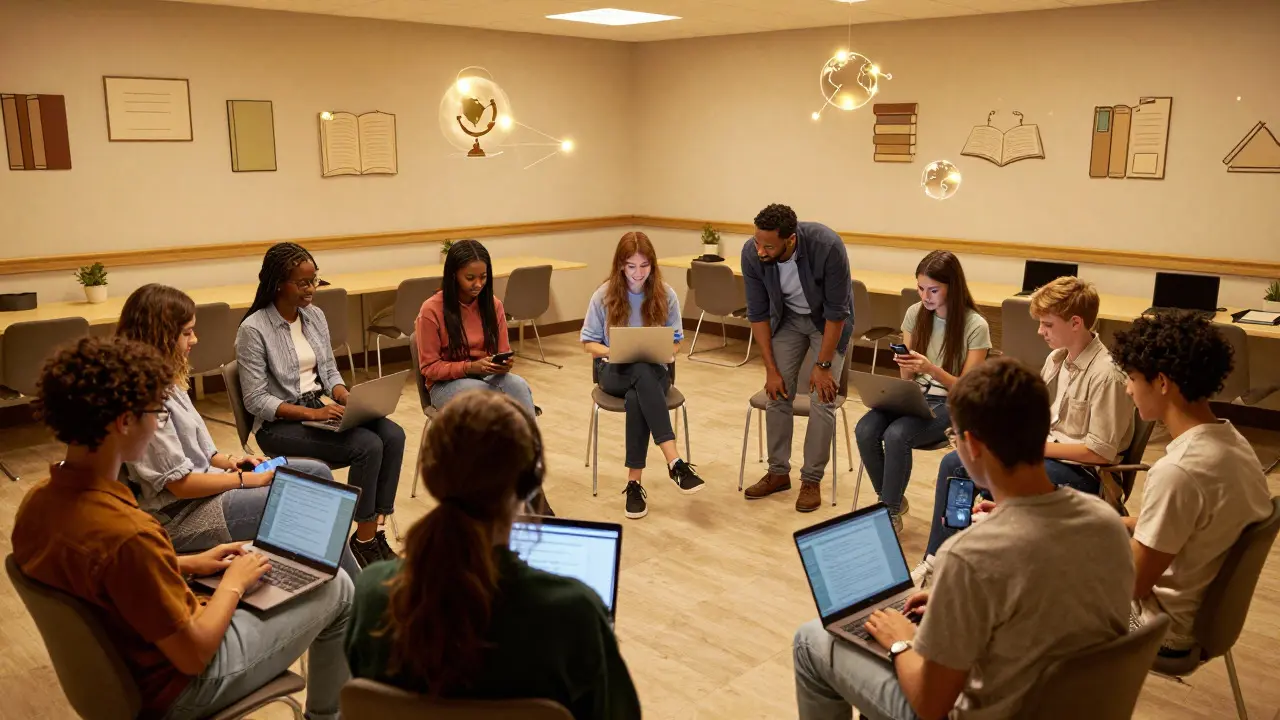
One-off events rarely create long-term editors. To sustain participation, you need a sense of belonging. Create a dedicated space-whether it’s a Discord server, a classroom wiki, or a university club-where students can ask questions without feeling judged. Pair new editors with experienced mentors who act as safety nets. If a student makes a controversial edit, the mentor steps in to mediate, shielding the student from potential edit wars.
Celebrate small wins publicly. When a student’s photo gets featured on an article, share it in the group chat. When their citation fix helps improve a page’s quality score, acknowledge it. Positive reinforcement is the fuel that keeps volunteers coming back. Remember, you aren't just recruiting data entry clerks; you are cultivating future stewards of open knowledge.
Frequently Asked Questions
Do I need to be an expert to start editing Wikipedia?
No. In fact, experts sometimes struggle with neutrality because they know too much. Beginners are often better at sticking to verifiable facts. Start with simple tasks like fixing typos or adding citations. Expertise comes with time and practice.
What happens if I make a mistake on a Wikipedia page?
Almost nothing bad. Most edits are reversible. If you change something incorrectly, another editor will likely fix it. Check the page history to see what changed and learn from it. Mistakes are part of the collaborative process.
Is it allowed to edit Wikipedia on my phone?
Yes. The official Wikipedia mobile app supports full editing capabilities, including adding references and uploading photos. It is a great way to contribute in short bursts of time throughout the day.
How do I find reliable sources for my edits?
Look for secondary sources that have been published by reputable organizations. Academic journals, major news outlets, and established non-profits are good starting points. Avoid using primary sources unless they are being quoted directly, and avoid personal blogs or forums.
What is the difference between a Wiki and Wikipedia?
A wiki is a type of software that allows collaborative editing. Wikipedia is the largest website built on wiki software. Other wikis exist for specific purposes, such as corporate documentation or fan communities, but Wikipedia focuses on general knowledge with strict editorial standards.