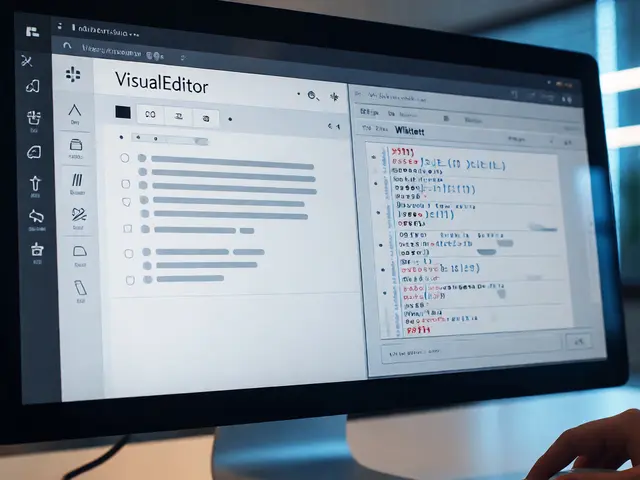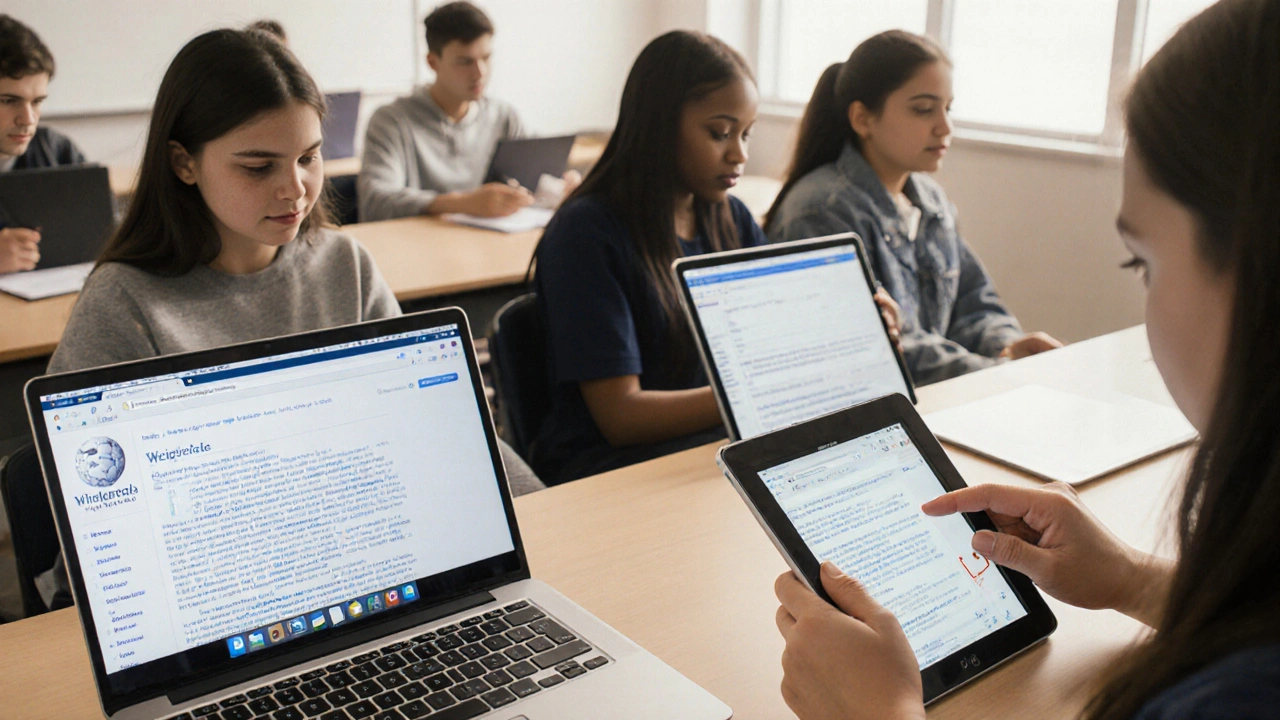
Wikipedia is used by over 200 million students every year. It’s often the first place they go to understand a topic for class. But for many learners, especially those with disabilities, Wikipedia isn’t as easy to use as it looks. If you’re a teacher, curriculum designer, or student relying on Wikipedia for research, you need to know what’s working-and what’s not-when it comes to accessibility.
Why Wikipedia’s Accessibility Matters in Education
Wikipedia doesn’t require a login. It’s free. It’s updated constantly. And it’s written in plain language most of the time. That’s why it’s so popular in classrooms. But accessibility isn’t just about being able to open the site. It’s about being able to understand, navigate, and interact with it without barriers.
One in five students in U.S. public schools has a documented disability. That’s 20% of your class. Some have visual impairments. Others have dyslexia, motor control challenges, or cognitive differences. If your lesson plan says, “Go to Wikipedia and read about the Civil War,” and half your students can’t actually read the page, you’re not teaching-you’re excluding.
Wikipedia’s interface was built by volunteers, not accessibility experts. That means it’s full of hidden friction. A student using a screen reader might hear 30 seconds of navigation menus before reaching the first paragraph. A student with dyslexia might struggle with dense paragraphs and inconsistent formatting. A student using voice control might find links too small or too close together. These aren’t edge cases. They’re everyday classroom realities.
What Makes Wikipedia Hard to Access
Wikipedia’s biggest accessibility problems aren’t about missing features-they’re about design choices that seem harmless but add up.
- Complex navigation menus: The sidebar, top tabs, and language selectors are coded as nested lists with no clear labels. Screen readers announce them as “List 1, List 2, List 3” without context.
- Low contrast text: Some article backgrounds and text colors don’t meet WCAG 2.1 standards. Light gray text on white is common, especially in citations and footnotes.
- Unstructured headings: Many articles skip heading levels. A section might jump from H2 to H4, breaking screen reader navigation.
- Tables without headers: Data tables are often used to show timelines or statistics-but rarely marked up with proper
<th>tags. This makes them useless to screen reader users. - Images without alt text: Over 60% of images on Wikipedia articles have no alternative text. That includes diagrams, maps, and historical photos critical to understanding the topic.
- Complex infoboxes: Those side panels with key facts? They’re built with nested tables and divs. No semantic structure. No clear reading order.
These aren’t bugs. They’re design defaults. And they’re not fixed because no one’s demanding it.
How Teachers Can Make Wikipedia Work for All Students
You don’t need to rebuild Wikipedia. But you can change how you use it.
1. Pre-screen articles before assigning them
Don’t just pick the top Google result. Open the article in a screen reader. Turn off CSS. Use a color contrast checker. Try navigating with only a keyboard. If you can’t find the main point in under 30 seconds, it’s not student-friendly.
2. Teach students how to use accessibility tools
Most students don’t know how to use built-in browser tools. Show them:
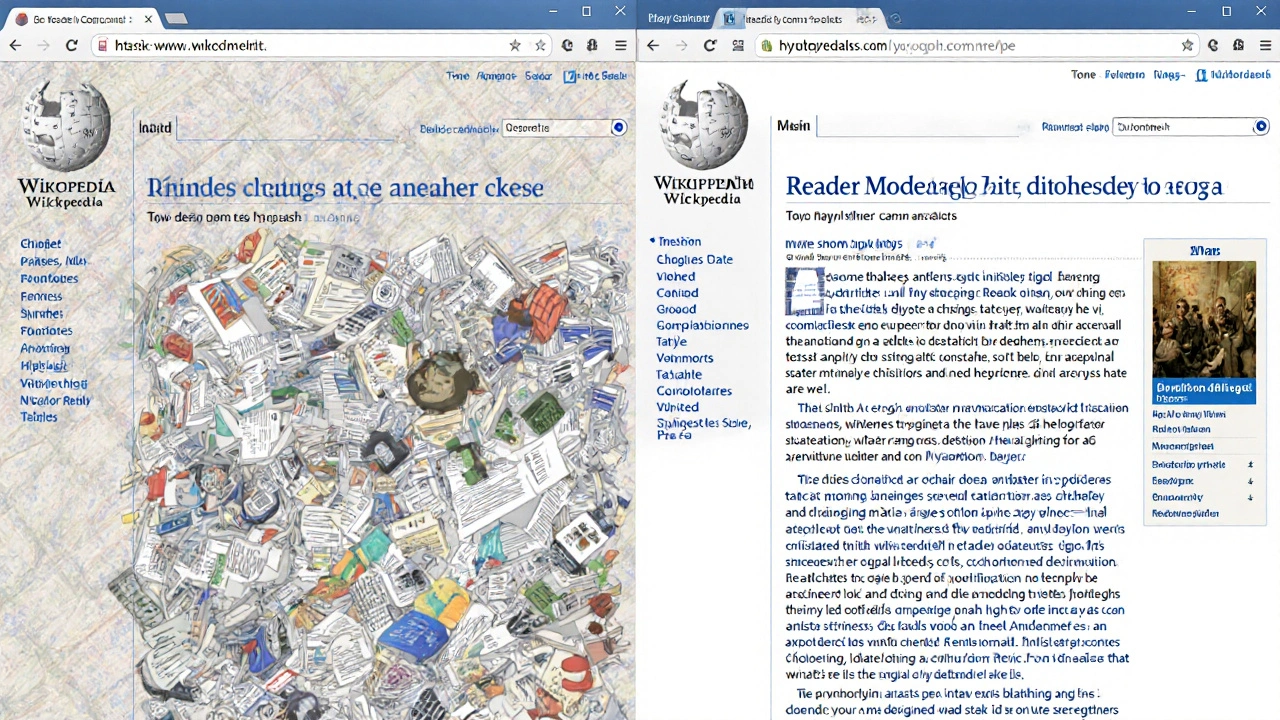
- How to activate reader mode in Firefox or Safari to strip away clutter
- How to use browser extensions like OpenDyslexic to change font styles
- How to zoom text without breaking layout (Wikipedia scales poorly past 200%)
- How to use keyboard shortcuts to jump between headings (Alt+Ctrl+H in Chrome)
3. Assign alternative formats
Wikipedia has a “Print version” link, but it’s buried. Instead, teach students to use the Wikipedia Reader tool (wikipedia.org/wiki/Special:ReaderMode) or export articles as PDFs with the “Download as PDF” option. These versions remove ads, sidebars, and navigation clutter.
For students who need audio, use text-to-speech tools like NaturalReader or Microsoft’s Immersive Reader. Both work directly on Wikipedia pages with a simple bookmarklet.
4. Build assignments around accessibility
Instead of “Write a report on the Industrial Revolution,” try: “Find a Wikipedia article on the Industrial Revolution. Identify three accessibility issues. Rewrite one section to be clearer for someone with dyslexia.”
This turns accessibility from a barrier into a learning objective. Students learn critical thinking, digital literacy, and empathy-all at once.
What Wikipedia Gets Right
It’s not all broken. Wikipedia has made real progress.
Since 2020, the platform has improved its keyboard navigation. You can now tab through links and buttons in logical order. The mobile site has better contrast and larger tap targets. The “Edit” button is now more visible. And the community has started tagging articles with accessibility issues using templates like {{Accessibility}}.
There’s also a growing group of volunteer editors focused on accessibility. They fix alt text, add ARIA labels, and restructure tables. You can find these articles by searching for “Category:Articles needing accessibility improvements.”
Some university libraries now curate lists of “accessible Wikipedia articles” for their students. The University of Michigan, for example, maintains a public list of 200+ articles vetted for screen reader compatibility and clear structure.
What Students Can Do Themselves
Students aren’t powerless. They can take control of their learning environment.
- Use browser extensions like Wikipedia Plus to hide infoboxes, footnotes, and navigation bars
- Install Color Enhancer to override low-contrast text
- Use Read Aloud (Chrome extension) to hear articles spoken aloud with adjustable speed
- Copy and paste text into Notion or Google Docs to reformat it for their needs
- Report broken accessibility features using Wikipedia’s “Report a problem” button at the bottom of every page
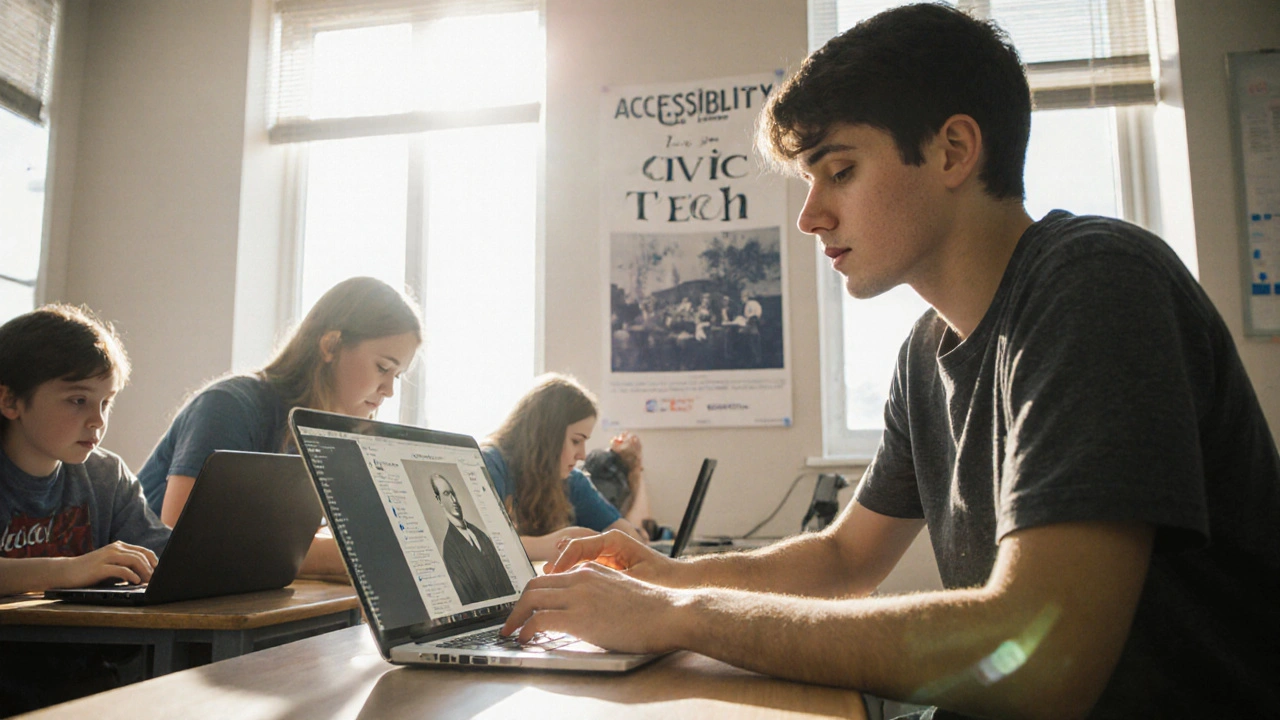
One high school student in Wisconsin started a project to add alt text to 50 history-related images on Wikipedia. She trained her classmates to help. Within six months, they improved over 300 articles. That’s not charity. That’s civic tech.
The Bigger Picture: Accessibility as a Skill
Teaching students to use Wikipedia accessibly isn’t about helping them “get by.” It’s about preparing them for a world where digital content is rarely designed with them in mind.
Employers don’t care if a candidate can read a poorly formatted webpage. They care if they can extract meaning from it. They care if they can advocate for better design. They care if they can fix what’s broken.
When students learn to navigate Wikipedia’s flaws, they’re not just learning history or biology. They’re learning how to question systems, adapt tools, and demand equity. That’s the real lesson.
Resources to Get Started
- Wikipedia:Accessibility - The official community page with guidelines and templates
- WebAIM’s Wikipedia Accessibility Guide - A step-by-step checklist for educators
- Wikipedia Reader Mode - Built-in tool to simplify articles
- Wikipedia Accessibility Task Force - Volunteer group improving article structure
- Accessible Wikipedia Articles (University of Michigan) - Curated list for classroom use
Start small. Pick one article. Fix one alt text. Teach one student how to use reader mode. That’s how change happens.