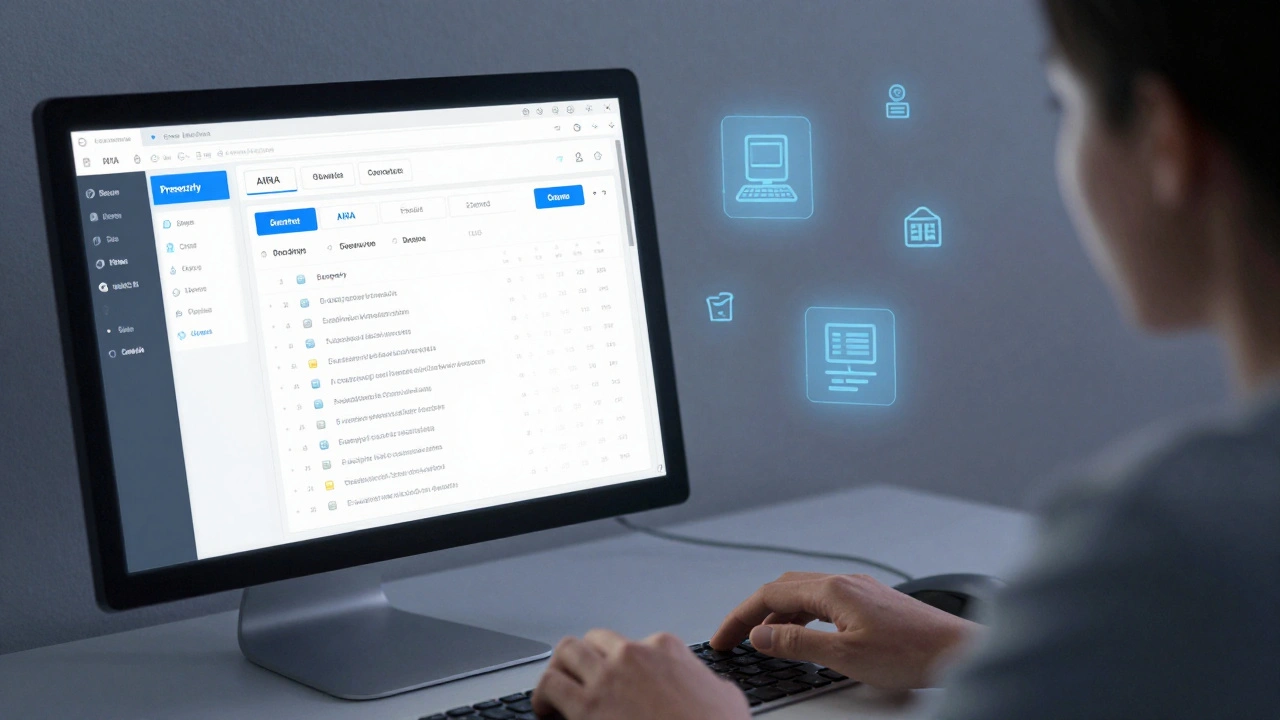
Wikipedia is one of the most visited websites in the world, built by millions of volunteers. But behind the scenes, not everyone has equal access to edit it. For editors with disabilities-whether visual, motor, cognitive, or hearing impairments-the experience of contributing can be frustrating, confusing, or even impossible without proper tools and support. The platform’s success depends on diverse voices, yet accessibility has often been an afterthought. This isn’t about charity. It’s about fairness. And it’s about fixing real barriers that stop people from sharing knowledge.
What accessibility problems do editors face?
Wikipedia’s interface was built for mouse clicks, keyboard shortcuts, and fast visual scanning. That works for many, but not all. A blind editor using a screen reader might struggle with complex table layouts or unlabeled buttons. Someone with carpal tunnel syndrome could find the repetitive typing and clicking in article edits physically painful. An editor with dyslexia may get lost in dense paragraphs without proper contrast or text-to-speech support. And for those with cognitive disabilities, the flood of policies, templates, and community jargon can feel overwhelming.
A 2023 survey by the Wikimedia Foundation found that nearly 30% of editors who identified as having a disability reported having abandoned edits because the tools didn’t work for them. One editor with low vision said they spent over an hour trying to format a citation because the visual cues for previewing changes were invisible to their screen reader. Another, who uses voice input software, couldn’t navigate the edit summary field because it required manual focus clicks. These aren’t edge cases. They’re everyday roadblocks.
How Wikipedia’s editing tools fall short
The VisualEditor, introduced in 2013 to make editing easier, was meant to replace the messy wikitext interface. But it didn’t fix accessibility-it added new problems. Screen readers often announce the wrong element when navigating through the editor. Buttons lack proper ARIA labels. Keyboard navigation skips critical fields. Even the simple “Save page” button can be unreachable if it’s buried under layers of floating menus.
Wikitext, the old editing mode, is still used by many experienced editors. But it’s unforgiving. A single misplaced bracket can break an entire page. For someone with motor impairments, correcting these errors takes multiple attempts. For someone with anxiety or ADHD, the fear of breaking something can be paralyzing. And there’s no built-in spellcheck or grammar help. No auto-correction. No text-to-speech preview. No way to slow down the editing flow.
Tools like the Mobile App and the newer “Edit with AI” features have been rolled out without accessibility testing. One editor with a hand tremor described trying to tap the “Save” button on their phone only to accidentally trigger the “Cancel” button five times in a row. No option to increase tap sensitivity. No delay before actions execute. No way to undo a misclick without losing all progress.
What’s being done to fix it?
Change is happening-but slowly. The Wikimedia Accessibility Team, made up of volunteers and staff including editors with disabilities, has been pushing for improvements since 2018. They’ve released guidelines for accessible editing, trained community members, and worked with developers to fix high-priority bugs.
One major win: in 2024, the VisualEditor gained full keyboard navigation support. Editors can now tab through all fields, use arrow keys to move within text, and trigger actions with Enter or Space. Screen reader compatibility improved too. Labels now correctly describe buttons like “Insert citation” or “Add reference.”
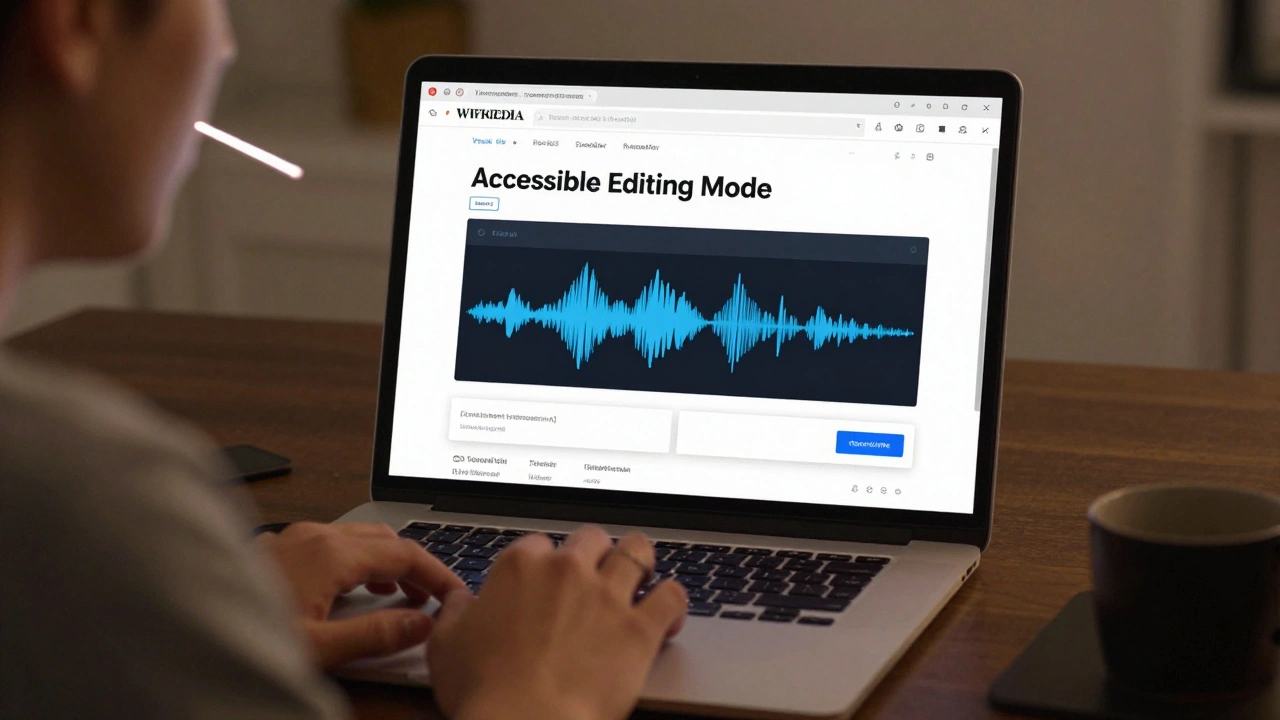
Another step: the “Accessible Editing Mode” beta, launched in late 2024, offers a simplified interface. It removes clutter, increases contrast, allows font resizing without breaking layout, and includes a built-in text-to-speech player. It also has a “slow edit” mode that delays auto-save actions, giving users time to review changes before committing.
Wikipedia now supports screen reader-friendly templates. For example, infoboxes can be toggled to a linear, list-based format instead of a grid. Tables have been restructured to include headers that screen readers can announce. Even the talk pages-the chaotic discussion areas-now have a “readable mode” that strips away formatting and highlights replies by user.
Real tools that help editors with disabilities
Wikipedia doesn’t have to do everything alone. Many editors use third-party tools to get around limitations:
- NVDA and JAWS are free screen readers that work with Wikipedia when properly configured. Many editors share custom scripts to improve navigation.
- Dragon NaturallySpeaking lets voice users dictate edits. With some setup, it can navigate Wikipedia’s interface using voice commands like “Click Save” or “Go to References.”
- OpenDyslexic font extensions for browsers help editors with dyslexia read text more clearly. Some use browser plugins that apply it site-wide.
- ChromeVox on Chromebooks has improved Wikipedia compatibility, especially on mobile.
- Text-to-speech extensions like NaturalReader or Read Aloud let users hear articles and edits read aloud, catching errors they might miss visually.
These tools aren’t perfect. They require setup. They don’t always play nice with Wikipedia’s updates. But they’re lifelines. And they prove that accessibility isn’t about waiting for Wikipedia to fix everything-it’s about empowering editors to adapt.
How you can help make Wikipedia more inclusive
You don’t need to be a developer to make a difference. If you edit Wikipedia, you’re part of the solution.
- Use accessible formatting. Avoid tables for layout. Use headings properly. Add alt text to images. Don’t rely on color alone to convey meaning.
- Test edits with accessibility in mind. Try editing with only your keyboard. Turn off your monitor and use a screen reader. See where things break.
- Report bugs. Use the “Report a technical issue” link on any Wikipedia page. Tag it with “accessibility.” Even small fixes matter.
- Join the conversation. The Accessibility Meta page on Wikimedia is open to all. You don’t need to be disabled to contribute. Your perspective helps.
- Be patient and kind. Some editors take longer to make edits. Others use different tools. Don’t assume they’re careless. Assume they’re trying.
One editor with Parkinson’s started writing about medical conditions after years of struggling to edit. They now lead a monthly accessibility workshop for new contributors. “I didn’t fix Wikipedia,” they said. “I just kept trying. And others joined me.”
Why this matters beyond Wikipedia
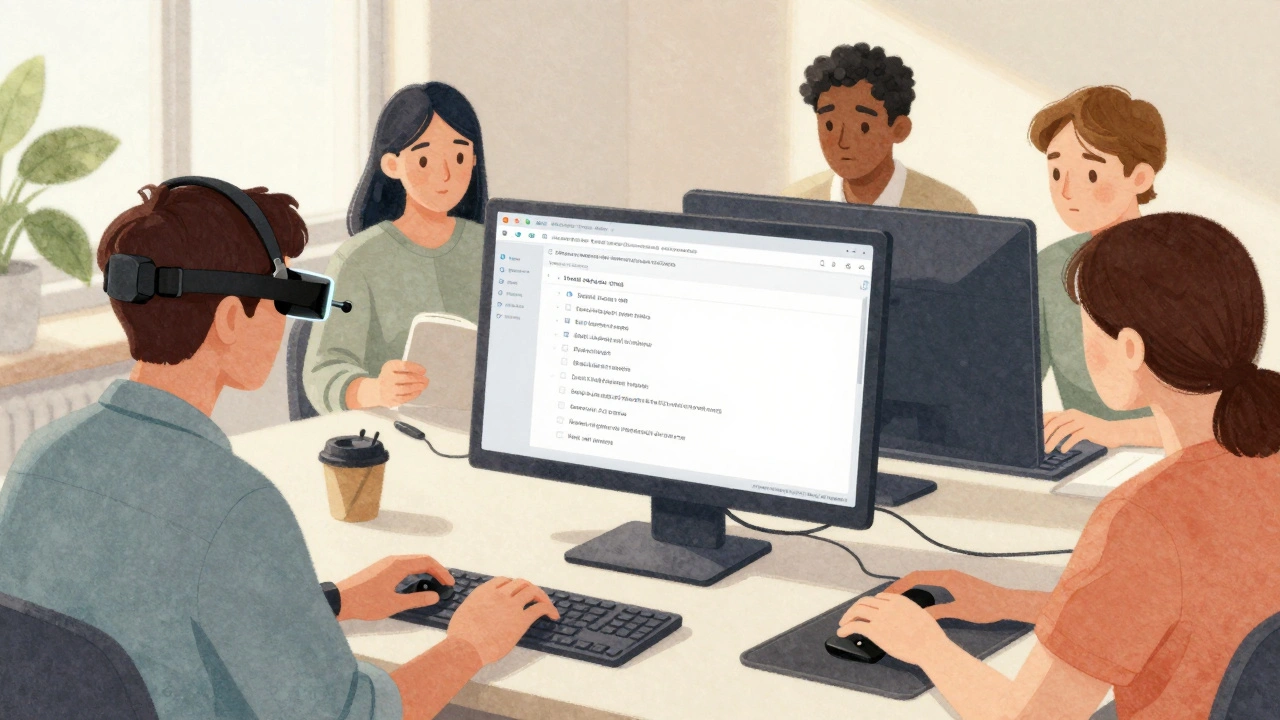
Wikipedia isn’t just a website. It’s a model. If a global platform with millions of users can’t make editing accessible, what hope is there for smaller sites? But if Wikipedia can get it right-by listening, testing, and adapting-it becomes a blueprint for the rest of the web.
Accessibility isn’t a feature. It’s a foundation. And when you build something with everyone in mind, it works better for everyone. Clearer headings help students. Keyboard navigation helps people using tablets. Text-to-speech helps non-native speakers. Simple layouts help older users. Inclusive design isn’t about helping a few-it’s about making the whole thing stronger.
Wikipedia’s mission is to give everyone free access to the sum of all human knowledge. That includes the people who help write it. If you can’t edit, you’re not just excluded from the process-you’re erased from the record. And that’s not knowledge. That’s silence.
Can I edit Wikipedia if I have a visual impairment?
Yes. Many blind and low-vision editors use screen readers like NVDA or JAWS with Wikipedia’s improved keyboard navigation and ARIA labels. The VisualEditor now announces buttons and fields correctly, and the “Accessible Editing Mode” beta offers high-contrast text and text-to-speech. You can also use browser extensions like OpenDyslexic or Read Aloud to help with reading. It takes practice, but it’s possible.
What if I have trouble using a mouse or keyboard?
You can use voice control software like Dragon NaturallySpeaking to navigate and edit Wikipedia. Some editors use adaptive switches, head trackers, or eye-tracking devices. The “Slow Edit” mode in the beta accessibility tool gives you more time between actions. You can also request help from the Wikipedia community-many experienced editors are happy to assist with formatting or editing.
Does Wikipedia have a spell checker or grammar help for editors with dyslexia?
Wikipedia doesn’t have a built-in spell checker, but you can use browser extensions like Grammarly or LanguageTool that work on Wikipedia pages. The “Accessible Editing Mode” includes a simplified interface that reduces distractions, which helps with focus. Some editors copy their text into a word processor first, check it there, then paste it back. You’re not alone-many editors with dyslexia use these workarounds successfully.
How do I report an accessibility issue on Wikipedia?
Click “Report a technical issue” at the bottom of any Wikipedia page. Be specific: mention what you were trying to do, what happened, and what device or software you’re using. Tag it with “accessibility.” You can also post on the Accessibility Meta page on Wikimedia. The team responds to reports, and many fixes come from user feedback.
Are there communities for disabled Wikipedia editors?
Yes. The Wikimedia Accessibility Team includes editors with disabilities who meet regularly. There’s also a dedicated Discord server and mailing list for disabled editors to share tips, tools, and support. You don’t need to be an expert-just show up. Many people start by asking one question, and end up becoming regular contributors.
What’s next for accessibility on Wikipedia?
The roadmap is clear: make editing tools as simple and flexible as possible. The goal is to let anyone contribute, no matter how they interact with technology. Future updates will include AI-powered text simplification, real-time voice-to-wikitext conversion, and customizable interfaces that adapt to user needs.
Wikipedia’s editors are its greatest strength. And that strength only grows when everyone can join. The tools are improving. The community is listening. And the changes aren’t theoretical-they’re happening now, one edit at a time.