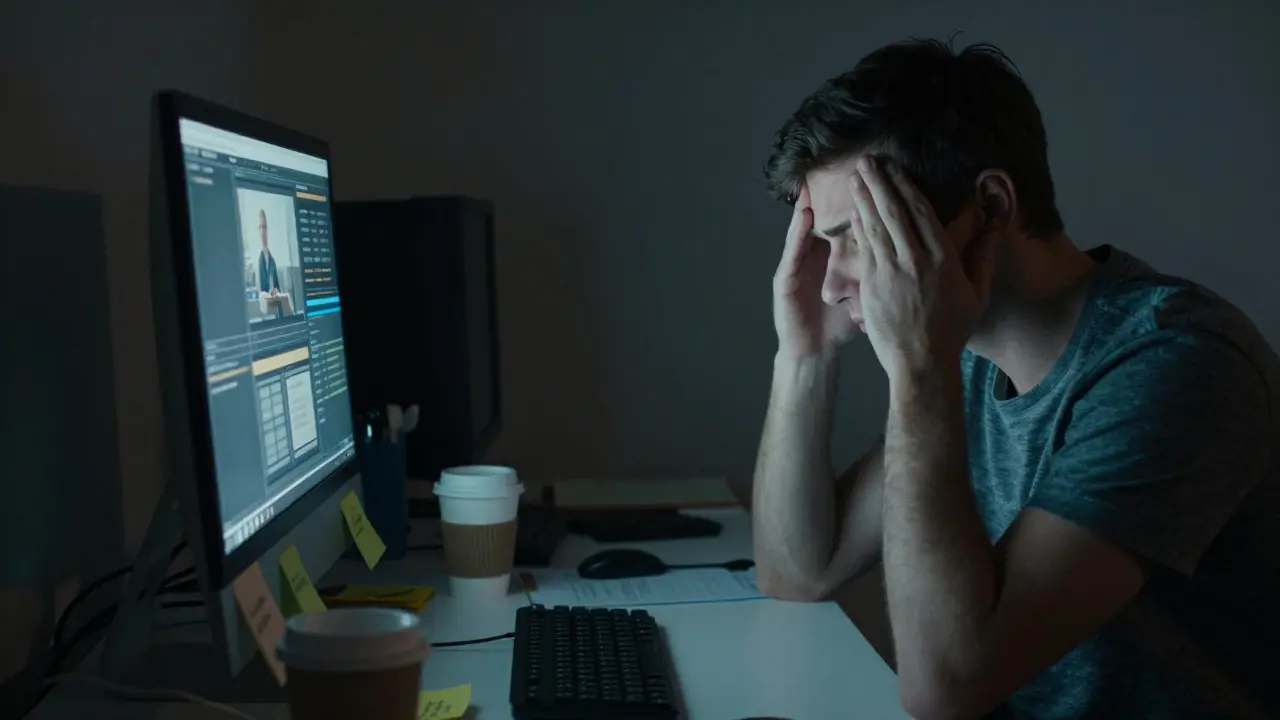
Imagine logging into a project you’ve loved for five years, only to find your inbox flooded with 400 unresolved disputes and zero time to write. This is the reality for many Wikipedia administrators is a group of trusted editors granted special technical tools to maintain the encyclopedia's integrity. While these roles are vital for keeping the site running smoothly, they come with a hidden cost: chronic stress and eventual departure. We call this admin burnout is the physical and emotional exhaustion experienced by long-serving volunteers due to excessive workload and lack of recognition. It’s not just about being tired; it’s about losing the joy that brought you to the project in the first place.
The problem isn’t new. As Wikipedia matures, the gap between the number of active admins and the volume of maintenance tasks grows wider. If we don’t address this, we risk losing the institutional memory and stability that keeps the encyclopedia reliable. But there is hope. By understanding the root causes and implementing structured support systems, communities can keep their best contributors engaged for decades, not just years.
Why Admins Burn Out: The Hidden Costs of Service
Burnout rarely happens overnight. It creeps in through small, unacknowledged burdens. For most admins, the role starts as a natural progression from editing articles to fixing broken links or protecting pages from vandalism. However, the scope quickly expands. You become the default person to handle copyright debates, complex user rights issues, and even interpersonal conflicts among other editors.
Three main factors drive this exhaustion:
- Workload Accumulation: Unlike paid jobs, admin duties have no cap. A single busy weekend can mean hundreds of actions. Without a team to share the load, one person often ends up doing the work of three.
- Lack of Feedback Loops: Editors get immediate satisfaction when an article improves. Admins often deal with negative interactions-complaints, accusations, and disputes. Positive feedback is rare, making the work feel thankless.
- Isolation: Many admins operate alone in their specific areas of expertise. If you’re the only one who understands how to manage certain technical templates, you have no backup. This creates a “bus factor” of one-if you step away, things break.
When these factors combine, motivation drops. Editors start seeing the wiki as a job rather than a hobby. They delay responding to messages. They avoid taking on new cases. Eventually, they resign their status, leaving behind a vacuum that takes months to fill.
The Ripple Effect: What Happens When Admins Leave
When a senior admin leaves, the impact ripples through the entire community. Newer editors lose access to experienced mentors. Disputes that used to be resolved quickly now drag on for weeks. The remaining admins pick up the slack, accelerating their own path to burnout. This creates a vicious cycle known as the attrition spiral is a self-reinforcing pattern where staff loss increases workload on remaining employees, leading to further departures.
Consider a typical scenario: An admin with ten years of experience handles 30% of all deletion discussions. When they leave, those discussions pile up. Other admins, already stretched thin, begin to miss deadlines. Users notice the delays and file complaints. The pressure mounts. Within six months, two more admins quit. The community loses not just labor, but the nuanced judgment that comes with experience. Younger admins, still learning the ropes, face difficult decisions without guidance, leading to inconsistent outcomes that erode trust in the process.
This instability affects readers too. When maintenance slows down, errors linger longer. Broken references stay broken. Vandalism persists. The quality of the encyclopedia dips, not because of bad faith, but because of operational fatigue.
Prevention Strategies: Building Sustainable Workflows
Preventing burnout requires shifting from a reactive model to a proactive one. Instead of waiting until someone is exhausted, communities should build structures that distribute workload evenly. Here are practical steps that have worked in other large volunteer organizations:
- Create Specialized Teams: Don’t let every admin do everything. Group admins by interest or expertise. Have a “Deletion Team,” a “User Rights Team,” and a “Technical Maintenance Team.” Rotate members periodically so no one stays in the same high-stress role indefinitely.
- Set Clear Boundaries: Establish norms around response times. Not every issue needs a reply within an hour. Define what constitutes an emergency versus a routine task. This reduces the psychological pressure of constant availability.
- Implement Regular Check-ins: Schedule monthly informal meetings where admins can discuss workload balance. These aren’t formal audits; they’re conversations. Ask simple questions: “Are you feeling overwhelmed?” “Do you need help with this specific case?”
- Celebrate Small Wins: Publicly acknowledge admin contributions. Highlight successful dispute resolutions or technical fixes in community newsletters. Recognition is a powerful antidote to the “thankless job” syndrome.
These strategies require commitment, but they pay off. Communities that implement them report higher retention rates and lower stress levels among core maintainers.

Succession Planning: Ensuring Continuity
Even with the best prevention efforts, people will eventually move on. Life changes. Interests shift. That’s okay. The key is to ensure that knowledge doesn’t walk out the door with them. This is where succession planning is the process of identifying and developing internal talent to fill current and future leadership roles becomes critical.
Succession planning on Wikipedia looks different from corporate models. There are no HR departments or promotion ladders. Instead, it relies on mentorship and documentation. Here’s how to make it work:
- Mentor-Pairing Programs: Pair experienced admins with newer ones for a set period (e.g., six months). The mentor guides the mentee through complex cases, sharing not just technical skills but also judgment calls and conflict resolution techniques.
- Document Decision Frameworks: Create clear guidelines for common scenarios. If an admin has to make a decision, they should be able to reference a written standard rather than relying solely on personal intuition. This makes the role easier to learn and less dependent on any single individual.
- Cross-Training: Encourage admins to learn outside their comfort zones. If you usually handle deletions, try mediating a user dispute. This builds versatility and ensures that if one area of expertise is lost, others can step in.
- Exit Interviews: When an admin decides to step back, conduct a friendly exit conversation. Ask what worked, what didn’t, and what advice they’d give to their successor. Capture this information in a shared log.
By treating admin roles as transferable skills rather than personal identities, communities reduce the fear of loss. New admins feel supported, and departing admins feel confident that the project will thrive without them.
Comparison: Reactive vs. Proactive Management
To illustrate the difference, let’s compare two approaches to admin management. The table below highlights how each method impacts sustainability and community health.
| Factor | Reactive Approach | Proactive Approach |
|---|---|---|
| Workload Distribution | Uneven; based on individual availability | Even; based on team rotation and specialization |
| Knowledge Retention | Low; relies on individual memory | High; documented frameworks and mentorship |
| Stress Levels | High; unpredictable spikes in demand | Managed; predictable workflows and boundaries |
| Retention Rate | Low; high turnover after 1-2 years | High; sustained engagement over 5+ years |
| Community Trust | Variable; depends on individual consistency | Consistent; standardized processes build reliability |
The data is clear. Proactive management isn’t just nicer; it’s more effective. It turns a fragile system into a resilient one. It allows the community to grow without breaking under its own weight.

Practical Tools for Immediate Implementation
You don’t need a massive overhaul to start making changes. Small, consistent actions can yield significant results. Consider these immediate steps:
- Audit Your Current Load: Track how much time you spend on admin tasks for one week. Identify which tasks take the most time and whether they could be automated or delegated.
- Find a Mentor or Mentee: Reach out to a newer admin and offer guidance. Or, ask an experienced admin for advice on a tricky case. Building these relationships strengthens the whole network.
- Write Down Your Process: Pick one recurring task you handle regularly. Document the steps you take. Share it with the community. This single act can save hours for future admins.
- Schedule Downtime: Block out time in your calendar where you won’t check admin queues. Protect your mental space. Burnout prevention starts with respecting your limits.
These tools are simple, but their impact is profound. They shift the culture from one of individual heroism to collective responsibility. When everyone contributes to the system’s health, no single person carries the burden alone.
Frequently Asked Questions
How long does it take for admin burnout to develop?
Burnout typically develops over 6 to 18 months of continuous high-pressure service without adequate recovery periods. Early signs include procrastination, irritability, and a sense of detachment from the community. Recognizing these signs early is crucial for intervention.
What is the most effective way to prevent burnout in volunteer teams?
The most effective strategy is workload distribution combined with regular recognition. Creating specialized teams prevents any single person from becoming a bottleneck. Public acknowledgment of contributions boosts morale and reinforces the value of the work.
Does succession planning work in volunteer environments?
Yes, but it requires adaptation. Unlike corporate settings, volunteer succession relies on mentorship and documentation rather than formal promotions. Pairing experienced volunteers with newcomers and creating clear procedural guides are the most successful methods.
How can I tell if my community is at risk of attrition?
Look for warning signs like increasing response times, fewer new admins joining, and rising tension in discussion forums. If the same few names appear in every major dispute resolution, your community is likely over-relying on a small group, which is a high-risk indicator.
What role does documentation play in reducing burnout?
Documentation reduces cognitive load. When procedures are written down, admins don’t have to rely on memory for every decision. This makes the role less intimidating for new participants and allows experienced admins to focus on complex, non-routine issues rather than repetitive tasks.