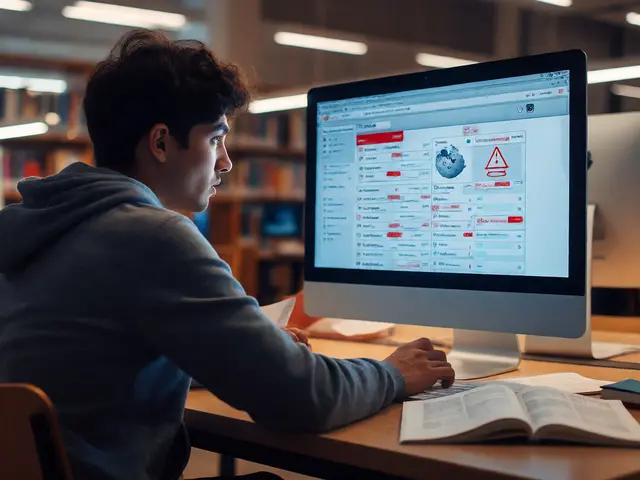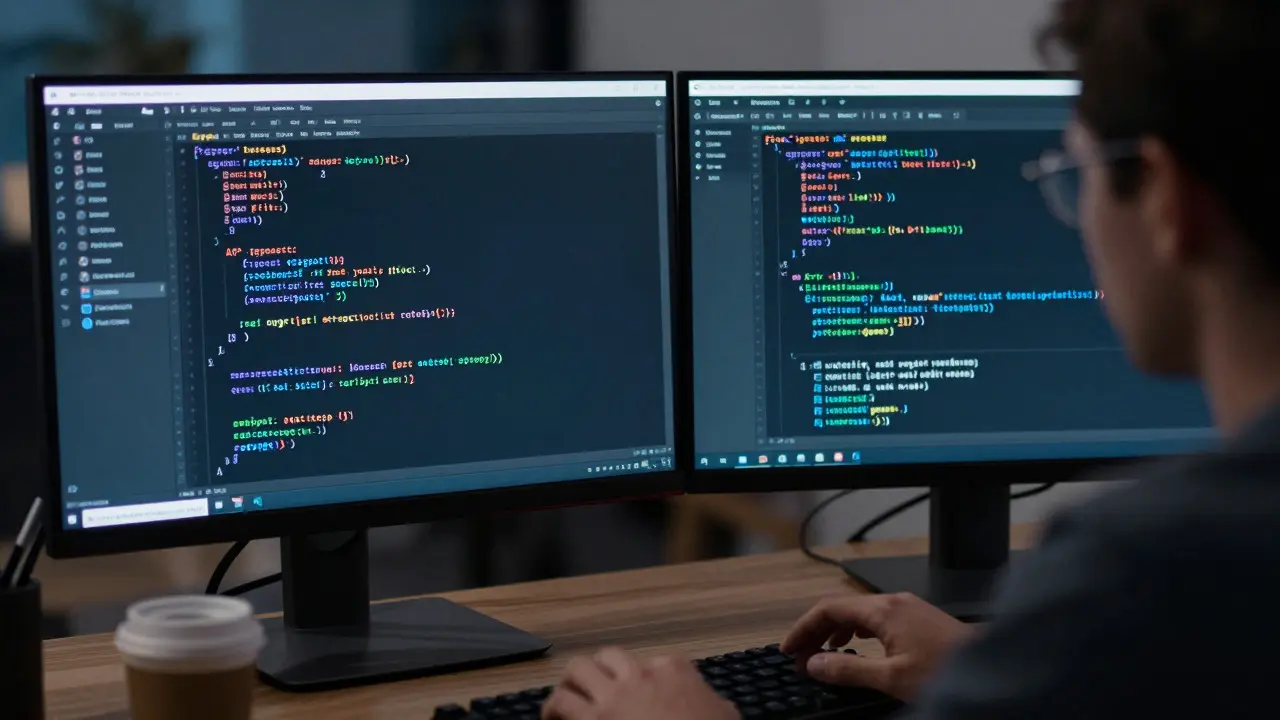
Imagine a script that quietly edits thousands of articles overnight. If it works, you save weeks of manual labor. If it breaks, you create a mess that takes days to clean up. This is the daily reality for maintainers of Wikipedia bots is automated scripts that interact with the MediaWiki engine to perform repetitive tasks like fixing links or categorizing pages. The difference between a helpful tool and a site-breaking disaster often comes down to two things: rigorous code review and solid security practices.
Many contributors assume that because Wikipedia is open source, everything is safe by default. That’s a dangerous myth. Bots run with elevated privileges. They bypass rate limits. They touch core data structures. A single unvalidated input can trigger a cascade of bad edits. In this guide, we’ll walk through how to audit these tools properly, secure your credentials, and ensure your automation doesn’t become a liability.
Why Standard Code Reviews Fall Short for Bots
A standard web application review looks for SQL injection or cross-site scripting. Bot reviews need a different lens. You aren't just checking if the code runs; you're checking if it behaves predictably under load and edge cases. The primary risk isn't a hacker breaking in-it's a logic error causing unintended side effects on live encyclopedia pages.
When reviewing a bot, focus on three critical areas:
- Idempotency: Does running the bot twice cause double-edits? A good bot checks if a change has already been made before applying it.
- Rate Limiting: Does the script respect the MediaWiki API is the interface that allows external programs to communicate with Wikipedia servers using HTTP requests. limits? Hitting the server too fast triggers IP bans, which halts all work.
- Error Handling: What happens when an API call times out? Does the bot retry indefinitely, or does it log the failure and move on?
Look for hardcoded values. If a bot has a list of usernames or page titles hardcoded in the source code, it will break the moment those targets change. Use configuration files instead. This makes the tool reusable and easier to test without touching production data.
Securing Credentials Without Losing Access
The biggest security hole in most personal bots is credential management. Many editors store their API keys in plain text within the script file. If that file gets committed to a public repository, anyone can use your account to make edits. Worse, they can delete your bot status.
Here is how to handle secrets safely:
- Use Environment Variables: Store your API token in your system environment rather than the code. Python users should utilize the
os.environmodule or libraries likepython-dotenv. - Separate Read and Write Permissions: If a bot only needs to fetch data, don't give it write access. Use read-only tokens where possible to minimize the blast radius of a leak.
- Rotate Keys Regularly: Treat API tokens like passwords. Change them every six months or immediately if a team member leaves the project.
For larger teams, consider using a secret manager service. Even simple solutions like encrypted config files help prevent accidental exposure during code sharing sessions.
Testing Strategies: From Sandbox to Production
Never deploy a new bot directly to the main namespace. The cost of error is too high. Instead, follow a staged rollout process.
Stage 1: Local Dry Run Run the script locally against a mock API response. Verify that your parsing logic handles missing fields correctly. Check that your edit summaries are descriptive. A vague summary like "Bot fix" provides no context for reviewers.
Stage 2: Test Namespace
Deploy the bot to the User:YourName/Test space. Run it on a small subset of pages-maybe ten or twenty. Manually verify each edit. Did it change what you expected? Did it leave any formatting artifacts?
Stage 3: Staged Rollout Start with low-risk pages. Fixing typos in obscure categories is safer than reorganizing main article sections. Monitor the logs for 24 hours. If no issues arise, expand the scope gradually.
| Environment | Risk Level | Best For | Limitations |
|---|---|---|---|
| Local Mock | None | Logic verification, unit tests | Does not test network latency or API quirks |
| User Space | Low | Integration testing, format checks | Limited page count, no global impact |
| Sandbox Project | Medium | Full workflow simulation | Requires community coordination |
| Production (Staged) | High | Real-world performance monitoring | Errors affect live content |
Common Pitfalls in Bot Maintenance
Even well-reviewed bots degrade over time. The MediaWiki is the free software package that powers Wikipedia and other wikis, handling page rendering and user interaction. platform evolves. Templates change. API endpoints get deprecated. If you don't monitor your bot, it will eventually start making incorrect edits silently.
Watch out for these specific traps:
- Template Drift: If a bot relies on a specific template structure, and the community changes that template, the bot may fail to parse the page correctly. It might insert text in the wrong section or skip the page entirely.
- Timezone Bugs: Date-based bots often fail at midnight due to timezone mismatches between the server and the local machine. Always use UTC timestamps in your logic.
- Dependency Rot: If your bot uses third-party Python packages, keep them updated. Outdated libraries often contain security vulnerabilities that affect the entire runtime environment.
Set up automated alerts. If a bot fails to run for 24 hours, send yourself an email. Silence is not success; it’s often a sign of a broken dependency or a revoked token.
Community Standards and Best Practices
Wikipedia has a strong culture around transparency. Your bot should reflect that. Always include a clear link to the bot's source code in its description. Other editors should be able to see exactly what your tool does. This builds trust and invites peer review from people who might spot issues you missed.
Follow the principle of least surprise. If your bot renames categories, do it in a way that aligns with existing community consensus. Don't invent new naming conventions. Check the relevant WikiProject discussions first. If there is no consensus, propose one before coding the solution.
Finally, document your assumptions. If your bot assumes that all pages have a specific infobox, state that clearly in the README. Future maintainers will thank you when they try to adapt the tool for a different type of content.
Frequently Asked Questions
How often should I review my Wikipedia bot code?
Review your code after every major update to the MediaWiki API or any significant change in the templates your bot interacts with. Additionally, perform a full audit every six months to check for dependency updates and security patches.
What is the safest way to store API keys for a bot?
Use environment variables on the host machine or a dedicated secret management service. Avoid storing keys in plain text files that are committed to version control systems like Git. If you must use a file, ensure it is listed in .gitignore and encrypted at rest.
Can a bot accidentally lock out its own editor?
Yes, if the bot deletes the user's talk page or removes their permissions via a misconfigured admin action. To prevent this, add safety checks that exclude the bot owner's user pages from processing lists unless explicitly targeted.
Which programming language is best for writing Wikipedia bots?
Python is the most common choice due to its extensive library support for MediaWiki APIs, such as Pywikibot. JavaScript is also viable for browser-based tools, but Python offers better ecosystem support for long-running background processes.
How do I handle conflicts when a human edits a page while the bot is working?
Always fetch the latest revision ID before making an edit. If the revision ID has changed since you last checked, refetch the content and re-evaluate whether the edit is still necessary. This prevents overwriting human contributions.