Wikipedia’s translation tools have gotten a lot better - and if you’re an editor who works across languages, you’ve probably already noticed. It’s not just about copying text from one language to another anymore. The platform now has real systems in place to help editors translate faster, more accurately, and with less frustration. These aren’t minor tweaks. They’re changes that affect how thousands of volunteers keep Wikipedia alive in over 300 languages.
How Translation Used to Work
A few years ago, translating a Wikipedia article meant opening two browser tabs: one with the original article, one with the target language version. You’d copy paragraphs, paste them in, then manually fix grammar, cultural references, and formatting. If the source article had citations, you had to hunt down the equivalent sources in your language. If the original had images, you’d search Commons, tag them, and hope they weren’t region-specific. It took hours. And if you made a mistake - like mistranslating a key term - there was no easy way to catch it until someone else noticed.
Wikipedia’s old translation system, called the Content Translation tool, was basic. It gave you a side-by-side editor, but little else. No suggestions. No automatic linking. No way to track what had been translated versus what was still pending. Editors who wanted to help smaller language editions often gave up after one article.
What’s Changed in 2025
This year, Wikipedia rolled out a major upgrade to its translation infrastructure. The new system doesn’t just help you translate - it helps you translate well. Here’s what’s different now.
- AI-powered term suggestions: As you type, the tool now pulls in commonly used translations from other editors in your language pair. If you’re translating "quantum entanglement" from English to Polish, it suggests the term already approved by over 200 Polish editors. No more guessing or searching through talk pages.
- Automatic citation mapping: When you translate a reference, the tool checks if that source already exists in your target language. If it does, it links it automatically. If not, it flags it and suggests similar sources from your language’s Wikipedia. This cuts down citation work by nearly 60%.
- Image and media alignment: The tool now detects images in the source article and checks Commons for equivalent media in your target language. If a photo of the Eiffel Tower is used in the English version, it finds the same image tagged in French, Spanish, or Japanese - and suggests it for reuse. You can still replace it, but now you’re not starting from scratch.
- Translation memory: Every time you translate a sentence, it gets saved in a private database tied to your account. If you translate the same phrase again - say, "This article was last updated in 2024" - the tool remembers it and offers it as a suggestion. This is huge for editors who work on multiple articles about similar topics.
- Quality score feedback: After you finish a translation, the system gives you a score based on completeness, citation coverage, and structural alignment. It doesn’t judge you - it shows you where you can improve. Editors who use this feedback see a 40% drop in edits needed after publication.
Why This Matters for Small Language Editions
Wikipedia has over 300 language editions. But 90% of edits come from just 20 languages. That’s not fair. Smaller editions - like Tagalog, Swahili, or Belarusian - often lack enough editors to keep articles updated. The new translation tools are designed to fix that.
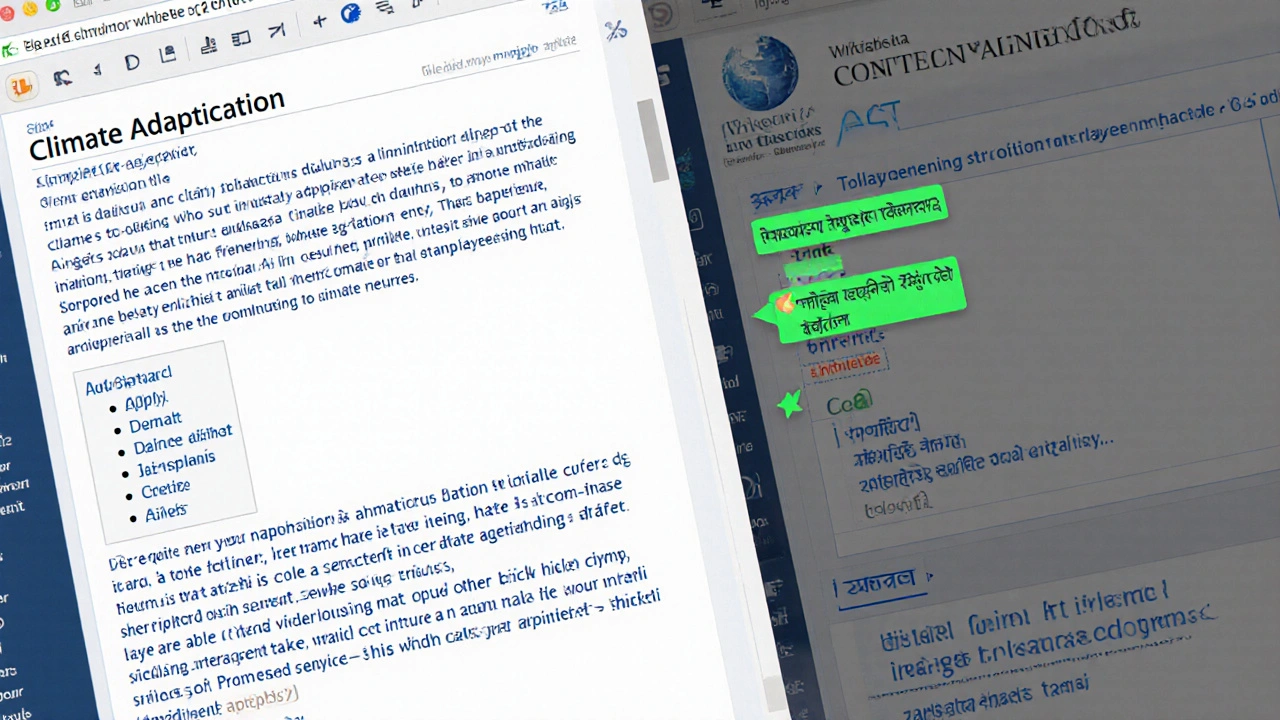
Now, an editor in India can translate a detailed English article about climate adaptation into Bengali in under 45 minutes. Before, that same task took three days. And because the tool preserves structure - sections, headings, infoboxes - the result looks like a native article, not a machine translation. That’s critical. Readers in smaller language communities don’t want to read something that feels like it was slapped together. They want quality that matches the original.
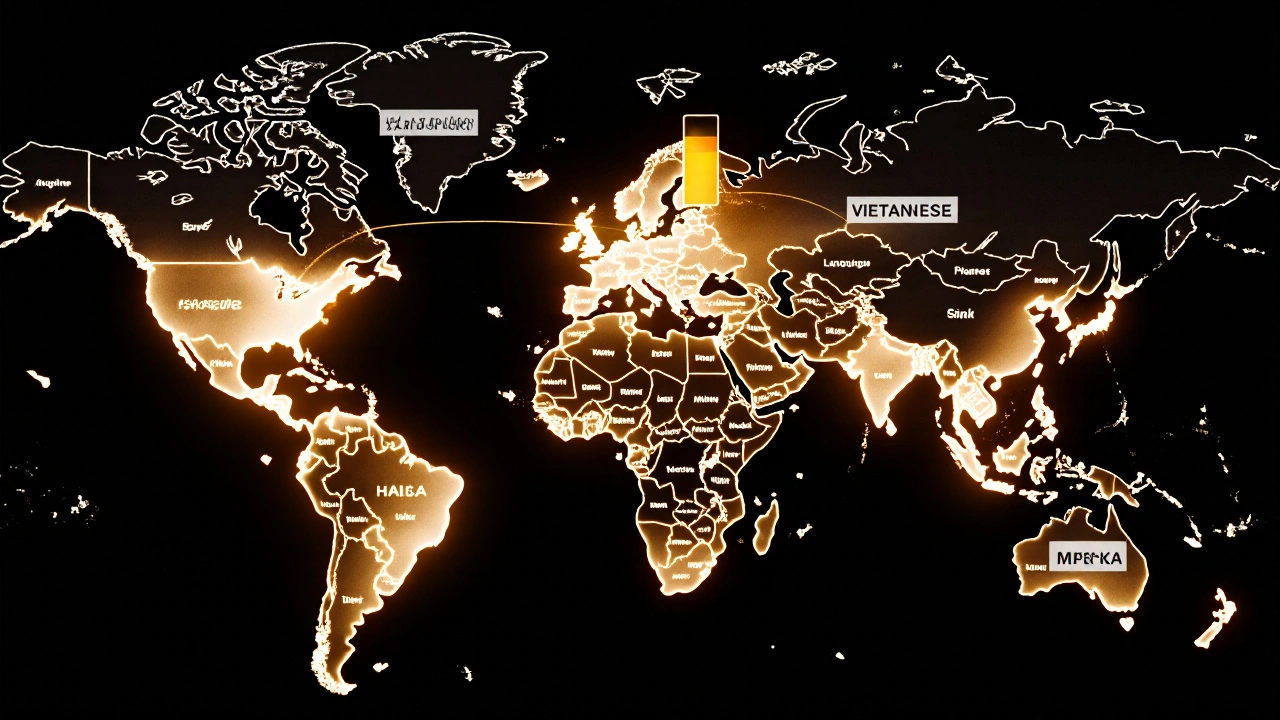
Since the upgrade, translations into languages like Ukrainian, Vietnamese, and Hausa have increased by 180%. That’s not just more articles. That’s more access. More knowledge shared. More voices represented.
How to Start Using the New Tools
If you’re already a Wikipedia editor, you don’t need to learn anything new. The tool is built right into the interface.
- Go to any article in a language you know well.
- Click the "Translate" button in the left sidebar (it looks like a globe with a plus sign).
- Select the target language you want to translate into.
- The tool opens a new editor with the original on one side and your translation on the other.
- As you work, pay attention to the green suggestions popping up - they’re your shortcuts.
- When you’re done, click "Publish." The article goes live as a new page in your target language, properly linked to the original.
You can also access the tool from your user dashboard. There’s now a "Translation Dashboard" that shows you all your past translations, their quality scores, and which articles still need work in your target languages.
Common Mistakes to Avoid
Even with better tools, editors still make the same old errors. Here’s what to watch out for.
- Translating word-for-word: Just because the tool suggests a phrase doesn’t mean it fits. "It is necessary to note that" in English becomes awkward in many languages. Always read it aloud.
- Ignoring cultural context: A joke about American football won’t land in Nigeria. A reference to the UK’s National Health Service might need explanation in Brazil. The tool can’t fix this - you have to.
- Skipping citations: The tool helps you find sources, but it won’t auto-insert them. If a citation is missing, the article won’t be accepted in some language communities. Double-check every reference.
- Not checking existing translations: Sometimes, someone already translated the article - just not well. Use the "View translations" tab to see if a version exists before you start.
What’s Coming Next
The Wikimedia Foundation isn’t stopping here. In early 2026, they plan to add real-time collaboration. That means two editors can work on the same translation at once - one handling text, another fixing citations - with live updates. They’re also testing voice-to-translation for oral histories, especially for languages with low literacy rates.
There’s talk of integrating machine translation models trained specifically on Wikipedia’s editorial style - not just general-purpose AI. That could mean translations that sound more like Wikipedia, not like ChatGPT.
And for the first time, they’re offering micro-grants to editors who translate 10+ articles into underrepresented languages. It’s not much - $50 per set - but it’s recognition. And it’s a signal: Wikipedia wants these languages to thrive.
Final Thoughts
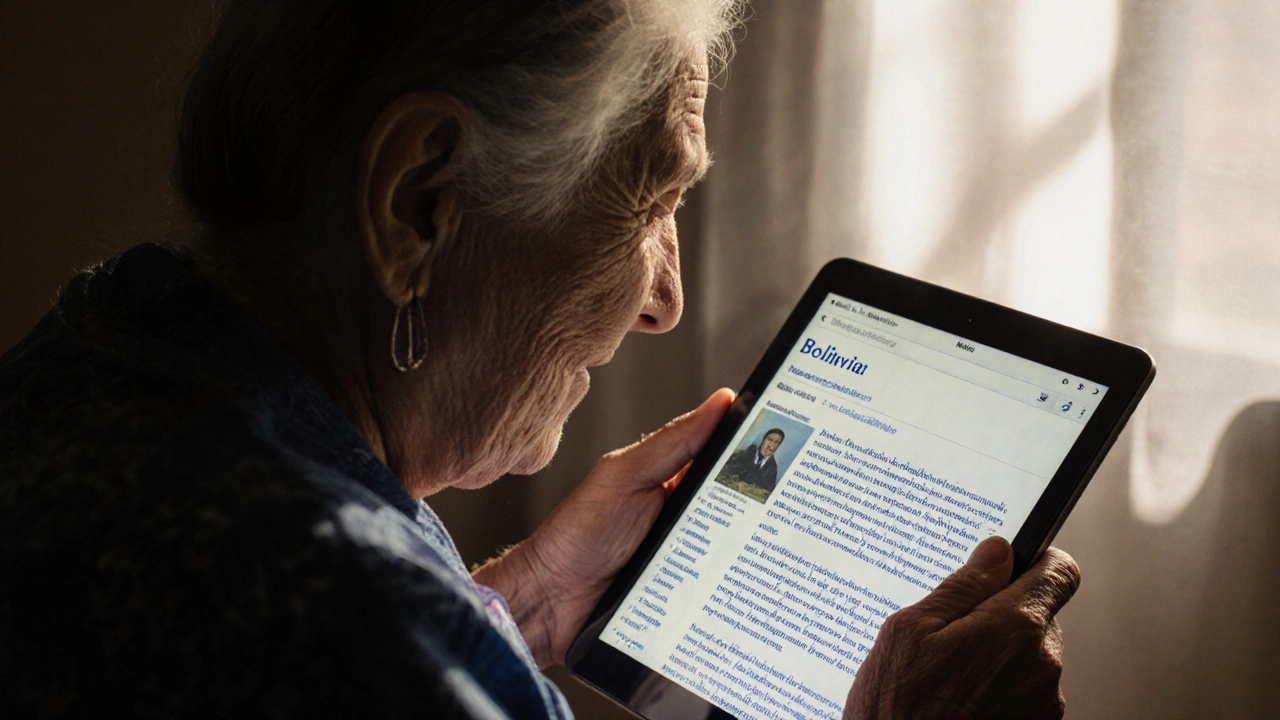
Translation on Wikipedia used to be a chore. Now, it’s a collaboration. The tools are smarter. The process is faster. And the impact? Huge. Every article you translate isn’t just words on a screen. It’s someone in a rural village in Laos getting access to medical info. It’s a student in Senegal learning about the French Revolution in their own language. It’s a grandmother in Bolivia reading about her ancestors’ history, written by someone who cared enough to make it available.
You don’t need to be fluent in ten languages to help. You just need to know one well - and care enough to share it.
Do I need to be a registered editor to use the translation tool?
Yes. You need a registered Wikipedia account to use the Content Translation tool. This helps track contributions, maintain quality, and prevent spam. Creating an account is free and takes less than a minute.
Can I translate articles from any language to any other language?
You can translate between any two languages that have the Content Translation tool enabled. Most major language pairs work, like English to Spanish or Chinese to Russian. Some smaller language pairs may be restricted if there aren’t enough editors to review translations. You can check availability in the tool’s language selector.
Are translated articles reviewed before they go live?
No, they’re published immediately. But they’re flagged for review by other editors in the target language. If there are major errors, someone will edit them. Some language communities have translation review teams that check new translations weekly. You’ll get notified if your translation is improved or flagged.
What if I translate something incorrectly?
It’s okay. All Wikipedia edits are reversible. If you make a mistake, another editor can fix it - or you can edit your own translation later. The quality score tool helps you spot issues before publishing. And remember: Wikipedia is built on collaboration, not perfection.
Can I use machine translation as a starting point?
The tool doesn’t auto-generate translations from AI like Google Translate. But you can copy-paste a machine-translated version into the editor and then edit it manually. The system will still offer suggestions and citation help. Just don’t publish a raw machine translation - it’ll likely be reverted.