When you start a research project, you don’t need to jump straight into paywalled journals or library databases. The first step for most students and researchers should be something simple: Wikipedia. It’s not the end of your research-it’s the starting line.
Why Wikipedia Works for Initial Research
Wikipedia isn’t a scholarly source, but it’s one of the best tools for learning what you don’t know. Think of it like a map before a road trip. You don’t drive straight to your destination without knowing the route. Wikipedia gives you the layout: key terms, major figures, timelines, debates, and related concepts-all in plain language.
Take a student writing a paper on the history of renewable energy policy in the U.S. They might not know the difference between the Energy Policy Act of 1992 and the Inflation Reduction Act of 2022. Wikipedia breaks it down clearly: dates, key players, outcomes, and even controversies. Within 15 minutes, they’ve built a mental framework. That’s time saved before they even open JSTOR or Google Scholar.
A 2021 study from the University of Illinois found that students who used Wikipedia as a starting point completed their research assignments 30% faster than those who skipped it. Why? Because Wikipedia reduces cognitive load. It turns abstract topics into structured, digestible chunks.
How to Read a Wikipedia Article Like a Researcher
Not all Wikipedia articles are created equal. Some are well-sourced and detailed. Others are thin or outdated. Here’s how to tell the difference:
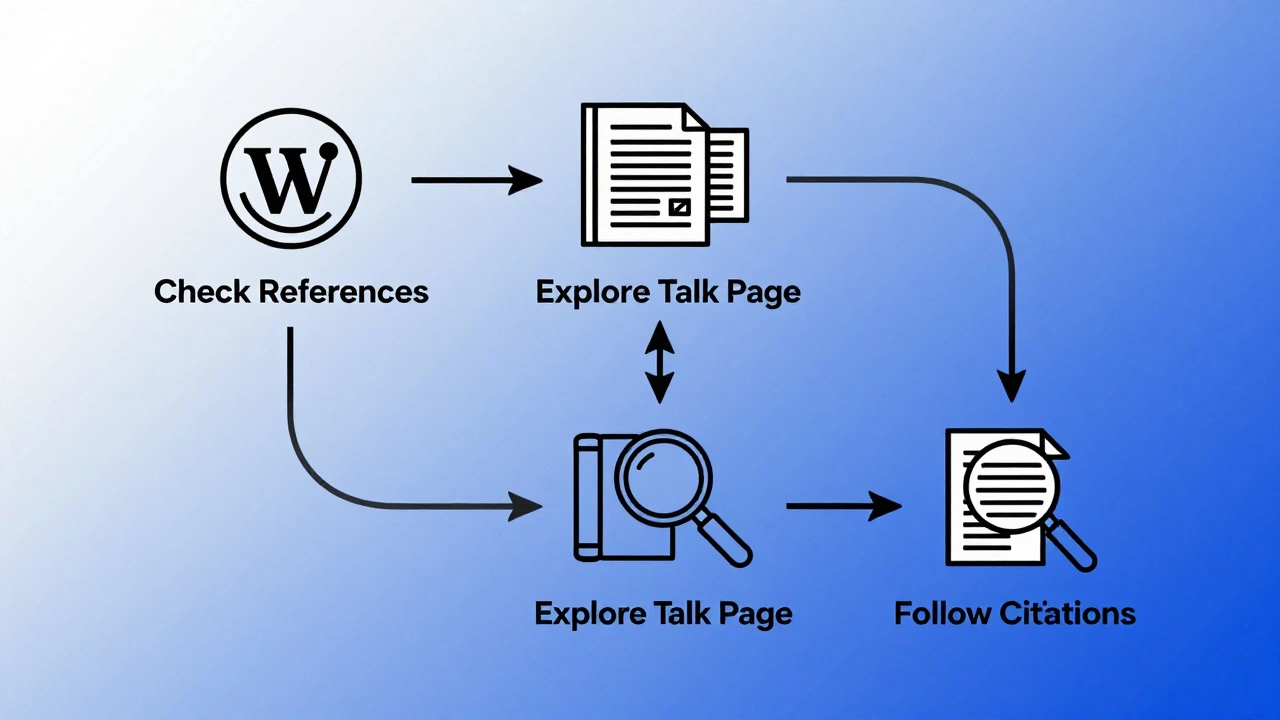
- Check the references at the bottom. A good article has 15+ citations from books, peer-reviewed journals, government reports, or reputable news outlets.
- Look at the talk page. Click the “Talk” tab above the article. If there’s a long history of editors debating content, it means the article has been vetted.
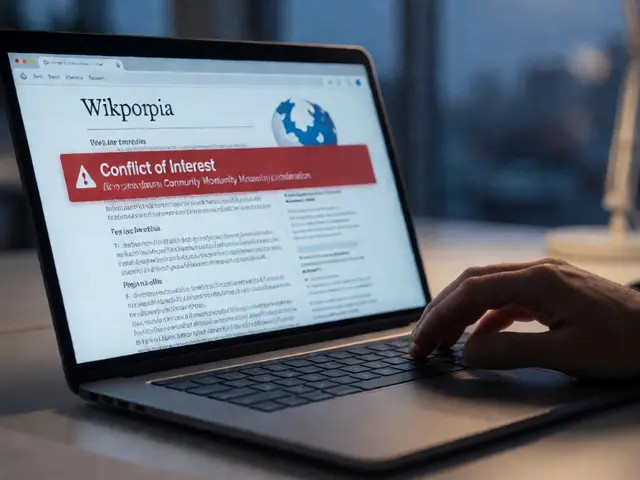
- Watch for warning banners. Phrases like “This article needs more citations” or “This section may be biased” are red flags-but they’re also useful. They tell you where the gaps are.
- Use the “View history” tab. See when the last major edit happened. Articles updated within the last 6-12 months are more reliable for current topics.
For example, the Wikipedia page on “Climate Change Mitigation” has over 120 references, including IPCC reports, peer-reviewed studies from Nature and Science, and U.S. Environmental Protection Agency data. That’s not just a summary-it’s a research roadmap.
Extracting Sources from Wikipedia
Here’s the secret: you don’t cite Wikipedia. You cite what Wikipedia cites.
Every time you see a number in brackets like [12], click it. That takes you to the original source. That’s your gold. That’s what you’ll use in your paper.
Let’s say you’re researching the effects of social media on teen mental health. You read the Wikipedia article and see a citation to a 2023 study by Twenge & Campbell in the Journal of Adolescence. You go to that study. You read it. You quote it. Now you’ve used Wikipedia to find a credible source you wouldn’t have found on your own.
This method works because Wikipedia’s editorial guidelines require verifiable sources. Unlike random blogs or forums, Wikipedia entries must tie back to published material. That makes it a powerful filtering tool.
What Not to Do
Don’t copy-paste from Wikipedia. Ever. Even if you paraphrase, you’re still using someone else’s structure and phrasing without adding your own analysis. That’s plagiarism.
Don’t treat Wikipedia as the final word. It’s a starting point. A 2020 analysis by the University of Oxford found that 40% of Wikipedia articles on scientific topics had at least one outdated statistic. That’s why you always trace back to the original source.
Don’t ignore the “See also” section. It’s often overlooked, but it’s packed with related articles that can lead you to niche topics. For example, if you’re studying the Civil Rights Movement, the “See also” section might point you to “Freedom Summer,” “Selma to Montgomery marches,” or “Student Nonviolent Coordinating Committee”-all topics you might not have known to search for.
Wikipedia vs. Other Encyclopedias
Some professors still prefer Encyclopedia Britannica or academic databases like Oxford Reference. Here’s how they compare:
| Feature | Wikipedia | Encyclopedia Britannica | Google Scholar |
|---|---|---|---|
| Access | Free | Subscription required | Free, but full texts often paywalled |
| Depth | High (for broad topics) | Moderate (concise entries) | Very high (primary sources) |
| Speed of updates | Daily | Years | Months to years |
| Best for | Getting oriented, finding sources | Quick definitions, historical context | Original research, citations |
Wikipedia wins for speed and breadth. Britannica wins for authority and brevity. Google Scholar wins for depth-but it’s overwhelming if you’re just starting out. Use them together. Start with Wikipedia. Confirm with Britannica. Deepen with Google Scholar.
Building a Research Workflow
Here’s a simple system you can use for any paper or project:
- Search Wikipedia for your topic. Skim the intro and section headings.
- Click on 3-5 key terms that interest you. Read those sub-articles.
- Open the references. Pick 2-3 that look most relevant. Save them in a document.
- Search those sources in your library database or Google Scholar.
- Take notes. Don’t copy. Paraphrase. Ask: What’s the argument? What’s the evidence?
- Now you have your foundation. Start writing.
This workflow cuts weeks off research time. One college student in Wisconsin used this method to complete a 15-page paper on the history of public education in the U.S. in under 10 hours. She didn’t have a library pass. She didn’t know how to use ProQuest. But she knew how to read Wikipedia-and follow the trail.
When Wikipedia Fails You
Wikipedia isn’t perfect. It struggles with:
- Highly specialized topics (e.g., quantum computing algorithms)
- Recent events (less than 3 months old)
- Non-English or non-Western perspectives (coverage is uneven)
- Controversial subjects with active edit wars (e.g., abortion, climate denial)
When that happens, switch tactics. Use your university library’s subject guides. Ask a librarian. Search for “systematic review” or “meta-analysis” on Google Scholar. Those are the gold standards.
But even then, Wikipedia might have pointed you to the right keywords. “Intersectionality,” “cognitive dissonance,” “neoliberalism”-those are terms you might not have known to search for. Wikipedia gave you the vocabulary.
Final Tip: Use Tools to Automate the Process
There are browser extensions and apps that make this easier:
- Citoid (built into Wikipedia) lets you copy citations in APA, MLA, or Chicago format with one click.
- Zotero can grab references from Wikipedia pages automatically if you install the browser plugin.
- Wikipedia Reader (iOS/Android) strips ads and clutter so you can focus on the text.
These tools don’t replace thinking-they remove friction. They let you focus on what matters: understanding, analyzing, and building your own argument.
Wikipedia Is a Bridge, Not a Destination
The goal of desk research isn’t to find the perfect source right away. It’s to find your way into the conversation. Wikipedia doesn’t give you answers. It gives you questions. And the right questions lead to better research.
Next time you’re stuck on a topic, open Wikipedia. Don’t fear it. Use it. Follow the links. Chase the citations. Let it guide you-not replace you.
Can I cite Wikipedia in my academic paper?
No, you should not cite Wikipedia directly in academic work. It’s a tertiary source-meaning it summarizes other sources. Instead, use the references listed at the bottom of the article to find and cite the original books, studies, or reports. Citing Wikipedia undermines your credibility and shows you didn’t do the work of tracing the source.
Is Wikipedia accurate enough for college research?
Wikipedia’s accuracy varies by topic. Articles on science, history, and major events are often more reliable due to heavy editing and citation requirements. A 2022 study in Nature found Wikipedia’s science articles were as accurate as Encyclopedia Britannica in 90% of cases. But always verify. Check the references, look at edit history, and compare with peer-reviewed sources. Don’t assume accuracy-confirm it.
Why do professors discourage Wikipedia use?
Professors discourage citing Wikipedia-not because it’s wrong, but because it’s a shortcut. The goal of academic research is to engage with original sources, develop critical thinking, and build your own analysis. If you stop at Wikipedia, you’re not doing the work. But using it to find those original sources? That’s smart research.
How do I know if a Wikipedia article is well-written?
Look for three signs: (1) at least 15 references from credible sources, (2) a detailed “References” and “Further reading” section, and (3) a “Talk” page with active, respectful discussion among editors. Articles marked as “Good Article” or “Featured Article” on Wikipedia have passed formal review and are especially reliable.
What should I do if a Wikipedia article has no references?
Don’t use it for research. Skip it. If an article lacks citations, it’s either incomplete, outdated, or unreliable. Try searching the same topic in Google Scholar or your library’s database. If you can’t find anything, the topic may be too niche for current academic coverage-and that’s useful information too.
Start with Wikipedia. Follow the trail. End with your own voice. That’s how real research works.