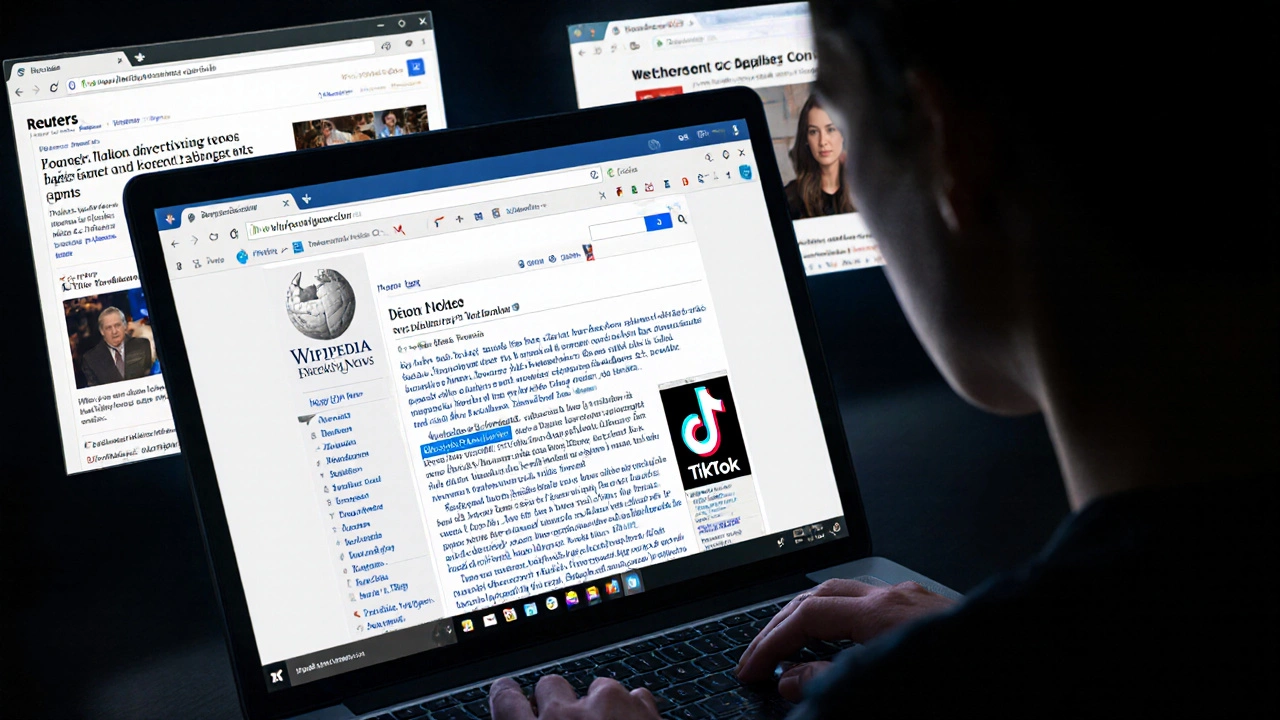
When a major event breaks-like a natural disaster, political resignation, or celebrity death-Wikipedia often updates faster than any news outlet. But that speed comes with a cost: half-baked edits, rumors, and outright lies can appear in minutes. You might check Wikipedia for the latest, only to walk away more confused than when you started. How do you know what’s real?
Wikipedia isn’t a news site, but it acts like one
Wikipedia’s rules say it shouldn’t report breaking news. It’s supposed to summarize well-established facts, not live-tweet events. But in practice, it does. During the 2023 earthquake in Turkey, Wikipedia pages for affected cities were edited over 1,200 times in the first hour. Some edits were accurate. Others claimed buildings were still standing when they’d collapsed. A few even invented rescue operations that never happened.
Why does this happen? Because anyone can edit. And during chaos, people rush to contribute-often without checking sources. Volunteers mean well. But they’re not journalists. They don’t have access to press releases or official statements. They’re reading tweets, watching YouTube clips, or quoting unverified blogs. And Wikipedia doesn’t stop them.
Look for the citation markers, not the headline
The best way to verify information on Wikipedia during breaking events is to ignore the summary and go straight to the references. Every claim should have a small number in brackets, like [1]. Click those. If the link leads to a news article from Reuters, AP, BBC, or a government agency, it’s likely trustworthy. If it points to a blog, a Reddit thread, or a Facebook post? Treat it like gossip.
Here’s a real example: In April 2024, rumors spread that the U.S. President had resigned. Wikipedia briefly had a sentence saying so, citing a viral TikTok video. But the citation was removed within 17 minutes by an editor who found no credible source. The headline stayed up for longer, though. That’s the problem. The headline grabs attention. The citation tells the truth.
Always check: Is there more than one source? Are they reputable? Are they recent? If the only source is a tweet from someone with 47 followers, it’s not reliable-even if it’s on Wikipedia.
Check the edit history and talk pages
Every Wikipedia page has an “Edit history” tab. Click it. Look for patterns. Did five edits happen in the last 10 minutes? That’s a red flag. Did the same user make three changes in a row, each adding more dramatic language? That’s a warning.
Also check the “Talk” page. That’s where editors debate what belongs on the article. During the 2023 Israel-Hamas conflict, the Wikipedia page for Gaza had a talk page with over 300 comments in 48 hours. Editors were arguing over which casualty numbers were verified, which sources were biased, and whether certain events had been confirmed by the UN. Reading those discussions gave a clearer picture than the article itself.
Don’t skip the talk page. It’s where the truth gets sorted out-not the article headline.
Watch for “citation needed” tags
If you see a sentence like “Over 10,000 people have been evacuated,” followed by citation needed, that’s Wikipedia’s way of saying: “We don’t know if this is true.” Don’t ignore it. Treat every claim with that tag as unverified-even if it’s bolded or in a box.
During the 2024 California wildfires, a Wikipedia article claimed a town had been “completely destroyed.” The sentence had a citation needed tag. But it was still the first thing people saw. By the time editors added a verified source from the state fire department, the misinformation had already been shared 12,000 times on social media.
That tag is your safety net. If you don’t see it, great. If you do, assume the claim is unconfirmed until proven otherwise.
Compare with trusted news sources
Wikipedia doesn’t exist in a vacuum. Use it as a starting point, not an endpoint. When something major happens, open three tabs: Wikipedia, Reuters, and AP News. Compare the details.
Here’s what usually happens:
- Wikipedia: “President X has resigned.” (No source)
- Reuters: “President X has not commented. White House denies reports of resignation.”
- AP News: “False rumors of resignation spreading online. Officials confirm no resignation.”
Wikipedia might be wrong. Reuters and AP are far more likely to be right. They have fact-checkers, legal teams, and sourcing standards. Wikipedia has volunteers with internet access.
Don’t trust Wikipedia because it’s popular. Trust it because it’s backed by solid reporting. If the news sites don’t confirm it, neither should you.
Use Wikipedia’s own tools
Wikipedia has built-in tools to help you spot unreliable edits. Look for the “Page semi-protected” banner. That means only experienced editors can change the page. That’s a good sign.
Also look for the “Reliable sources” notice. It appears on pages about breaking events and lists trusted outlets like BBC, CNN, The Guardian, and AFP. If an edit cites a source not on that list, it’s probably not valid.
And don’t forget the “View history” filter. You can sort edits by “newest first” or “most disruptive.” Use the “most disruptive” filter to see edits that were quickly reverted. Those are the edits that got flagged as false or misleading.
These tools aren’t perfect-but they’re better than nothing.
Don’t trust the “latest update” timestamp
Wikipedia shows the time of the last edit. That doesn’t mean it’s accurate. It just means someone clicked “Save.” A quick, unverified edit can look more current than a carefully sourced one that took 45 minutes to write.
In 2023, a user edited the Wikipedia page for a major airline crash to say “all passengers survived.” The edit was made at 3:17 a.m. and looked like the latest update. But it was false. The correct version-confirmed by the airline and FAA-had been written hours earlier. It just didn’t have a recent timestamp.
Always check the content, not the clock.
What to do if you find false information
If you spot a clear falsehood on a breaking news page, don’t just scroll past. Edit it. But don’t just delete it. Add a citation from a trusted source. If you can’t find one, add “citation needed.”
Or, if you’re not comfortable editing, go to the Talk page and post: “This claim about X is unverified. Source Y says Z.” That’s how real corrections happen.
Wikipedia’s strength isn’t in being right the first time. It’s in being fixed quickly. The community works best when people help-not just consume.
Final rule: Assume it’s wrong until proven right
During breaking news, Wikipedia is a wild mix of truth, rumor, and noise. It’s useful-but dangerous if you treat it like gospel. The best approach is simple: assume everything is unverified until you see at least two credible sources backing it up.
Don’t rely on Wikipedia to tell you what’s happening. Use it to track what people think is happening. Then go to the real news sources to find out what’s actually happening.
Breaking news moves fast. But truth moves slower-and it’s worth the wait.
Can I trust Wikipedia during a breaking news event?
You can use Wikipedia as a starting point, but don’t trust it as a final source. Many edits during breaking news are unverified, rushed, or false. Always check citations, compare with trusted news outlets like Reuters or AP, and look for the "citation needed" tags. Wikipedia’s strength is correction over time-not instant accuracy.
Why does Wikipedia update so fast during crises?
Wikipedia updates fast because anyone can edit, and many people do-especially during major events. Volunteers want to help, but they often rely on social media, rumors, or unverified reports. There’s no editorial review process like in traditional newsrooms. Speed comes at the cost of accuracy, which is why checking sources is critical.
What should I do if I see false information on Wikipedia?
If you’re confident the information is false, edit the page to correct it with a reliable source. If you’re unsure, add a "citation needed" tag or leave a note on the article’s Talk page. Don’t just report it-help fix it. The Wikipedia community relies on users to keep content accurate.
Are Wikipedia’s "reliable sources" list trustworthy?
Yes. Wikipedia’s list of reliable sources includes major news organizations like BBC, AP, Reuters, The New York Times, and AFP. These outlets have editorial standards, fact-checking teams, and legal accountability. If a Wikipedia edit cites one of these, it’s far more likely to be accurate than one citing a blog, forum, or social media post.
How can I tell if a Wikipedia edit is legitimate?
Check the edit history: Are multiple experienced editors involved? Does the edit cite reputable sources? Is it backed by discussion on the Talk page? Legitimate edits are slow, sourced, and collaborative. Rushed edits with no references, especially from new or anonymous users, are often unreliable.