Ever tried to edit a Wikipedia article during a major outage and found the save button grayed out? Or maybe you hit a confusing error page that looked less like a helpful guide and more like a developer’s scratchpad. Behind those moments is a massive, complex machine working to keep one of the world’s most visited sites alive. Understanding how Wikipedia handles its technical hiccups reveals just how much engineering goes into keeping an open encyclopedia stable for millions of daily users.
The core of this system is not just about storing text; it’s about managing flow. When things go wrong, the goal isn’t always to fix the database instantly-it’s often to stop the bleeding so the site doesn’t crash completely. This involves a layered approach using caching layers, specific error handling protocols, and emergency read-only switches.
The Cache Layer: The First Line of Defense
Before your browser even talks to the main servers, it hits the cache. Varnish is a high-performance HTTP accelerator used by Wikimedia Foundation to serve cached content. Think of Varnish as a librarian who keeps the most popular books on the front table. If you ask for "Albert Einstein," you don’t wait for the archivist to dig through the basement stacks; you get the copy sitting right there.
This layer handles roughly 80% of all requests. When a page is requested, the system checks if a fresh copy exists in the cache. If it does, it serves that copy instantly. This reduces the load on the backend databases significantly. However, caches can expire or become stale. When this happens, the request falls through to the next layer, which is where things get interesting if the backend is struggling.
- TTL (Time-To-Live): Cached pages are kept for a specific duration, usually around 1 hour for dynamic content and longer for static assets.
- Purge Events: When an editor saves a change, a signal is sent to purge the old cached version, ensuring the next visitor sees the update.
- Hit Ratio: A healthy system maintains a high hit ratio, meaning most requests are answered without touching the database.
Error Pages: More Than Just a 404
We’ve all seen the standard "Page Not Found" error. But Wikipedia’s error handling is more nuanced because of its reliance on MediaWiki, the free and open-source wiki software engine behind Wikipedia. MediaWiki generates these errors dynamically based on server state.
When a user encounters an error, it’s rarely random. It’s a specific signal. For instance, a 503 Service Unavailable error might appear when the load balancer detects that too many requests are piling up. Instead of letting the queue grow until the server crashes, the system proactively shows a message saying, "Please try again later." This is a protective measure. It tells the user the site is busy, not broken, encouraging them to back off rather than refreshing frantically, which would make the problem worse.
There are also client-side errors. If your internet connection drops mid-load, you might see a partial page or a timeout message. These are distinct from server-side errors. The key difference is control: server-side errors are managed by Wikimedia engineers, while client-side errors depend on your local network. Understanding this distinction helps users know whether they should check their Wi-Fi or wait for the site to recover.
Read-Only Mode: The Emergency Brake
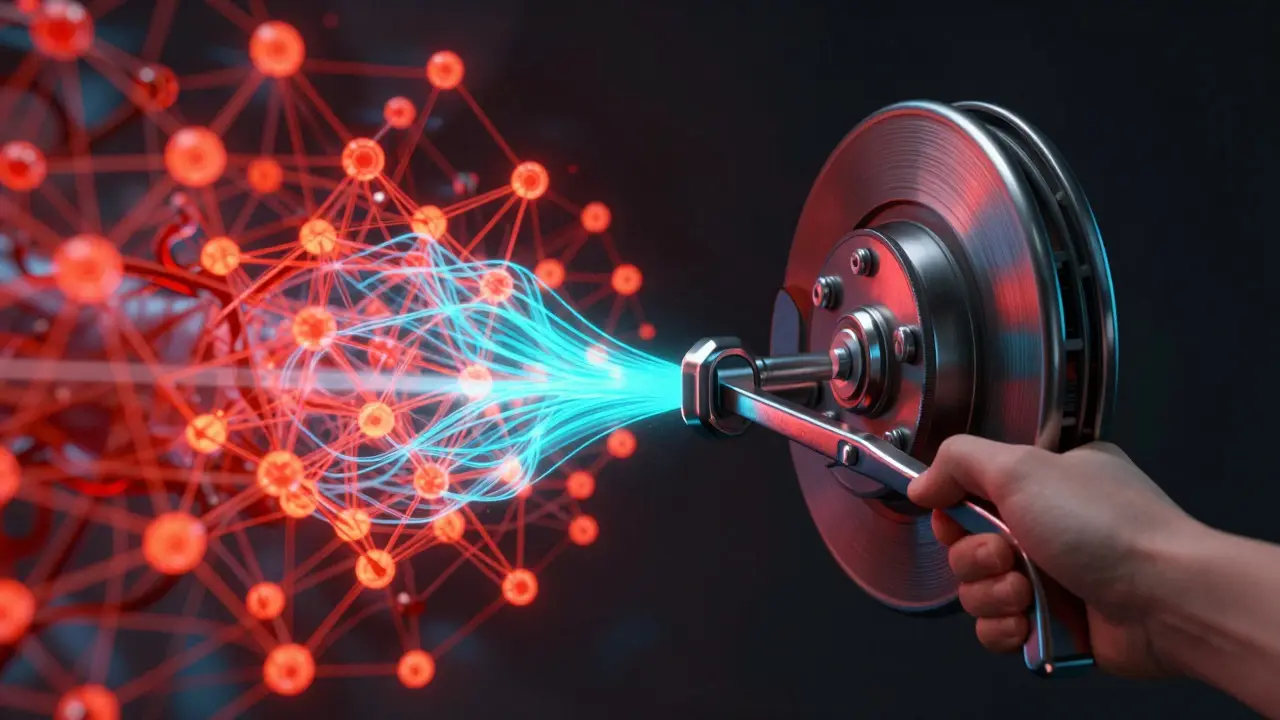
This is the scenario most editors fear. Read-only mode is not a bug; it’s a feature. It’s the emergency brake on the train. When the database cluster starts acting up-perhaps due to disk failure, replication lag, or heavy write loads-engineers can flip a switch that prevents any new edits from being saved.
Why do this? Because writing to a stressed database can cause corruption or slow down the entire system further. By making the site read-only, everyone can still view articles, but no one can save changes. This gives the database time to catch up with its replicas or allows engineers to perform maintenance without locking out readers entirely.
Here’s how it typically unfolds:
- Detection: Monitoring tools spot high latency or failed writes.
- Decision: Engineers assess if the issue will resolve quickly or requires intervention.
- Execution: A configuration flag is set across the global load balancers.
- Communication: A banner appears at the top of every page explaining the situation.
During read-only mode, the experience for readers remains seamless. You can browse, search, and click links. Only the "Save" action is blocked. For editors, it’s frustrating, but it’s temporary. Most read-only events last between 15 minutes and a few hours, depending on the severity of the underlying issue.
Infrastructure Components at Play
To understand why these modes exist, we need to look at the hardware and software stack. Wikipedia runs on a distributed system involving several key entities.
| Component | Function | Failure Impact |
|---|---|---|
| MySQL | Primary relational database storing article content | High risk of data loss or corruption if fails during write |
| PHP | Server-side scripting language running MediaWiki | Slows down page generation, causing timeouts |
| Load Balancer | Distributes incoming traffic across multiple servers | Bottlenecks traffic, leading to 503 errors |
| CDN | Content Delivery Network for static files (images, CSS) | Pages load slowly or images break |
How Users Can Navigate Technical Glitches
So, what should you do when you hit one of these walls? First, don’t panic-refresh. Refreshing a page during a cache miss or database lag just adds another request to the queue. Wait 30 seconds. Often, the cache repopulates, or the load balancer reroutes your traffic to a healthier server.
If you’re an editor and see the read-only banner, check the talk page or the project chat channels. Usually, experienced volunteers post updates there. Knowing that the site is intentionally paused helps prevent duplicate edits once the lock is lifted. When the site comes back online, there’s often a rush of edits. Be mindful of merge conflicts, as multiple people may have been trying to save the same section simultaneously before the freeze.
For persistent error pages, clearing your browser cache can help. Sometimes, your local browser holds onto an old version of a script or style sheet that conflicts with the current server state. A hard refresh (Ctrl+F5 or Cmd+Shift+R) forces your browser to fetch fresh assets, which can resolve weird layout issues or broken buttons.
Future-Proofing the Encyclopedia
Wikimedia Foundation constantly evolves its infrastructure. They move towards cloud-native solutions and improve monitoring tools to predict failures before they happen. The goal is to reduce the frequency of read-only modes and minimize the impact of error pages. As traffic grows, the complexity increases, but so does the sophistication of the management systems. The result is a platform that feels fragile to the casual observer but is actually engineered for resilience.