Ever clicked "View history" on a Wikipedia page and wondered what you're seeing? It’s not just a list of names and dates. That page is a living record of how knowledge gets built, broken, and fixed-often by strangers you’ll never meet. Every edit, big or small, leaves a trace. And those traces? They’re how Wikipedia stays accurate, even when it’s under attack.
What You See When You Click "View History"
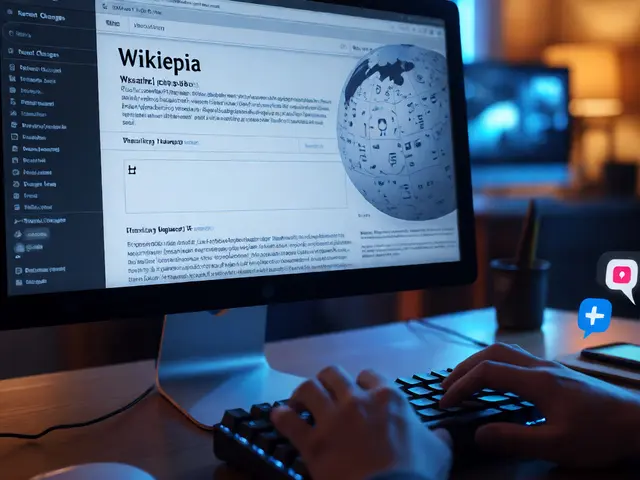
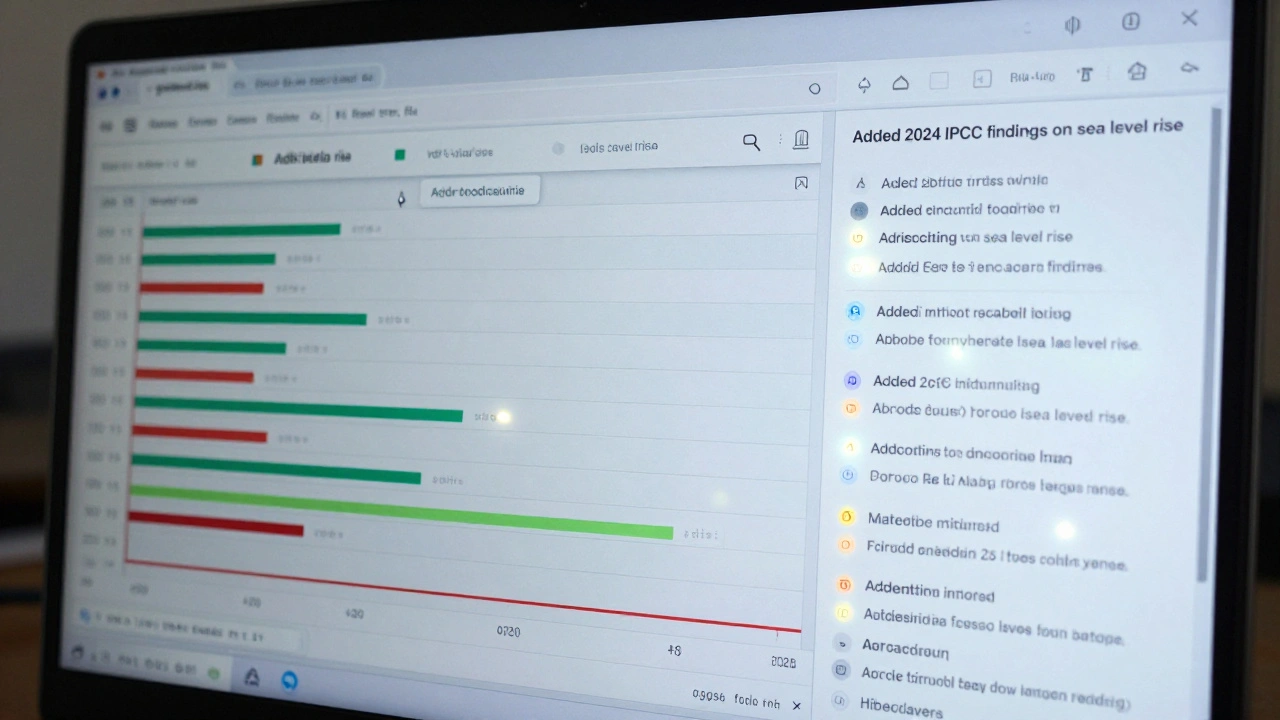
Clicking "View history" on any Wikipedia article opens a timeline of every change made to that page. Each entry shows the username (or IP address) of the editor, the exact time and date of the edit, and a short summary of what was changed. If someone fixed a typo, it might say "Corrected spelling of 'accommodate'." If someone added a whole paragraph about climate data, it could read "Added 2024 IPCC findings on sea level rise."
Each line is clickable. Click one, and you’ll see the exact version of the page as it existed at that moment. You can even compare two versions side by side. Changes appear in green (added) and red (deleted). Words, sentences, even punctuation-everything shows up. There’s no hiding here.
Why Edit Histories Matter More Than You Think
Wikipedia doesn’t have editors in the traditional sense. No publisher approves content before it goes live. Instead, it relies on transparency. If someone adds false information, someone else can spot it-and trace it back to the source. That’s the power of edit history.
Take the 2020 U.S. election. False claims about voter fraud spread fast. On Wikipedia, editors quickly reverted edits pushing misinformation. Because every change was logged, they could roll back to the last trusted version in seconds. The edit history became a tool for truth. Without it, Wikipedia would be just another forum.
It’s not just about fighting lies. Edit histories help new contributors learn. If you’re unsure how to format a citation, you can look at how others did it on similar pages. You can see which edits were accepted, which got flagged, and why. It’s open-source learning in real time.
How Revisions Are Rolled Back
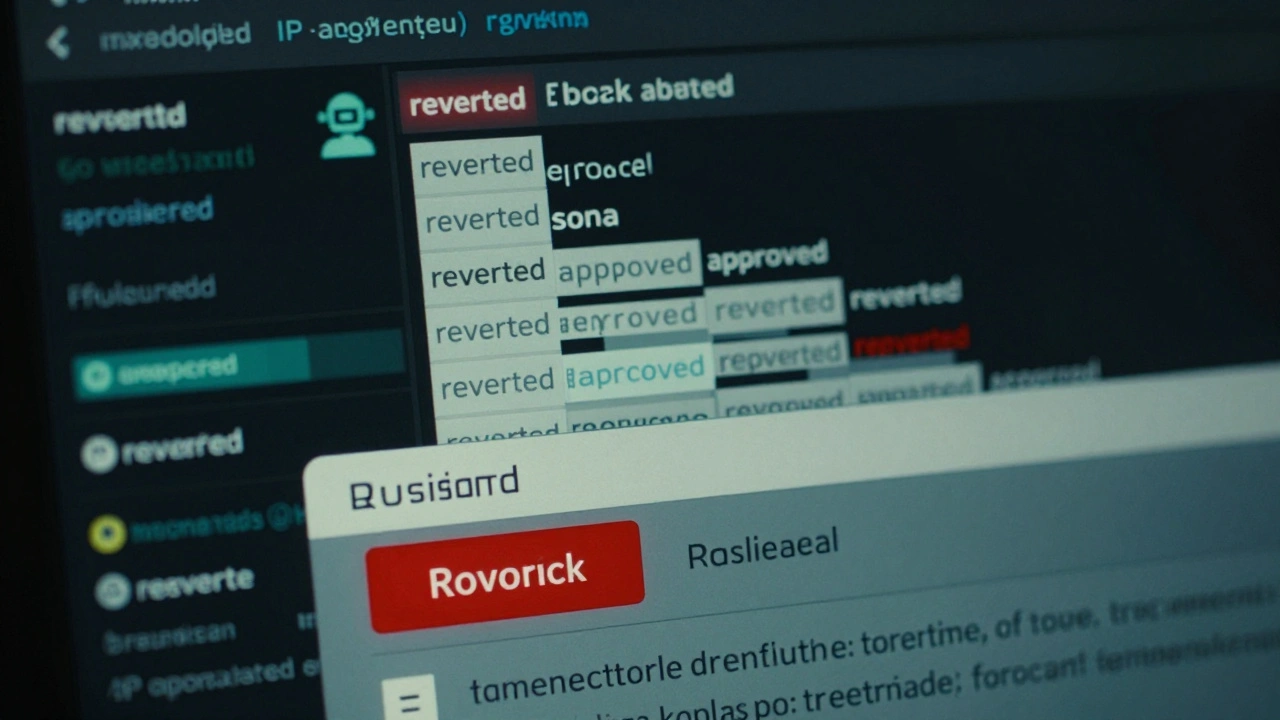
Not every edit is permanent. Wikipedia has a built-in undo button-but it’s not as simple as clicking "Back." When an edit is harmful-vandalism, bias, or just plain wrong-experienced editors use the "rollback" feature. One click, and the page reverts to the last version before the bad edit. The rollback is logged, and the vandal’s edit is marked as "reverted."
Rollbacks aren’t just for trolls. Sometimes, well-meaning editors make mistakes. A user might accidentally delete a whole section while trying to fix a link. Another editor can undo that, explain what happened in the edit summary, and restore the content. It’s not punishment-it’s collaboration.
Wikipedia doesn’t delete edits. Even the worst ones stay in the history. That’s intentional. It lets moderators spot patterns. If the same IP address keeps adding fake birthdates to celebrity pages, admins can block it. If a user keeps reverting edits without discussion, they might get a warning. The history is the evidence.
Who Makes These Edits?
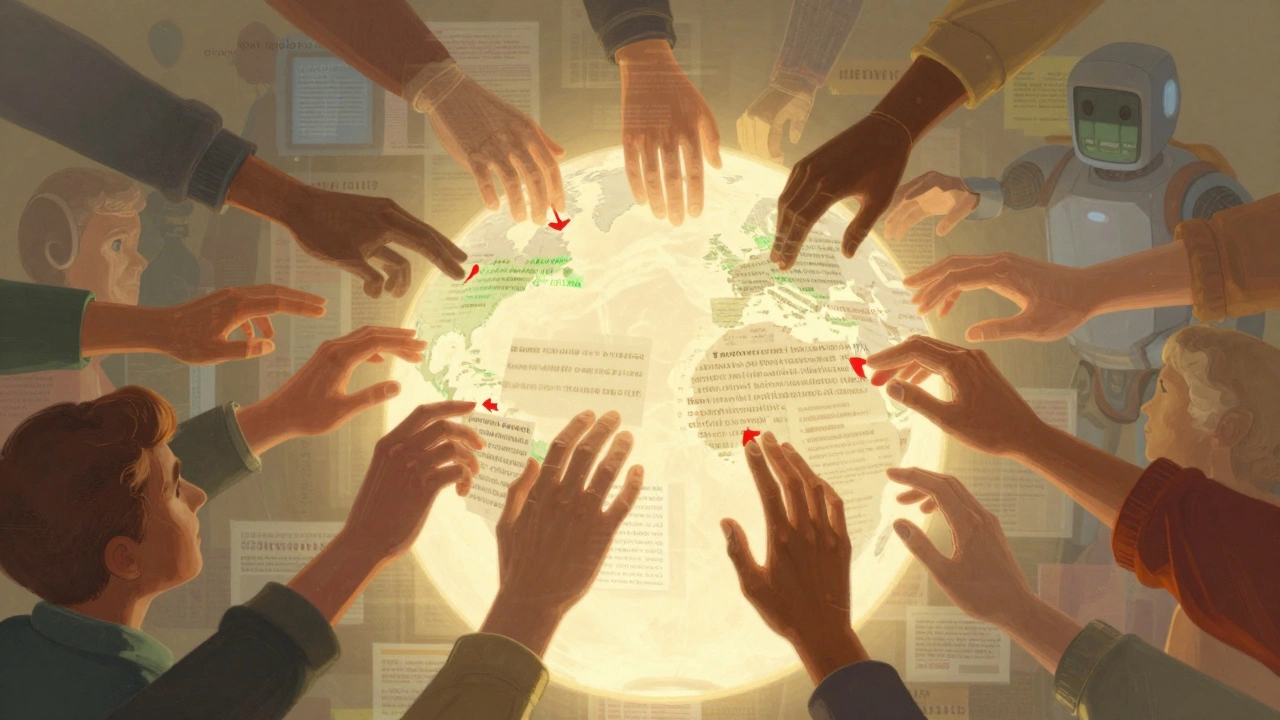
Most people think Wikipedia is run by experts. It’s not. The top 1% of editors make about 70% of all edits. But that 1%? They’re not professors or journalists. They’re volunteers-students, retirees, engineers, librarians-who care enough to fix typos, update stats, or add sources.
Behind the scenes, there are tools that track edit patterns. The Wikipedia Edit History can show if someone edits only during late-night hours, or if they only change pages about a single topic. Some bots automatically fix grammar or add citations. Others detect vandalism by comparing edits to known spam patterns.
Anonymous edits (from IP addresses) make up about 20% of all changes. Many are harmless-fixing a broken link, correcting a date. But they’re also the most common source of vandalism. That’s why Wikipedia has automated filters that flag edits with certain keywords (like "Trump is a lizard person") or that delete too much text too fast.
What Happens When Edits Are Disputed?
Not all edits are right or wrong. Sometimes, they’re just different opinions. That’s where the talk page comes in. Every article has a corresponding "Talk" tab. If two editors disagree on whether a fact should be included, they don’t fight on the article. They argue on the talk page. Edit history becomes their evidence trail.
For example, one editor adds a claim that "X company increased profits by 40% in 2023." Another removes it because the source is a blog, not a financial report. The first editor checks the edit history, finds the original source, and posts a link on the talk page. The second editor checks the source and agrees. The edit is restored. Everyone wins.
Wikipedia’s rules say: "Assume good faith." That means you start by believing the other person isn’t trying to break things. The edit history makes that possible. You can see their intent. Was it a mistake? A misunderstanding? Or something worse?
How to Use Edit History as a Research Tool
Want to know how a topic evolved? Check the edit history. The history of the "Climate Change" page, for example, shows how scientific consensus grew over time. Early edits in the 2000s added phrases like "some scientists believe." By 2015, those were replaced with "over 97% of climate scientists agree." The edit history tracks the shift in public understanding.
Journalists use it to verify sources. If a news outlet reports something as "widely accepted," they can check Wikipedia’s edit history to see if it’s actually backed by reliable sources. If the edit was made by a user with no history and no citations, that’s a red flag.
Students can use it to trace how a concept was taught. Look at the history of the "Photosynthesis" page. You’ll see how explanations changed from "plants make food from sunlight" to detailed chemical equations. That’s not just editing-it’s education in action.
What You Can’t Do With Edit History
It’s not perfect. You can’t see what someone was thinking when they made an edit. A user might have been angry, rushed, or misinformed. The history shows what changed-not why.
Also, some edits are hidden. If a user’s account was banned for abuse, their edits might be suppressed from public view. That’s rare, and only done by administrators after review. It’s not censorship-it’s protection. You still see the fact that something was changed, just not who did it.
And while edit history is public, it’s not searchable by keyword. You can’t search for all edits mentioning "AI" in 2024. You have to browse page by page. That’s a limitation, but it’s also what keeps the system manageable.
Why This System Still Works
Wikipedia has over 66 million articles. It’s edited by more than 100,000 people every month. Yet, it’s one of the most trusted sources of general knowledge on the internet. Why? Because the edit history makes accountability visible.
There’s no central authority. No editor-in-chief. No corporate policy. Just a system where every change is recorded, every edit is open, and every mistake can be fixed. That’s not magic. It’s design.
The edit history turns Wikipedia into a self-correcting machine. It doesn’t rely on perfection. It relies on participation. And as long as people keep watching, keeping track, and fixing things-it will keep working.
Can I see who edited a Wikipedia page anonymously?
Yes, but only as an IP address, not a name. Anonymous edits are logged with the user’s IP address, which shows their general location but not their identity. If an IP address is used for vandalism, administrators can block it. However, regular users can’t see personal details like names or emails. Wikipedia protects privacy unless there’s a serious violation.
Are all edits on Wikipedia permanent?
No. Most edits are temporary. Even vandalism gets reversed within minutes. The original edit stays in the history, but the live page reverts to the last good version. This is why Wikipedia doesn’t delete edits-it keeps them as evidence. The public page you see is always the most recent approved version, not the last one made.
How do I know if a Wikipedia edit is reliable?
Check the edit summary and the sources cited. Reliable edits include links to reputable publications, academic journals, or official reports. Avoid edits with vague summaries like "fixed" or "updated." Also, look at the editor’s history. Someone who’s made hundreds of edits across different topics is more likely to be trustworthy than someone who only edits one page.
Can I revert my own edit if I made a mistake?
Yes. If you’re logged in, go to the history page, find your edit, and click "undo." The system will revert it and give you a chance to write a summary explaining why. If you’re not logged in, you can still make a new edit to fix your mistake-just make sure your new edit clearly corrects the error.
Do bots make a lot of edits on Wikipedia?
Yes. Bots handle routine tasks like fixing broken links, standardizing dates, and adding citations. They make up about 15-20% of all edits. These bots are approved by the community and follow strict rules. They don’t make judgment calls-they just automate repetitive work. You can see which edits are bot-made because they’re labeled as such in the history.