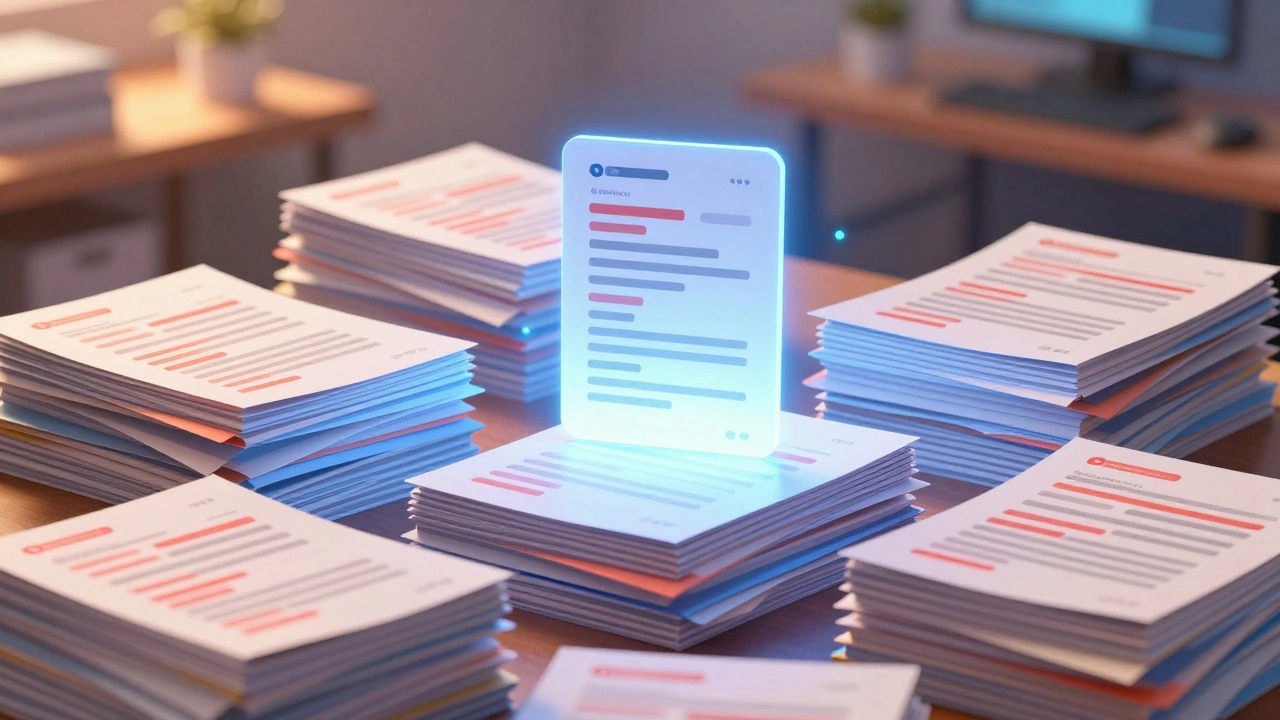
Imagine editing fifty pages every time you change a company name. You fix the header, save, move to the next page, fix the footer, save. It sounds exhausting, right? That was my reality before understanding the mechanics of wiki systems.
When you manage large collections of documentation, redundancy becomes your enemy. This is where Wiki Templatesare reusable blocks of code within a wiki system designed to insert standardized content into multiple pages become essential tools. They solve the problem of consistency without requiring manual updates everywhere.
What Are Wiki Templates Really?
In the world of MediaWikia free and open-source software package that runs some of the largest websites on the internet, templates look like normal text wrapped in double braces. If you see something like {{Start}}, you are looking at a template call. When the browser loads that page, the system swaps those brackets with the actual content stored in a separate file called Template:Start.
This separation allows you to update the Template:Start page once, and every single article referencing it instantly shows the new design. You aren't just saving copy-paste time; you are enforcing brand standards across an entire site structure.
The Mechanics of Transclusion
While templates are the containers, Transclusionthe process of including the content of one document into another dynamically is the action. Think of it as a magic link. Standard hyperlinks send you to a new URL. Transclusion brings the destination content directly onto the current page while keeping it linked to the source.
Why does this distinction matter for technical infrastructure? Because transclusion implies a live connection. If the source template changes, the target page updates on the next render. This creates a dynamic web of information rather than static islands. In complex environments like internal knowledge bases, this ensures that policy documents reflect real-time changes automatically.
Managing Parameters and Variables
Sometimes you need flexibility. A rigid template works fine for footers, but what about user profiles where names differ? You use parameters. Inside a template call, you define variables like {{UserBox|name=Leona|location=Madison}}
The system passes "Leona" to the parameter named "name" and "Madison" to "location." This allows one template definition to generate hundreds of unique instances. You can also nest these calls, which adds complexity but solves varied data needs without creating new code blocks for every scenario.
- Nominal parameters accept any text.
- Positional parameters rely on order.
- Conditional logic hides empty slots.

Performance and Parsing Challenges
Powerful features come with costs. Every time a page loads, the server has to fetch the template, resolve parameters, and merge it into the HTML. On high-traffic sites, this calculation adds load. The Parserthe engine responsible for converting wikitext into readable HTML handles this job. It caches the result to avoid recalculating unless the template itself changes.
If you edit a heavily used template, the cache clears for every page using it. In 2026, this still causes noticeable latency spikes during mass updates. To mitigate this, modern setups utilize Parsoida service that converts wikitext to DOM structures efficiently. It translates old parsing methods into cleaner web standards, speeding up rendering significantly compared to legacy PHP parsers.
Avoiding Recursion Traps
One common mistake happens when you accidentally tell a template to include itself. Imagine {{TemplateA}} includes {{TemplateB}} which includes {{TemplateA}} again. The parser gets stuck in a loop, consuming memory until the server crashes. Always trace your dependency tree before deploying new nested templates.
Use debugging tools provided by your wiki platform to visualize the inclusion depth. Most systems limit this depth to around fifty levels. Hitting that limit breaks page displays. It helps to keep templates small and focused. Instead of one giant master template, build smaller component modules that stack cleanly.
| Type | Flexibility | Performance Cost | Maintenance |
|---|---|---|---|
| Static Template | Low | Minimal | Easy |
| Parametric Template | High | Moderate | Medium |
| Lua Module | Very High | Low (Cached) | Complex |

Advanced Scripting with Lua
For tasks beyond simple variable swapping, you need Scribuntoan extension allowing execution of Lua code within wiki pages. This moves logic out of the wikitext and into dedicated script modules. It separates behavior from view.
Using Lua prevents you from clogging the parser with messy conditional syntax. It keeps the editing interface friendly while handling heavy calculations in the background. While standard templates suit most designers, developers should reach for Lua when logic gets messy.
Ensuring Content Integrity
Relying entirely on automation carries risk. If someone deletes a global template, you lose headers across three thousand pages. Your backup strategy must include version control for template namespaces. Treat your templates like production code files.
Review logs regularly to spot unusual edit patterns. Sudden cascades often indicate a configuration error rather than malicious intent. By monitoring revision history, you catch bad merges early. Always test new templates in a sandbox environment before rolling them out to live spaces.
Next Steps for Implementation
Start by identifying recurring text blocks on your site. Look for repeated disclaimers, navigation bars, or citation formats. Convert these into templates first. Once established, refine them with parameters. As your comfort grows, explore scripting options to automate dynamic data pulls.
Finally, document your structure. New editors often struggle with invisible dependencies. Create a guide mapping which template controls which part of a page. Clarity in infrastructure builds stability over years.
What happens if I delete a template used by many pages?
Any page calling that template will display broken markup or red links until the template is restored. It is best to archive rather than delete frequently used templates.
How do I clear the cache after updating a template?
Force a refresh by accessing the page with a special cache-busting parameter or clearing the media cache via admin tools to trigger a fresh parse.
Can I use JavaScript inside templates?
Generally no, for security reasons. Scripts usually load via the JavaScript namespace or dedicated extensions to prevent cross-site injection attacks.
Are templates faster than copying content manually?
Yes, over time. While initial parsing takes CPU resources, maintenance saves massive hours of labor and ensures total consistency across updates.
What is the difference between transclusion and linking?
Linking sends the user to a new URL, while transclusion renders the content of the target page directly into the current view immediately.