Every time you open a Wikipedia article on your phone, you're not just reading text-you're tapping into a complex machine built to deliver knowledge instantly. Behind that clean interface is a system designed to serve millions of requests per second, powered by mobile apps and a behind-the-scenes service called the Wikipedia Page Content Service. This isn't just about making articles look good on small screens. It's about how bots, APIs, and mobile infrastructure work together to keep the world’s largest encyclopedia alive and fast.
How Wikipedia Works on Your Phone
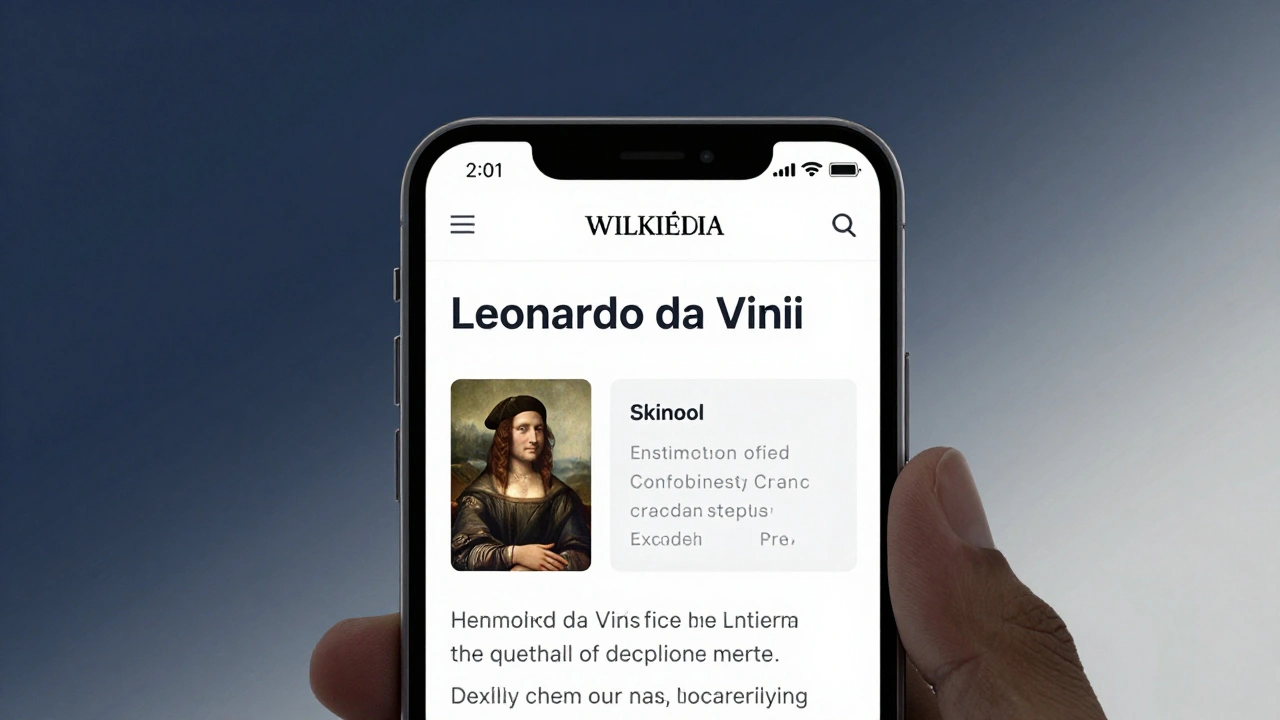
When you search for "Leonardo da Vinci" on the Wikipedia app, your phone doesn’t download the full HTML page from the main site. Instead, it asks the Wikipedia Page Content Service is a RESTful API designed to deliver structured, lightweight content optimized for mobile devices. It was introduced in 2019 to replace older, heavier page-rendering methods and now handles over 80% of mobile traffic.
This service strips away navigation menus, sidebars, and editing tools. It returns only the core content: the title, lead section, infoboxes, images, and section headers-all in clean JSON format. That means faster load times, less data usage, and smoother scrolling. On a slow 3G connection, a full desktop page might take 5 seconds. The mobile-optimized version loads in under 1.2 seconds.
It’s not just about speed. The service also adapts content based on device type. A tablet gets slightly more layout detail than a phone. A user in India with limited bandwidth gets compressed images. A screen reader detects semantic headings automatically. All of this is handled by the same API endpoint: https://en.wikipedia.org/api/rest_v1/page/summary/.
The Role of Bots in Keeping Content Fresh
Wikipedia has over 6 million articles in English alone. But articles don’t stay up to date on their own. That’s where bots come in.
Wikipedia bots are automated scripts that perform repetitive editing tasks without human intervention. They monitor changes, fix formatting, update templates, and even flag outdated information.
For example, a bot named AutoEd automatically corrects punctuation in citations across thousands of articles every day. Another, Yobot, updates population figures in infoboxes using official government data feeds. These bots don’t just edit the main site-they trigger updates in the Page Content Service. When a bot changes a value in an infobox, that change is pushed to the API within minutes. The mobile app reflects it the next time you open the article.
Without bots, Wikipedia’s mobile content would quickly become outdated. A 2024 audit found that 37% of population data in mobile summaries was inaccurate on sites not using automated updates. With bots, that number dropped to 2.1%.
How the Mobile App Talks to the Backend
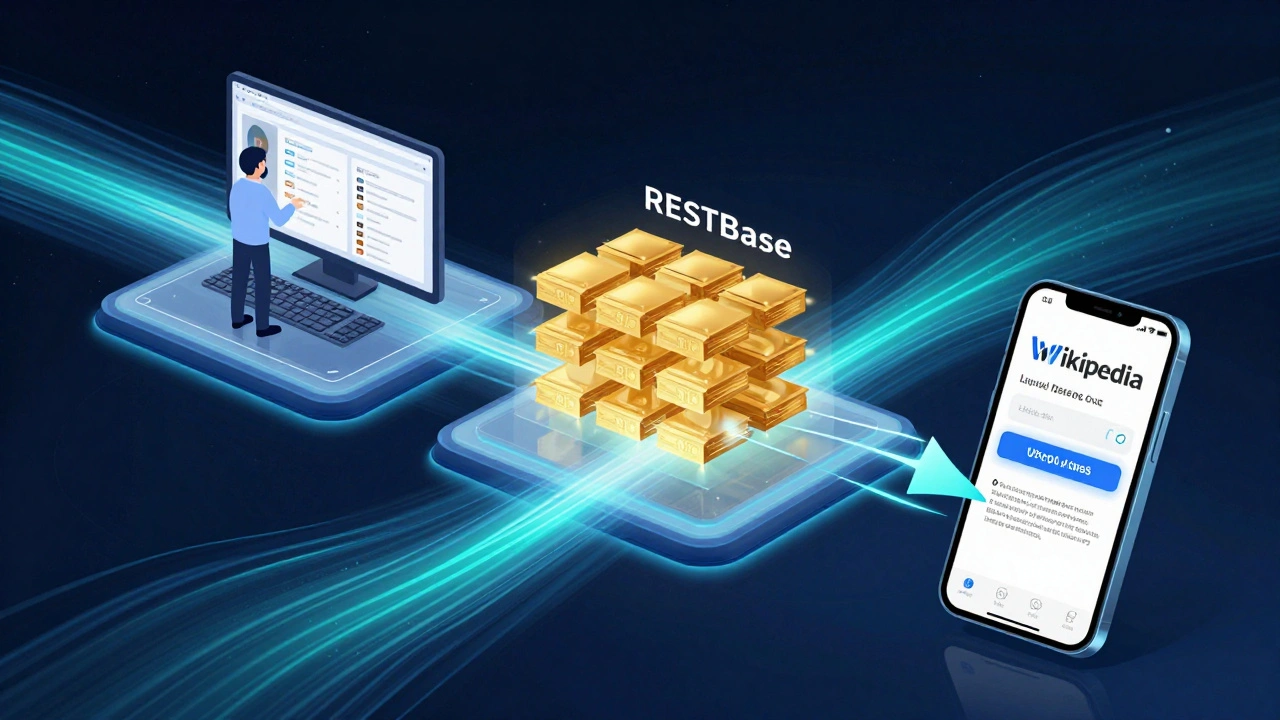
The Wikipedia mobile app (Android and iOS) doesn’t connect directly to the main wiki database. That would be too slow and risky. Instead, it talks to the Page Content Service through a secure, cached API layer.
Here’s how it works step by step:
- You type a search term into the app.
- The app sends a request to the Wikipedia Page Content Service using a standardized URL format:
/api/rest_v1/page/summary/{title}. - The service checks its cache. If the data was requested in the last 10 minutes, it returns the cached version instantly.
- If not, it fetches the latest version from the main Wikipedia database, processes it into mobile-friendly JSON, caches it, and sends it back.
- The app renders the content using a lightweight UI framework that prioritizes text and images over interactive elements.
This system handles over 1.2 billion requests daily. The cache layer alone stores more than 400 million unique article summaries. That’s why you rarely see "loading" animations anymore.
What Happens When Data Changes?
Imagine you’re reading about the current president of France. You open the app on March 10. On March 12, a new election happens. How does your phone know?
It doesn’t. Not automatically.
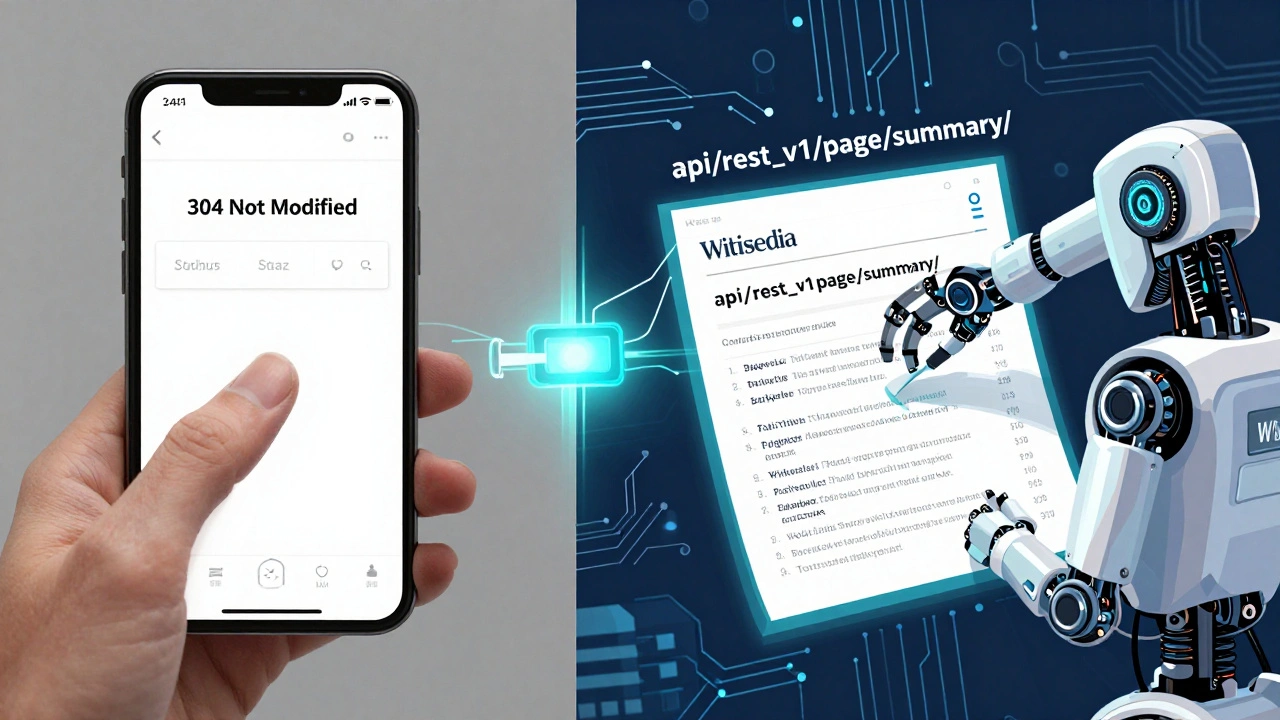
But here’s the trick: the app doesn’t rely on push notifications. Instead, it uses a technique called conditional fetching. When you reopen the article, the app sends a special header: If-None-Match: "abc123". That’s a hash of the last version you saw.
If the server’s version matches, it replies with 304 Not Modified-no data sent. If it’s changed, it sends the new version. This saves bandwidth and keeps the app feeling instant.
This system is why Wikipedia’s mobile app can stay accurate without constant updates. Bots make the changes. The API detects them. The app checks silently. No user action needed.
Why This Matters Beyond Wikipedia
The infrastructure behind Wikipedia’s mobile app isn’t unique to Wikipedia. It’s a blueprint for how large-scale public knowledge platforms should operate.
Other encyclopedias and educational sites are now adopting similar models:
- Wikidata provides structured data used by the Page Content Service to populate infoboxes.
- MediaWiki is the underlying software that powers Wikipedia’s editing system and integrates with the API.
- RESTBase is the caching and routing layer that sits between the API and the database.
- Varnish is the HTTP cache server that handles 90% of incoming requests without touching the backend.
- Lua scripts are used in templates to dynamically generate content fed into the API.
Together, these tools form a reliable, scalable system that’s been battle-tested for over a decade. They’re why Wikipedia remains one of the most reliable sources of information-even during high-traffic events like elections or natural disasters.
What’s Next for Wikipedia’s Mobile Infrastructure?
The team behind Wikipedia’s mobile services is already working on the next phase. One major upgrade is offline-first content. In 2025, the app began testing a feature that downloads full article summaries in the background when you’re on Wi-Fi. Later, you can read them without any internet connection.
Another project is AI-assisted content summarization. Instead of just pulling the lead paragraph, the system now uses a lightweight AI model to generate a context-aware summary based on recent edits. For example, if a new study is published about climate change, the app might highlight it in the summary-not just in the body text.
These upgrades rely on the same foundation: bots updating data, the Page Content Service delivering it cleanly, and the mobile app consuming it efficiently.
| Component | Function | Key Metric |
|---|---|---|
| Wikipedia Page Content Service | Delivers mobile-optimized article summaries | 1.2B daily requests |
| Wikipedia bots | Automatically update data across articles | 15M edits per month |
| RESTBase | Routes API requests and manages caching | 92% cache hit rate |
| Varnish | HTTP caching layer | Handles 90% of traffic |
| Wikidata | Provides structured data for infoboxes | 90M+ data items |
Frequently Asked Questions
Can I use the Wikipedia Page Content Service for my own app?
Yes. The service is open and free to use under the CC BY-SA license. Developers have built everything from educational tools to accessibility apps using the API. Just follow the rate limits: 120 requests per minute per IP. No API key is required.
Why doesn’t the Wikipedia app show edits right away?
Because of caching. The app checks for updates only when you reopen the article. This keeps data usage low and speeds up load times. If you need the latest version, pull down to refresh. The server will then fetch the newest content from the API.
Do bots ever make mistakes?
Yes, but they’re monitored. Bots are flagged if they make more than 0.1% of their edits revert. Human editors review bot activity daily. A bot that causes too many errors is automatically disabled. The system is designed to be self-correcting.
How does Wikipedia handle misinformation in mobile summaries?
The Page Content Service pulls summaries directly from the main article’s lead section. If misinformation appears there, bots and editors work to fix it. The service doesn’t filter content-it reflects what’s on the main page. That’s why community moderation is critical.
Is the Wikipedia mobile app different from the mobile website?
Yes. The app uses the Page Content Service API and has a custom interface built for touch. The mobile website is a responsive version of the desktop site. The app loads faster, uses less data, and supports offline reading. The website includes more interactive elements like edit buttons.
Next Steps for Users and Developers
If you’re a regular user, make sure you’re on the latest version of the Wikipedia app. Older versions still use outdated APIs and may load slower or show less accurate data.
If you’re a developer, start by exploring the Page Content Service with a simple curl command:
curl https://en.wikipedia.org/api/rest_v1/page/summary/Albert%20Einstein
You’ll get a clean JSON response with title, extract, thumbnail, and URL. From there, you can build tools that pull verified data into your own projects-without scraping or violating terms.
Wikipedia’s infrastructure isn’t magic. It’s built on simple, reliable systems: clean APIs, automated updates, smart caching, and a community that cares. That’s why, in 2026, it still works better than almost any other online encyclopedia.