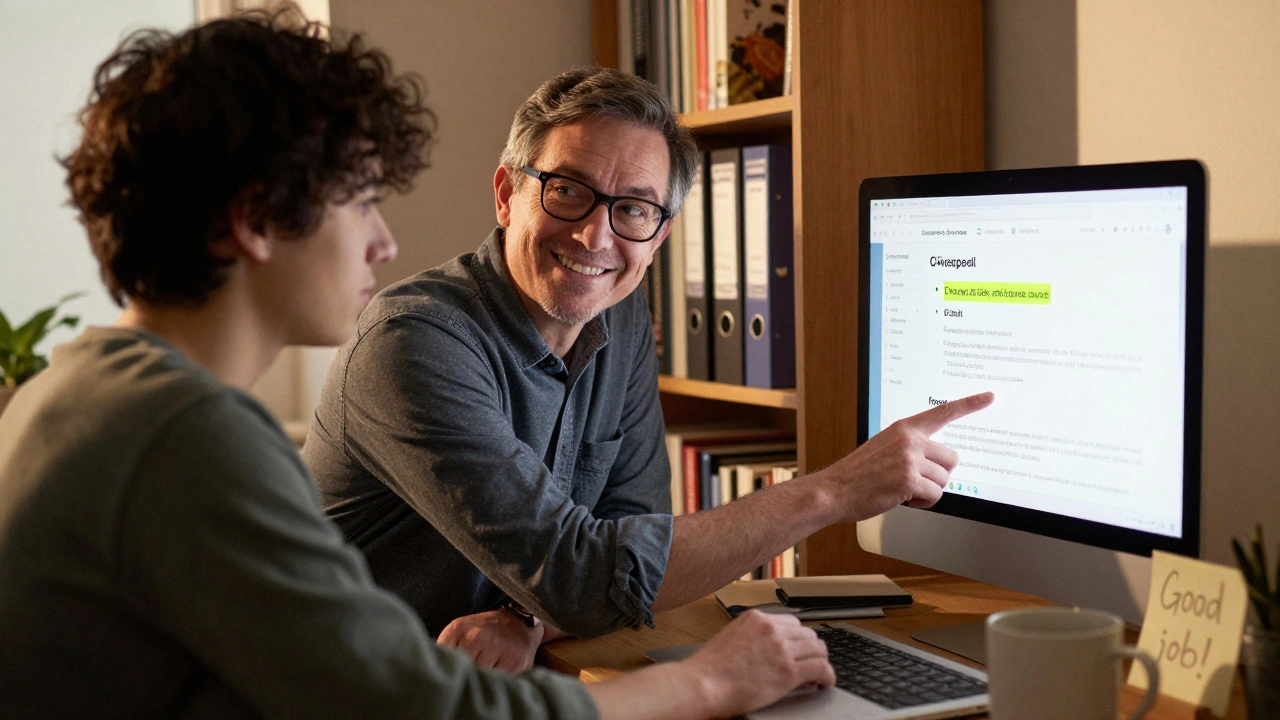
Getting new editors to stick around on Wikipedia isn’t about flashy tools or fancy interfaces. It’s about connection. One person taking the time to show another how to fix a citation, explain why a reference matters, or simply say, "Good job on that edit." That’s what keeps people coming back. WikiProjects are the quiet engines behind this kind of growth - organized groups of editors who care about a specific topic and want to help others learn how to contribute meaningfully.
What WikiProjects Actually Do
WikiProjects aren’t official departments. They’re volunteer-led hubs. Think of them as neighborhood watch groups for Wikipedia topics. There’s one for medicine, one for video games, one for African history, even one for articles about lighthouses. Each project has a talk page, a list of target articles, and usually a set of guidelines for what good contributions look like in that area.
They’re where editors go when they want to improve articles about their favorite subject - and where they invite newcomers to do the same. A new editor might stumble into a WikiProject page after seeing a "This article needs references" tag. That’s not a warning. It’s an invitation.
Projects like WikiProject Medicine have over 1,500 active members. WikiProject Women in Red, which focuses on creating articles about notable women, has added more than 200,000 articles since 2015. These aren’t just side projects. They’re the backbone of content quality in niche areas.
Why New Editors Leave (And How to Stop It)
Studies from the Wikimedia Foundation show that nearly 70% of new editors make fewer than five edits before leaving. Why? Most aren’t rejected because they’re bad. They’re discouraged because they’re ignored.
One new editor, a college student in Ohio, spent three hours fixing grammar and adding sources to a page about local environmental policy. Her edit was reverted - not because it was wrong, but because someone else had already made a similar change, and the reverter didn’t leave a comment. She never edited again.
That’s the problem. Without feedback, without guidance, new editors feel invisible. WikiProjects fix this by pairing newcomers with mentors. Not just any mentor - someone who knows the project’s standards, the common mistakes, and the unwritten rules. Someone who replies to talk page questions within 24 hours.
How Tutorials Work in WikiProjects
Most WikiProjects have a simple, step-by-step tutorial page. Not a 50-page manual. Just a clear path: "Here’s how to start. Here’s what to look for. Here’s who to ask."
For example, WikiProject Biography has a tutorial called "Your First Biography Edit." It walks you through:
- Choosing an article that needs work (they list 200+ candidates)
- Adding a reliable source (with links to trusted databases like JSTOR or government archives)
- Fixing formatting using the project’s style guide (e.g., how to write birth/death dates, how to cite interviews)
- Submitting the edit and tagging it with the project’s template
- Waiting for a mentor to respond - and what to do if they don’t
These tutorials are live documents. If someone finds a step confusing, they edit it. No bureaucracy. No approval chain. Just a group of editors making things easier for the next person.
The Mentor System: How It Really Works
Mentors aren’t assigned by admins. They volunteer. And they’re not chosen for their edit count. They’re chosen for their patience.
A good mentor doesn’t just fix your edit. They explain why the edit matters. They link you to resources. They celebrate small wins. "You added three citations? That’s huge. Now let’s look at how to format them properly."
WikiProject Women in Red runs a mentor program called "Redlink Rescue." New editors sign up, get matched with a mentor, and are given a list of 10 redlinked names (people with no Wikipedia page yet). The mentor helps them research, write, and submit their first article. Over 8,000 new articles have been created through this program alone.
Mentors also handle the emotional side. Many new editors are nervous about being criticized. A mentor might say, "I’ve been there. My first edit got reverted too. Here’s what I learned." That kind of honesty builds trust.
Real Examples That Work
Take WikiProject Chemistry. They noticed that students were editing articles about chemical compounds but kept using unreliable sources like blogs or YouTube videos. So they created a simple cheat sheet: "Here are five trusted chemistry sources. Here’s how to tell if a journal is legit. Here’s what to avoid."
Within six months, the percentage of edits using reliable sources jumped from 42% to 81%.
Another example: WikiProject Video Games. They noticed that new editors kept adding personal opinions like "This game is the best ever." So they made a video - just 90 seconds long - showing how to turn opinions into facts. "Instead of saying ‘best game,’ say ‘won Game of the Year at the 2020 D.I.C.E. Awards.’" They posted it on their tutorial page. New edits with opinions dropped by 68%.
These aren’t complex systems. They’re simple, human solutions.
What Doesn’t Work
Some WikiProjects try to force new editors into rigid templates. "Fill out this 12-field form before you edit." That kills momentum. Others rely on bots to auto-reply to every new user. "Thank you for your edit! Please read our guidelines." That feels robotic. And it is.
Another mistake? Waiting for new editors to ask for help. Most won’t. They’re afraid. So the best projects proactively reach out. If someone makes a first edit to a project’s topic, a mentor leaves a friendly message on their talk page: "Thanks for your edit on [article]. Want to try another? I can help."
It’s not about perfection. It’s about presence.
How to Start a Mentor Program in Your WikiProject
If you’re part of a WikiProject and want to grow your editor base, here’s how to begin - no permission needed.
- Find three active editors who are known for being helpful. Ask them to be mentors.
- Create a simple page: "New Editors Welcome." List your top 5 tutorial steps, top 3 trusted sources, and how to contact mentors.
- Add a button or link to your project’s main page: "Need help? Get a mentor."
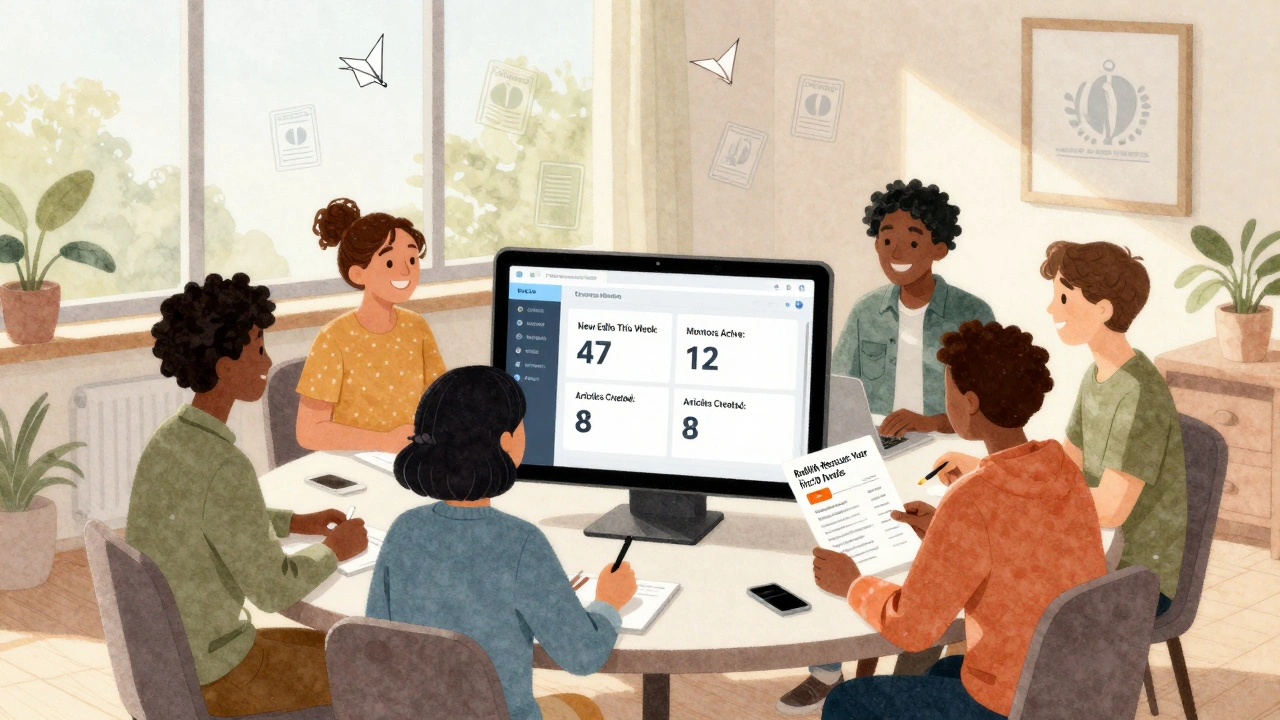
- Set up a weekly check-in. Just 15 minutes. Review new edits. Answer questions. Celebrate wins.
- Track progress. How many new editors made 5+ edits in a month? How many stayed past 30 days? Adjust based on data.
You don’t need funding. You don’t need staff. You just need people who care enough to reply.
What Happens When It Works
In 2023, WikiProject History saw a 40% increase in new editors who stayed beyond their first month. Why? Because they started pairing each new editor with a mentor within 12 hours of their first edit. Those editors were three times more likely to make 10 or more edits in their first week.
One editor, a retired teacher in Texas, started by fixing typos in articles about 19th-century schools. Within a year, she was mentoring others, writing new articles, and training volunteers at her local library. She didn’t want to be a "Wikipedia expert." She just wanted to make sure the facts were right.
That’s the power of WikiProjects. They turn isolated edits into community. They turn confusion into confidence. And they turn newcomers into lifelong contributors.
Do I need to be an experienced editor to help new contributors?
No. You don’t need to have hundreds of edits or know every policy. You just need to be patient, kind, and willing to answer simple questions. Many mentors started as new editors themselves. If you’ve ever been confused by a template or unsure how to cite a source, you already have what it takes to help someone else.
How do I find a WikiProject for my area of interest?
Go to Wikipedia’s WikiProject directory and search by topic. Type "WikiProject [your topic]" in the search bar - for example, "WikiProject Climate Change" or "WikiProject Anime." If there’s no project yet, you can start one. All you need is a few other editors who care about the same subject.
What if my edit gets reverted? Does that mean I’m doing it wrong?
Not necessarily. Edits get reverted for many reasons - maybe someone else made the same change first, or the source wasn’t reliable, or the formatting didn’t match the project’s style. The key is to check the edit summary or talk page for feedback. If it’s unclear, ask politely. Most editors are happy to explain. Reversion isn’t rejection - it’s part of the learning process.
Can I be a mentor without being part of a WikiProject?
You can help anyone on Wikipedia, but being part of a WikiProject gives you structure. Projects provide templates, guidelines, and a list of articles that need work. Without that, it’s harder to know where to focus. If you want to be a mentor, join a project that matches your interests. Then you’ll have a clear way to guide others.
How long does it take to see results from a mentorship program?
You’ll see small wins fast - like a new editor making their second edit within a day. But real growth takes time. Most projects see a noticeable increase in retention after 3-6 months of consistent mentoring. The key is to keep showing up. One reply, one comment, one thank-you note can change someone’s entire Wikipedia experience.
Wikipedia doesn’t need more tools. It needs more people who care enough to say, "I see you. Let me help." That’s what WikiProjects do. They turn a global encyclopedia into a local conversation - one edit, one mentor, one new editor at a time.