Every second, someone on Wikipedia makes an edit. Some are small fixes - a typo, a missing comma. Others are vandalism - fake facts, offensive language, or outright nonsense. Then there are the good-faith edits: new information, better sources, clearer wording. The problem? With over 600 million edits made since 2001, no one person can check them all. That’s where Recent Changes Patrol tools come in.
What Are Recent Changes Patrol Tools?
Recent Changes Patrol tools are automated systems and interfaces built into Wikipedia that help volunteer editors quickly spot and review new edits. Think of them as a live feed of every change made across all Wikipedia pages, filtered and sorted so you can find the most important ones fast. These tools don’t make decisions for you - they give you the data. You decide what to fix, flag, or leave alone.
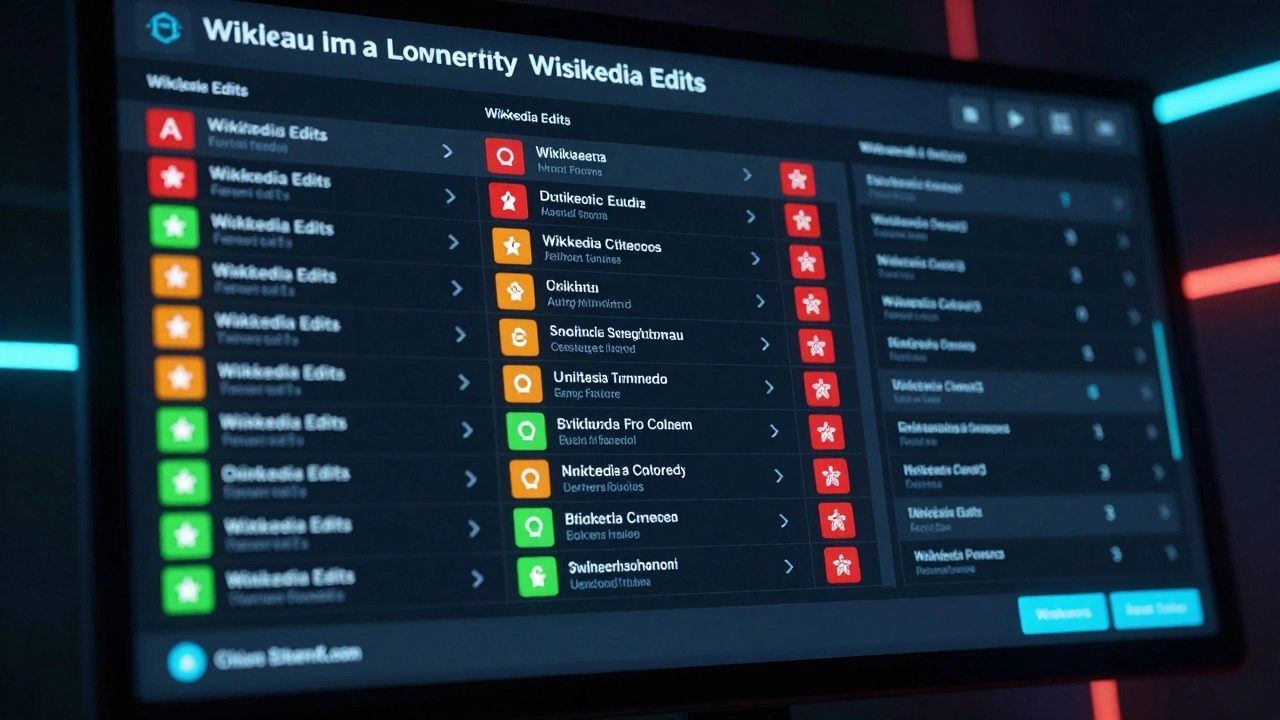
The core of this system is the Recent Changes page. It’s a real-time log that shows every edit made in the last few hours. You’ll see who made it, what page they changed, and whether it was a minor edit or a major rewrite. But scrolling through thousands of entries? That’s not practical. That’s why tools exist to filter, sort, and highlight what matters.
How Do Patrol Tools Work?
Wikipedia’s patrol tools use a mix of filters, bots, and user preferences to surface useful information. Here’s how they break down:
- Filter by namespace: Most edits happen on article pages, but some occur on talk pages, user profiles, or templates. You can turn off noise from less important areas.
- Flagged edits: Edits from new or unregistered users are automatically highlighted. These make up about 30% of all edits and are more likely to be problematic.
- Patrol tags: If an edit looks suspicious - like adding a sales link or deleting large sections - the system may tag it with "vandalism" or "possible spam."
- RC Filters: These let you sort edits by size, user type, or edit summary. For example, you can see only edits that added over 500 characters or only those from IPs (not logged-in users).
Advanced users often use third-party tools like WikiScanner or Huggle to speed things up. Huggle, for instance, lets you review 20 edits per minute with just a few clicks. It auto-loads the next edit as soon as you approve or revert one. It’s like a video game, but for keeping Wikipedia honest.
Why Do Patrol Tools Matter?
Without active patrolling, Wikipedia would become unreliable. In 2024, a study by the Wikimedia Foundation found that 85% of vandalism was reverted within five minutes - thanks to these tools. But that’s only possible because volunteers use them. If no one checks the Recent Changes feed, bad edits stick around longer. And once they do, they can spread. A single false claim about a public figure, if left unchecked, can show up in search results, school reports, and even news articles.
Patrol tools also help new editors learn. When someone makes a well-intentioned mistake - like adding a citation that doesn’t exist - a patroller can leave a helpful note instead of just reverting. This turns mistakes into teaching moments. That’s why the best patrollers aren’t just enforcers. They’re mentors.
Who Uses These Tools?
Anyone with a Wikipedia account can patrol. But most active users fall into three groups:
- New editors: Often start by fixing obvious typos. They learn the rules by doing.
- Experienced volunteers: These users patrol daily. Some have reviewed over 10,000 edits. They know what to look for - the sneaky edits that look real but aren’t.
- Bots: Automated scripts flag spam, copy-paste errors, and known vandalism patterns. They handle about 40% of all flagged edits. But bots can’t understand context. That’s why humans are still needed.
There’s a reason the Wikipedia community doesn’t rely on paid staff. It’s built on trust, transparency, and shared responsibility. The tools just make that responsibility manageable.
Common Tools and How to Use Them
Here are the most widely used patrol tools right now:
| Tool | Best For | Key Features |
|---|---|---|
| Recent Changes Page | Beginners | Basic feed, no filters, built into Wikipedia |
| RC Filters | Intermediate users | Filter by user type, edit size, namespace, and tags |
| Huggle | Advanced patrollers | Fast review, keyboard shortcuts, auto-load next edit |
| ClueBot NG | Automated detection | Bots that revert vandalism in under 30 seconds |
| Wiki-Watcher | Monitoring specific pages | Alerts when a page you care about changes |
Huggle is the most popular among serious patrollers. It runs as a desktop app and connects directly to Wikipedia’s API. Once set up, you can customize which edits you want to see - maybe only edits from IPs, or only those that remove citations. You can also set up quick replies: "Thanks for the edit! Here’s a source that works better."
What Happens When You Patrol?
When you click "revert," you’re not just deleting text. You’re restoring the last clean version of the page. The system logs who did it, why, and what was changed. That record is public. If someone complains, you can explain your action. If you make a mistake - say, you reverted a good edit - other patrollers will notice. That’s part of the system. It’s not perfect, but it’s fair.
Most of the time, you’ll see edits like:
- A new user adds "The Earth is flat" to the geography page.
- An anonymous editor changes a birth year to make someone seem younger.
- Someone replaces a broken link with a spammy product page.
These are easy to fix. The harder ones? Edits that look real. A well-written paragraph that cites a fake study. A quote that sounds authoritative but was made up. That’s where experience matters. You learn to spot the patterns - the tone, the structure, the missing references.

How to Get Started
Want to start patrolling? Here’s how:
- Create a Wikipedia account. (It’s free and anonymous if you want.)
- Go to Special:RecentChanges (you can find it in the left sidebar under "Tools").
- Use the filters to narrow down edits. Start with "New users only" and "Edits with no summary."
- Click on an edit. Read the diff - the changes highlighted in green (added) and red (removed).
- If it’s vandalism, click "Revert." If it’s a good edit, leave a thank-you note.
- Repeat. After 10-20 edits, you’ll start seeing patterns.
You don’t need to be an expert. You just need to care enough to look.
What You Won’t See
Many people think Wikipedia is chaotic. It’s not. Most edits are quiet and helpful. The tools exist because the system works - not because it’s broken. Over 90% of edits are constructive. The 10% that aren’t? That’s what patrol tools catch.
You won’t see bots taking over. You won’t see editors arguing in public. You won’t see editors getting banned for minor mistakes. The system is designed to give people the benefit of the doubt - unless they prove otherwise.
Why This Matters Beyond Wikipedia
Wikipedia is the most visited reference site in the world. Over 2 billion people use it each month. If it becomes unreliable, the ripple effect hits everything: students, journalists, researchers, even AI models trained on its data.
Patrol tools are the reason Wikipedia stays trustworthy. They’re not flashy. They don’t have ads or investors. They’re just a bunch of volunteers using simple tools to keep the truth alive.
It’s not about being perfect. It’s about being vigilant.
Do I need to be an expert to patrol Wikipedia edits?
No. You don’t need to be an expert. Most patrollers start by fixing simple mistakes - typos, broken links, or obvious vandalism. The tools guide you. If you can read and spot nonsense, you can help. Many experienced patrollers say their first few hundred edits were just learning how to use the interface.
Can bots replace human patrollers?
Bots handle about 40% of vandalism - mostly obvious spam and repeated edits. But they can’t understand context. If someone adds a misleading but well-written paragraph about a historical event, a bot won’t catch it. Only a human can spot that. Bots are assistants, not replacements.
How long does it take to become good at patrolling?
Most people feel comfortable after reviewing 50-100 edits. You’ll start recognizing common patterns - the way vandals write, the types of edits that slip through. After 500 edits, you’ll be able to spot subtle manipulation. It’s like learning to read body language - the more you see, the better you get.
Are there rewards for patrolling?
There are no monetary rewards. But editors who patrol consistently often earn recognition - like the "Patroller Badge" or invitations to private edit-a-thons. More importantly, you get the satisfaction of knowing you helped keep one of the world’s most important sources of information accurate.
What if I make a mistake and revert a good edit?
It happens. The system expects it. Other editors will notice and can undo your reversion. You’ll get a gentle message - not a punishment. Mistakes are part of learning. The key is to check the edit history, read the talk page, and ask for help if you’re unsure.
If you’ve ever used Wikipedia to check a fact, you’ve already benefited from these tools. Now you know how they work - and how you can help keep them running.