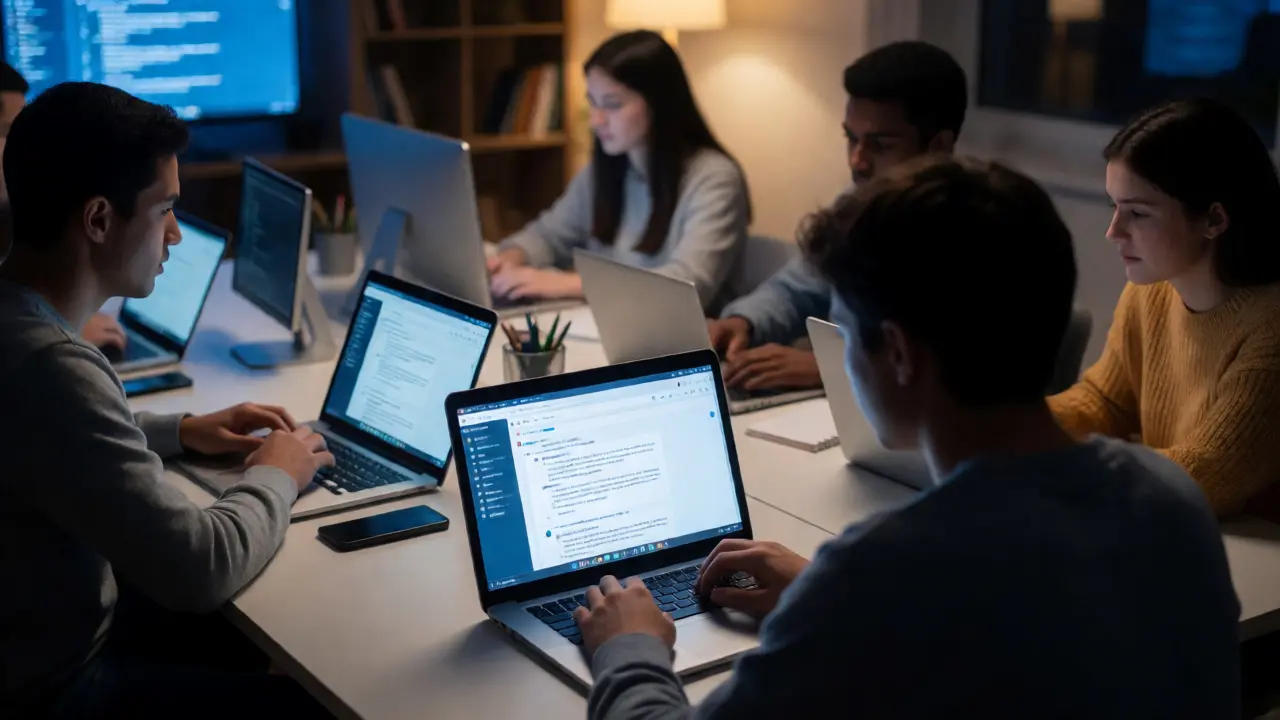
You know that feeling when you’re stuck in a Zoom breakout room, staring at a blank document, wondering if your professor actually wants you to write a term paper or just suffer through another lecture? Now imagine replacing that isolated struggle with a real-world task where thousands of people might actually read what you write. That’s the promise of integrating Wikipedia into remote learning environments. It’s not just about editing an encyclopedia; it’s about teaching students how to navigate the messy, collaborative reality of modern knowledge production.
But here’s the catch: doing this right is hard. If you’ve ever tried to manage a class assignment on a platform that changes its rules weekly, you know the pain. This guide breaks down how to make online assignment models work for remote students, moving beyond the "edit-a-page" cliché to something that actually builds skills.
Why Wikipedia Works for Remote Classrooms
Traditional essays often die in the instructor’s inbox. A student writes 2,000 words, submits them, gets a grade, and never looks at them again. It’s low stakes. Wikipedia flips this script by offering authentic audience engagement. When a student knows their work will be visible to the public, they tend to care more about accuracy, tone, and sourcing.
In a remote setting, this creates a shared sense of purpose. Students aren’t just working in silos; they are part of a global community. According to the Wikimedia Foundation, Wikipedia receives over 15 billion monthly visits. For a student, contributing to that ecosystem feels significant. It transforms passive consumption of information into active curation. Plus, the feedback loop isn’t delayed by weeks of grading cycles. Other editors can correct a mistake within hours, providing immediate, real-time peer review that no LMS (Learning Management System) can replicate.
The Core Challenges of Digital Literacy
Before assigning tasks, you have to address the elephant in the room: most students don’t understand how Wikipedia works. They see it as a source to cite, not a process to participate in. In remote learning, this gap widens because students lack the casual hallway chats where these norms are usually explained.
You need to teach Neutral Point of View (NPOV) explicitly. It’s not enough to say "be objective." You have to show examples of loaded language and how to strip bias without stripping meaning. Similarly, understanding Reliable Sources is critical. Students often confuse popularity with reliability. Just because a blog post has millions of views doesn’t make it citable. Teaching the hierarchy of sources-primary vs. secondary vs. tertiary-is a core learning outcome here.
| Feature | Traditional Essay | Wikipedia Assignment |
|---|---|---|
| Audience | Instructor only | Global public |
| Feedback Loop | Delayed (days/weeks) | Immediate (hours/days) |
| Skill Focus | Argumentation, grammar | Digital literacy, collaboration, NPOV |
| Revision Process | Linear draft-to-final | Iterative, community-driven |
| Platform | LMS (Canvas, Blackboard) | Wiki software |
Assignment Model 1: The Sandbox Draft
For beginners, throwing them straight into live article editing is a recipe for disaster. They’ll get reverted by impatient editors before they even understand the syntax. The solution? Start in the Sandbox.
This model involves creating a user account and using the personal sandbox feature to draft content. It’s a safe space. Here’s how to structure it:
- Week 1-2: Account creation and interface navigation. No editing yet. Just explore.
- Week 3-4: Drafting a short section (e.g., 500 words) in the sandbox. Focus on formatting and citation templates.
- Week 5: Peer review within the class. Students comment on each other’s sandboxes.
- Week 6: Migration to a live article or a class-specific project page.
This approach reduces anxiety. Remote students often fear being "wrong" publicly. The sandbox removes that pressure while still teaching the technical skills needed for later stages.
Assignment Model 2: Article Expansion
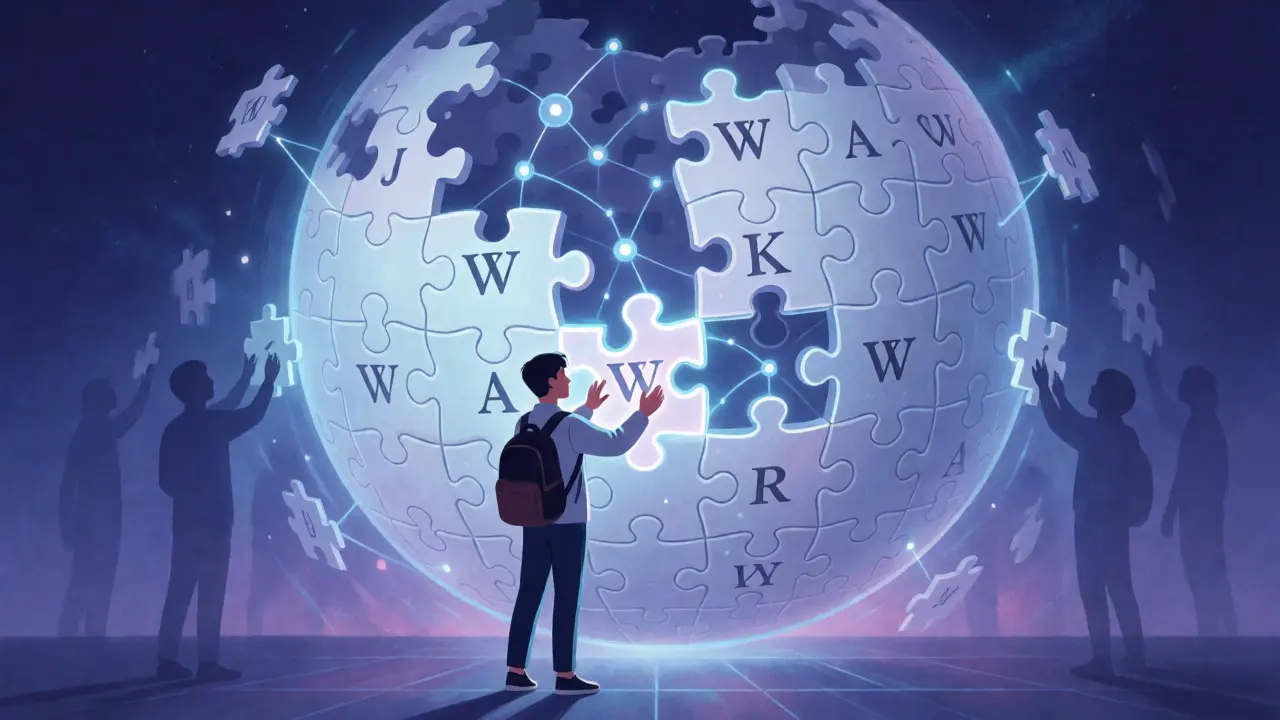
Once students grasp the basics, move them to expanding existing articles. This is different from creating new ones. Creating a new article requires meeting strict notability guidelines, which can be frustratingly opaque. Expanding an existing article is safer and more focused.
Choose articles that are marked "Start" or "Stub" class. These are articles that exist but lack depth. Your job as the instructor is to curate a list of relevant stubs related to your course topic. For example, in a history class, find stubs about minor local historical figures. In a science class, look for under-developed entries on specific biological species.
The key here is scope control. Ask students to add one well-sourced paragraph or section. Not five. One. Quality over quantity. This prevents the common pitfall of adding unsourced fluff. Require them to use the VisualEditor initially, then transition to wikitext if necessary, though VisualEditor has improved significantly and lowers the barrier to entry.
Assignment Model 3: The Edit-a-Thon
Collaboration is tricky in remote settings. How do you prevent students from stepping on each other’s toes? Enter the virtual Edit-a-Thon. Instead of individual assignments, the whole class tackles a specific theme or set of articles simultaneously.
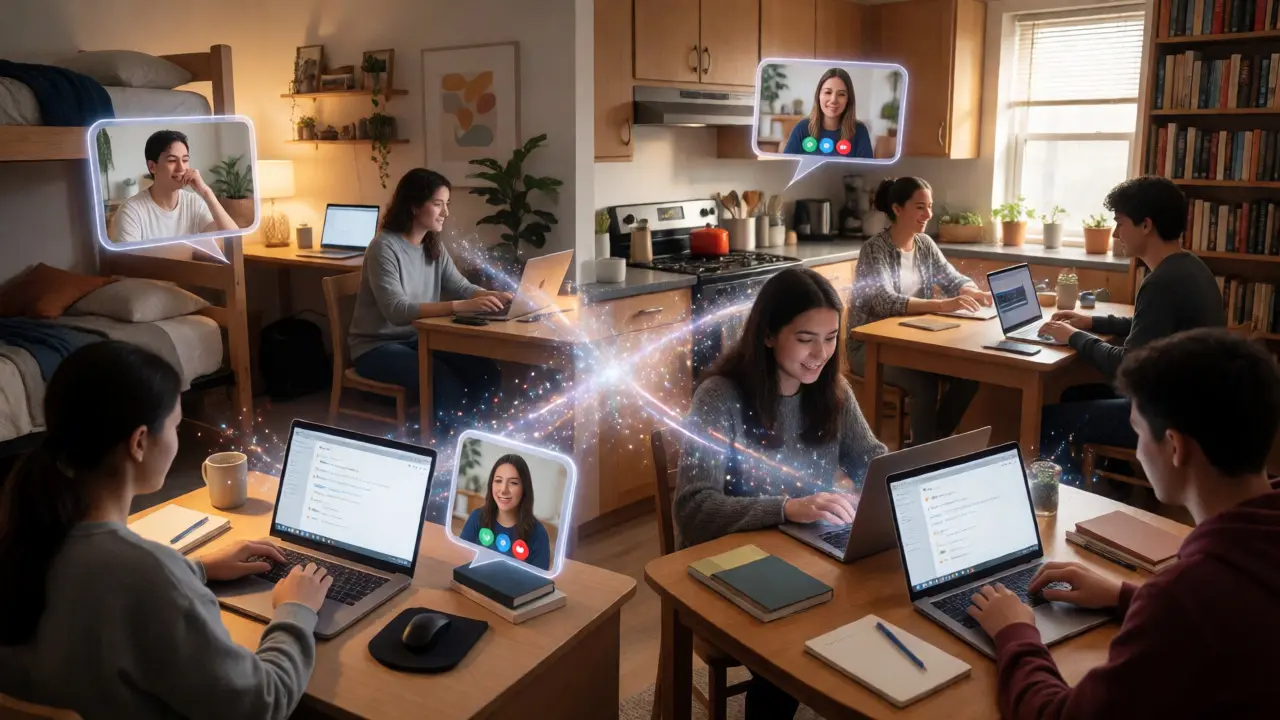
Structure this as a timed event. Use a Discord server or Slack channel for coordination. Assign roles: some students research sources, others draft text, others check citations. Rotate roles every hour. This mimics the collaborative nature of open-source projects. It also helps build community among remote students who rarely interact otherwise.
Pro tip: Invite a guest speaker, perhaps a librarian or an experienced Wikipedian, to give a quick intro. Their presence adds legitimacy and provides a safety net for questions that arise during the live session.
Evaluating Student Work Fairly
Grading Wikipedia contributions is controversial. How do you grade someone whose work got deleted? Or someone whose edits were reverted by a bot? You can’t just grade the final state of the article. You have to grade the process.
Use a rubric that weighs effort and reflection heavily. Here’s a simple breakdown:
- Contribution History (40%): Did they make meaningful edits? Check the revision history. Look for constructive additions, not just typo fixes.
- Talk Page Participation (30%): Did they engage in discussions? Did they explain their changes? This shows critical thinking.
- Reflection Essay (30%): Have them write a short memo analyzing their experience. What did they learn about bias? How did they handle conflicts?
Never penalize students for reverts unless they violated core policies like vandalism or copyright infringement. Sometimes, a revert teaches more than acceptance does. It forces them to ask, "Why was my source rejected?" That inquiry is the learning moment.
Pitfalls to Avoid
Even seasoned instructors trip up. Here are the big ones:
- Ignoring Conflict Resolution: Remote students might feel bullied if an editor reverts their work aggressively. Teach them how to respond politely on talk pages. Silence is often misinterpreted as agreement.
- Citation Overload: Students sometimes add ten sources for one sentence. Teach them to choose the strongest source, not the most numerous.
- Neglecting Copyright: Students love copying and pasting. Remind them that images and text must be freely licensed. Use tools like Wikimedia Commons to find appropriate media.
Tools That Make Life Easier
You don’t need to reinvent the wheel. Several tools streamline the process for educators.
| Tool Name | Function | Best For |
|---|---|---|
| The Wikipedia Library | Free access to paywalled journals | Research support |
| PetScan | Finding lists of articles by category | Assigning topics |
| Huggle | Rapid rollback of vandalism | Moderators |
| Citation Hunt | Identifying missing citations | Expansion tasks |
Encourage students to bookmark these. PetScan, for instance, allows you to filter articles by length, category, and reference count. It’s invaluable for finding suitable stubs for your class.
Final Thoughts on Digital Citizenship
At its heart, using Wikipedia in remote learning isn’t just about teaching writing. It’s about teaching digital citizenship. Students learn that knowledge is constructed, contested, and curated. They learn to respect sources, acknowledge limitations, and contribute responsibly.
If you’re hesitant, start small. One assignment. One module. See how your students react. You might find that the energy in your remote classroom shifts from passive endurance to active engagement. And honestly, isn’t that what we all want?
Is it safe to require students to edit live Wikipedia articles?
Yes, provided you set clear expectations. Students should understand that their work may be edited or removed by other users. This is part of the learning process. Using sandboxes first mitigates the risk of public embarrassment.
How do I handle plagiarism concerns with Wikipedia?
Plagiarism is a major issue. Always require original synthesis of sources, not copy-pasting. Use plagiarism detection tools if available, but emphasize proper attribution and paraphrasing techniques during the drafting phase.
Can students create brand new articles?
It is possible but risky for beginners. New articles face strict notability guidelines and are often deleted quickly. It is better to expand existing articles first. If they do create new ones, ensure the topic is clearly notable with multiple independent reliable sources.
What if a student's edit gets reverted aggressively?
Teach students to remain calm and polite. They should check the reason for the revert and discuss it on the article's Talk page. Aggressive behavior is rare but happens. Instructors can intervene if necessary, but students should try to resolve it themselves first.
Do I need to register a separate Wikipedia account for myself?
Yes, having your own account helps you monitor student activity and communicate effectively. You can also join the Wiki Education Foundation community for support and resources specifically designed for educators.