Huggle Wikipedia: Tools, Tactics, and Community Tools for Wikipedia Editors
When you think of Wikipedia, you might picture someone typing quietly on a laptop—but behind the scenes, tools like Huggle, a real-time vandalism detection and rollback tool used by experienced Wikipedia editors. Also known as Huggle (software), it helps volunteers quickly spot and undo malicious edits before they spread. Huggle isn’t just a program—it’s part of a larger ecosystem of tools that keep Wikipedia clean, accurate, and trustworthy. Without tools like this, the sheer volume of edits—over 1,500 per minute—would drown out good-faith contributions.
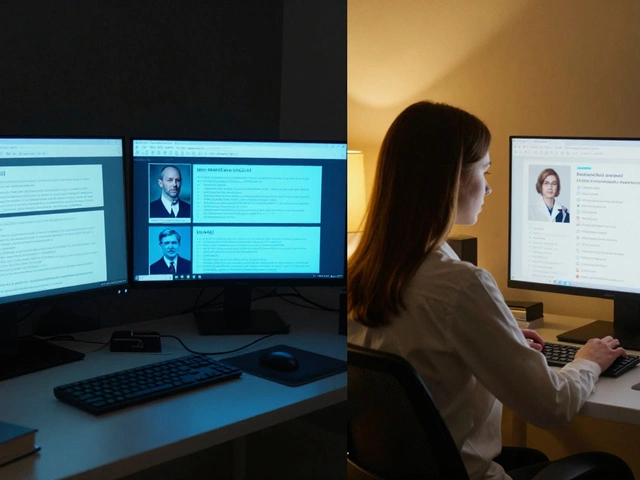
Wikipedia editors don’t work alone. They rely on a network of systems: Toolforge, a platform for hosting and scaling automated editing tools and bots powers many background tasks, while CentralNotice, the system that manages banners on Wikipedia for fundraising and policy alerts ensures community messages stay neutral and trusted. These aren’t flashy apps—they’re quiet, essential infrastructure. Huggle fits right in. It scans recent changes, flags suspicious edits using patterns and user history, and lets experienced editors roll back damage with a single click. Many users start with the web interface, then move to the desktop app for faster, more powerful control. It’s not magic—it’s training, rules, and smart design working together.
Who uses Huggle? Mostly seasoned editors who’ve earned trust through consistent, careful work. It’s not for beginners. That’s by design. Wikipedia’s community knows that giving too much power to too many people invites abuse. So Huggle is restricted to users with editing history, account age, and proven judgment. It’s part of a bigger system: Wikipedia administrators, volunteers with extra tools to block users, delete pages, and protect articles, rely on Huggle to spot problems before they escalate. And when Huggle flags something, it often triggers follow-up actions—like edits to protect high-traffic pages, or reports to check for coordinated vandalism. This isn’t just about fixing typos. It’s about defending the integrity of a resource used by millions.
Behind every clean article is a chain of tools, checks, and people. Huggle is one link—but it’s a vital one. It works alongside other systems like Wikidata, a central database that helps keep facts consistent across language editions, and The Signpost, Wikipedia’s volunteer-run news site that tracks community changes and tool updates. Together, they form the invisible backbone of Wikipedia’s reliability. You won’t see them in your search results, but you’ll feel their impact every time you read something accurate and well-sourced.
Below, you’ll find detailed guides on the tools and tactics that keep Wikipedia running—from how bots are built to how new editors learn to spot vandalism, how policies are shaped by real-world incidents, and how communities respond when things go wrong. These aren’t theory pieces. They’re field reports from the front lines of open knowledge.
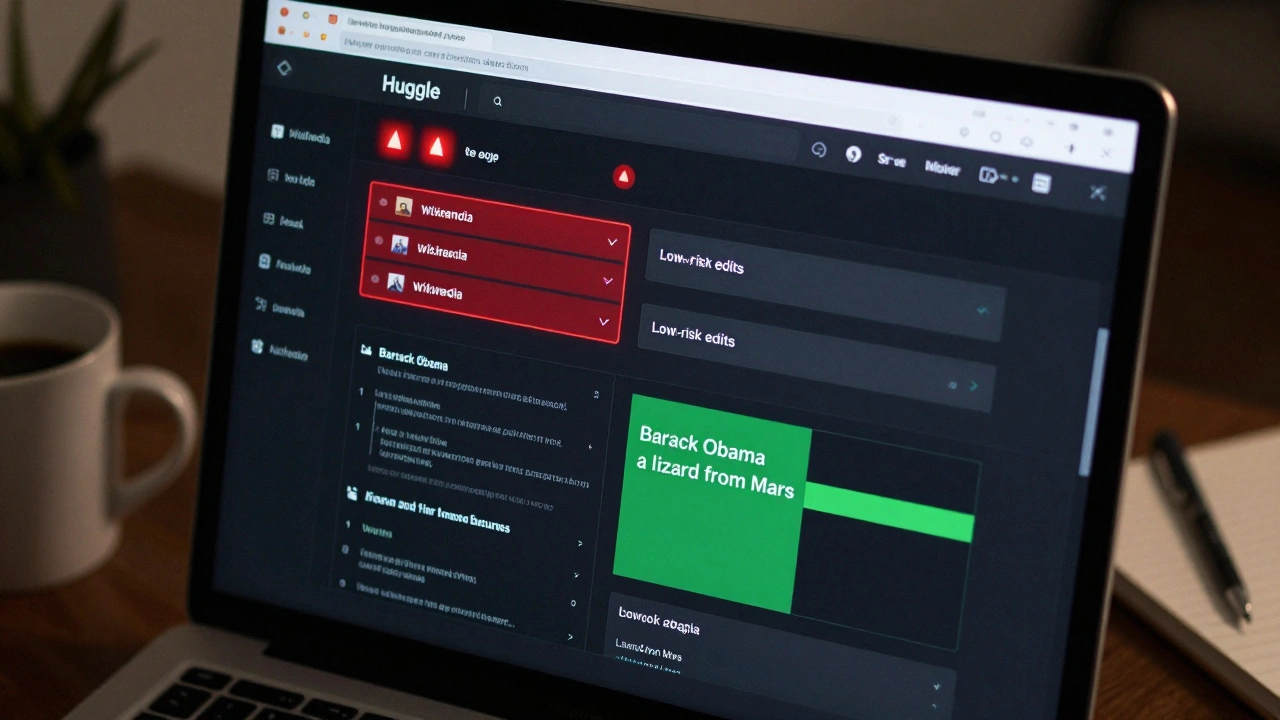
Huggle for Wikipedia: Fast Vandalism Reversion Workflow
Huggle is a fast, browser-based tool used by Wikipedia volunteers to quickly identify and revert vandalism. It filters out noise and highlights suspicious edits in real time, letting users revert spam and malicious changes in seconds.