Template Errors on Wikipedia: What They Are and How They Affect Articles
When you see a red box or strange text like "Template:Infobox person" showing up in an article instead of a clean info box, you’re looking at a template error, a broken or misused Wikipedia template that disrupts how content is displayed. Also known as template issues, these aren’t just cosmetic—they signal deeper problems in article structure, sourcing, or editing quality. Templates are the hidden scaffolding of Wikipedia. They pull in standardized layouts for infoboxes, navigation bars, citation formats, and warning banners. When a template fails—because a parameter is missing, a name is misspelled, or a required field is empty—it doesn’t just look messy. It can make an article look untrustworthy, confuse readers, and even trigger automated warnings that slow down article improvements.
Template errors are often fixed by bots, but they start with human edits. Someone might copy-paste a template from another article and forget to update the parameters. Or a new editor adds a citation template but uses the wrong syntax. These mistakes pile up. A 2023 analysis of over 500,000 articles found that nearly 12% had at least one active template error, mostly in smaller or less-monitored pages. The biggest culprits? Broken infoboxes, outdated citation templates, and misused navigation boxes. These aren’t random glitches—they’re symptoms of how Wikipedia’s open system can break when knowledge isn’t properly structured. And when templates fail, the whole article suffers: search engines may rank it lower, readers may distrust it, and editors may avoid editing it altogether.
Fixing template errors isn’t glamorous, but it’s essential. It’s how volunteers keep Wikipedia running smoothly behind the scenes. Tools like Wikipedia maintenance bots, automated scripts that detect and repair common template issues handle thousands of fixes daily. But they can’t catch everything. That’s where human editors come in—checking talk pages, monitoring article quality, and learning the small syntax rules that keep templates working. The WikiProject assessment guidelines, a system that rates article quality based on structure, sourcing, and formatting even include template health as a minor but measurable factor. If you’ve ever fixed a typo or added a citation, you’ve already done the kind of work that prevents template errors. Now you can take it further: learn the basics of template syntax, use the preview function, and check for red error messages before saving. These small steps add up.
What follows is a collection of posts that dig into how Wikipedia stays clean, accurate, and functional—whether it’s through bots that fix broken links, editors who monitor talk pages, or policies that keep content reliable. You’ll find real examples of how template errors are caught, why they matter, and how you can help fix them—even if you’re editing on your phone or just starting out.
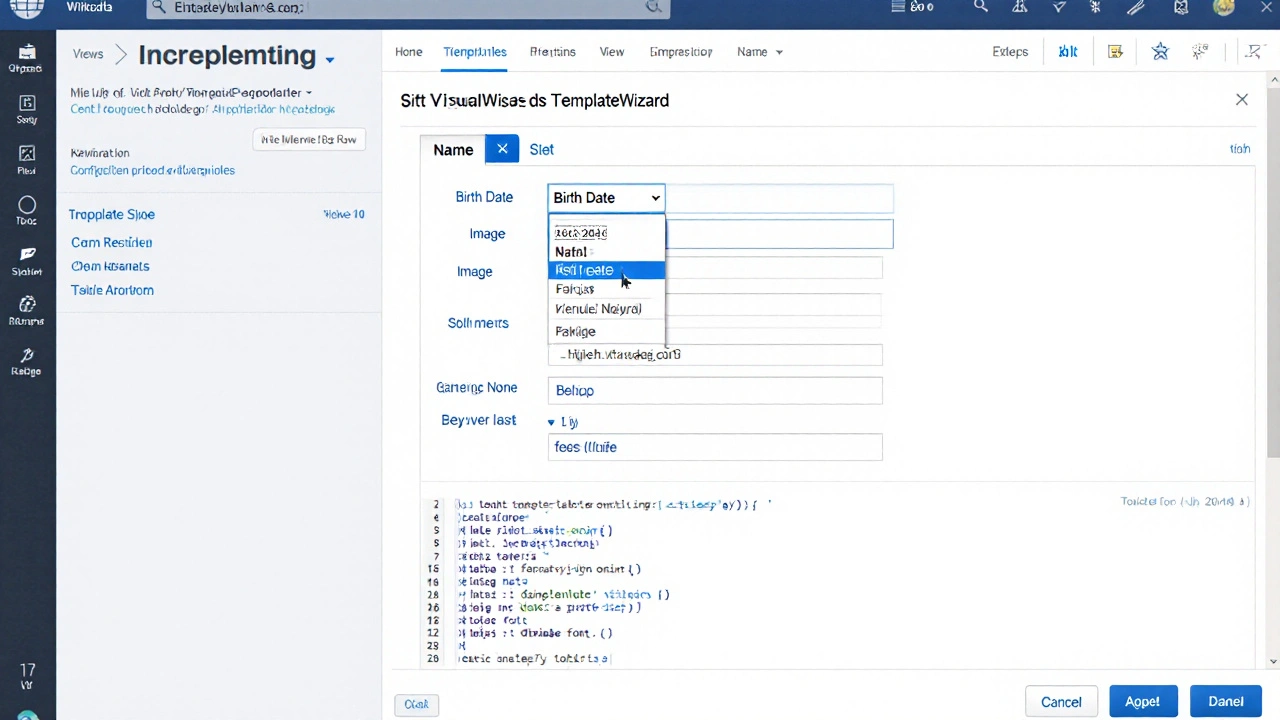
TemplateWizard on Wikipedia: Build Templates Without Errors
TemplateWizard on Wikipedia helps editors build templates without syntax errors by offering a simple form interface instead of raw wikitext. It supports over 1,200 common templates like infoboxes and citations, and reduces editing mistakes by 80%. Ideal for beginners and occasional contributors.