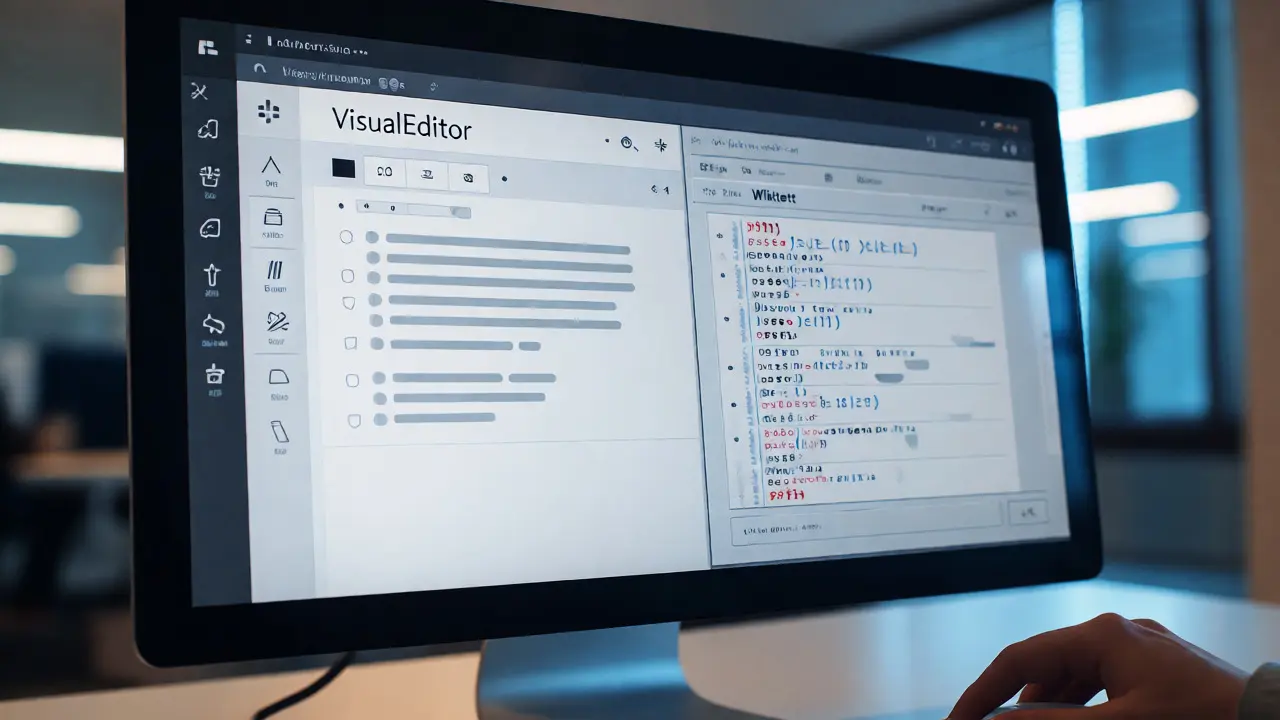
You just clicked "Edit" on a Wikipedia article. Your cursor blinks in a blank space, and you have two choices staring back at you: the familiar box of Wikitext or the modern interface of VisualEditor. One looks like code; the other looks like Microsoft Word. Which one should you pick?
If you are new to contributing, this choice can feel paralyzing. If you are an experienced editor, you might wonder if switching tools is worth the hassle. The truth is, neither tool is universally "better." They serve different purposes, handle complexity differently, and have distinct learning curves. Let's break down exactly when to use each so you stop guessing and start editing with confidence.
What Exactly Are These Tools?
Before comparing them, you need to know what they actually do under the hood. Both tools edit the same underlying source code of a Wikipedia page, but they present it differently.
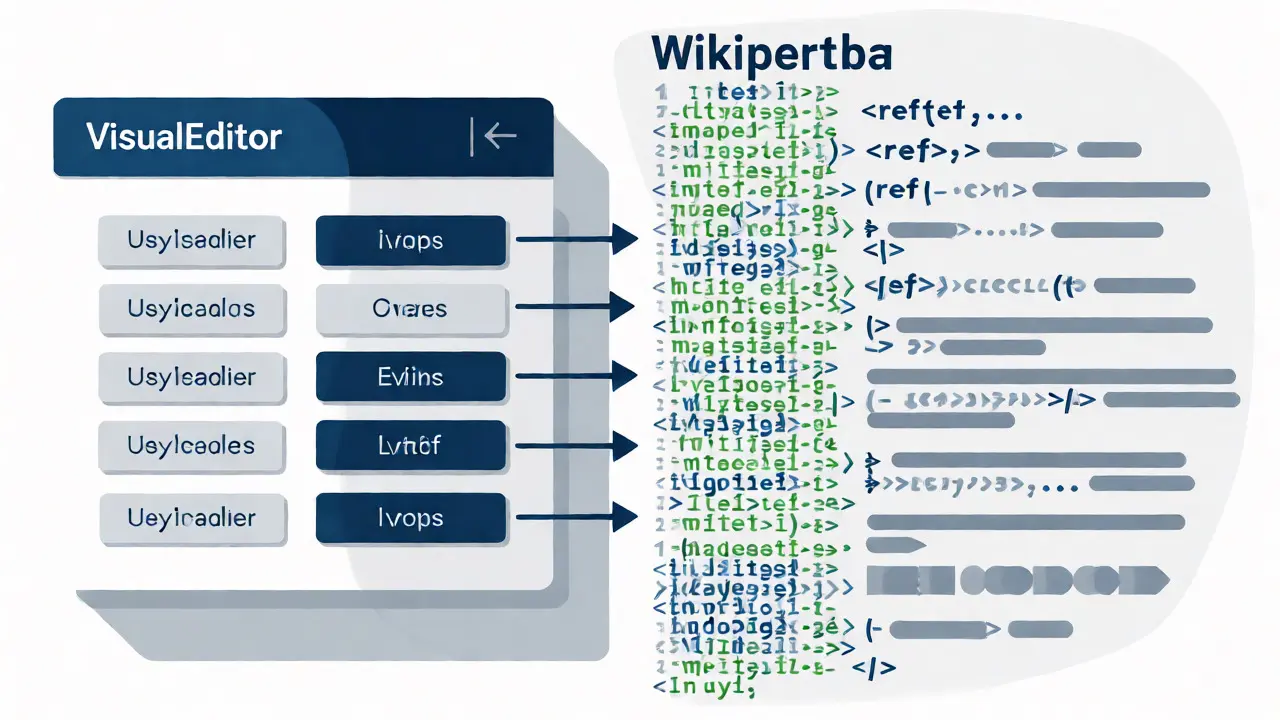
Wikitext (also known as Wiki Markup) is the traditional text-based language used by MediaWiki software. It uses specific symbols to create formatting. For example, typing '''bold''' makes text bold, and [[Link]] creates a hyperlink. It is raw, precise, and gives you total control over every character.
VisualEditor is a WYSIWYG (What You See Is What You Get) editor. It renders the page as it will appear to readers while you type. Instead of typing tags, you click buttons for bold, italics, or links, similar to how you would in Google Docs or WordPress. It was introduced by the Wikimedia Foundation to lower the barrier to entry for new editors.
The core difference isn't just visual; it's structural. VisualEditor parses the HTML DOM (Document Object Model) and converts your clicks into wikitext behind the scenes. Wikitext lets you write that code directly. This distinction matters because parsing errors happen in VisualEditor, while syntax errors happen in Wikitext.
When VisualEditor Saves You Time
For most casual edits, VisualEditor is the superior choice. Why? Because it removes friction. If you are fixing a typo, adding a reference, or updating a date, clicking a button is faster than remembering the exact syntax.
- Adding References: In VisualEditor, you click "Insert Citation," fill out a form, and hit save. In Wikitext, you must manually insert
<ref>tags, ensure they close properly, and place them correctly relative to punctuation. - Basic Formatting: Bold, italics, headers, and lists are intuitive. You don't need to memorize that
==Header==creates a section title. - Image Insertion: Uploading and captioning images via the dialog box prevents common mistakes like broken file paths or missing alt-text attributes.
I've watched dozens of new contributors quit Wikipedia editing because they couldn't figure out why their list wasn't rendering correctly. They typed asterisks but forgot the space after them. VisualEditor handles those spaces automatically. It acts as a safety net, catching minor syntax errors before you hit publish.
Where Wikitext Still Reigns Supreme
Despite the convenience of VisualEditor, many veteran editors refuse to use it. There are good reasons for this loyalty. Wikitext offers precision and speed for complex tasks that VisualEditor struggles to handle efficiently.
First, consider templates. Wikipedia relies heavily on templates for infoboxes, navigation boxes, and citation styles. Editing a complex template parameter in VisualEditor often requires opening nested dialogs, scrolling through long forms, and risking accidental deletion of hidden parameters. In Wikitext, you see the entire structure at once. You can copy-paste blocks of code, swap variable names, and debug issues instantly.
Second, mass edits and regex (regular expressions) are nearly impossible in VisualEditor. If you need to change "USA" to "United States" across ten paragraphs, Wikitext allows you to use browser find-and-replace features effectively. VisualEditor sometimes breaks these bulk operations or requires multiple individual clicks.
Third, troubleshooting. When a page looks wrong, seeing the raw code helps you diagnose the problem. Is there an unclosed tag? A misplaced bracket? VisualEditor hides these details, making debugging a black-box process. Experienced editors prefer seeing the matrix-the raw code-so they know exactly what they are changing.
A Side-by-Side Comparison
To make the decision easier, here is how the two tools stack up against key criteria.
| Feature | VisualEditor | Wikitext Editor |
|---|---|---|
| Learning Curve | Low (Intuitive UI) | High (Requires memorizing syntax) |
| Complex Template Editing | Difficult (Nested menus) | Easy (Direct code access) |
| Error Prevention | High (Auto-closes tags) | Low (Manual verification needed) |
| Bulk Edits / Find & Replace | Limited | Excellent |
| Mobile Friendliness | Poor (Cluttered interface) | Good (Text-only input) |
| Speed for Simple Typos | Fast | Slow (If you forget syntax) |
The Hybrid Approach: Using Both Together
You don't have to choose one forever. Most skilled Wikipedia editors switch between them depending on the task. This hybrid workflow is the secret weapon of efficient contributors.
Start with VisualEditor for the heavy lifting. Add your new paragraphs, insert citations, and format headings. Once the content is structured, switch to the "Source" tab (or enable the advanced mode) to review the generated wikitext. This lets you clean up any messy code VisualEditor created, such as unnecessary line breaks or incorrect template nesting.
Conversely, if you are working on a highly technical article full of mathematical formulas or complex tables, start in Wikitext. Build the skeleton using code, then switch to VisualEditor to check how it renders visually. This combination leverages the precision of code and the clarity of preview.
One pro tip: Always preview your changes in both modes before saving. VisualEditor's live preview is helpful, but it doesn't always match the final server-side rendering perfectly. Checking the actual wikitext output ensures you haven't accidentally broken a table or a link.
Common Pitfalls and How to Avoid Them
Even with the right tool, mistakes happen. Here are the most frequent issues users face with each editor.
VisualEditor Issues:
- Broken Links: Sometimes pasting text from external sources brings in hidden HTML formatting that VisualEditor misinterprets. Always paste as plain text first.
- Template Conflicts: If you edit a protected template inside VisualEditor, you might not see all available parameters. Check the template documentation separately.
- Performance Lag: On very long articles, VisualEditor can become sluggish. If the cursor lags, switch to Wikitext to finish the job.
Wikitext Issues:
- Unclosed Tags: Forgetting to close a
<nowiki>or<ref>tag can ruin an entire section. Use a text editor with syntax highlighting if possible. - Space Sensitivity: Remember that
*Itemdoes not create a bullet point;* Itemdoes. Spaces matter more than you think. - Copy-Paste Errors: Copying formatted text from Word or PDFs often introduces non-standard characters. Clean your text before pasting into the wikitext box.
Which Tool Fits Your Profile?
Your ideal tool depends on your goals and experience level.
Choose VisualEditor if:
- You are a beginner or occasional editor.
- You mainly fix typos, grammar, or add simple references.
- You dislike memorizing coding-like syntax.
- You are editing on a desktop computer with a large screen.
Choose Wikitext if:
- You are an advanced editor handling complex pages.
- You work frequently with templates, tables, or categories.
- You need to perform bulk edits or search-and-replace operations.
- You are editing on a mobile device or slow connection.
There is no shame in starting with VisualEditor and graduating to Wikitext. Many top-tier Wikipedia administrators started with the visual interface. As you encounter limitations, you naturally learn the underlying syntax. That organic learning path is far less painful than forcing yourself to memorize markup rules upfront.
Can I switch between VisualEditor and Wikitext mid-edit?
Yes, absolutely. Most Wikipedia interfaces provide a toggle button labeled "Source" or "Edit Source" within the editing toolbar. Clicking this switches you to the raw wikitext view without losing your unsaved changes. However, be cautious: if VisualEditor has generated complex code that you don't understand, editing it manually might introduce errors. Always preview before saving after switching.
Why does VisualEditor sometimes change my formatting unexpectedly?
VisualEditor works by converting your actions into HTML and then back into wikitext. This conversion process isn't perfect. Sometimes, it normalizes whitespace, changes quote styles, or reorders template parameters. This is known as "diff noise." To minimize this, try to keep your edits focused and avoid mixing complex manual formatting with automated VisualEditor actions in the same session.
Is Wikitext harder to learn than HTML?
For basic needs, yes, but it is much simpler than full HTML. Wikitext only includes commands relevant to encyclopedic writing (links, headings, lists, tables). You don't need to worry about CSS styling, JavaScript, or semantic div structures. Once you learn the five or six most common tags, you can handle 90% of standard edits. Resources like the Wikipedia Help pages offer quick cheat sheets.
Does VisualEditor work on mobile devices?
It works, but poorly. The interface is designed for mouse interaction, so tapping small icons on a touchscreen can be frustrating. The keyboard also takes up significant screen space, leaving little room to view the context of your edit. For mobile editing, the simplified mobile editor or direct Wikitext editing is usually more efficient and less prone to accidental taps.
Will using VisualEditor mess up existing articles?
Rarely, but it can happen. VisualEditor generally preserves existing content well. However, it may alter the order of invisible comments or metadata. If you are editing a high-traffic or disputed article, check the diff carefully before publishing. Look for unintended changes outside your specific edit area. If you see massive diffs where you only changed one word, something went wrong with the parser.