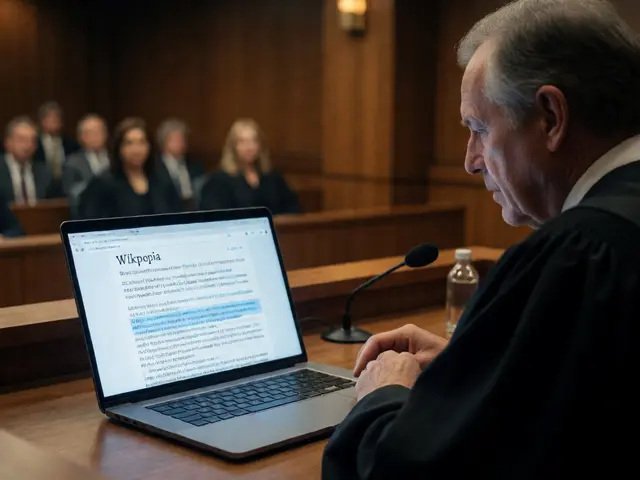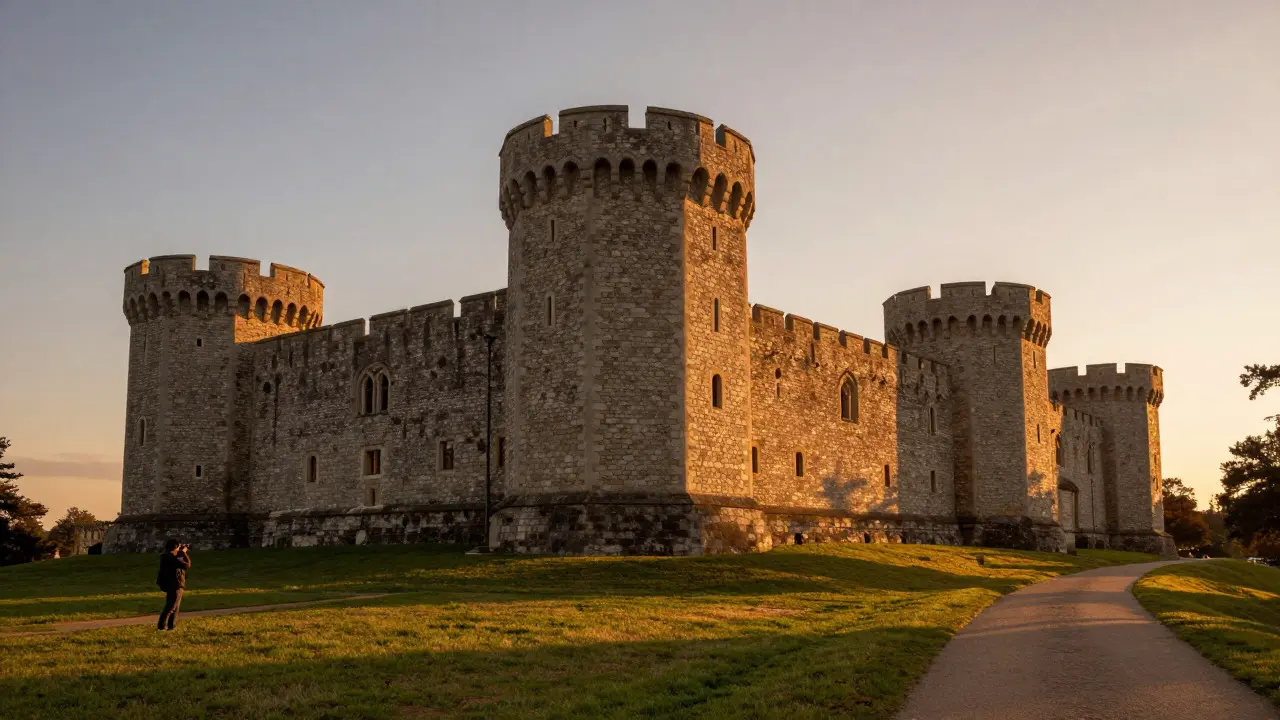
Every year, photographers around the world gather their cameras not for a commercial shoot or a social media challenge, but to document the built heritage of their communities. Wiki Loves Monuments is the largest annual photography competition in the world, dedicated to documenting architectural heritage sites on Wikimedia Commons. In 2025, the contest returned with specific national deadlines that vary by country, making it crucial for participants to know exactly when their local window opens and closes. If you have ever wondered how to turn a simple walk through your city into a contribution to global knowledge, this guide covers the announcements, the technical requirements, and the strategies that actually help images get noticed by judges.
Understanding the 2025 Contest Structure
The core mechanic of Wiki Loves Monuments remains consistent: you upload photos of designated monuments to Wikimedia Commons, the free media repository used by Wikipedia and other Wikimedia projects. However, the 2025 cycle introduced stricter metadata requirements in several participating countries to ensure long-term usability of the archive. Unlike general photo contests where artistic flair is the primary judge, here, accuracy and clarity are paramount. A blurry shot of a famous landmark might win a like on Instagram, but it won’t win WLM if the historical details are obscured.
Participation is usually split into two phases: a national round followed by an international final. The national rounds typically run from September to October, while the international judging occurs in November and December. You must check your specific country’s official page because dates are not synchronized globally. For example, while some European nations start in early September, others may begin in late August. Missing the local deadline means missing the chance to compete for cash prizes and recognition, even if the image is technically perfect.
What Counts as a Monument?
This is the most common question new entrants face. The definition varies slightly by country, but generally, a monument is a structure of historical, cultural, or architectural significance that has been officially listed by a national heritage authority. This includes castles, bridges, churches, industrial sites, and sometimes even public art installations if they are part of the designated list.
Before you pick up your camera, download the official list of eligible monuments for your region. These lists are usually available as CSV files or interactive maps on the national WLM pages. Do not guess. If a building is not on the list, your photo will be disqualified during the preliminary screening, regardless of its quality. Conversely, don't ignore lesser-known sites just because they aren't famous. Judges often appreciate fresh perspectives on obscure heritage sites that lack high-quality digital documentation.
Technical Requirements and Metadata Rules
Technical perfection isn't the goal, but technical competence is mandatory. Your images must meet minimum resolution standards, typically at least 1024 pixels on the shortest side, though higher resolutions are strongly encouraged for zoomability. File formats should be standard JPEGs. Avoid using HEIC or RAW files directly; convert them before uploading.
The real battleground is metadata. Every image uploaded to Wikimedia Commons requires specific fields to be filled out correctly:
- License: Most entries use Creative Commons Attribution-ShareAlike (CC BY-SA) or CC0 (Public Domain). Choose one and stick to it unless you have a specific reason to differ.
- Description: Briefly describe what is shown. "View of the North Tower" is better than "Building."
- Date Taken: Must match the actual date of the photograph. Mismatches between EXIF data and stated dates can lead to disqualification.
- Author: Your username or real name, matching your account details.
Many beginners fail here because they forget to tag the location accurately. Use the geotagging tool in the upload wizard to pin the exact coordinates of the monument. This helps map-based searches and validates that you were physically present at the site.
Photography Strategies for Heritage Sites
How do you make a static stone building look interesting? Context is key. Instead of shooting straight-on portraits of facades, try including human scale elements-people walking by, bicycles parked nearby, or trees framing the structure. This provides perspective and life to the image. Lighting also plays a huge role. Golden hour, shortly after sunrise or before sunset, casts long shadows and warm tones that enhance texture. Midday sun can flatten details and create harsh contrasts, so avoid it if possible.
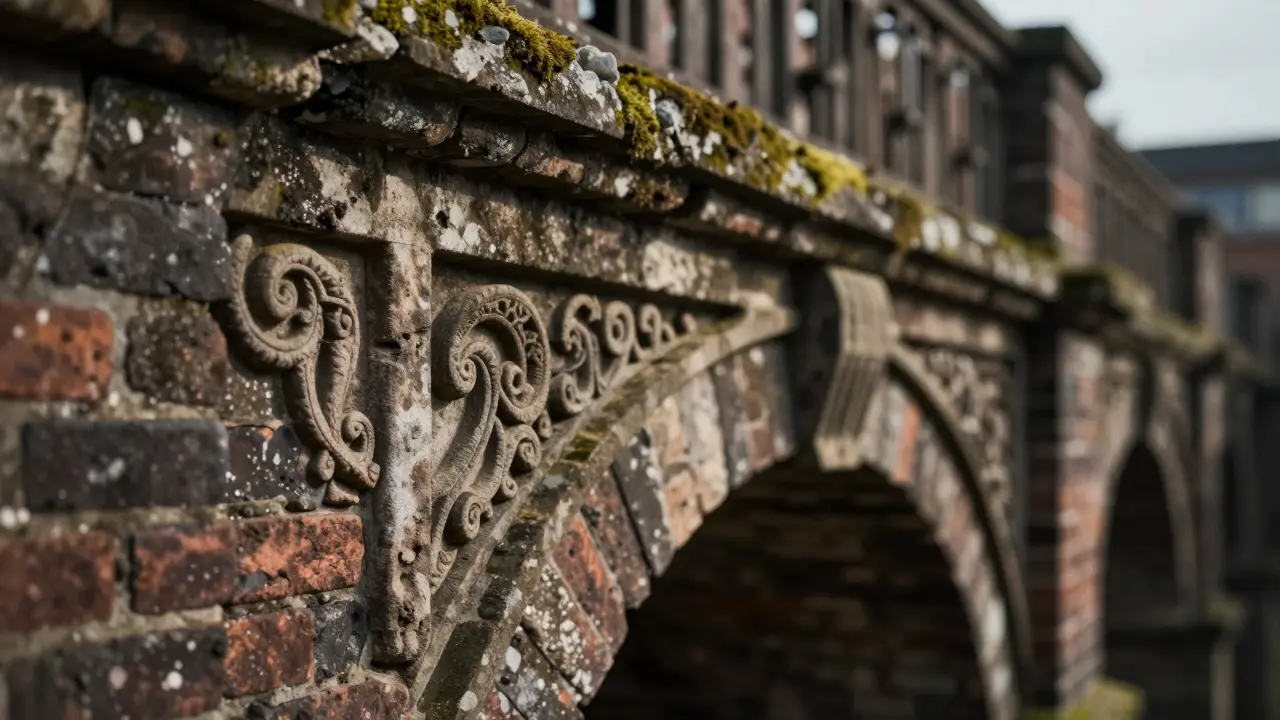
Variety is another winning strategy. Don't just upload ten shots of the same angle. Capture wide establishing shots, close-ups of intricate carvings or inscriptions, and detail shots of materials like brickwork or ironwork. Judges look for sets that tell a story about the structure's condition and design. If you are shooting a bridge, show the span, the piers, and the decorative railings. This comprehensive approach demonstrates effort and respect for the subject.
Avoiding Common Disqualification Traps
Even experienced photographers get caught by minor rule oversights. Here are the pitfalls to watch out for:
- Copyright Issues: Ensure no modern copyrighted elements dominate the frame. While architecture itself is often in the public domain depending on the country, posters, logos, or contemporary sculptures in the background can complicate licensing. Crop these out if possible.
- Duplicate Uploads: Uploading the same photo multiple times under different names or accounts is cheating. It dilutes the value of the entry and risks a ban.
- EXIF Data Mismatches: If your camera says the photo was taken in 2024 but you claim it was 2025, verify your settings. Automated scripts check for inconsistencies.
- Poor File Naming: Use descriptive filenames rather than generic ones like "IMG_1234.jpg". While not always strictly enforced, it helps editors categorize your work faster.

Judging Criteria: What Winners Look Like
The judging panel typically evaluates entries based on three main pillars: technical quality, historical relevance, and originality. Technical quality covers focus, exposure, and composition. Historical relevance asks whether the photo clearly documents the monument's features. Originality rewards unique angles or stories that haven't been seen before in the Commons database.
You don't need a professional DSLR to win. Smartphone photography has improved significantly, and many top prizes have gone to well-composed phone shots. The key is intent. Did you take the time to frame the shot carefully? Did you clean your lens? These small efforts separate casual snapshots from competitive entries. Additionally, consistency across a set of photos matters more than a single stunning outlier. A cohesive series of five good photos often outperforms one great photo and four mediocre ones.
| Entry Type | Pros | Cons | Best For |
|---|---|---|---|
| Famous Landmarks | High visibility, easy to identify | High competition, many existing photos | Experienced photographers seeking recognition |
| Obscure Local Sites | Low competition, fills gaps in database | Harder to find context/details | Beginners and local history enthusiasts |
| Detail Shots | Showcases craftsmanship, less crowded | Requires macro capabilities or zoom | Close-up specialists |
| Wide Establishing Shots | Provides context and scale | Can suffer from distortion if not corrected | Architectural photographers |
Preparing Your Submission Workflow
Efficiency matters when you are visiting dozens of sites. Set up a workflow before you start shooting. First, create a folder structure on your computer or cloud storage organized by monument name. As you shoot, rename files immediately using a pattern like "MonumentName_Angle_Date.jpg". This saves hours later when uploading. Second, test your upload process early in the season. Log in to Wikimedia Commons, practice adding metadata, and ensure your license selection is correct. The interface can be tricky for first-timers, so don't wait until the last minute to figure it out. Finally, back up your raw files. If your memory card fails, you want to know you have copies of your best shots.
Community Engagement and Feedback
Wiki Loves Monuments is not just a solitary activity. The community is active on talk pages and forums. After uploading, consider leaving a note on the monument's talk page or asking for feedback in the WLM chat rooms. Constructive criticism can help you improve future entries. Also, engage with other participants' work. Leaving helpful comments builds goodwill and can lead to collaborative projects, such as organizing group shoots at large complexes where individual access might be limited. This social aspect often leads to better results than working alone, as peers can spot issues you missed, like a stray wire in the background or a closed gate that blocks the view.
Do I need professional equipment to enter Wiki Loves Monuments?
No, professional equipment is not required. Many winners use smartphones or entry-level DSLRs. The key factors are composition, lighting, and accurate metadata rather than the camera brand. Ensure your device can capture images at a minimum resolution of 1024 pixels on the shortest side.
Can I edit my photos before uploading?
Yes, basic editing is allowed and encouraged. Adjusting white balance, cropping, and correcting perspective are standard practices. However, avoid heavy retouching that alters the factual appearance of the monument, such as removing structural elements or changing colors drastically. The goal is documentation, not artistic interpretation.
What happens if I miss the national deadline?
If you miss the national deadline, you cannot compete in the national prizes for that year. However, you can still upload the photos to Wikimedia Commons for general use. They will simply not be considered for the WLM 2025 awards. Check if there is a grace period, though this is rare and usually only applies to technical upload failures, not late submissions.
How many photos can I submit per monument?
There is no strict limit on the number of photos per monument, but quality over quantity is advised. Submitting 3-5 diverse angles (wide, medium, detail) is often more effective than submitting 20 similar shots. Too many duplicates can clutter the commons file space and annoy reviewers.
Are drone photos allowed?
Drone photos are generally allowed, provided you comply with local aviation laws and any specific restrictions posted at the monument site. Some heritage sites prohibit drones due to noise or safety concerns. Always check the rules for the specific location before flying. Aerial views can be highly valued for showing the layout of large complexes.