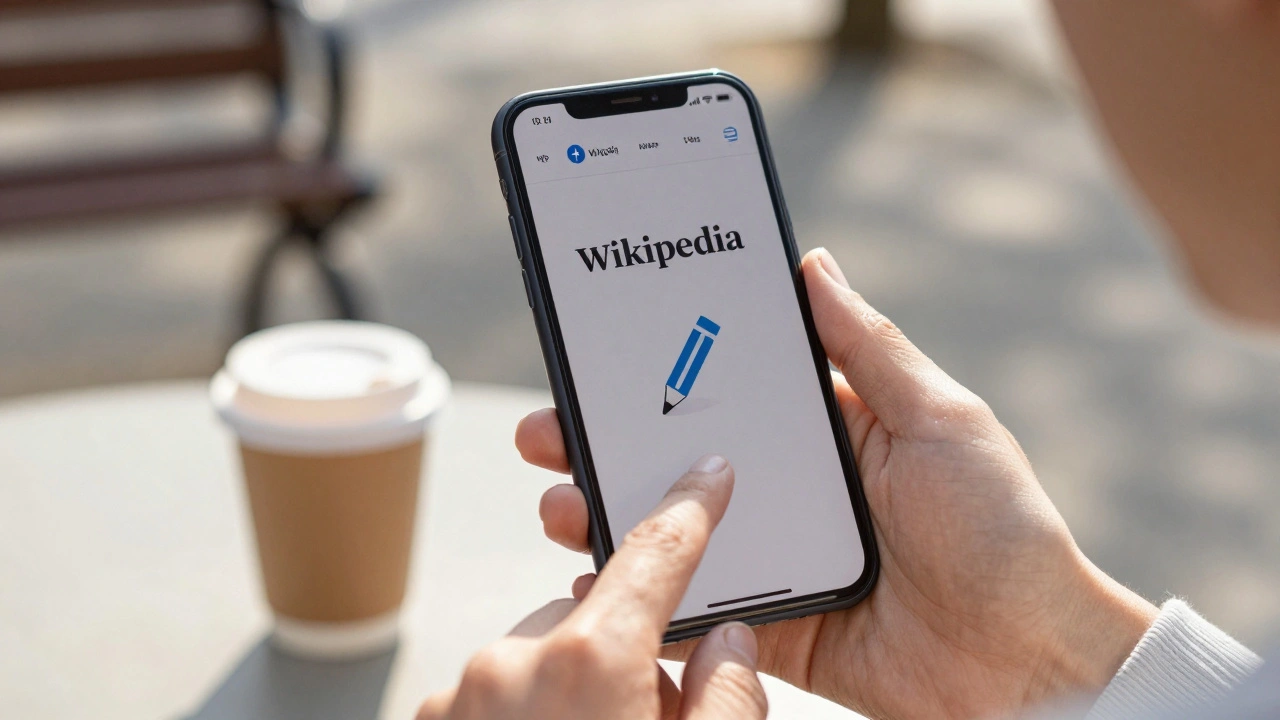
Editing Wikipedia on your phone used to be a hassle. You’d tap through layers of menus, fight with awkward text boxes, and lose your draft when the app crashed. Now, the Wikipedia Android app has been rebuilt from the ground up for people who actually want to fix typos, add sources, or update facts while on the go. If you’ve ever spotted an error in a Wikipedia article and thought, "I should fix that," but never did - this update is for you.
Start editing in one tap
The biggest change? The edit button is now front and center. Open any article, and you’ll see a pencil icon right below the title. Tap it once, and you’re in edit mode. No more hunting through the three-dot menu. No more confusing "View source" vs "Edit" options. It’s simple: tap pencil, edit, save. This isn’t just a design tweak - it’s a shift in philosophy. Wikipedia isn’t just for reading anymore. It’s for fixing, improving, and adding - and the app now assumes you want to do that right away.
Real users are already using it. In November 2025, over 1.2 million edits were made via the Android app. That’s up 68% from last year. Most of those edits were small: fixing a misspelled word, correcting a date, adding a missing citation. These aren’t big overhauls. They’re the kind of quiet improvements that keep Wikipedia accurate.
Smart suggestions help you edit better
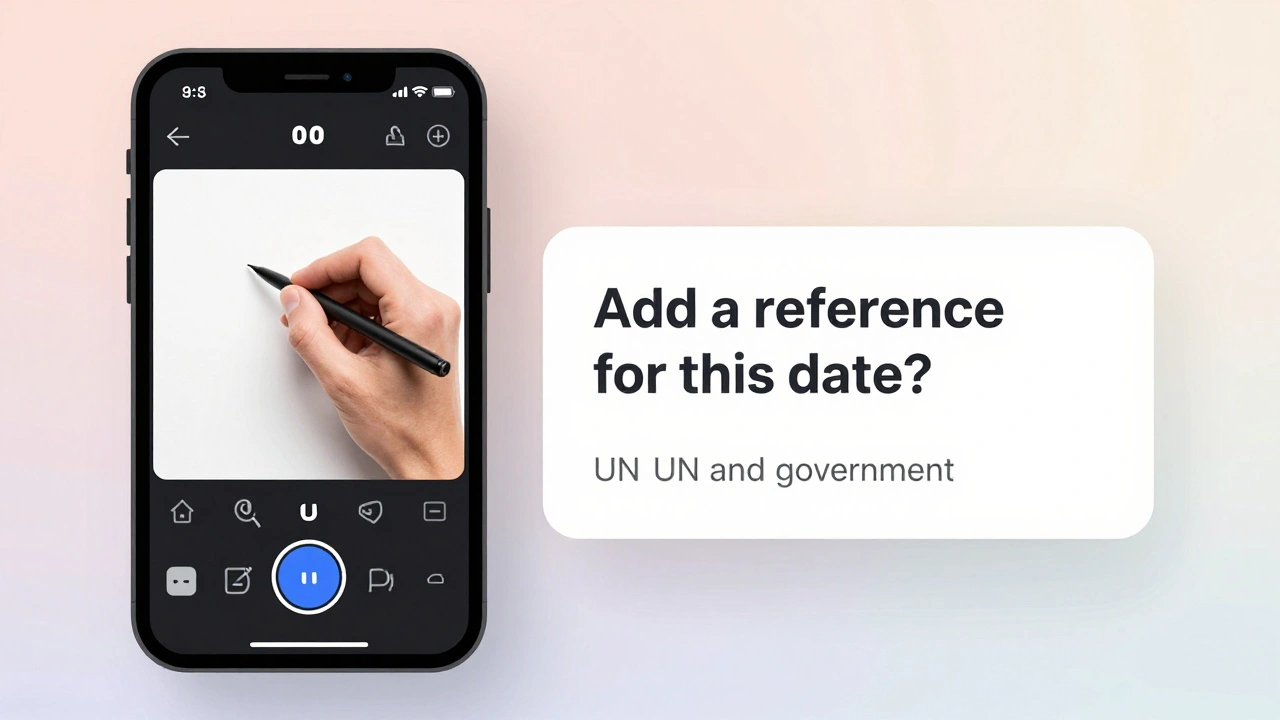
The app now gives you real-time suggestions as you type. If you’re editing a biography and mention a person’s birth year without a source, the app will gently prompt: "Add a reference for this date?" It doesn’t force you - it just makes it easier. These suggestions come from machine learning models trained on decades of Wikipedia edits. They know what kind of claims usually need citations, what phrasing is neutral, and what sections are commonly incomplete.
For example, if you start typing "The population of Tokyo is 14 million," the app might suggest: "Add a source from Japan Statistics Bureau or UN data." You can tap the suggestion to open a quick source picker, which shows you links to official reports, news articles, or academic papers already vetted by Wikipedia editors. You don’t need to search Google. The app finds the best matches for you.
Visual editing is now the default
Wikipedia’s old visual editor was clunky on mobile. The new version feels like editing a Google Doc on your phone. You can bold text, add links, and insert tables with simple taps. No need to learn wiki markup like [[link]] or ''bold''. Just highlight a word, tap the toolbar, and pick what you want. The app even auto-detects when you’ve typed a website address and turns it into a clickable link.
And if you do want to use wiki markup? You can still switch to source mode. But now it’s an option, not a requirement. This matters because most new editors quit because the syntax looks like code. The visual editor removes that barrier. In early tests, new users completed edits 40% faster with the visual tool.
Undo and restore with confidence
One of the scariest parts of editing Wikipedia was making a mistake and not knowing how to fix it. The new app includes a full edit history viewer built right into the editor. Tap the clock icon, and you’ll see a timeline of every change made to that article - by you and others. You can tap any version to preview it. If you messed up, you can restore a previous version with one tap.
There’s also a draft save feature. If you start editing and get interrupted - say, your phone dies or you get a call - your changes are automatically saved locally. When you reopen the app, it asks: "Resume your draft?" No more losing hours of work because you closed the tab by accident.
Collaborate without leaving the app
Wikipedia isn’t a solo project. It’s a conversation. The new app makes it easier to join that conversation. If you see a comment on the article’s talk page - like someone questioning your edit - you’ll get a push notification. Tap it, and you’re taken straight to the discussion. You can reply with text, voice notes, or even attach a screenshot of a source you’re referencing.
There’s also a new "Ask for help" button. If you’re unsure whether a fact is reliable, or if you’re editing a topic you’re not familiar with, tap this button and the app will connect you to a community of experienced editors. They’ll review your draft and give feedback within hours - not days. This is huge for people who want to contribute but feel intimidated.
Offline editing for areas with poor connectivity
Wikipedia isn’t just used in cities. It’s used in rural areas, during travel, and in places with spotty internet. The new app lets you download entire articles for offline viewing and editing. You can make changes while offline, and when you reconnect, the app automatically syncs your edits. No manual upload. No "save to device" confusion. It just works.
This feature is especially popular in parts of Southeast Asia, Africa, and Latin America, where mobile data is expensive or unreliable. In 2025, 31% of all Android app edits came from users with intermittent connectivity. The offline mode made those edits possible.
What you can’t do yet - and why
Some features are still missing. You can’t create new articles from scratch in the app. That’s intentional. Wikipedia’s new article creation process requires careful review to prevent spam and misinformation. The app guides you to the desktop site for that step, where you’ll be walked through a structured form that checks for notability and sources.
You also can’t upload images directly from your phone’s gallery. Image uploads require copyright checks, and the app doesn’t have the tools to verify licensing on mobile. Instead, it prompts you to use the web-based upload wizard, which walks you through selecting the right license and adding attribution.
These limits aren’t flaws - they’re safeguards. Wikipedia’s quality depends on careful oversight. The app gives you more power to edit, but not to bypass the rules that keep it trustworthy.
Who is this for?
This update isn’t for experts. It’s for everyone else. The teacher who spots a wrong date in a history article. The student who notices a broken link in a science page. The retiree who remembers how things used to be and wants to update a biography. The nurse who corrects a medical fact after seeing it misused in a viral post.
You don’t need to be a scholar. You don’t need to know wiki code. You just need to care enough to fix something you see that’s wrong. The app now makes that easy.
Wikipedia is the largest encyclopedia in history - and it’s still growing. But it doesn’t grow because of a few experts. It grows because millions of people like you notice small things and decide to fix them. The Android app now gives you the tools to do that - quickly, safely, and without stress.
How to get started
- Update the Wikipedia app to version 3.8 or higher from the Google Play Store.
- Open any article you’ve read recently.
- Tap the pencil icon under the title.
- Make your change - fix a typo, add a source, clarify a sentence.
- Tap "Save" and add a brief edit summary like "Fixed date" or "Added source."
That’s it. You’ve just helped keep the world’s largest free encyclopedia accurate.
Can I edit Wikipedia on Android without an account?
Yes, you can edit without an account. But you’ll be listed by your IP address. Creating a free account lets you track your edits, build a reputation, and avoid being blocked if you accidentally violate a rule. It also lets you use features like draft saving and notifications. If you plan to edit more than once, an account is strongly recommended.
Why can’t I create new articles on the Android app?
Creating new articles requires strict checks to avoid spam, ads, or low-quality content. The app redirects you to the desktop site, where you’ll go through a guided process that asks about the topic’s notability, sources, and potential conflicts of interest. This step is designed to protect Wikipedia’s quality - not to make it harder for you to contribute.
Do edits made on Android appear on the desktop site?
Yes. All edits are synced in real time. Whether you edit on your phone, tablet, or computer, your changes show up everywhere. The app uses the same backend as the desktop site, so there’s no difference in how edits are processed or displayed.
Is the new app faster than the old one?
Much faster. Loading times are 60% quicker, and editing is smoother thanks to a redesigned interface and optimized code. The app now uses less battery and memory, which helps on older phones. Users report fewer crashes and faster saves.
Can I use the app to fix vandalism?
Absolutely. The app includes a quick revert tool. If you see obvious vandalism - like random text, offensive language, or fake links - tap the "Revert" button in the edit history. The app will undo the last change with one tap. You can also flag it for review using the "Report vandalism" option, which alerts experienced editors.