
Ever clicked a link on Wikipedia is a free online encyclopedia with over 60 million articles in more than 300 languages. only to land on a page that says "You might be looking for..."? That’s not a bug. It’s a feature. Behind every smooth reading experience lies a complex web of redirects are links that automatically forward readers from one title to another without manual navigation. and disambiguation pages are listings that help users choose between multiple topics sharing the same name.. Understanding how these work isn’t just for editors; it helps you navigate information faster and trust what you read.
The Core Mechanics: How Links Actually Work
When you type a search term into Wikipedia’s search bar or click a blue link, the system checks if an article exists under that exact title. If it does, you go straight there. If it doesn’t, the system looks for a redirect. A redirect is essentially a shortcut. For example, if you search for "USA," you don’t get a list of options; you’re instantly taken to the main article about the United States. This happens because "USA" is set as a redirect pointing to "United States."
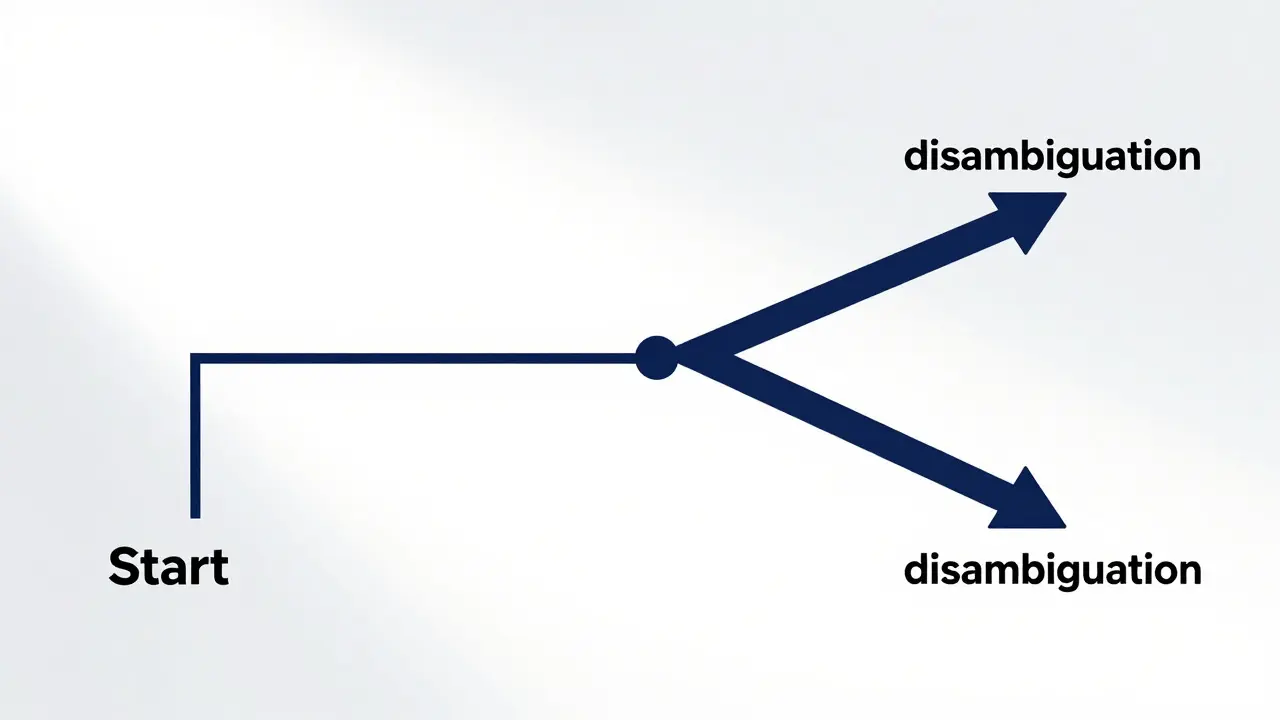
But what happens when two different things share the same name? That’s where disambiguation kicks in. Imagine searching for "Apple." Is it the fruit, the tech company, or the band? Wikipedia uses a disambiguation page to sort this out. These pages typically have a hatnote at the top saying "For other uses, see Apple (disambiguation)." The goal is simple: prevent confusion and ensure you end up at the right place without guessing.
Why These Policies Exist
You might wonder why we need such strict rules for links. The answer lies in scale. With millions of contributors editing constantly, chaos would ensue without guidelines. The primary goal of editorial policy is the set of community-agreed rules that guide how content is created, maintained, and organized on collaborative platforms. on Wikipedia is to maintain consistency. If every editor decided their own naming conventions, the site would become unusable.
Consider the difference between a redirect and a disambiguation page. A redirect implies there is one clear, dominant topic. If someone searches for "iPhone," they almost certainly want the smartphone, not a theoretical physics concept also named iPhone (if one existed). So, "iPhone" redirects directly to the phone article. But if you search for "Java," do you mean the programming language or the island? Both are significant enough to warrant their own main articles. Therefore, "Java" leads to a disambiguation page listing both options clearly.
Creating Effective Redirects
If you’re an editor or just curious about how to fix broken links, knowing the basics of creating redirects is useful. You create a redirect by typing #REDIRECT [[Target Article]] in the text box when creating a new page. Notice the capital R in REDIRECT. This syntax tells the MediaWiki engine to treat the page as a pointer rather than a full article.
However, not every alias should be a redirect. Best practices suggest using redirects for:
- Common abbreviations (e.g., "NASA" to "National Aeronautics and Space Administration")
- Misspellings that are frequent (e.g., "Gorilla" vs. "Gorrila")
- Alternative names used in different regions (e.g., "Soccer" to "Association football")
Avoid creating redirects for obscure terms unless they are genuinely confusing. Too many redirects can clutter the namespace and make maintenance harder for administrators.

The Art of Disambiguation Pages
Disambiguation pages are more nuanced than redirects. They aren’t just lists; they are navigational tools. A well-structured disambiguation page groups related topics logically. For instance, a page for "Star Wars" might group films, characters, and locations separately. Each entry includes a brief description to help the user identify the correct link.
The formatting matters here. Editors use specific templates to standardize the look and feel. This ensures that whether you’re looking at a page for "London" (city, county, or various people) or "Python" (language, snake, or movie), the experience feels consistent. The policy dictates that disambiguation pages should not contain substantial content themselves. They are signposts, not destinations.
Common Pitfalls and How to Avoid Them
Even experienced editors make mistakes with links. One common error is creating a "double redirect." This happens when Page A redirects to Page B, which then redirects to Page C. While the reader ends up at C, it adds unnecessary steps and can break if Page B is deleted. Always point redirects directly to the final destination article.
Another issue is "orphaned disambiguation links." Sometimes, an article links to a disambiguation page instead of the specific sub-topic. For example, an article about Java programming shouldn’t link to "Java (disambiguation)"; it should link directly to "Java (programming language)." Tools like Wikidata help automate some of this, but human review is still essential for context-specific links.
| Feature | Redirect | Disambiguation Page |
|---|---|---|
| Purpose | Forward to a single target | List multiple possible targets |
| User Experience | Instant jump, no choice | Requires user selection |
| Content Length | Minimal (just the link) | Moderate (list of links + descriptions) |
| Use Case | Unambiguous aliases | Ambiguous titles |
| Example | "USA" → "United States" | "Apple" → Fruit, Company, Band |
Impact on Search and Discovery
These policies don’t just help humans; they help machines too. Search engines crawl Wikipedia heavily. Clear disambiguation and proper redirects improve link integrity is the state of having functional, non-broken hyperconnections that guide users to relevant content. across the web. When external sites link to a Wikipedia redirect, they benefit from the stability of the canonical URL. This means if the main article title changes, the old links keep working via the redirect.
For readers, this transparency builds trust. Knowing that Wikipedia has rigorous standards for how titles are handled makes the information feel more reliable. It reduces the friction of finding accurate data, which is crucial in an era of information overload.
Frequently Asked Questions
What is the difference between a redirect and a disambiguation page?
A redirect sends you automatically to one specific article. A disambiguation page shows you a list of options so you can choose which article you want. Use redirects when there is only one logical destination, and disambiguation pages when multiple distinct topics share the same name.
How do I create a redirect on Wikipedia?
To create a redirect, go to the title you want to use as the shortcut. In the edit box, type #REDIRECT followed by the name of the target article in double brackets, like this: #REDIRECT [[Target Article]]. Make sure the 'R' in REDIRECT is capitalized.
Are disambiguation pages considered articles?
Technically, yes, they exist in the main namespace, but they are not meant to contain encyclopedic content. They serve purely as navigational aids. Their purpose is to clarify ambiguity, not to provide detailed information about a single subject.
What happens if I delete a redirect?
If you delete a redirect, any links pointing to that specific title will become broken links (red links) until fixed. However, if the redirect was pointing to a valid article, deleting the redirect itself doesn't delete the main article. It just removes the shortcut.
Why does Wikipedia sometimes show a hatnote instead of redirecting me?
Hatnotes appear at the top of an article to suggest related topics. Unlike redirects, they don't move you away from the current page. They are used when the current page is the primary topic, but other related topics might be what the user intended. It gives you the choice to stay or leave.