You spent weeks crafting a perfect Wikipedia draft. It has citations, neutral tone, and covers every angle of your subject. You hit "Publish," expecting the world to see it. Instead, within an hour, a red banner appears: "Speedy Deletion." Why did this happen? Because moving from the sandbox to the real world is the most dangerous step in an editor's journey.
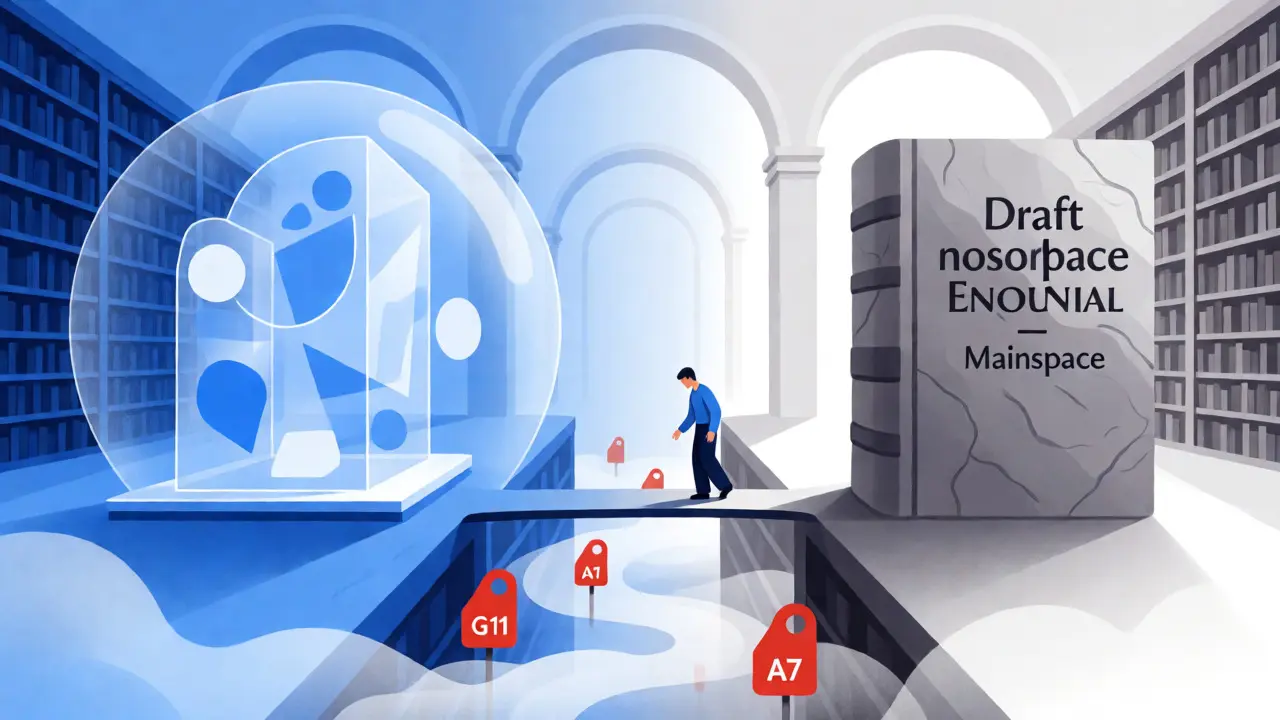
The jump from Draft namespace to Mainspace isn't just a technical click. It’s a declaration that your content meets the strict standards of the encyclopedia. If you move too early, you risk getting deleted, which can be demoralizing and waste community resources. This guide breaks down exactly how to time that move correctly so your hard work survives.
Why Timing Matters More Than Quality
Many new editors think quality is the only metric that matters. They are wrong. Context and timing are equally critical. When an article lives in the Draft namespace, it is invisible to the general public but visible to other editors who monitor recent changes. Once you move it to Mainspace, it becomes part of the live encyclopedia. This triggers automated patrols and human scrutiny immediately.
If you move a draft before it is truly ready, you invite what editors call "premature promotion." This happens when an article lacks sufficient independent coverage or fails basic notability guidelines. The result is often a nomination for Articles for Deletion (AfD) or a Speedy Deletion tag under criteria like G11 (advertising) or A7 (no indication of importance). Rebuilding trust with the community after a bad move takes months.
Understanding the Notability Threshold
Before you even think about clicking "Move," you must pass the Notability test. This is the single biggest reason drafts get deleted upon publication. Notability isn't about whether you think the topic is interesting; it’s about whether reliable, independent sources have already covered it significantly.
Ask yourself these three questions:
- Do I have at least two or three independent secondary sources?
- Are these sources reliable (news outlets, academic journals, books)?
- Do they provide significant coverage, not just passing mentions?
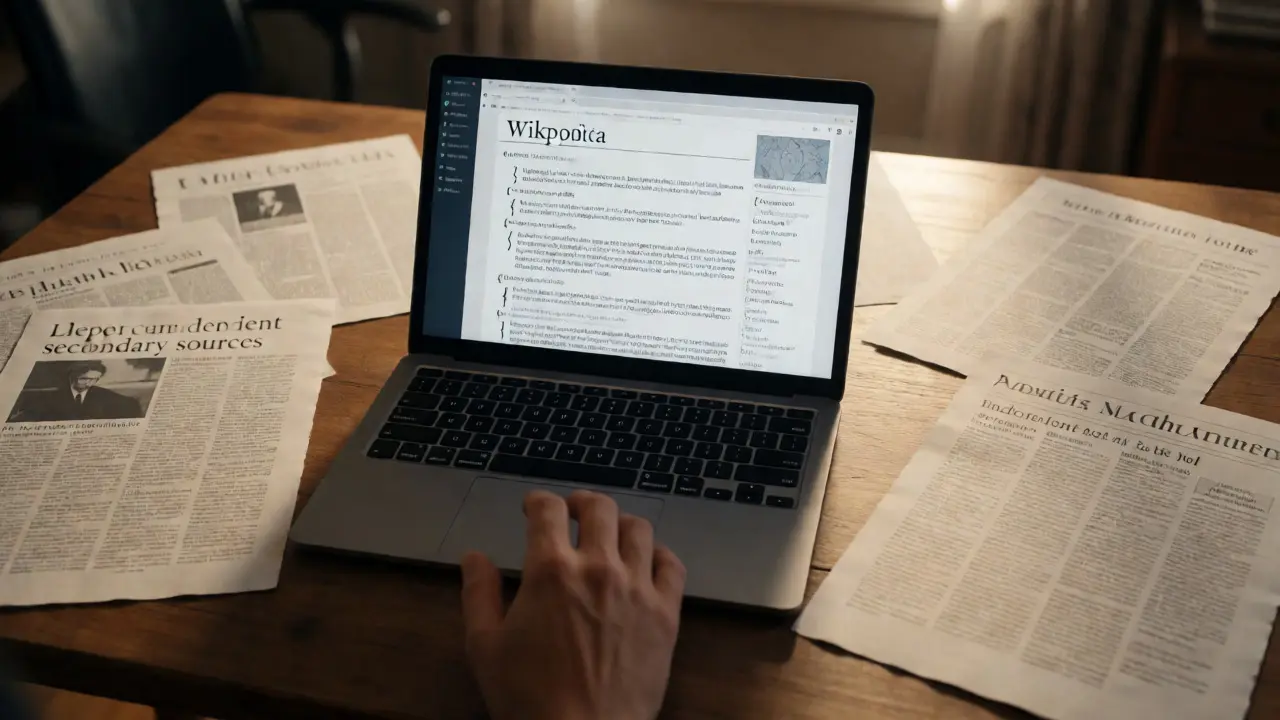
If you answered "no" to any of these, keep your article in the Draft namespace. No amount of formatting will save an article that lacks external validation. For example, a local band might have a website and social media pages. Those are primary sources. Unless a major music magazine or newspaper reviewed their album, they likely fail the notability bar for a standalone article.
The Role of the Article Wizard and Review Process
Using the Article Wizard is smart, but don’t rely on it blindly. The wizard helps structure your draft, but it doesn't guarantee acceptance by experienced reviewers. When you submit a draft for review, you enter a queue where volunteer editors check for policy compliance.
Here is the trap: Many editors assume that if the Article Wizard accepts the submission, the article is safe. It isn't. The Wizard checks for basic syntax and citation presence. It does not deeply evaluate notability or neutrality. A reviewer might accept a draft because it looks polished, only for a different editor to spot-check it later and find it fails core policies. Always wait for feedback from multiple sources if possible.
How to Check Your Draft Before Moving
You need a pre-flight checklist. Don't just eyeball the text. Use specific tools and mental models to stress-test your work before it goes live.
| Check Item | What to Look For | Risk if Ignored |
|---|---|---|
| Citations | Every claim backed by a reliable source. No original research. | Tagged as unsourced or original research. |
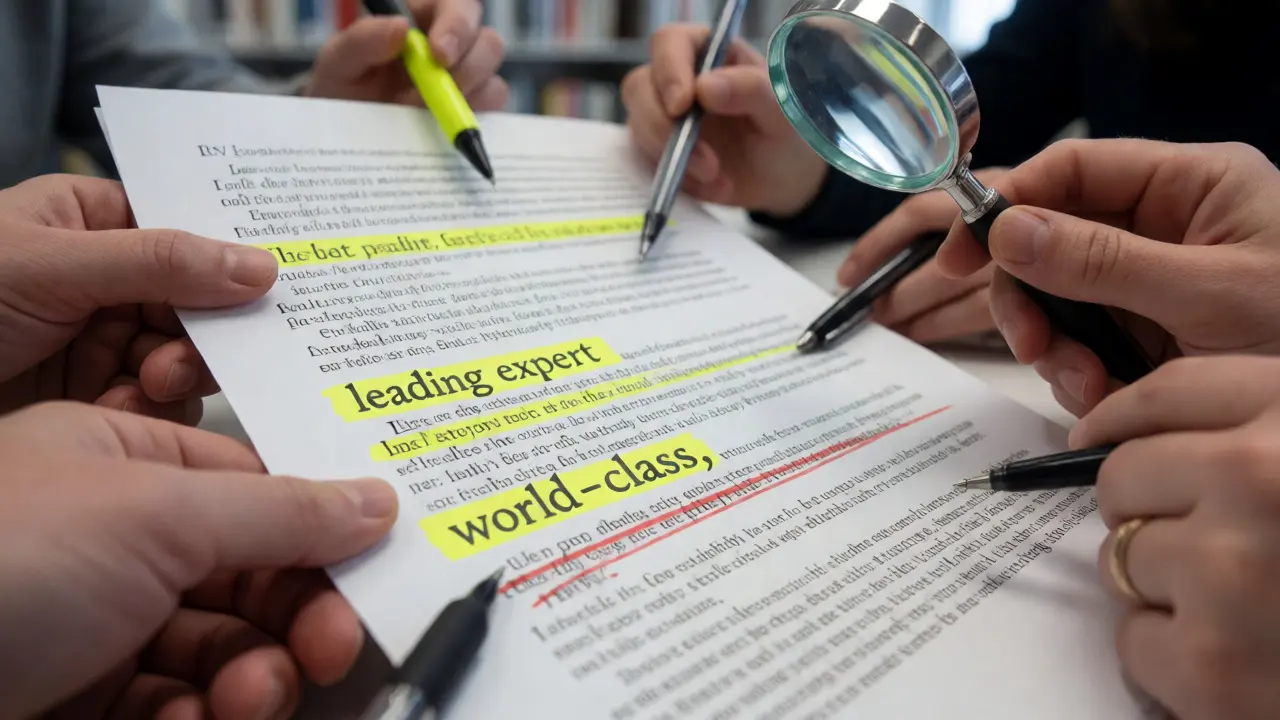
| Tone | Neutral point of view (NPOV). No promotional language like "leading expert" or "world-class." | Tagged as advertising (G11). |
| Notability | Sources are independent of the subject and provide significant coverage. | Nominated for deletion (A7). |
| Structure | Clear sections, proper headings, no broken links. | Looks unprofessional, invites scrutiny. |
| Conflicts | No existing article with similar title or scope. | Merged or redirected, wasting effort. |
One specific tactic: Search for your topic using Google with the site operator `site:wikipedia.org`. If you find a stub or a section within another article, do not create a new page. Expand the existing one instead. Creating duplicates leads to merge debates and confusion.
Executing the Move Correctly
Once you are confident, the actual move process requires care. In the Draft namespace, you cannot simply rename the page to remove the "Draft:" prefix if you lack certain permissions. Most new editors use the "Submit for review" button, which places the draft in a category for manual approval. An experienced editor then moves it to Mainspace.
If you are an autoconfirmed user (four days old, ten edits), you can move pages yourself. However, be careful with the talk page. Ensure the talk page is moved along with the article. Orphaned talk pages are messy. Also, check for redirects. If you previously created a redirect to the draft, update it to point to the new Mainspace location.
A common mistake is forgetting to categorize the new article. Without categories, your article is lost in the sea of millions of pages. Add relevant categories like "Living people," "Companies based in Madison," or "Software engineering concepts." This helps other editors find and maintain your work.
Dealing With Post-Publication Scrutiny
The first 48 hours after moving to Mainspace are critical. Watch your watchlist closely. If someone adds a template like {{notability}} or {{advert}}, do not panic. These are warnings, not death sentences. Respond politely on the talk page. Explain why you believe the sources meet the guidelines. Cite specific policies like WP:RS (Reliable Sources) or WP:N (Notability).
If the article gets nominated for deletion, participate in the discussion. Do not argue emotionally. Stick to facts. "Source X is a national newspaper that dedicated a full paragraph to the subject" is better than "I think this is important." Community consensus rules Wikipedia. Sometimes, articles survive AfD discussions with improvements. Other times, they are merged into broader topics. Both outcomes are valid.
Common Pitfalls That Lead to Deletion
Let's look at real-world scenarios that cause premature moves to fail.
The Local Business Trap: You run a bakery in Madison. You write an article about it. You cite your own website and a local blog post. Result: Deleted. Why? Lack of independent, significant coverage. A mention in a city directory doesn't count. You need reviews from established food critics or news features.
The Fan Site Syndrome: You love a video game character. You write a detailed biography. But all your sources are wikis, forums, and fan sites. Result: Deleted. Fans are not independent sources. You need journalism or official publisher statements.
The Promotion Push: You write about a startup founder. The tone reads like a press release. Words like "innovative," "disruptive," and "visionary" appear frequently. Result: Tagged for NPOV violations. Strip out adjectives. Let the achievements speak for themselves through cited facts.
When to Give Up (For Now)
Not every topic belongs on Wikipedia today. Some subjects become notable over time. If your draft keeps getting rejected, consider waiting. Monitor news feeds for your topic. When a major outlet covers it, revisit your draft. Update your sources. Try again later.
Also, consider merging. If your person or company isn't notable enough for a standalone article, add them to a list article. For example, instead of a page for "John Doe, CEO of XYZ," add him to the "List of CEOs of XYZ." This preserves information without triggering deletion flags.
Frequently Asked Questions
Can I edit my article after moving it to Mainspace?
Yes, absolutely. Moving to Mainspace doesn't lock the article. In fact, editing it further is encouraged. Just ensure your edits follow Wikipedia policies. If you make significant changes, summarize them in the edit summary so other editors understand your intent.
What if I accidentally moved a non-notable topic?
If you realize your mistake quickly, you can request speedy deletion yourself or ask for help on the Help desk. It is better to admit the error early than to let it sit until a stranger nominates it for deletion, which can feel more confrontational.
Does having more citations guarantee survival?
No. Quality matters more than quantity. Ten links to unreliable blogs won't save an article. Two solid references from reputable newspapers or academic journals will. Focus on the independence and reliability of your sources.
How long should I wait before moving a draft?
There is no fixed time limit. Wait until you have addressed all reviewer comments and feel confident in your sourcing. Rushing to meet a self-imposed deadline often leads to errors. Patience is key.
What is the difference between Draft and Mainspace?
Draft space is for working copies that are not yet published to the main encyclopedia. Mainspace is the live, public-facing area. Content in Draft space is indexed differently and is generally considered incomplete until moved.