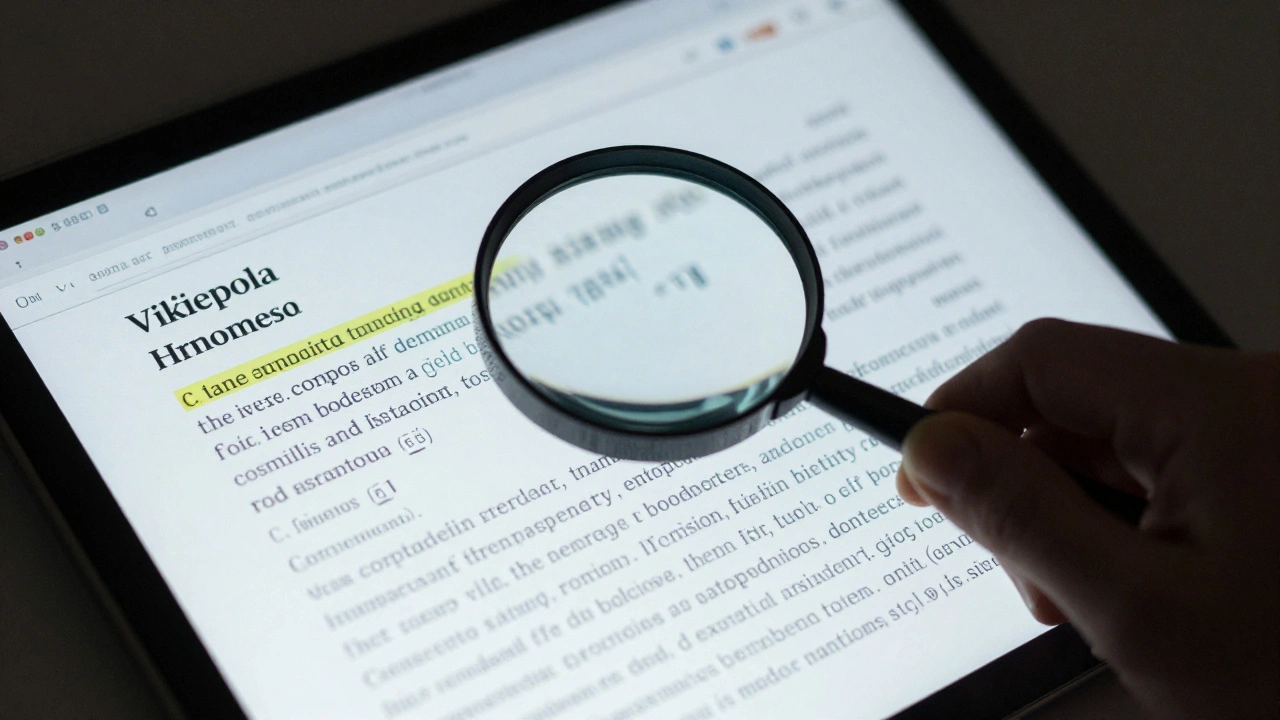
Quick Tips for Accurate Verification
- Always go to the original source, not the one quoted in another article.
- Use "Find in page" (Ctrl+F) to locate specific keywords within a PDF or webpage.
- Cross-reference dates across at least three independent, reputable publications.
- Check the publication date of the source against the event date to avoid anachronisms.
- Verify the identity of the speaker in a quote to ensure it wasn't attributed to the wrong person.
The Problem with "Citation Mining"
Many people fall into the trap of citation mining. This is when an editor finds a sentence they like in a source and forces it into a Wikipedia article, even if the context is completely different. For instance, a source might say, "Some critics argue that the 1920s were a time of chaos," but the Wikipedia entry simply states, "The 1920s were a time of chaos [Citation 1]." This is a failure of accuracy. To fix this, you need to look at the surrounding paragraphs. If the source is posing a question or presenting a theory, the Wikipedia entry must reflect that. If the entry presents a theory as a hard fact, you've found a semantic error. Wikipedia fact-checking is not just about seeing if a link works, but ensuring the meaning remains intact from the source to the page.
Hunting Down Ghost Quotations
A "ghost quote" is a statement attributed to a person that they never actually said. These often start as a mistake in a single newspaper article and then spread like wildfire. When you see a quote in a reference, your first job is to find the original transcript or the first recorded instance of those words. If you're looking at a digital archive like the Wayback Machine, you can see if the quote was edited or changed over time. If the quote only appears in secondary sources and never in a primary source-like a diary, a speech transcript, or an official interview-it's a red flag. When you find a misattributed quote, the best move is to replace it with a verified one or remove it entirely and describe the sentiment in your own words.
Verifying Dates and Timelines
Dates are surprisingly easy to mess up. A common error is confusing the date a document was written with the date it was published. If a historian wrote a paper in 2010 about an event in 1945, but the Wikipedia editor lists the source date as 1945, the timeline is skewed. Chronology is the backbone of any historical record. When verifying dates, look for "anchor dates." These are undisputed events (like a coronation or a treaty signing) that you can use to determine if other dates in the text make sense. If a source claims a meeting happened on July 12th, but the person involved was documented as being in another country on that day, you've caught a factual error. Always check for regional date formats. A source from the US might list 05/06/2024 as May 6th, while a UK source would see it as June 5th. This small detail can lead to a massive error in a biography or a historical timeline.
Working with Primary vs. Secondary Sources
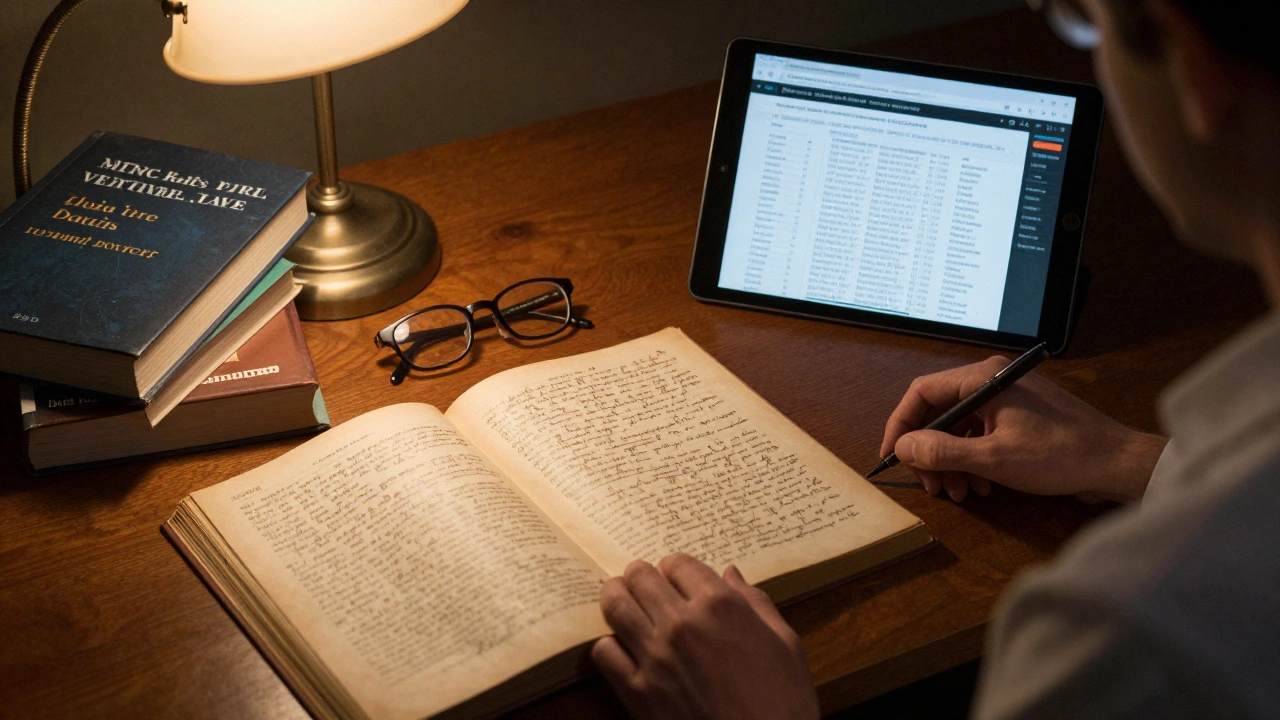
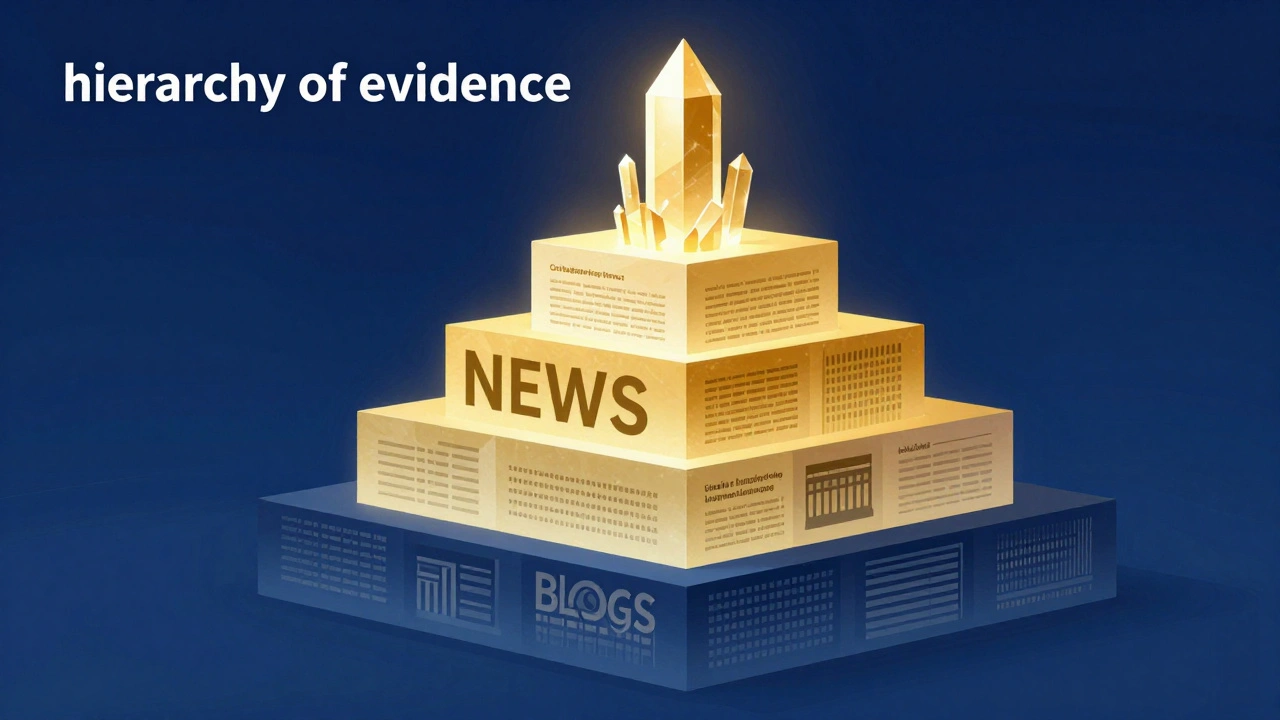
The hierarchy of evidence is crucial here. A primary source is a first-hand account-think of it as a Primary Source like a legal contract, a photograph, or a direct recording. A secondary source is someone else's interpretation of that event, such as a textbook or a biography. When a Wikipedia reference points to a secondary source, you should ideally trace it back to the primary source it cites. If the secondary source says, "According to the 1952 Census..." don't trust the summary; go find the Census data itself. This prevents "citation decay," where a fact is slightly altered each time it is repeated by a new author until it becomes a total fabrication.
| Source Type | Reliability Level | Common Pitfalls | Best Use Case |
|---|---|---|---|
| Official Documents | High | Outdated versions | Verifying dates and laws |
| Peer-Reviewed Journals | High | Overly technical jargon | Scientific and academic facts |
| Mainstream News | Medium | Sensationalism/Typos | Current events and quotes |
| Personal Blogs | Low | Unverified claims | Finding leads to other sources |
Tools for the Modern Fact-Checker
You don't have to do this with just your eyes and a prayer. There are tools that make the process faster. For quotes, use specialized search engines or database archives that allow you to search for exact phrases within a specific date range.
If you're dealing with a PDF that isn't searchable, use OCR (Optical Character Recognition) software to turn the image into text. This allows you to quickly scan for dates and names. Another great trick is using "Advanced Search" operators on Google (like site:gov "exact quote") to see if the quote appears in official government records, which usually carries more weight than a random blog post.
Dealing with Conflicting References
What happens when two reliable sources give you two different dates for the same event? This is where the real detective work starts. First, check the publication dates. A source from 2025 is more likely to have the benefit of newly discovered archives than one from 1980. Second, look at the author's expertise. Is the person a specialist in that specific era, or are they a generalist writer? If the conflict persists, the correct way to handle this on Wikipedia is not to guess who is right. Instead, use a neutral point of view. Write: "Sources vary on the date, with some citing January 12th and others January 15th." This maintains the site's transparency and alerts other editors that the fact is disputed.
What is the best way to verify a quote from an old book?
The most reliable method is to locate a physical copy or a high-quality digital scan of the book. Avoid using summaries or "best of" quote websites. Look for the specific page number in the reference; if the page is missing or the text on that page doesn't match the quote, the reference is invalid. If the book is out of print, check university library archives or Google Books for a snippet view.
How do I handle references that lead to a 404 error?
A dead link doesn't automatically mean the fact is wrong, but it does mean the reference is no longer verifiable. Use the Wayback Machine to find a cached version of the page from the date it was cited. If you can't find a cached version, search for the title of the article or the author's name to see if the content moved to a new URL. If the source is completely gone and cannot be replaced, the information should be removed from the article.
Is it okay to use a translation of a source for fact-checking?
Translations can be tricky because nuance is often lost, and dates can sometimes be misconverted. If you are fluent in the original language, always check the original text. If you aren't, use multiple translation tools to ensure the meaning is consistent. Be especially careful with quotes, as a direct translation might change the tone or intent of the speaker.
What should I do if I find a mistake in a highly cited source?
If a source is widely cited but contains a factual error, you must flag it in the Wikipedia article. Don't just fix the date in the text; add a note or a discussion point on the Talk page explaining that the source is unreliable on this specific point. This prevents other editors from continuing to use the same wrong information.
How can I tell if a date is a "placeholder" or a guess?
Look for language like "around," "circa," or "approximately." If a Wikipedia entry gives a precise date (e.g., March 14, 1912) but the source says "in the spring of 1912," the editor has overstepped. A precise date should only be used if the source provides that exact precision.
Next Steps for Accuracy Seekers
If you're new to this, start small. Pick a page you're interested in and try to verify just three citations. You'll be surprised how often you find small errors. If you're a seasoned editor, consider creating a "citation cleanup" project for a specific topic area. When you encounter a persistent error, don't get into an "edit war." Use the Talk page to provide evidence. Present the original source, the misquote, and the corrected version. Evidence wins arguments on Wikipedia; opinions do not. By focusing on the rigid verification of dates and quotes, you're not just fixing a page-you're protecting the reliability of the world's largest knowledge base.