News breaks. A major election result drops, a natural disaster strikes, or a global policy shifts. Within minutes, the world changes. For those of us who care about accurate information, that moment is critical. It’s also chaotic. If you’ve ever tried to edit Wikipedia during a crisis, you know the feeling: servers lag, talk pages explode with arguments, and articles get locked down by bots faster than you can type.
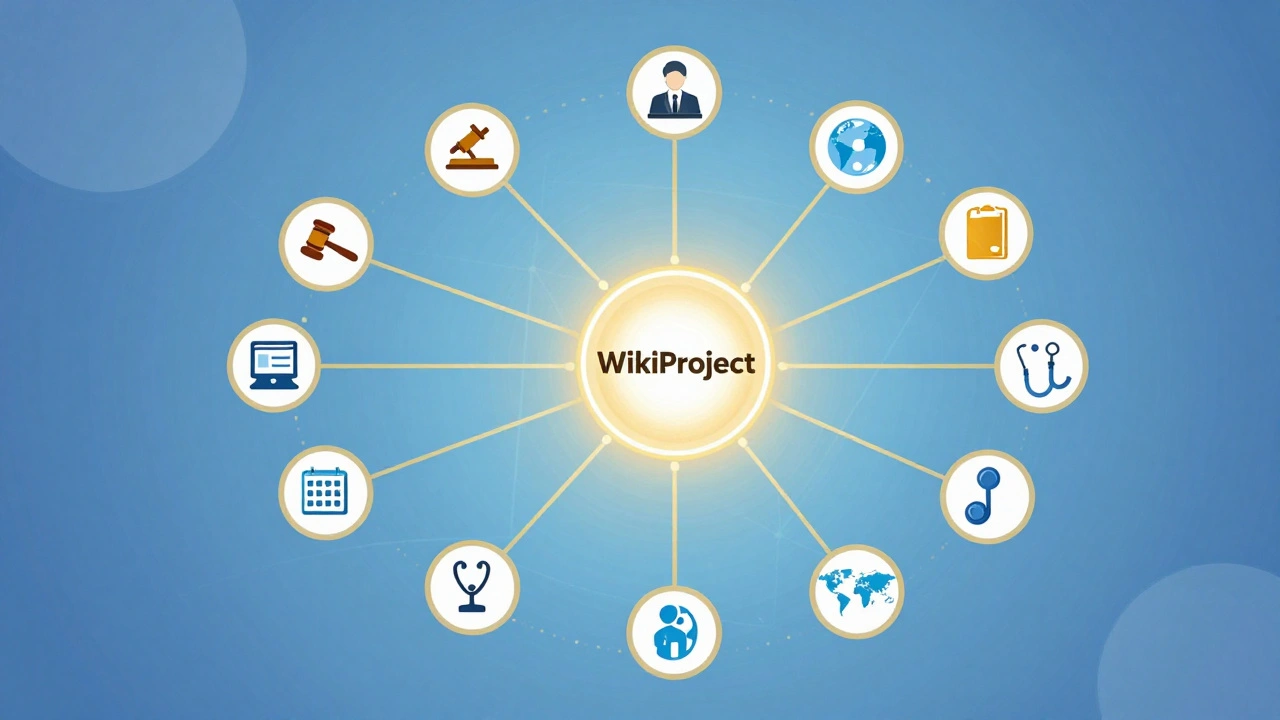
But there is a better way to handle this pressure. You don’t have to go it alone. The secret weapon for editors covering live events isn’t just raw typing speed-it’s knowing how to use WikiProjects to coordinate your efforts. These are specialized groups within Wikipedia dedicated to specific topics, like politics, health, or regional conflicts. When used correctly, they turn a chaotic mob into an organized team.
What Are WikiProjects in the Context of Breaking News?
Think of a WikiProject as a neighborhood watch group, but for information. Instead of patrolling streets, these volunteers patrol article quality and accuracy. In normal times, they might work on expanding a biography or cleaning up citations. But when breaking news hits their area of expertise, they switch gears.
A WikiProject has a core membership-experienced editors who know the subject inside out. They understand the nuances, the key players, and the reliable sources for that specific field. When a story breaks, these members often converge on the relevant articles. They don’t just add facts; they stabilize the page. They check if a claim is verified, remove unverified rumors, and ensure the tone remains neutral. Without them, popular articles often descend into edit wars where users fight over wording rather than focusing on truth.
For example, if a major earthquake occurs in Japan, the WikiProject Japan members will likely jump in. They know which local newspapers are reliable, they understand the geographic context, and they can quickly verify casualty figures against official government releases. This collective knowledge prevents the spread of misinformation that often plagues social media feeds.
Finding the Right Project for Your Story
You can’t join every project. Trying to do so leads to burnout and missed details. The first step in effective coverage is identifying which WikiProject owns the topic at hand. Wikipedia has thousands of these projects, ranging from broad categories like WikiProject Politics to hyper-specific ones like WikiProject Video Games.
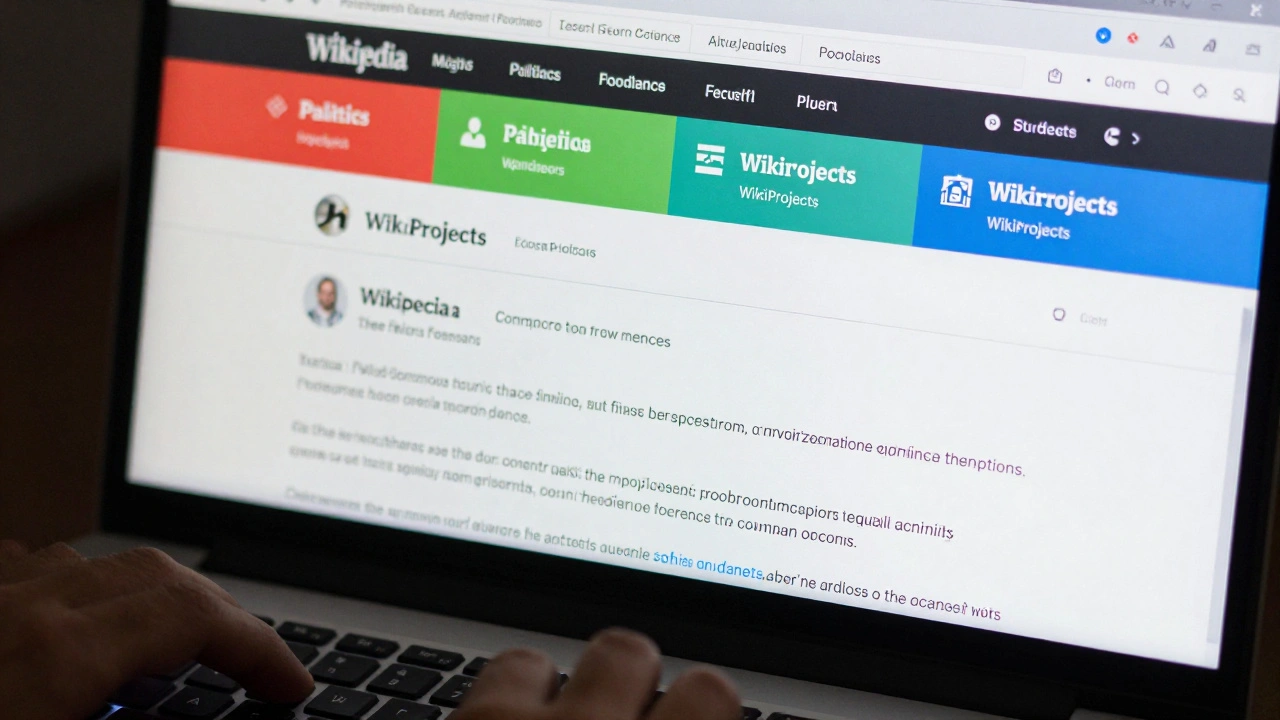
To find the right group, start with the article itself. Look at the top of the page for banners. These small boxes tell you which projects are already monitoring the content. If you’re writing about a new drug approval, you’ll see tags for WikiProject Medicine and perhaps WikiProject Pharmaceuticals. Clicking those links takes you to their discussion pages, where you can see if they’re actively discussing the event.
If there’s no banner, search the WikiProject directory. Type the main keyword of your event into the search bar followed by "WikiProject." For instance, searching "Climate Change WikiProject" will lead you to the hub for environmental issues. Once you find the project, check its "Current Events" or "Task Force" subpages. Many large projects maintain lists of ongoing crises or elections they are tracking. Joining this conversation early gives you visibility among experts who can help verify your edits.
The Role of Task Forces in Crisis Management
Within larger WikiProjects, you’ll often find smaller units called Task Forces. These are temporary or semi-permanent groups focused on a single issue. During breaking news, Task Forces become command centers. They assign roles, distribute source verification, and monitor vandalism.
Consider a major international conflict. The overarching WikiProject Military History might be too broad to manage day-to-day updates efficiently. Instead, a specific Task Force for that region or conflict will activate. Members of this Task Force will divide labor: one person monitors satellite imagery for troop movements, another tracks UN statements, and a third handles the infobox data.
This division of labor is crucial. It prevents multiple people from editing the same paragraph simultaneously, which causes merge conflicts and lost data. By checking the Task Force page, you can see who is handling what. If you want to contribute, pick a task that hasn’t been claimed. Maybe someone else is updating the timeline, so you focus on adding reputable analysis from think tanks. This coordination ensures the article grows comprehensively without internal friction.
Navigating Talk Pages During High-Traffic Events
When news breaks, the Talk Page (the discussion forum attached to every article) becomes a battlefield. It’s easy to feel overwhelmed by the volume of comments. However, ignoring the Talk Page is dangerous. It’s where disputes are resolved, sources are debated, and consensus is built.
Effective editors learn to read between the lines. Look for threads marked with "Urgent" or "Dispute." These indicate areas where editors disagree on facts or neutrality. Before making a significant edit, skim these discussions. You might find that three other editors have already tried to add a certain statistic, but it was removed because the source was deemed unreliable. Learning why helps you avoid repeating the mistake.
Use the Talk Page to propose changes before implementing them. If you have a complex update, such as restructuring a section to reflect a sudden political shift, post a summary of your plan on the Talk Page. Ask for feedback. This "consensus-first" approach reduces the chance of your work being reverted. It also signals to other experienced editors that you’re acting in good faith, not trying to push a personal agenda.
Sourcing Strategies for Live Coverage
The biggest challenge in covering current events is finding reliable sources fast. Social media posts, blogs, and press releases from involved parties are tempting but often violate Wikipedia’s reliability standards. WikiProjects provide a shortcut here: they often maintain lists of preferred sources.
Many WikiProjects have "Source Lists" or "Reliable Sources" pages. These curate journals, news agencies, and government bodies that are accepted as authoritative for that topic. For example, WikiProject Science might list peer-reviewed journals that are acceptable for scientific breakthroughs, while WikiProject Biography might specify which obituary services are trustworthy.
When you’re editing under pressure, stick to these pre-approved sources. If you can’t find a source on the list, look for mainstream wire services like Reuters, Associated Press, or AFP. Avoid partisan outlets unless they are reporting factual events (like a speech transcript) rather than opinion. Always cite the specific date and time of publication, as news evolves rapidly. A headline from six hours ago might be outdated now.
Avoiding Common Pitfalls in Real-Time Editing
Even well-intentioned editors make mistakes during breaking news. Here are the most common traps to avoid:
- Adding unsourced claims: Never add information without a citation, even if it seems obvious. In a crisis, "obvious" is often wrong. Wait for confirmation from two independent reliable sources.
- Engaging in edit wars: If your edit is reverted, stop. Check the Talk Page to see why. Do not revert the reverter immediately. This cycle harms the article and can lead to blocks.
- Over-editing: Don’t try to rewrite the entire article in one go. Make small, incremental changes. Large edits are harder to review and more likely to contain errors.
- Ignoring neutrality: Keep language neutral. Instead of "The devastating attack," use "The attack that resulted in X casualties." Let the facts speak for themselves.
Another pitfall is assuming that because something is trending, it belongs in the lead section. The lead should summarize the most established facts. New developments belong in the body of the article, properly contextualized. WikiProject mentors can guide you on where to place new information appropriately.
Building Long-Term Relationships with Projects
Covering breaking news effectively isn’t just about reacting in the moment. It’s about building relationships beforehand. Joining a WikiProject means subscribing to its newsletter and participating in its regular discussions. Over time, you’ll recognize the usernames of trusted editors. You’ll know who specializes in data visualization, who excels at legal analysis, and who keeps an eye on copyright compliance.
When a crisis hits, you won’t need to introduce yourself. You’ll already be part of the community. This trust accelerates collaboration. Experienced editors are more likely to accept your contributions if they know you’ve previously contributed high-quality work to the project. They’ll also be quicker to flag potential issues with your edits, helping you improve faster.
Participation doesn’t require constant activity. Even occasional contributions count. Reviewing recent changes, fixing typos, or adding citations to older articles builds your reputation. When the next big story breaks, you’ll be ready to step up as a knowledgeable contributor rather than an outsider.
Tools and Templates for Efficiency
Speed matters, but accuracy matters more. Several tools can help you work faster without sacrificing quality. First, use the VisualEditor or Source Editor consistently. Switching between modes mid-session can cause formatting errors.
Second, utilize templates. WikiProjects often create custom templates for recurring events. For example, a template for election results might automatically format percentages and candidate names. Using these ensures consistency across related articles. You can find these templates on the WikiProject’s "Templates" page.
Third, enable notifications. Set up email alerts or watchlist notifications for the articles you’re monitoring. This allows you to react quickly to vandalism or significant changes made by others. You can filter these alerts to only show high-priority updates, reducing noise.
Can I join multiple WikiProjects at once?
Yes, you can join as many WikiProjects as you like. However, for breaking news, focus on the one most relevant to the event. Spreading yourself too thin can lead to mistakes. Prioritize depth over breadth during crises.
What if I disagree with a WikiProject member’s edit?
Disagreement is normal. Discuss your concerns on the Talk Page politely and cite sources. Avoid personal attacks. If consensus cannot be reached, request mediation from a neutral administrator. Remember, the goal is accuracy, not winning an argument.
How do I know if a source is reliable enough for breaking news?
Stick to mainstream wire services (Reuters, AP, AFP) and official government statements. Avoid blogs, social media, and partisan outlets unless they are reporting verifiable facts. Check the WikiProject’s source list for guidance. If unsure, ask on the Talk Page.
Is it safe to edit Wikipedia during a cyberattack or server outage?
During severe outages, editing may be slow or impossible. Wait for stability before making major changes. Small fixes can usually proceed. Be patient; rushing leads to errors. Monitor the Wikimedia Status page for updates on system health.
Do I need admin rights to participate in WikiProjects?
No, admin rights are not required. Most WikiProject activities involve editing articles, discussing on Talk Pages, and tagging content. Admins handle technical tasks like blocking vandals. Focus on contributing quality content; experience earns trust, not titles.