Key Takeaways for Quick Reading
- Traditional talk pages use a "linear" style that can get messy during big debates.
- Flow (and its successors) introduced a forum-like experience to Wikipedia.
- VisualEditor makes discussing changes easier for people who don't know wiki-code.
- Discussion tools are built to resolve conflicts and reach consensus, not just to chat.
The Evolution of Wiki Conversations
For years, the only way to talk on Wikipedia was through the classic "linear" format. You wrote your comment, added four tildes (~~~~) to sign it, and hoped the next person didn't forget to indent their response. If you didn't indent, the whole conversation looked like a flat wall of text. It was a nightmare for new users and a headache for veteran editors.
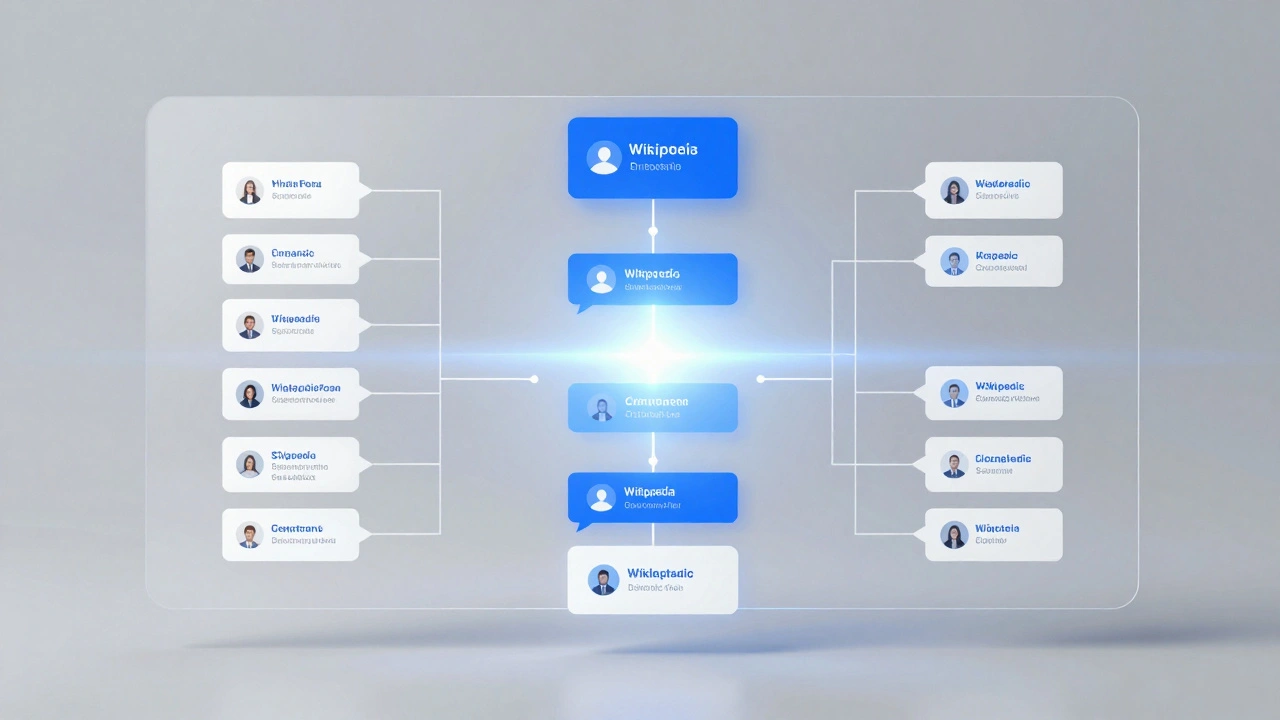
To fix this, the community developed Flow, which is a structured discussion system that transforms talk pages into something resembling a modern forum or a Reddit thread. Instead of one long page, Flow treats each topic as a separate entity. This means you can reply directly to a person without worrying about indentation levels or breaking the page layout.
While Flow brought the convenience of threads, it sparked a massive debate. Some power users hated that it hid the "raw" wiki-code they were used to, while others loved that it made the site less intimidating for newcomers. This tension led to the current era of hybrid tools where you can often choose between the classic view and a more modern, visual interface.
Breaking Down the Current Toolset
Depending on which Wikipedia language version you're using, you'll encounter a few different ways to handle discussions. The goal is always the same: reach a consensus so the actual encyclopedia article can be improved.
The VisualEditor is a WYSIWYG (What You See Is What You Get) editor that allows users to edit pages without using wikitext. When you use this on a talk page, you don't have to memorize symbols to bold text or create lists. You just click a button, similar to how you would in Google Docs. This has significantly lowered the barrier for people who have great knowledge to share but are terrified of the technical side of wiki-coding.
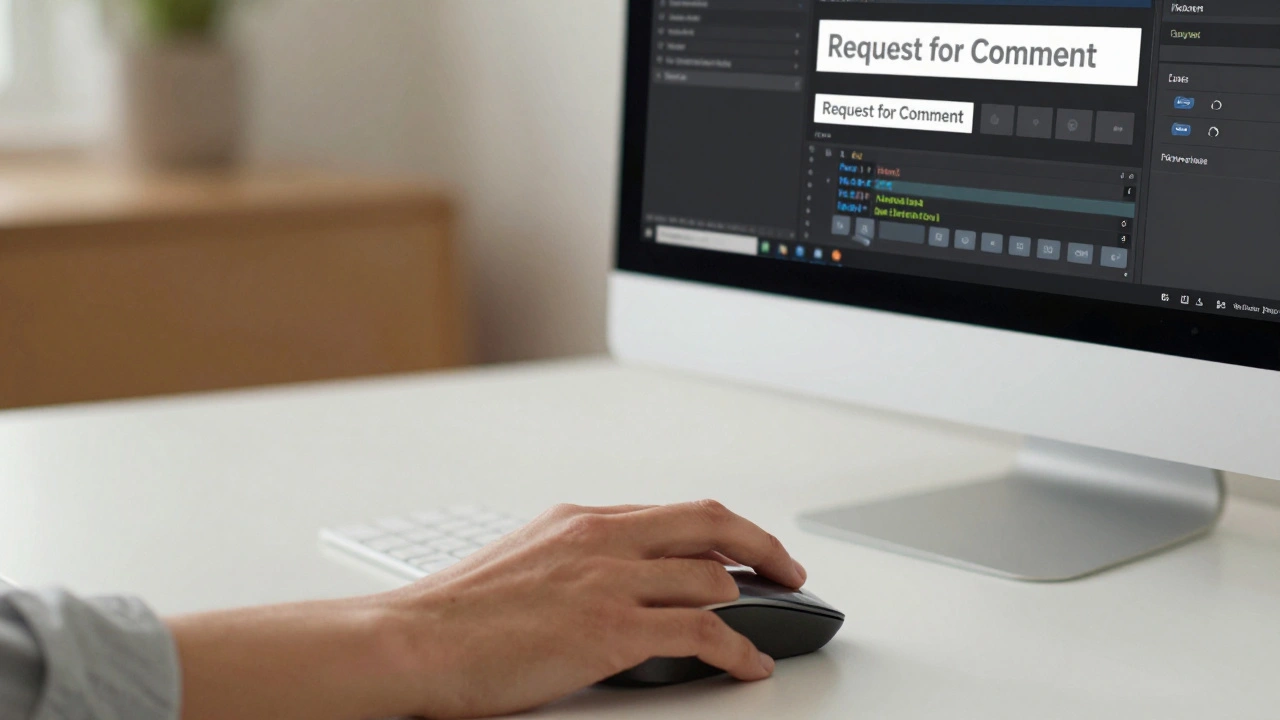
Then there are the templates. Many talk pages use a Discussion Template to organize common tasks. For example, if you see a "Request for Comment" (RfC) banner, that is a formalized tool used to signal that a high-stakes decision is being made. These aren't just visual decorations; they often trigger notifications for specific administrators to ensure the discussion is moderated fairly.
| Feature | Classic Linear Style | Flow/Structured Threads | VisualEditor Mode |
|---|---|---|---|
| Layout | Single continuous page | Nested threads | Hybrid/Visual |
| Ease of Use | Steep learning curve | Very intuitive | High (No code needed) |
| Archiving | Manual moving to "Archive" pages | Automatic/Topic-based | Mixed |
| Best For | Quick, one-off fixes | Complex, multi-user debates | New editors and aesthetes |
How to Actually Use These Tools for Consensus
Using a tool is one thing; using it to actually change an article is another. The "secret sauce" of Wikipedia is consensus. If you just change a fact and someone reverts it, you're in an "edit war." This is where the talk page tools become your primary weapon for peace.
- Start a New Topic: Don't just bury your comment at the bottom of an existing thread. Create a clear, descriptive heading. Instead of "Question," use "Proposal to update the 2024 economic data section."
- Use the Reply Feature: In structured tools, avoid starting new threads for every single sentence. Use the reply button to keep the context clear. This prevents other editors from missing your point.
- Cite Your Sources: The most powerful tool on a talk page isn't a button-it's a link to a reliable source. When you propose a change, use the citation tools to show why your version is more accurate.
- The "Wait and See" Period: Don't expect an immediate answer. Wikipedia is a global project. Give other time zones a chance to weigh in before you assume your proposal was rejected.
Common Pitfalls and How to Avoid Them
One of the biggest mistakes people make is using the talk page as a chat room. Wikipedia is not WhatsApp. If you start a conversation about your favorite movie on a talk page for "Quantum Physics," you'll likely be warned for "disruptive editing." Keep the focus on the Article Quality, which is the metric used to determine how comprehensive and neutral a page is.
Another issue is "over-formatting." Some editors spend more time making their talk page comments look beautiful with complex tables and colors than they do on the actual argument. While it looks nice, it can actually slow down the page load time for others and make the conversation harder to follow on mobile devices.
Lastly, beware of the "silent majority." Not everyone who reads a talk page responds. If a proposal has three "Yes" votes and zero "No" votes over a week, it doesn't always mean everyone agrees-some might just be indifferent. The best approach is to explicitly ask, "Does anyone have an objection to this change?"
The Role of Moderation Tools
When discussions get toxic, specialized tools come into play. Administrators have access to tools that regular editors don't, such as the ability to lock a thread or move a conversation to a private mediation space. These are used sparingly to ensure the community stays civil.
There are also automated bots that help manage the clutter. For example, some bots can automatically archive old discussions that haven't seen activity in months. This keeps the main talk page lean and ensures that the User Interface remains snappy for people on slower internet connections.
If you find yourself in a stalemate, look for the "Request for Comment" tool. This elevates the discussion to a higher level of visibility, inviting experts from across the site to provide a tie-breaking opinion. It transforms a two-person argument into a community review.
What is the difference between a talk page and a forum?
While tools like Flow make talk pages look like forums, the purpose is different. Forums are for social interaction; talk pages are strictly for coordinating changes to the encyclopedia. If the conversation doesn't lead to an improvement in the article, it's generally considered off-topic.
Do I need to be an expert to use these tools?
Not at all. Thanks to the VisualEditor and structured discussion tools, you can participate just by clicking buttons and typing. You don't need to know a single line of wiki-code to start a discussion or reply to someone else.
Why are some talk pages still using the old linear style?
Some communities prefer the linear style because it's faster for quick edits and easier to search using standard browser tools. Because Wikipedia is decentralized, each community often decides which toolset works best for their specific needs.
How do I notify someone that I've replied to them?
The best way is to "ping" them using their username. In most modern Wikipedia interfaces, typing a colon followed by the username (e.g., :Username) sends a notification to that person's alert bell, ensuring they see your response quickly.
What happens if a discussion never reaches a consensus?
If a stalemate occurs, the content usually stays in its original state, or a compromise version is created. In extreme cases, an administrator may step in to make a final call based on the most reliable sources provided during the debate.
Next Steps for New Editors
If you're just starting out, don't jump into the most controversial pages immediately. Try a "low-stakes" talk page for a hobby or a local landmark. Practice starting a thread, replying to a comment, and using the VisualEditor to format your thoughts.
If you run into technical glitches with the discussion tools, check your browser extensions. Some ad-blockers or script-managers can accidentally break the JavaScript that powers the structured threads. Refreshing the page or switching to the "classic" view usually solves the problem instantly.
For those who want to go deeper, explore the "Help:Talk pages" section of Wikipedia. It contains the full manual on the social norms and technical tricks that the most productive editors use to keep the world's largest encyclopedia accurate and balanced.