Why Upstreaming Matters More Than You Think
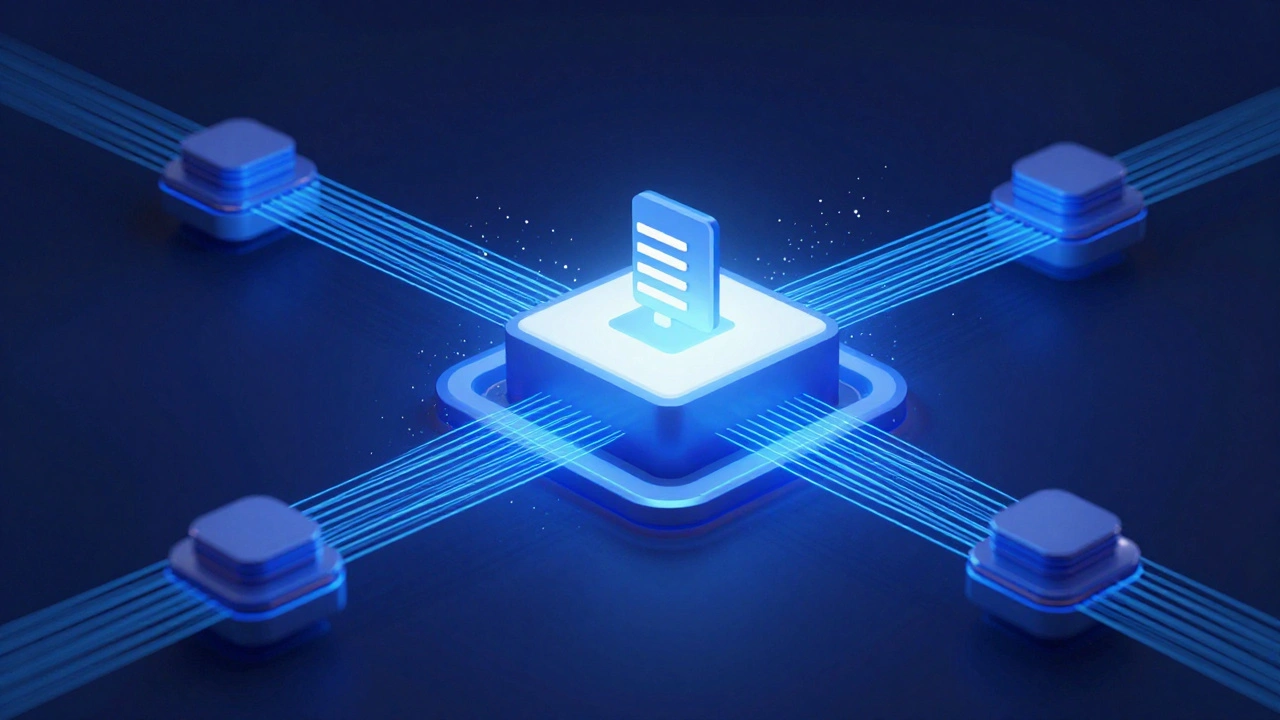
If you've ever tried to improve a MediaWiki is the wiki software engine that powers Wikipedia and dozens of other knowledge projects., you know the temptation is high to just fork the code and fix it locally. That’s easy mode. But the real magic happens when you push your changes upstream. Upstreaming means sending your modifications back to the main repository so everyone benefits, not just your single installation.
Many people stop at running a private instance. They patch their copy of the software and forget the broader community. However, when you upstream, your work becomes part of the official release cycle. This reduces maintenance burden because every future update includes your fixes automatically. Instead of wrestling with merge conflicts during every upgrade, you rest easy knowing the core handles it for you.
MediaWiki development isn’t just for engineers in San Francisco or Berlin. It thrives on a global network of volunteers who care about how information moves. When you contribute upstream, you aren't just fixing a bug; you’re shaping the tool itself. This distinction matters for anyone maintaining a public-facing wiki that needs to stay current and secure without constant manual tinkering.
Setting Up a Proper Development Sandbox
You cannot contribute if you can’t test your changes effectively. The first step is creating a local environment where you can mess up without breaking production tools. Modern workflows favor containerized environments, specifically using Docker. Docker packages your application and its dependencies into a standard unit, ensuring your tests run the same way they do on the server.
To start, you’ll need to clone the git repositories. MediaWiki consists of three main pieces:
- mediawiki-core: The heart of the engine.
- Extensions: Functional add-ons like Citoid or VisualEditor.
- Skins: The visual templates like Vector or Timeless.
Keep these separate. Don't mix them in one big folder. You also need to set up a version control system. While many use local Git, submitting your work requires familiarity with remote branching. Make sure you configure your user name and email in the Git settings so your commits look professional.
| Component | Requirement | Why It Matters |
|---|---|---|
| PHP Version | 8.1+ | Older versions lack security updates. |
| Database | MariaDB or MySQL | Required for storing page data. |
| Composer | Dependency Manager | Handles external libraries efficiently. |
| Git | Version Control | Tracks every line of code changed. |
Finding Work Worth Doing
Before you write a single line of code, you need to know what to build. Writing a feature nobody wants is a waste of time. The best place to start looking is the issue tracker. Historically, Wikimedia uses Phabricator for managing tasks. Even in 2026, many open-source communities leverage Phabricator for robust issue tracking and code reviews.
Look for issues tagged "easy" or "mentor available." These are designed for newcomers. They usually involve fixing documentation typos, squashing small bugs, or updating translation files. Avoid huge architectural overhauls for your first pull request. You want a quick win to understand the review rhythm.
You must read the existing documentation. The MediaWiki Developer Manual outlines coding standards strictly. If your indentation doesn't match the rest of the file, your patch will be rejected instantly. Consistency allows maintainers to read your logic faster. If you break the style guide, the reviewer focuses on formatting instead of functionality.

The Submission Process via Gerrit
This is where most people get stuck. Traditional open source often uses Pull Requests on GitHub, but the MediaWiki ecosystem relies on a specialized tool called Gerrit. Gerrit is a web-based code review platform that integrates directly with Git.
Unlike GitHub where you send a PR to someone else’s branch, Gerrit pushes to a special reference namespace (refs/changes). The moment you upload a change, it creates a review job assigned to your username. It stays there until someone reviews it.
You should submit changes logically grouped. Do not combine unrelated fixes into one patch. A patch fixing a login error should not also change the footer copyright text. Keep atomic changes distinct. If you mix them, a reviewer will reject the whole batch rather than approve the good parts.
The command flow looks something like this:
- Create a topic branch from main.
- Commit your code changes.
- Add a commit message explaining the why, not just the what.
- Push to the Gerrit server using
git push Gerrit HEAD:refs/for/master.
Note that the server address for MediaWiki is usually hosted on gerrit.wikimedia.org. You need to register an account and generate SSH keys beforehand. Without authentication, the server will hang waiting for permissions.
Navigating Human Review Dynamics
Code review isn't purely technical; it's social. You will deal with experienced maintainers who protect the integrity of the software. Their feedback might seem harsh if you haven't built rapport yet. Remember that they are saving the community from potential downtime caused by bad code.
If a reviewer requests changes, don’t rewrite everything immediately. Acknowledge the feedback, create a new commit with fixes, and amend the previous one. In Gerrit, this is done using the "Upload New Changes" button. This keeps the history clean. Avoid deleting the entire patchset and starting over unless the direction fundamentally shifts.
Communication happens in the inline comments section of Gerrit. Be polite but concise. If you disagree with a suggestion, explain why it’s unnecessary based on the design guidelines. Sometimes the reviewer missed a detail. Clarify your intent. Most maintainers appreciate constructive defense backed by facts or links to documentation.

Avoiding Common Integration Pitfalls
One major trap is the "upstream merge conflict." Imagine you spend weeks coding, then finally submit to the repo. Three months later, the maintainer merges it. In those three months, the main branch evolved significantly. If you didn't rebase your code on the latest master before merging, your patch becomes invalid.
Another common failure point involves database migrations. Changing a table structure requires running SQL scripts. If you alter a column but forget the migration script, users upgrading from old versions will crash. Always include SQL update files in the extension or core directory alongside your PHP changes.
Testing is non-negotiable. Automated test suites (PHPUnit) cover regression testing. Before you claim your patch is ready, ensure you pass the full suite. Running locally takes time, but failing on the CI (Continuous Integration) server after submission is embarrassing. Fix it locally first.
Benefits of Maintaining Relationships
Beyond the code, upstreaming builds trust. Once you successfully merged a patch, you gain reputation. This opens doors to becoming a committer or mentor for others. The community values longevity. Show up consistently, even for small chores like reviewing others' documentation edits.
If you plan to maintain a custom skin or a niche extension, consider upstreaming it anyway. Even if only 1% of users install your extension, having it in the official repository adds legitimacy. It signals quality to enterprise clients who hesitate to install unknown plugins.
Finally, remember the license. MediaWiki uses the GNU General Public License v2.0+ (GPLv2+). You grant ownership of the copyright to the collective benefit. Don't include proprietary snippets. Check your imports. Every line of code added becomes public property in perpetuity.
Do I need to be a member of the Wikimedia Foundation to contribute?
No. You do not need formal membership. Any volunteer can create an account on the developer portal, sign up for Gerrit, and submit patches. Membership helps with administrative roles, but the code is open to everyone.
What programming language is MediaWiki written in?
It is primarily written in PHP, although modern versions utilize significant amounts of JavaScript for frontend interactions and jQuery components. Backend logic relies heavily on PHP classes.
How long does it take for a patch to get approved?
This varies widely. Small documentation fixes might take days. Complex backend changes could take weeks due to thorough review cycles required to prevent regressions in critical infrastructure.
Can I sell extensions developed for MediaWiki?
Yes, but they must comply with the GPL license. You can charge for services or distribution fees, but the code itself remains free to distribute once released. Check legal terms regarding derivatives.
Where do I ask questions if I get stuck?
Join the MediaWiki mailing lists, specifically wikitech-l for technical topics. There are also real-time chat channels on Slack or IRC for immediate help from active developers worldwide.