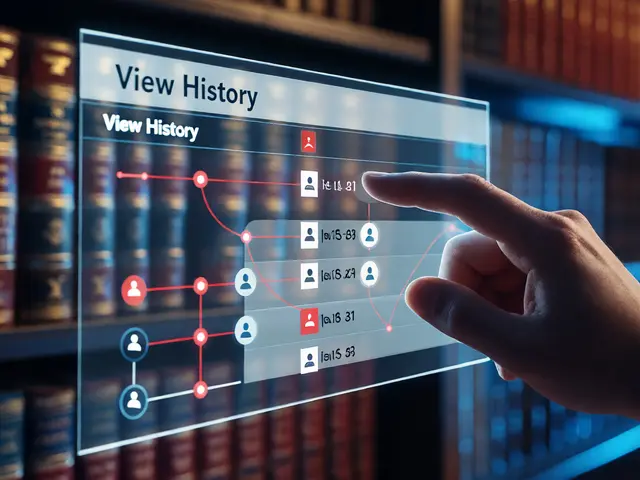
Wikipedia doesn’t run on magic. It runs on code-millions of lines of it-and someone has to keep that code working, fix bugs, add features, and coordinate thousands of tiny changes every day. That’s where Phabricator is a web-based platform built by the Wikimedia Foundation to track bugs, manage tasks, and coordinate development work across its global volunteer and staff teams. Also known as Phabricator Project Management System, it was introduced in 2014 to replace older tools like Bugzilla and Trac, and since then, it’s been the central nervous system behind Wikipedia’s technical operations.
Why Phabricator? Because Wikipedia Needs More Than a Simple Bug Tracker
Before Phabricator, Wikipedia’s developers used a patchwork of tools. Bug reports went into Bugzilla. Feature requests sat in Trac. Code reviews happened over email or scattered patches. It was messy. Contributors couldn’t see the full picture. Tasks got lost. Communication broke down. The Wikimedia Foundation needed a single place where everyone-volunteers, paid engineers, and third-party developers-could work together without confusion.
Phabricator solved that. It’s not just a bug tracker. It’s a full development environment. It combines task tracking, code review, documentation, project boards, and even real-time chat into one unified interface. Think of it as GitHub, Jira, and Slack fused into a single tool designed for massive, decentralized collaboration.
By 2020, over 90% of all technical work on Wikipedia and its sister projects-like Wikidata, Commons, and Wiktionary-was managed through Phabricator. Every edit to the MediaWiki software, every fix to the mobile app, every change to the search backend, every tweak to the spam filter-all of it starts with a task in Phabricator.
How Phabricator Works: The Life of a Task
Let’s say a volunteer notices that the mobile version of Wikipedia breaks when you try to edit a table on Android. They don’t just post a comment on a talk page. They create a task in Phabricator.
Here’s what happens next:
- Task creation: The reporter fills out a form: what’s broken, how to reproduce it, what device they’re using, and even screenshots. This isn’t optional-it’s required.
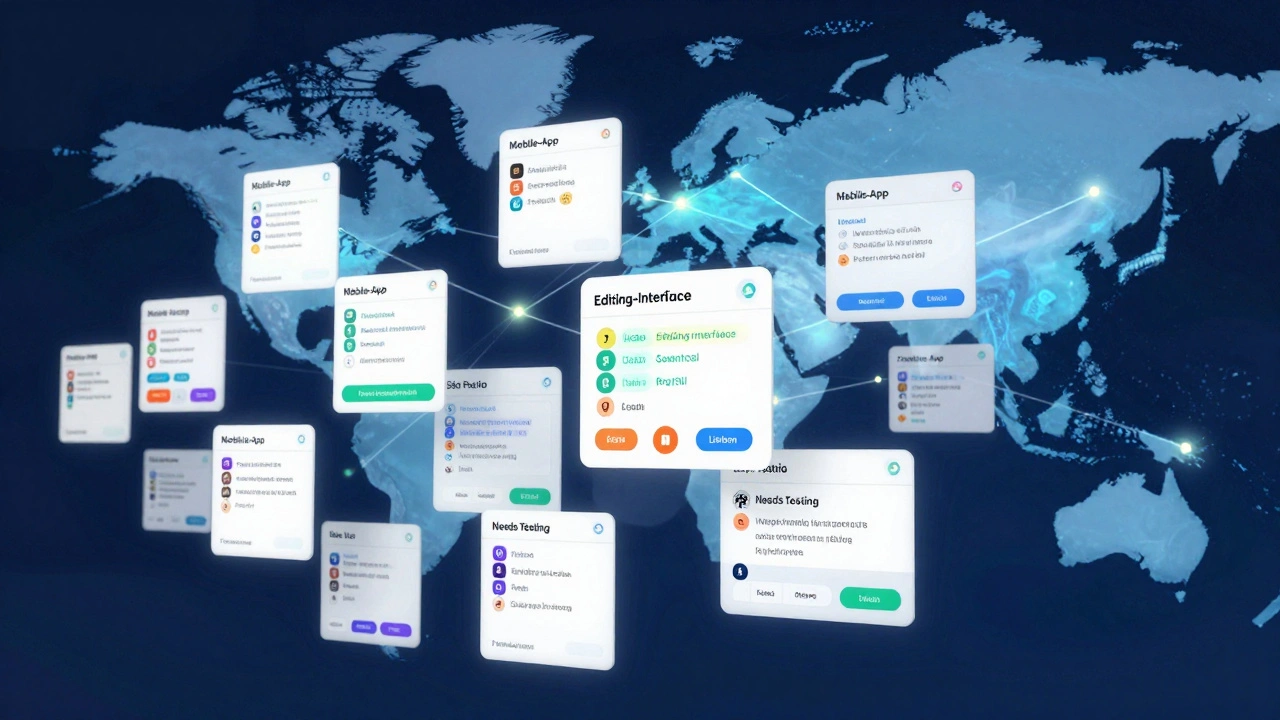
- Triaging: A Wikimedia engineer reviews it within 48 hours. They check if it’s a duplicate, assign a priority level (from "Low" to "Highest"), and tag it with relevant components like "Mobile-App" or "Editing-Interface".
- Assignment: If it’s a clear bug, they assign it to a developer. If it’s a feature request, they might add it to a project board like "Mobile Improvements 2026".
- Code review: The developer writes a fix, pushes it to Gerrit (Wikipedia’s code hosting system), and links the change to the Phabricator task. Other engineers then review the code line by line in Phabricator’s built-in review tool.
- Testing and deployment: Once approved, the fix lands in a test environment. Automated tests run. If they pass, the change goes live. Phabricator automatically closes the task.
Every step is tracked. Every decision is recorded. No task vanishes into the void. You can see who worked on it, what changed, and when it shipped.
Phabricator in Action: Real Examples
One of the most visible improvements made through Phabricator was the redesign of Wikipedia’s edit toolbar. In 2022, a task titled "Simplify editing interface for new contributors" was created. Over 120 comments were added. Eight developers contributed. Five volunteers tested beta versions on their phones. The final version reduced the number of clicks needed to format text by 60%.
Another example: the "Wikimedia Search Team" used Phabricator to track 300+ tasks over six months to improve search relevance. They built dashboards to show which queries were failing, flagged performance bottlenecks, and coordinated with machine learning teams to train better ranking models. Without Phabricator, this would’ve been impossible to manage.
Even small fixes matter. In 2025, a task titled "Fix broken link in Portuguese Wikipedia footer" was opened by a user in São Paulo. It took two hours to fix. The task was closed by a volunteer in Lisbon. Both had no idea who the other was. But Phabricator made it work.

Who Uses Phabricator? Beyond the Engineers
You might think only coders use Phabricator. You’d be wrong.
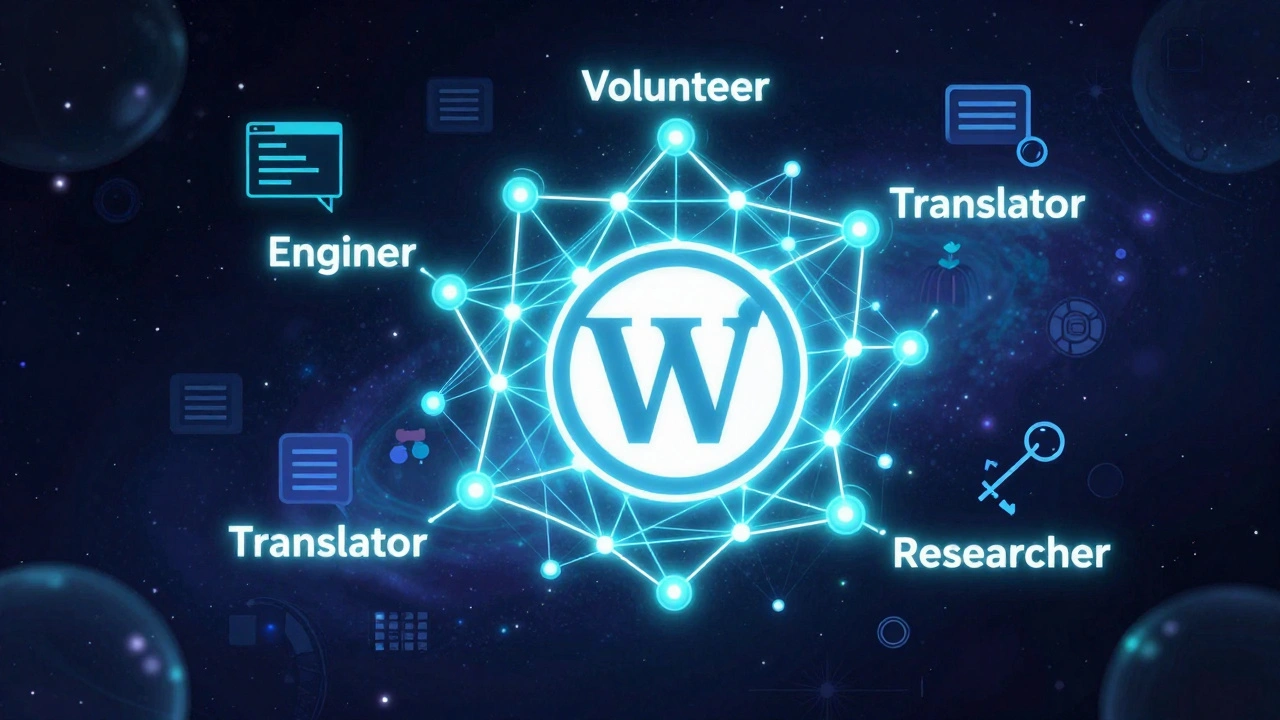
Community managers use it to track requests for new templates or bot scripts. Translators use it to report broken interface strings in languages like Swahili or Bengali. Researchers studying vandalism patterns log tasks to improve detection algorithms. Even librarians and educators who run Wikipedia workshops use it to report broken links or confusing documentation.
There are over 5,000 active users on Phabricator. Less than 15% are paid staff. The rest are volunteers from over 100 countries. That’s the power of open collaboration: a student in Manila can submit a fix that helps a grandmother in rural Kenya read Wikipedia more easily.
How Phabricator Compares to Other Tools
Many organizations use Jira, GitHub Issues, or GitLab. So why didn’t Wikipedia pick one of those?
| Feature | Phabricator | GitHub Issues | Jira |
|---|---|---|---|
| Custom workflows | Yes, fully configurable | Basic | Yes, but complex setup |
| Code review integration | Native with Gerrit | Requires pull requests | Needs third-party plugins |
| Community access | Open to all registered users | Requires repository access | Restricted by license |
| Localization support | Full UI translation in 50+ languages | English-first | Limited |
| Self-hosted option | Yes, fully open source | GitHub.com is proprietary | Enterprise-only |
Phabricator won because it was built for Wikipedia’s unique needs: massive scale, global volunteers, open access, and deep technical integration with MediaWiki. GitHub doesn’t let strangers comment on private code. Jira costs money. Phabricator? It’s free, open, and designed by people who edit Wikipedia in their spare time.
What’s Next for Phabricator?
Phabricator isn’t perfect. It’s slow on mobile. The interface feels dated. Some users complain about too many notifications. The Wikimedia Foundation has been exploring alternatives, including a modernized version built on GitLab and a new task system called "Taskboard".
But as of 2026, Phabricator is still the backbone. Over 200,000 tasks have been closed since 2014. More than 1,500 code changes are merged into MediaWiki every month because of it. It’s not flashy. It’s not trendy. But it works.
And for a project that gets 1.5 billion visits a month, that’s what matters.
How You Can Use Phabricator
Want to help fix a bug on Wikipedia? You don’t need to be a coder.
- Visit phabricator.wikimedia.org (no login needed to browse tasks)
- Search for tasks tagged "Easy" or "Beginner"
- Find a task labeled "Needs Documentation"-you can write clearer instructions
- Test a fix on your phone or browser and report back
- Translate task descriptions into your language
Every task closed is a small win for free knowledge. And Phabricator makes sure no win goes unnoticed.
Is Phabricator only for coders?
No. Phabricator is used by translators, testers, researchers, educators, and even casual editors. You don’t need to write code to help. You can report bugs, improve documentation, test fixes, or translate interface text. Many tasks are labeled "Needs Documentation" or "Needs Testing"-perfect for non-developers.
Can I use Phabricator to track my own project?
No. Phabricator is exclusively for Wikimedia Foundation projects like Wikipedia, Wikidata, and Commons. It is not available for personal use or external organizations. If you need a similar tool, consider GitLab, Jira, or open-source alternatives like WeKan or Taiga.
Why doesn’t Wikipedia use GitHub for task tracking?
GitHub lacks the deep integration with MediaWiki’s codebase and doesn’t support open access for non-coders. Phabricator allows anyone to file a task, comment, or test a fix-even without a GitHub account. It’s also self-hosted, which aligns with Wikipedia’s commitment to open infrastructure and data sovereignty.
How many tasks are processed on Phabricator each month?
On average, over 3,500 new tasks are created each month, and more than 2,800 are closed. That’s roughly 100 tasks handled daily. The backlog has been steadily shrinking since 2022 due to improved triaging and automation.
Is Phabricator still being updated?
Yes, but slowly. The Wikimedia Foundation maintains Phabricator as a legacy system while developing a replacement called "Taskboard". The current version receives security patches and critical fixes, but no major feature updates. The transition to Taskboard is expected to complete by late 2027.
If you’ve ever clicked "Edit" on Wikipedia and had it work without a glitch, thank Phabricator. It’s the quiet engine behind the scenes-unseen, uncelebrated, but absolutely essential.