You know that feeling when you’re trying to add a citation to a long article, and the interface feels like it’s fighting you? Or when you spot a typo but hesitate because you don’t want to accidentally break the formatting? For years, Wikipedia has been the go-to source for information, but the backend machinery-MediaWiki, the software that powers Wikipedia and other Wikimedia projects-has often felt stuck in the early 2010s. But things are shifting. If you’ve been keeping an eye on the Wikimedia Foundation’s announcements, you’ve probably heard about new product roadmaps designed specifically to make life easier for editors.
These aren’t just minor tweaks. We’re talking about overhauls to how you edit, how you discuss changes, and how you track what’s happening across thousands of pages. The goal is simple: reduce friction so you can spend less time wrestling with code and more time actually improving the encyclopedia. Let’s look at what’s coming down the pipeline and why it matters for your next editing session.
The Push for Visual Editing Improvements
If you’ve ever tried to use the VisualEditor and found yourself switching back to source mode because something wasn’t rendering right, you’re not alone. The current state of visual editing is decent for basic text, but it struggles with complex templates and tables. That’s changing. The upcoming roadmap prioritizes making VisualEditor fully compatible with legacy wikitext structures without forcing you into "source-only" hell.
Here’s what you can expect:
- Template Handling: New interfaces will let you fill in template parameters using form fields instead of guessing where to put pipes and equals signs. Imagine editing an infobox as if you were filling out a web form.
- Table Editor Overhaul: Adding rows or columns won’t require manual counting of cells anymore. Drag-and-drop functionality and automatic alignment fixes are high-priority items.
- Citation Tool Integration: The process of adding references via CiteThisPage or inline citations will become seamless within the visual interface, reducing the need to copy-paste BibTeX data manually.
This isn’t just convenience; it’s about lowering the barrier to entry. A recent internal survey suggested that nearly 40% of new editors abandon their first edit attempt due to syntax errors. By fixing these pain points, the Foundation hopes to retain more contributors who might otherwise quit after one bad experience.
Talk Page Redesigns for Better Collaboration
Let’s be honest: Talk Pages are often chaotic. Threads get buried, signatures are messy, and finding context for a dispute requires scrolling through endless archives. The new product roadmap includes a significant redesign aimed at modernizing discussion flows. Think of it as bringing forum-style threading to Wikipedia discussions.
The key feature here is structured discussions. Instead of everyone replying at the bottom of a page, creating a giant wall of text, replies will be visually nested under the original comment. This makes it much easier to follow arguments, especially in long-running debates about neutrality or sourcing. You’ll also see improved notification systems that alert you only when someone directly responds to your point, rather than pinging you for every single edit on the page.
Another big change involves moderation tools. Moderators and administrators will have better dashboards to flag toxic behavior or spam quickly. These tools integrate with existing anti-vandalism bots but provide a human-friendly layer for reviewing flagged content. It’s a step toward making community governance less reliant on intuition and more supported by clear, actionable data.

Mobile-First Editing Experience
A huge chunk of Wikipedia readers-and increasingly, editors-access the site via smartphones. Yet, for years, the mobile editing experience was an afterthought. You could read articles easily, but editing them felt clunky. The latest roadmap places heavy emphasis on a true mobile-first editing environment. This means the desktop interface isn’t just shrinking to fit a phone screen; it’s being rebuilt for touch interactions.
| Feature | Current State | Roadmap Goal |
|---|---|---|
| Interface Layout | Responsive scaling of desktop UI | Dedicated touch-friendly navigation bars |
| Keyboard Support | Standard HTML inputs | Optimized virtual keyboards with shortcut support |
| Offline Mode | Limited caching | Draft saving and syncing without constant connection |
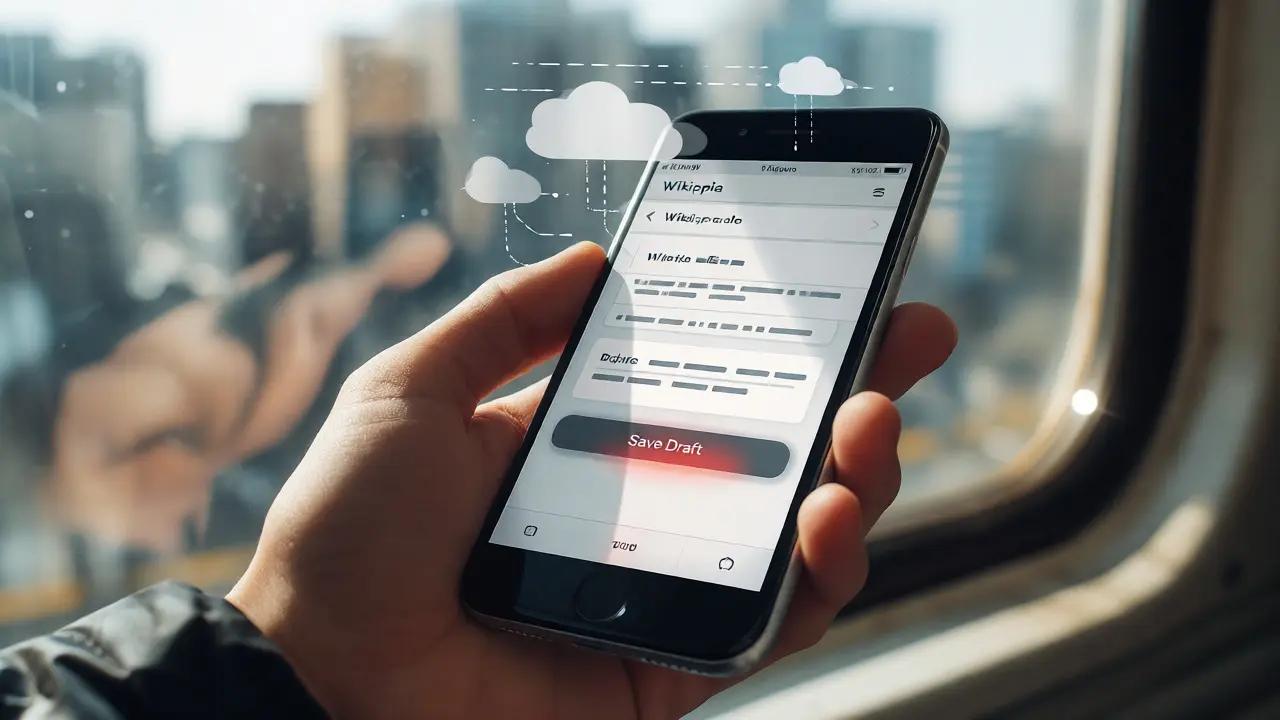
One standout addition is offline draft saving. If you’re on a train with spotty Wi-Fi, you can start an edit, save it locally, and sync it later when you reconnect. This solves a major frustration for casual editors who want to contribute on the go but fear losing work due to connectivity issues.
AI-Assisted Tools for Quality Control
Artificial intelligence is no longer a buzzword; it’s becoming a practical toolset for editors. The Foundation is rolling out AI-assisted features focused on quality control, not content generation. Remember, Wikipedia still relies on human verification. These tools help humans do their jobs faster.
For example, new algorithms will scan new edits for common patterns of vandalism or low-quality additions before they even hit the Recent Changes feed. Instead of sifting through hundreds of trivial edits, patrollers can focus on the ones flagged as potentially problematic. Additionally, there are experimental tools that suggest missing categories or broken links automatically. These suggestions appear as non-intrusive prompts, allowing you to accept or ignore them with a single click.
It’s worth noting that these AI models are trained on historical Wikipedia data, meaning they understand the specific nuances of encyclopedic tone and citation standards. They won’t write your article for you, but they will catch the typos and formatting errors that slip past tired eyes at 2 AM.
How These Changes Impact Your Workflow
So, what does this mean for you practically? If you’re a veteran editor, you might feel resistant to change. That’s normal. But consider the cumulative effect of these improvements. Less time spent debugging wikitext means more time researching sources. Better talk page organization means fewer misunderstandings during disputes. Mobile improvements mean you can fix small errors whenever you have five spare minutes.
To prepare for these changes, keep an eye on the Beta Features section in your preferences. Many of these roadmap items will roll out gradually behind feature flags. Enabling them early gives you a chance to test the waters and report bugs before they become mandatory defaults. Also, join the relevant mailing lists or Discord channels dedicated to Product Management. Feedback from active editors like you directly influences which features get polished first.
Will I lose my custom gadgets when these new features launch?
Not necessarily. Most core functionalities remain compatible, but some older JavaScript-based gadgets may conflict with new native features. The Foundation typically provides migration guides and deprecation notices well in advance, giving users time to adjust their personal scripts.
Do I need to learn a new coding language to use the updated tools?
No. The primary goal of the new roadmap is to abstract away complexity. While understanding wikitext remains valuable, the new interfaces are designed to be intuitive enough for users with zero programming background to perform advanced edits confidently.
When will the mobile editing overhaul be available globally?
Rollouts usually happen in phases. Pilot programs often start in English Wikipedia before expanding to other language editions. Based on current timelines, widespread availability is expected within the next 12-18 months, though beta versions are already accessible to opted-in users.
Are the AI tools replacing human moderators?
Absolutely not. The AI serves as a triage system, helping human moderators prioritize their attention. Final decisions on content validity, neutrality, and consensus always rest with the community. The tools are assistants, not replacements.
Where can I find official documentation for these upcoming features?
The most reliable source is the Wikimedia Foundation’s official blog and the Phabricator task tracker. Specific feature pages on Meta-Wiki also provide detailed technical specifications and user guides as development progresses.