You’ve just written a solid article on your local Wikipedia. It’s accurate, well-sourced, and the community likes it. Now comes the hard part: getting that knowledge to reach someone in Jakarta, Nairobi, or Buenos Aires who speaks a different language. You could hire a translator, but that costs money you probably don’t have. Or you could use Machine Translation is an automated process that converts text from one language to another using algorithms, often requiring human post-editing for accuracy., but raw machine output is often gibberish for encyclopedic content. The sweet spot? Using specific tools designed for collaborative, multilingual editing.
Most people think translating Wikipedia is just about knowing two languages. It’s not. It’s about navigating metadata, respecting notability guidelines across cultures, and using tech that keeps versions synced. If you’re trying to bridge language gaps, here is how you actually do it without losing your mind.
The Core Workflow: Why Raw Copy-Paste Fails
Before we talk tools, let’s address the elephant in the room. If you copy-paste an English article into the Spanish Wikipedia and run it through Google Translate, you will likely get deleted. Why? Because Wikipedia isn’t just text; it’s a network of citations, categories, and internal links. When you break those links, you break the article’s utility.
Effective multilingual editing requires maintaining Semantic Integrity is the preservation of meaning, context, and reference structures when moving content between different linguistic contexts.. This means ensuring that a citation pointing to a New York Times article in English remains valid (or is replaced by a local equivalent) in French. It means recognizing that a person notable in the US might not meet the notability threshold in Germany. Tools help manage this, but they don’t replace judgment.
Content Translation Tool: Your Best Friend
If you are serious about contributing to multiple language editions, you need to know the Content Translation is a specialized extension developed by the Wikimedia Foundation that allows editors to create new articles in other languages based on existing ones, preserving references and images.. It’s built directly into the interface for many major language wikis.
Here’s why it beats generic translators:
- Reference Preservation: When you translate a sentence with a footnote, the tool automatically carries the footnote structure over. You don’t have to manually re-add every source.
- Image Handling: Images attached to the original article are linked in the draft, so you don’t lose visual context.
- Progress Tracking: It saves your work as you go. If your internet drops, you don’t lose three hours of translation.
- Community Visibility: Drafts created via this tool are flagged for review by experienced editors in the target language, increasing the chance of acceptance.
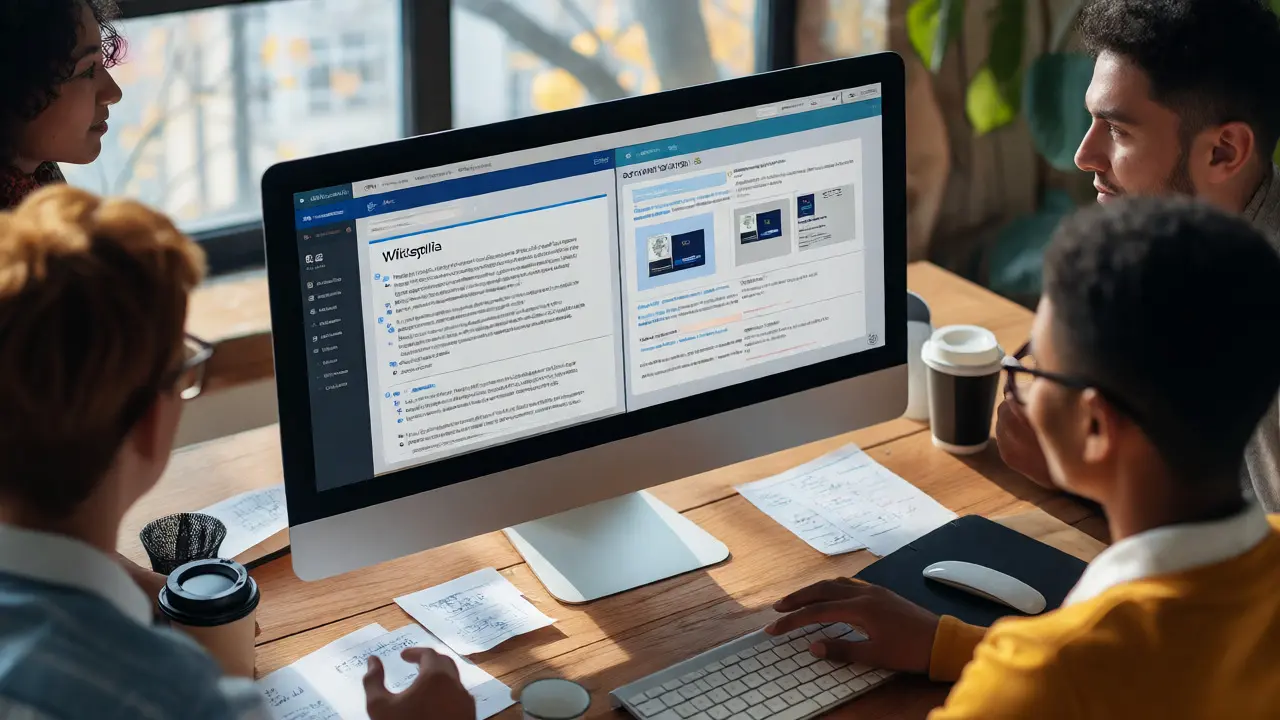
To use it, click "Tools" > "Translate this page" at the top of any Wikipedia article. Select your target language. The interface splits the screen: original on the left, editable target on the right. You can choose to translate paragraph-by-paragraph. This granularity is crucial because some paragraphs contain idioms or cultural references that require rewriting, not just translating.
Wikidata: The Glue That Holds Languages Together
While Content Translation handles text, Wikidata is a free, collaborative, multilingual knowledge base that serves as a central repository for structured data used across all Wikimedia projects. handles the connections. Think of Wikidata as the brain behind Wikipedia’s body. Every article in every language edition is linked to a single item ID in Wikidata (e.g., Q12345).
Why does this matter for translation? Because if you update a fact-say, the birth date of a celebrity-in Wikidata, it updates across all language editions simultaneously. No more outdated info in the Japanese version because the English editor forgot to notify them.
| Method | Best For | Risk Level | Time Investment |
|---|---|---|---|
| Raw Machine Translation | Drafting quick summaries | High (Deletion) | Low |
| Content Translation Tool | Creating new articles from existing ones | Medium (Review required) | Medium |
| Manual Cross-Wiki Linking | Updating existing articles | Low | High |
| Interlanguage Links | Navigating between editions | None | Instant |
When you edit an article, check the sidebar for "Edit links." This takes you to Wikidata. Here, you can see which languages have articles for this topic. If a language is missing, you can add it once you’ve created the stub. If the link is broken, fix it here. A broken interlanguage link confuses readers and hurts search engine optimization for the wiki.

Lingua Libre and Audio Pronunciations
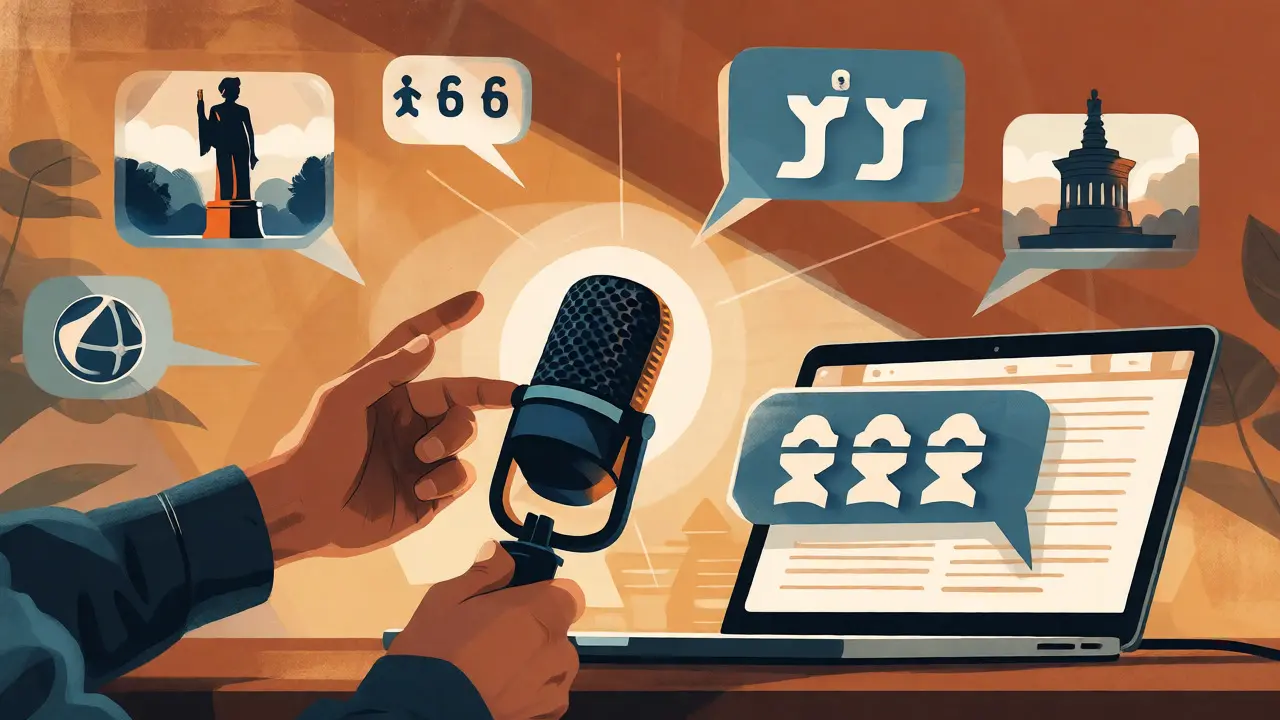
Text isn’t the only barrier. How do you pronounce a foreign name correctly in your language? Enter Lingua Libre is a Wikimedia project dedicated to recording audio pronunciations of words in various languages, accessible via API for integration into Wikipedia.. It’s a crowdsourced library of audio files.
If you are editing a biography of a non-native speaker, you can record yourself saying their name in your language. These recordings are stored centrally and can be embedded in Wikipedia infoboxes. This adds immense value for users learning about global figures. To contribute, you need a microphone and basic familiarity with the platform’s recording interface. It’s less about translation and more about localization-making the content feel native to the reader.
Cultural Notability: The Hidden Trap
Here is where most beginners fail. They translate an article about a minor local politician in Ohio into Hindi, assuming it’s important. In India, that politician has zero relevance. Wikipedia’s notability guidelines vary slightly by culture, though core principles remain similar.
Before translating, ask these questions:
- Is this topic significant enough for the target audience?
- Are there reliable sources in the target language that support the claims?
- Does the tone match the editorial style of the target wiki?
For example, German Wikipedia tends to be more formal and detailed than English Wikipedia. Spanish Wikipedia often prioritizes regional sources over global ones. Translating word-for-word ignores these nuances. You might need to expand sections with local context or trim parts that feel irrelevant to the new audience. This is called "adaptation," not just translation.
Collaborative Platforms: Beyond the Wiki Interface
Sometimes, you need help from native speakers. Don’t try to do it alone. Use platforms like WikiProject Multilingualism is a coordination group within Wikipedia focused on improving the quality and coverage of articles across different language editions.. These groups exist on Meta-Wiki, the central hub for all Wikimedia projects.
You can post requests for translation or review. Many volunteers specialize in specific language pairs. For instance, there are active groups translating scientific terms from English to Chinese or Arabic. Leveraging these communities ensures your terminology is consistent with what experts in that field actually use, rather than what a dictionary suggests.
Practical Tips for Efficient Editing
Ready to start? Here are some rules of thumb to keep you out of trouble:
- Start Small: Don’t translate a 50-page article. Start with a 2-paragraph stub. Get comfortable with the workflow before tackling complex topics.
- Check Interwiki Conflicts: Sometimes two different articles in English map to one article in another language (or vice versa). Check Wikidata to ensure you aren’t creating duplicate content.
- Use Standard Templates: Most wikis share template codes. If you use {{Infobox Person}} in English, it likely works in French. Learn the common templates to save formatting time.
- Respect Copyright: Never translate copyrighted text from outside Wikipedia. Only translate content that is already freely licensed (CC BY-SA).
Remember, accuracy trumps speed. A poorly translated article can spread misinformation faster than no article at all. Take the time to verify facts against independent sources in the target language whenever possible.
Frequently Asked Questions
Do I need to speak fluent level to edit multilingual Wikipedia?
No, you don't need to be fluent. You need functional proficiency. You must understand the source text well enough to convey meaning accurately and read the target language well enough to check grammar and flow. Native-level writing skills are helpful but not mandatory, especially if you collaborate with native speakers for review.
Can I use DeepL or Google Translate directly?
You can use them for drafting, but never publish raw machine translations. Automated tools struggle with idioms, technical jargon, and sentence structure nuances specific to encyclopedic writing. Always perform a thorough human review and edit. The Content Translation tool integrates some MT features but emphasizes human oversight.
What happens if my translation is deleted?
Don't take it personally. Deletions usually happen due to lack of notability, poor sourcing, or copyright issues, not bad language skills. Read the deletion reason provided by the admin. Often, you can improve the article by adding local sources or expanding the scope, then request undeletion or recreate it better.
How do I handle units of measurement?
Always convert units to the standard used in the target country. If translating to metric-using countries, convert miles to kilometers and Fahrenheit to Celsius. However, keep the original unit in parentheses if it's critical for historical accuracy or if the source specifically cites it. Consistency within the article is key.
Is there a reward for translating articles?
There is no monetary reward. Contributors earn recognition through edit counts, user rights, and community appreciation. Some programs offer digital badges or physical swag for high-volume contributors, but the primary motivation is knowledge sharing and civic engagement.
Next Steps for Multilingual Contributors
If you’re new to this, start by identifying a gap. Look at the English Wikipedia for recent events or niche topics that lack coverage in your second language. Create a short stub using the Content Translation tool. Tag it for review. Engage with the local community by leaving a message on the talk page explaining your contribution.
Over time, you’ll build trust. Experienced editors will start accepting your edits without scrutiny. You might even find yourself mentoring new users who want to bring global knowledge to their local wiki. The tools are ready. The platform is waiting. All you need is the willingness to bridge the gap.